Schenke deinen Freundinnen und Freunden 10 € Rabatt auf ihre erste Bestellung!
Freunde WERBEN








Ein Projekt aus unserer Live-Show QUATTRO-D FASION - Toni stellt die Kollektion vor · 01.01.2023 · ab 2:00 ansehen
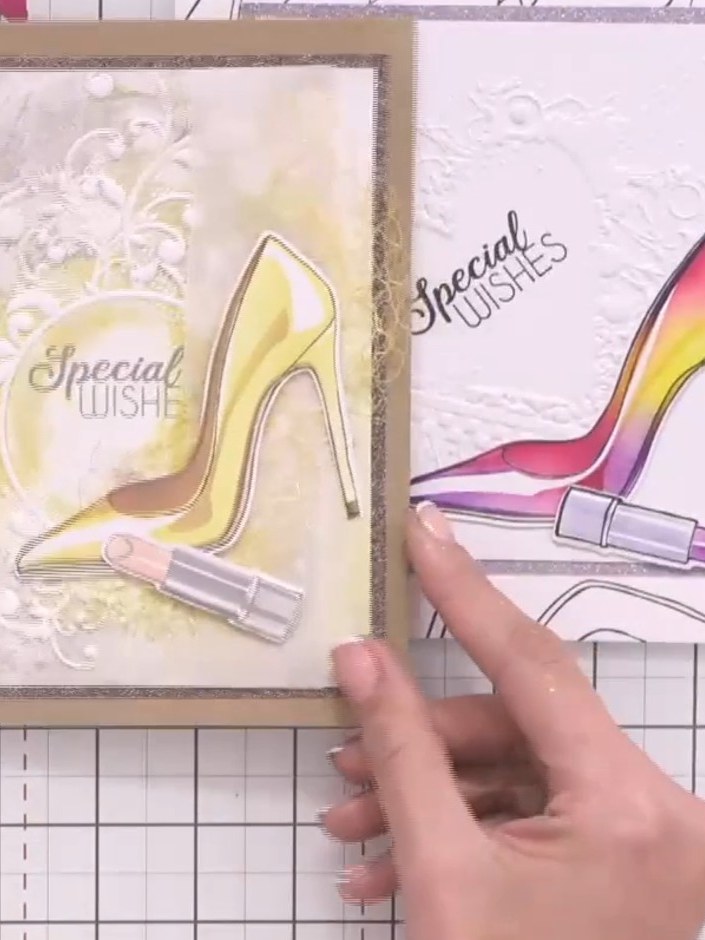
Create a stunning fashion-themed card featuring a glamorous high-heeled shoe and lipstick design with vibrant yellow and pink watercolour effects. This project uses the Quattro-D layering system to build beautiful dimension, combining coordinating stamps, stencils and dies to achieve a professional, shop-bought finish. The elegant design is perfect for special occasions and fashion enthusiasts.
DIESE ANLEITUNG HERUNTERLADEN (PDF)
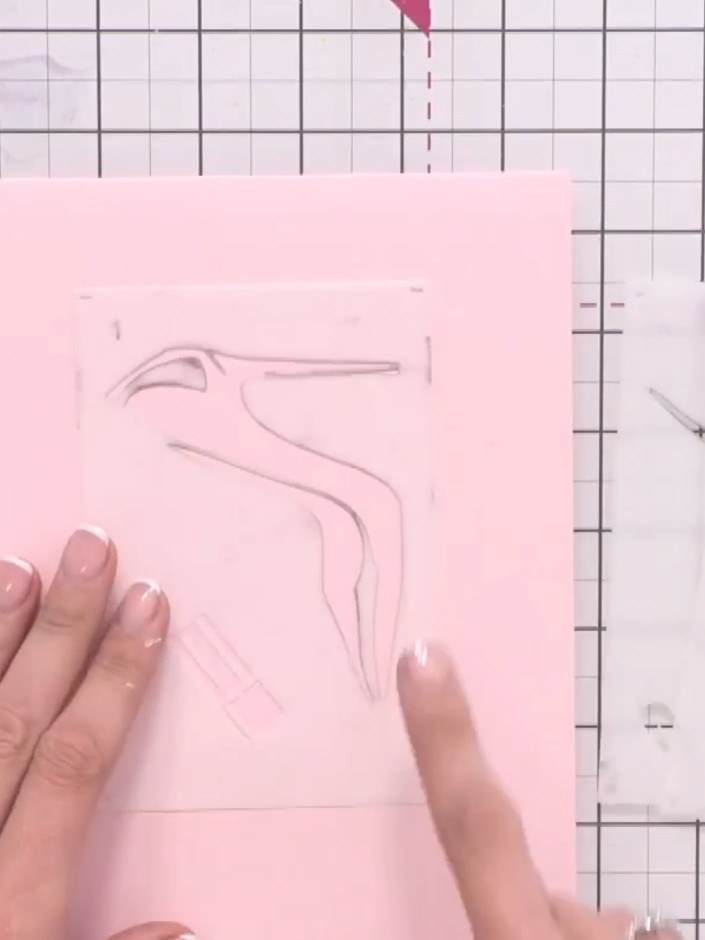
Identify the numbered stencils in your Quattro-D set. Follow the number system marked on each stencil to ensure correct alignment throughout the project.
▶ diesen Schritt ansehen (2:15)
Using your stencil, pop ink through the four heart registration marks in each corner onto your pink card base. This will help you align subsequent layers accurately.
▶ diesen Schritt ansehen (2:30)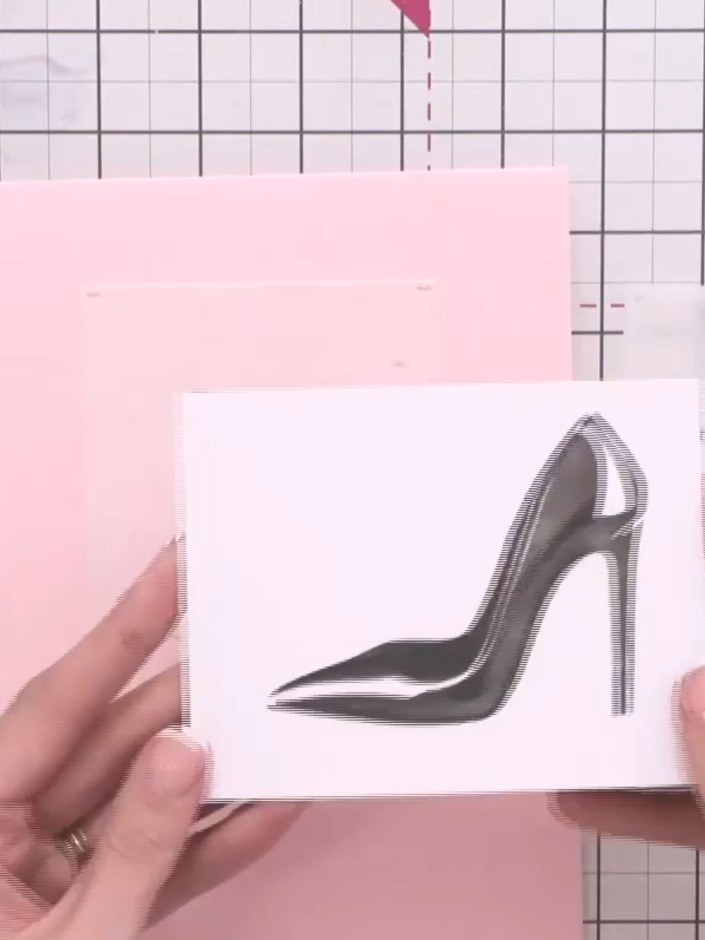
Line up your next stencil by matching it with the inked registration marks you created on the card. Position the stencil carefully to ensure proper alignment before applying colour.
▶ diesen Schritt ansehen (2:30)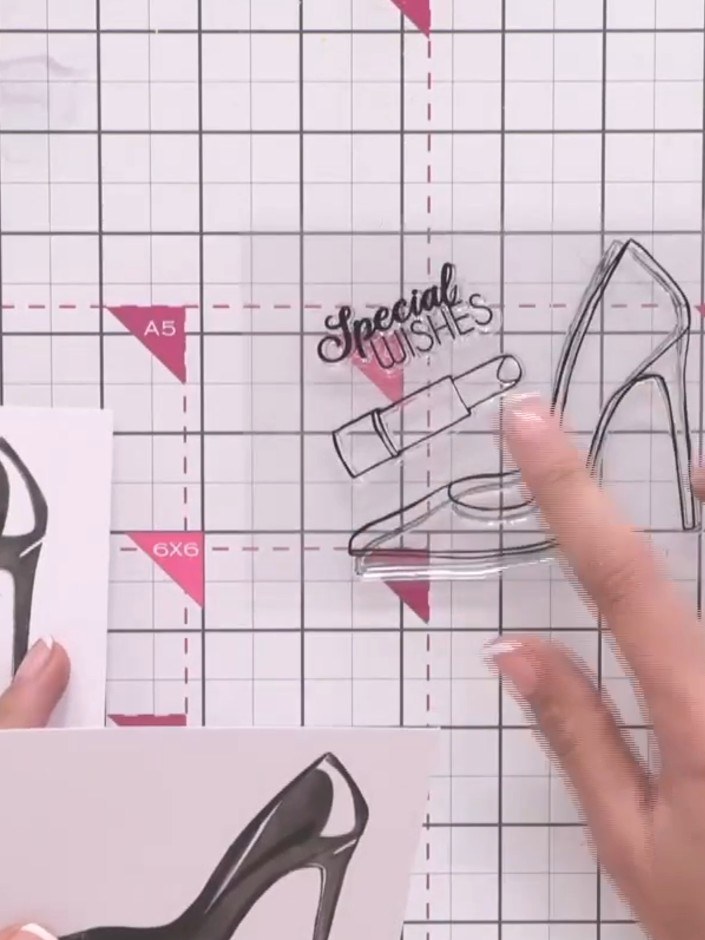
Position the second stencil from the layering set over your card and apply ink through it to build up the design with dimension. The stencil shows the outline of the high-heeled shoe with 'Special Wishes' text.
▶ diesen Schritt ansehen (2:45)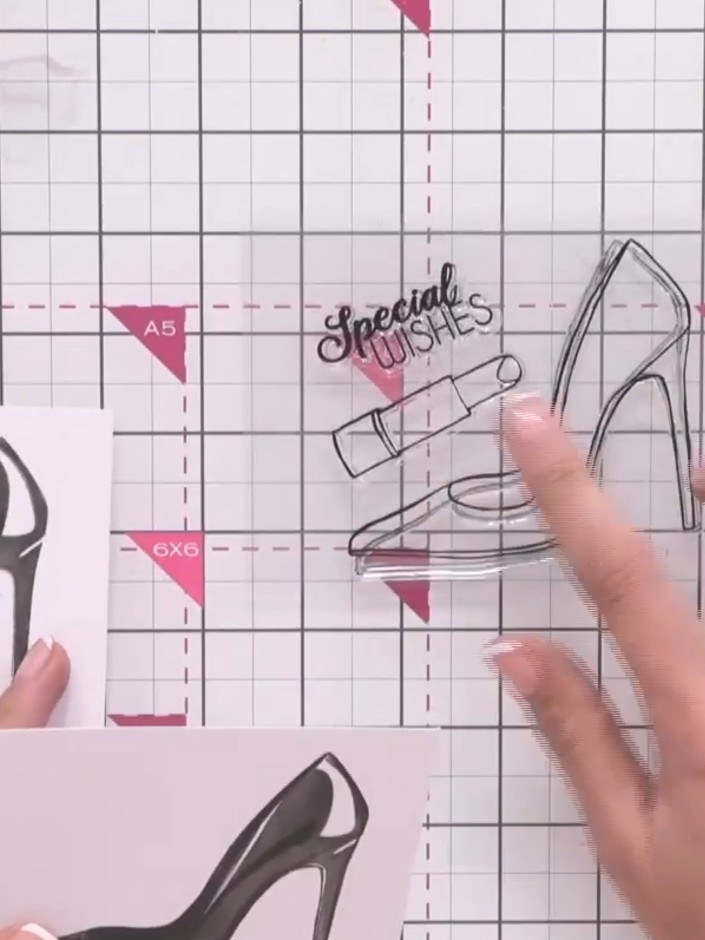
Position your third stencil (the 'Special Wishes' design) over the card, aligning it with the heart registration marks. Stamp the design onto the card to create the third layer of your Quattro-D image.
▶ diesen Schritt ansehen (2:45)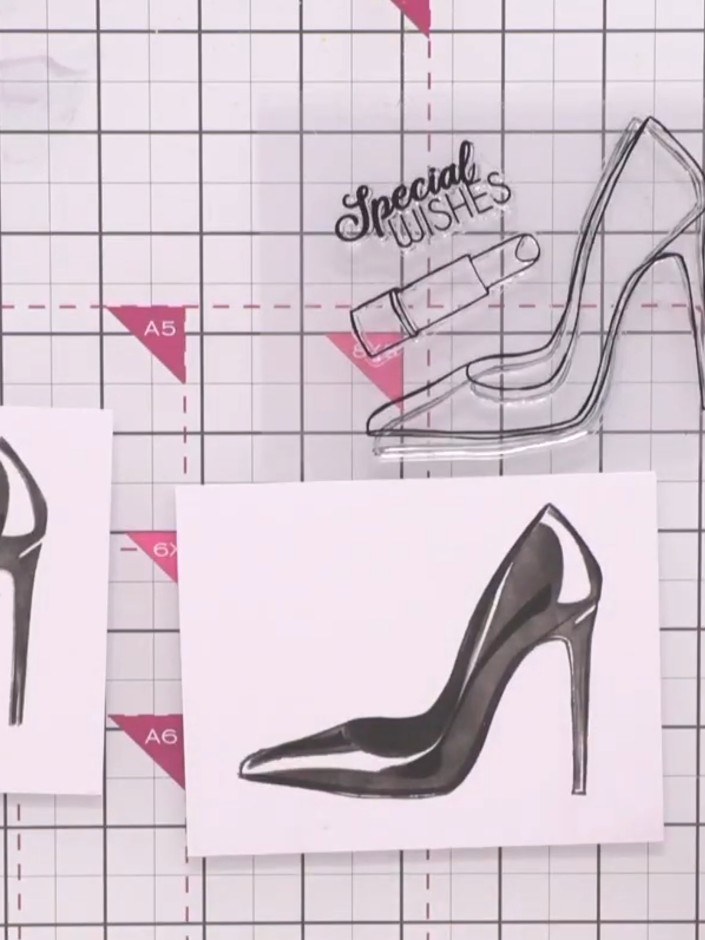
Stamp the coordinating shoe design from the Stamps By Me set onto your layered stencil work using the clear stamp. Position the stamp carefully over the stencilled background to create the complete image.
▶ diesen Schritt ansehen (3:00)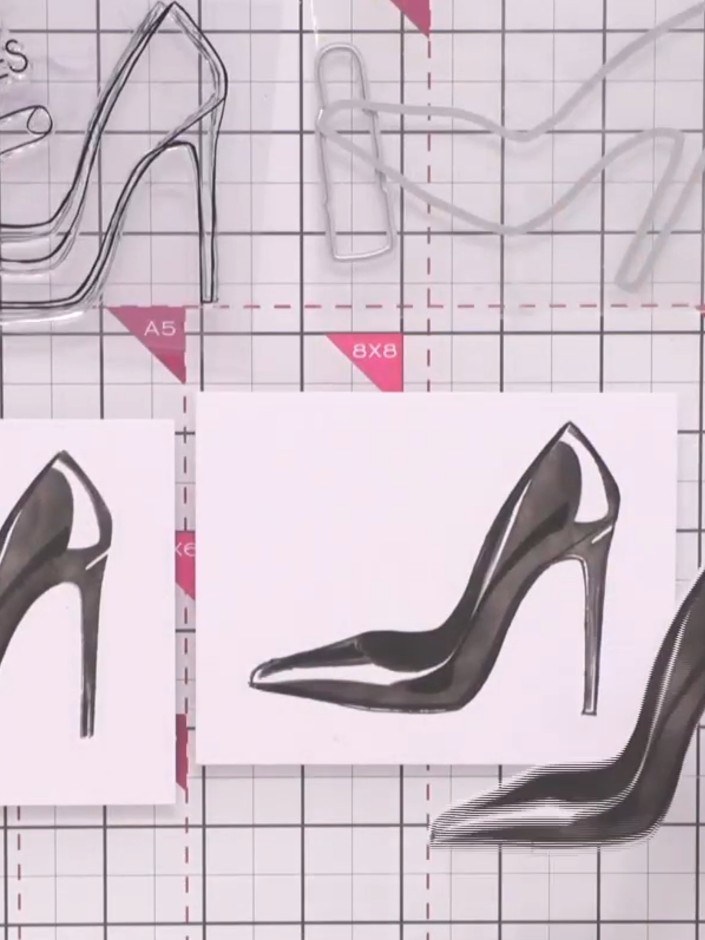
Stamp the outline stamp around the main shoe design to add crispness and definition. This creates a high-end luxury finish to the layered image.
▶ diesen Schritt ansehen (3:15)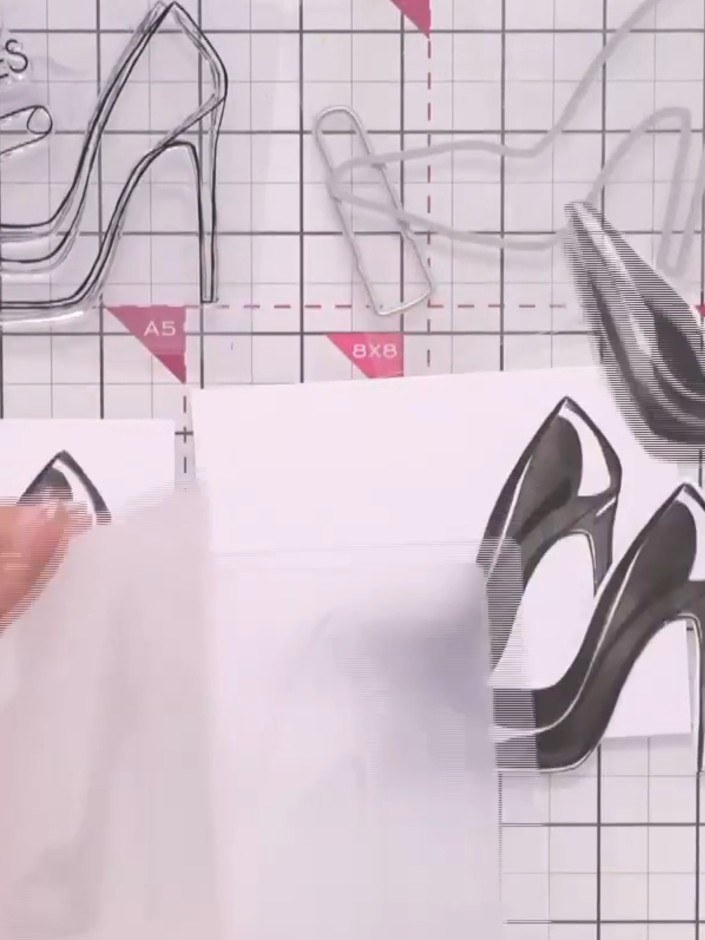
Die-cut the shoe component using the coordinating die from your Quattro-D set. Line up the die over the stamped image as accurately as possible and run through your die-cutting machine.
▶ diesen Schritt ansehen (3:30)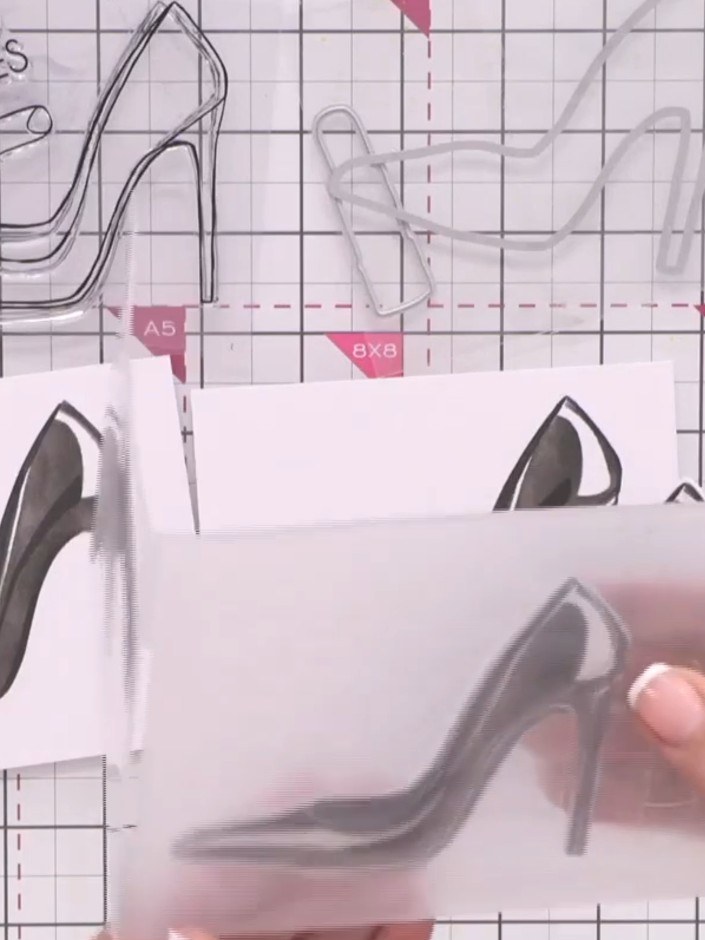
Place the die-cut shoe component into the front of the 3D embossing folder, ensuring it is lined up correctly with the embossing design.
▶ diesen Schritt ansehen (3:45)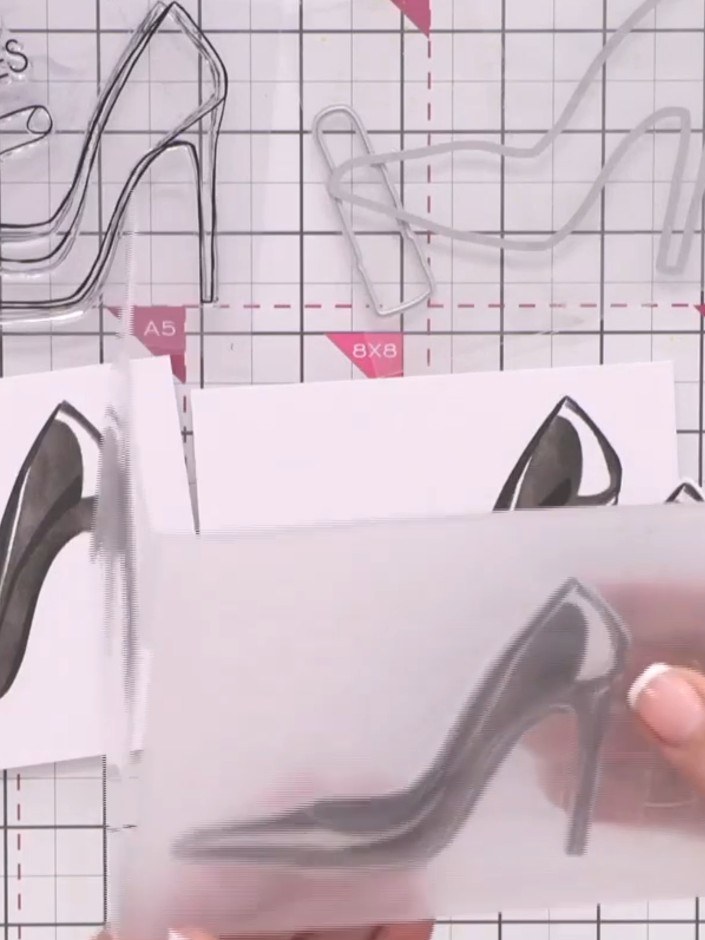
Place the stamped card into the embossing folder and run it through your die-cutting machine using the correct plates and settings for your machine to create a raised embossed effect.
▶ diesen Schritt ansehen (3:45)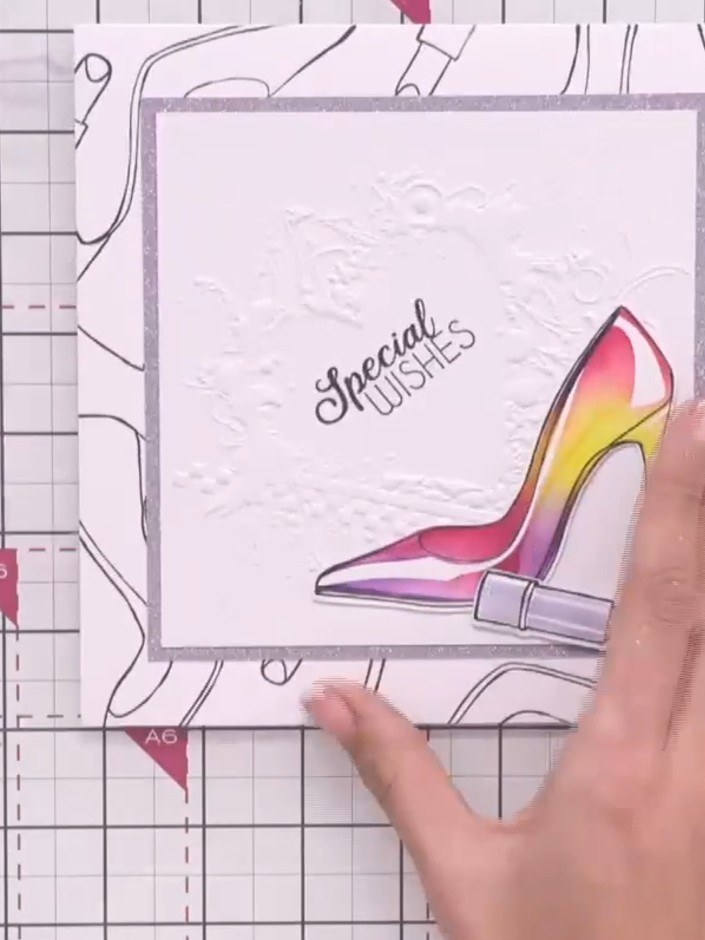
Carefully remove the embossed component from the card front to reveal the 3D elevated effect created in the centre of your design.
▶ diesen Schritt ansehen (4:00)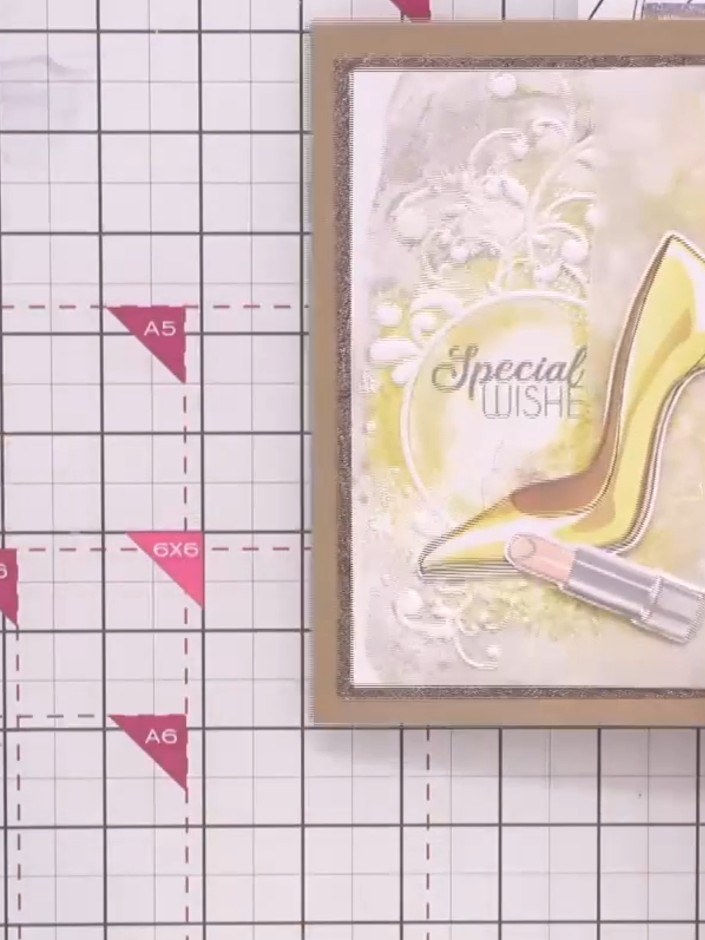
If desired, add embellishments such as sequins or gems to enhance your design. Check that all layers are securely adhered and your card is complete.
▶ diesen Schritt ansehen (4:00)Direkt aus der Show aufgeschrieben. Alle Anleitungen aus unseren Shows ansehen · kostenlose Anleitungen · live auf My Telly ansehen
