Schenke deinen Freundinnen und Freunden 10 € Rabatt auf ihre erste Bestellung!
Freunde WERBEN








Ein Projekt aus unserer Live-Show 811161 - SBM 3D Floral Prägefolder · 01.01.2023 · ab 1:00 ansehen
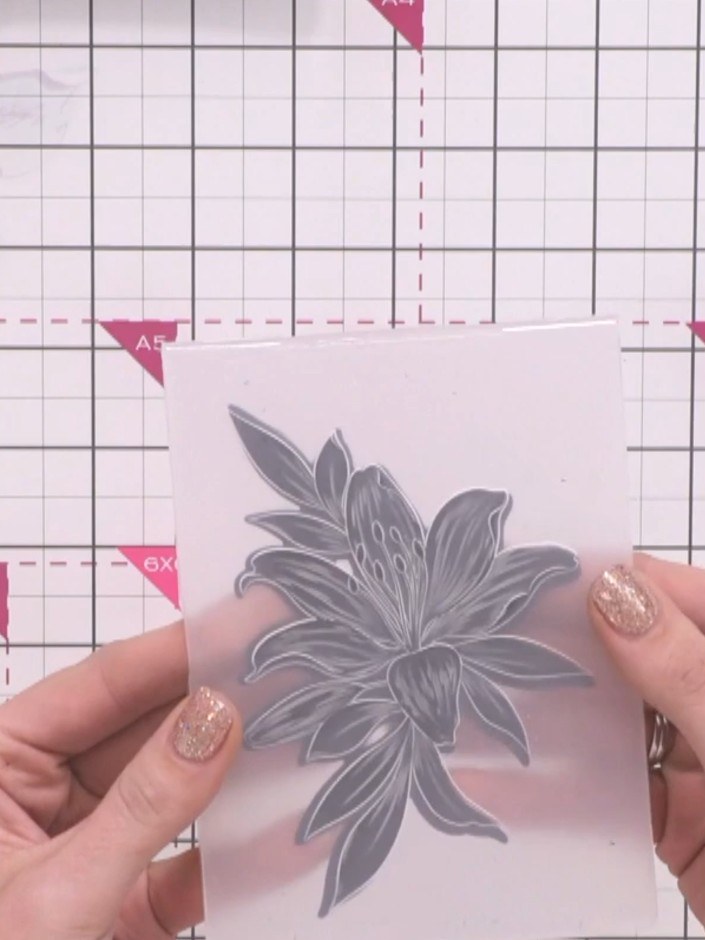
Create a stunning 3D floral embellishment featuring intricate dimensional details highlighted with metallic gold accents. Using embossing folders with coordinating dies, you'll produce a beautifully textured design in elegant pink and gold tones. This technique showcases the depth and detail of embossed florals, perfect for adding a sophisticated touch to cards and papercrafts.
DIESE ANLEITUNG HERUNTERLADEN (PDF)
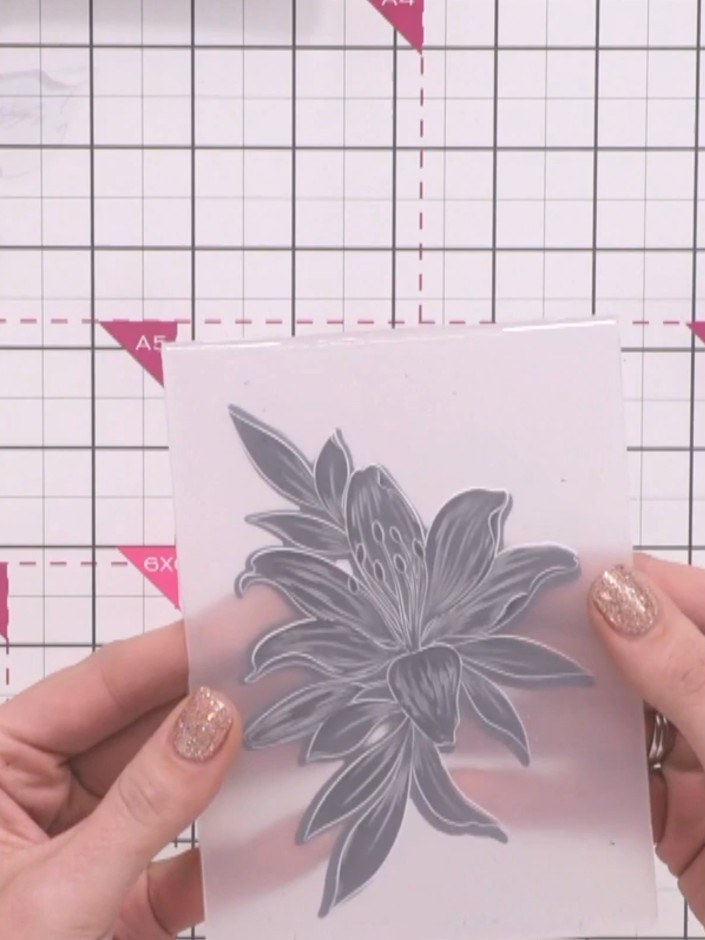
Place your cardstock with the floral embellishment into your die-cutting machine along with the coordinating die. Run it through the machine to cut out the floral shape.
▶ diesen Schritt ansehen (1:00)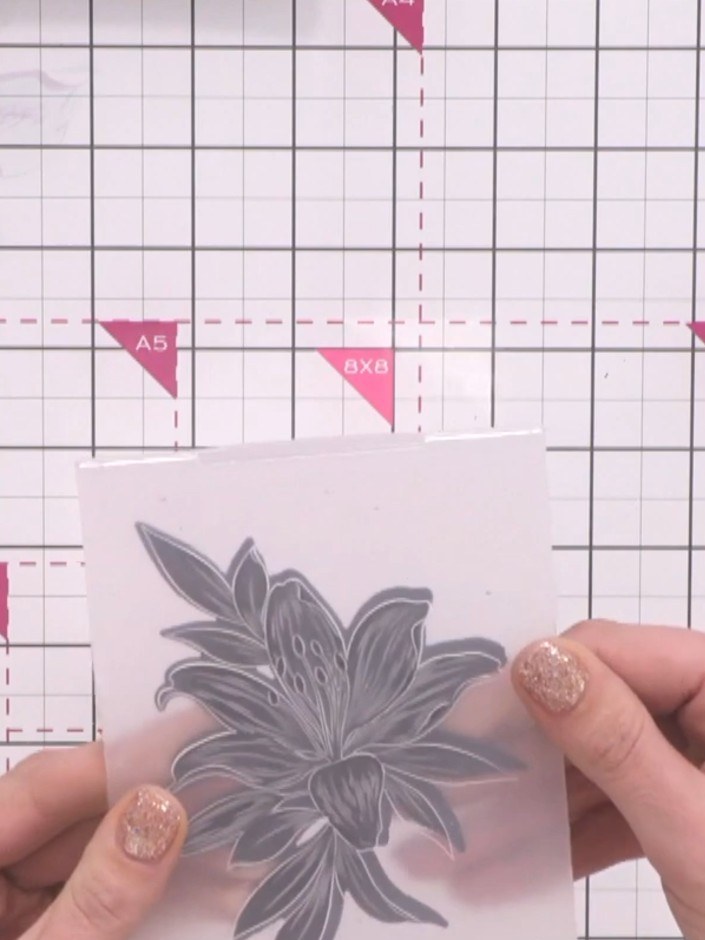
Line up the cut black floral embellishment with the embossing folder, ensuring it is oriented correctly. The folder only accepts the design in one direction, so check the alignment before proceeding.
▶ diesen Schritt ansehen (1:05)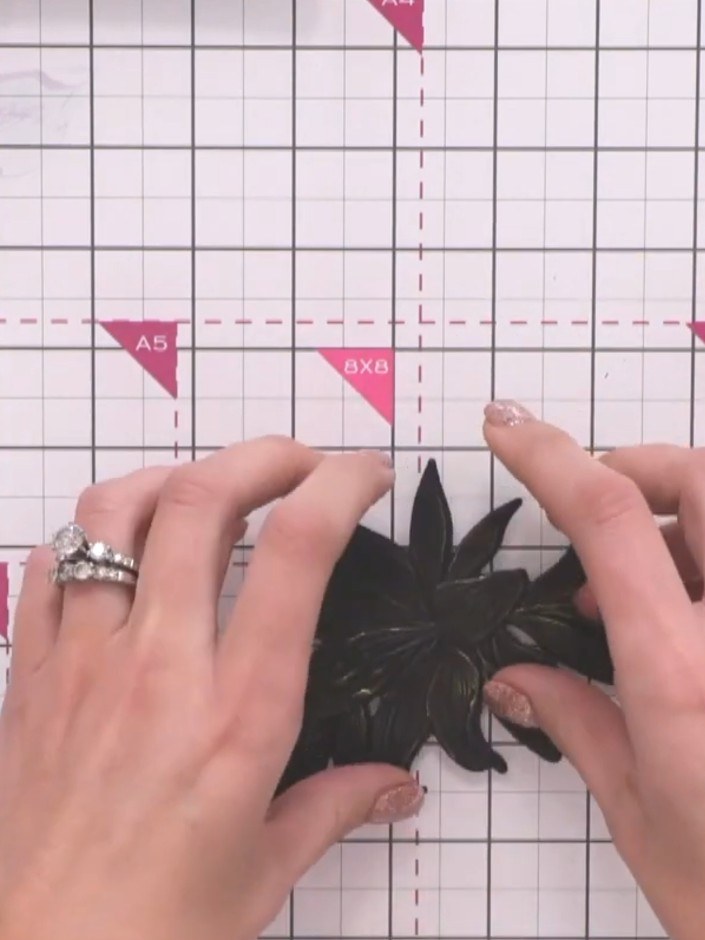
Place your embellishment into the embossing folder and run it through your die-cutting machine to create a 3D embossed effect with dimensional detail.
▶ diesen Schritt ansehen (1:10)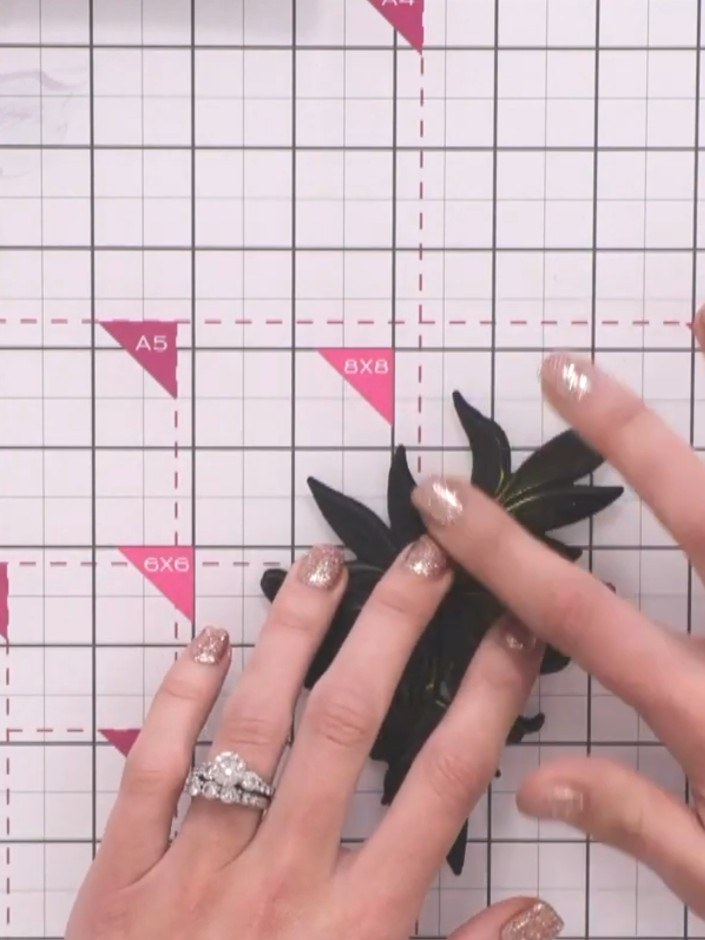
Carefully remove the embossed floral embellishment from the 3D embossing folder to reveal the dimensional design.
▶ diesen Schritt ansehen (1:15)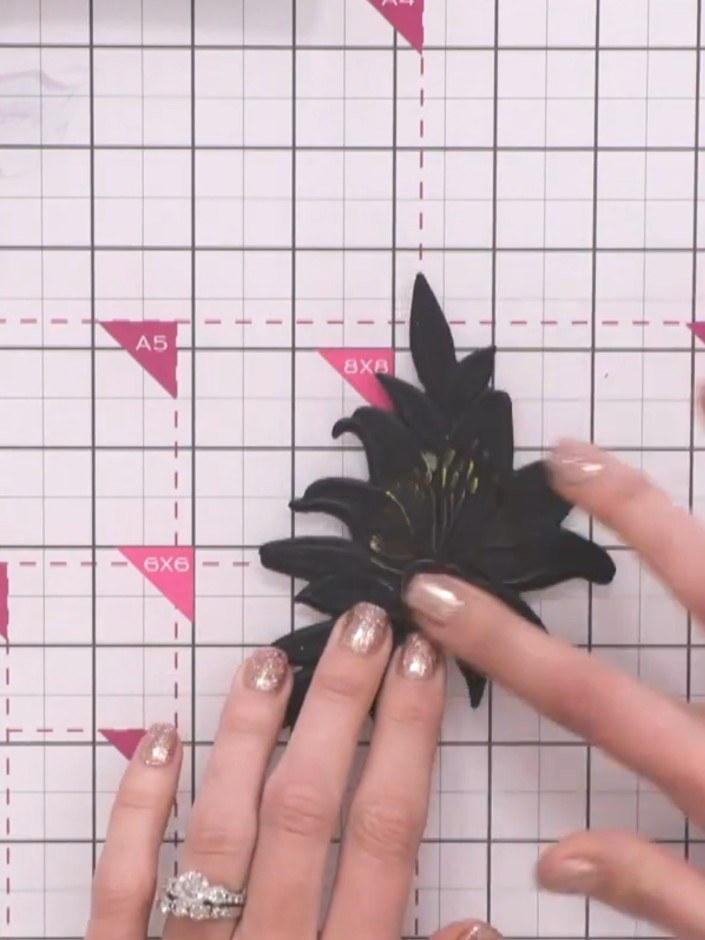
Apply gold ink or polish to selected areas of the black embossed floral piece to highlight the detail and add dimension to the design.
▶ diesen Schritt ansehen (1:25)Direkt aus der Show aufgeschrieben. Alle Anleitungen aus unseren Shows ansehen · kostenlose Anleitungen · live auf My Telly ansehen