Schenke deinen Freundinnen und Freunden 10 € Rabatt auf ihre erste Bestellung!
Freunde WERBEN








Ein Projekt aus unserer Live-Show MONDAY MADNESS - Sei dabei, wenn Simon von AVAGO-INK seine neuesten Produkte zeigt - Sendung: 17. OKT. 22 · 17.10.2022 · ab 13:15 ansehen
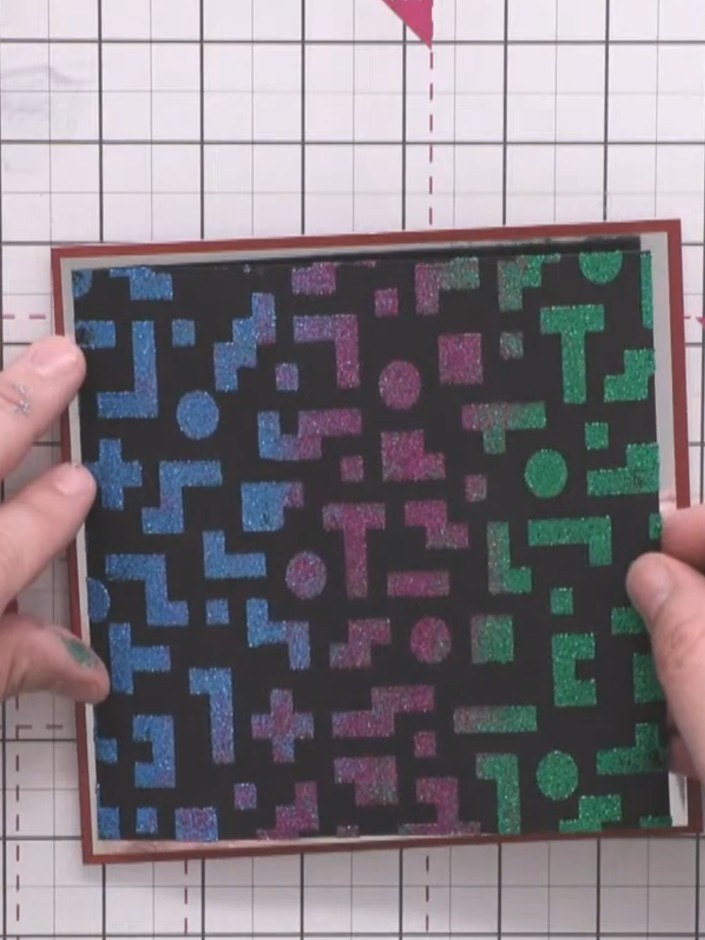
Create a striking retro gaming-inspired card featuring a textured pixel pattern background in vibrant blues, purples and greens on black. This layered design showcases stencilling and embossing techniques, with the gradient geometric shapes mounted on metallic silver mirror card and finished with a bold 'Game Over' sentiment.
 100574 - HTCN - AVAGO-INK DESIGNS - STENCIL - PIXEL PATTERN - 100522aANSEHEN
 IZINK DIAMOND PAINT 80ML CARRIBEAN BLUE 070621ahANSEHEN
 IZINK DIAMOND PAINT 80ML VERT FONCE 070621tANSEHEN
DIESE ANLEITUNG HERUNTERLADEN (PDF)
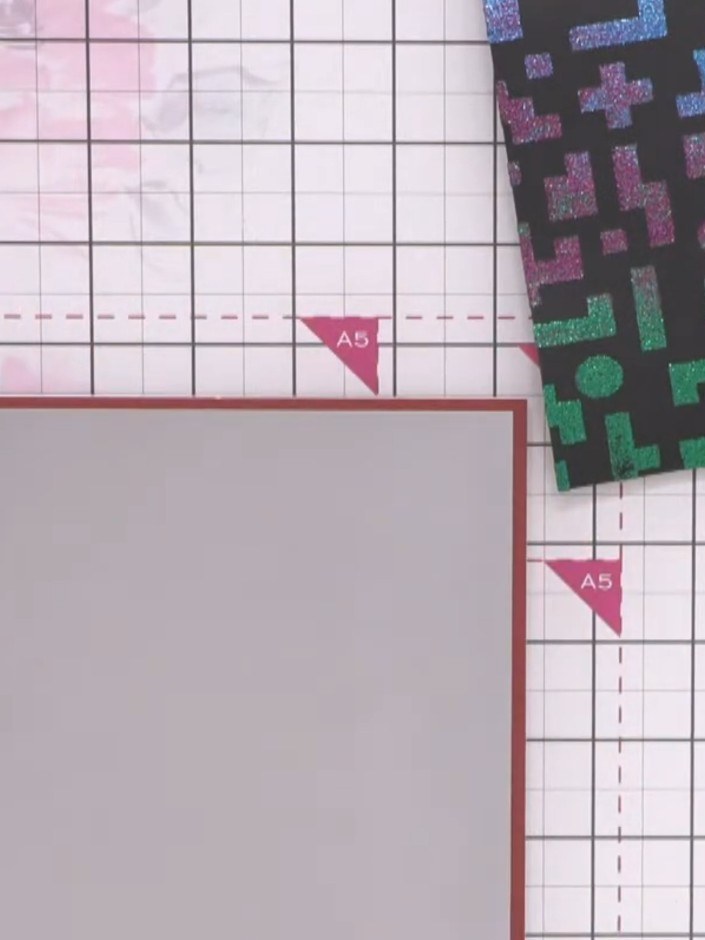
Take an A5 burgundy card blank and attach a slightly smaller silver mirror card panel to the front, leaving an even border around all edges.
▶ diesen Schritt ansehen (13:30)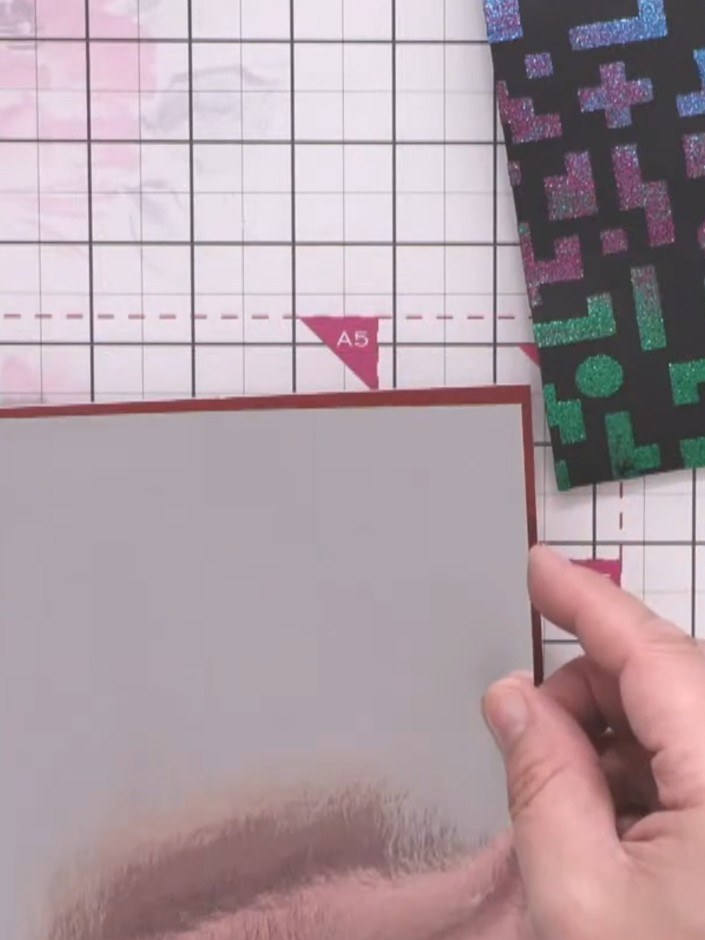
Apply tape runner adhesive to the back of the silver mirror card layer and attach it centrally to the burgundy backing card.
▶ diesen Schritt ansehen (13:30)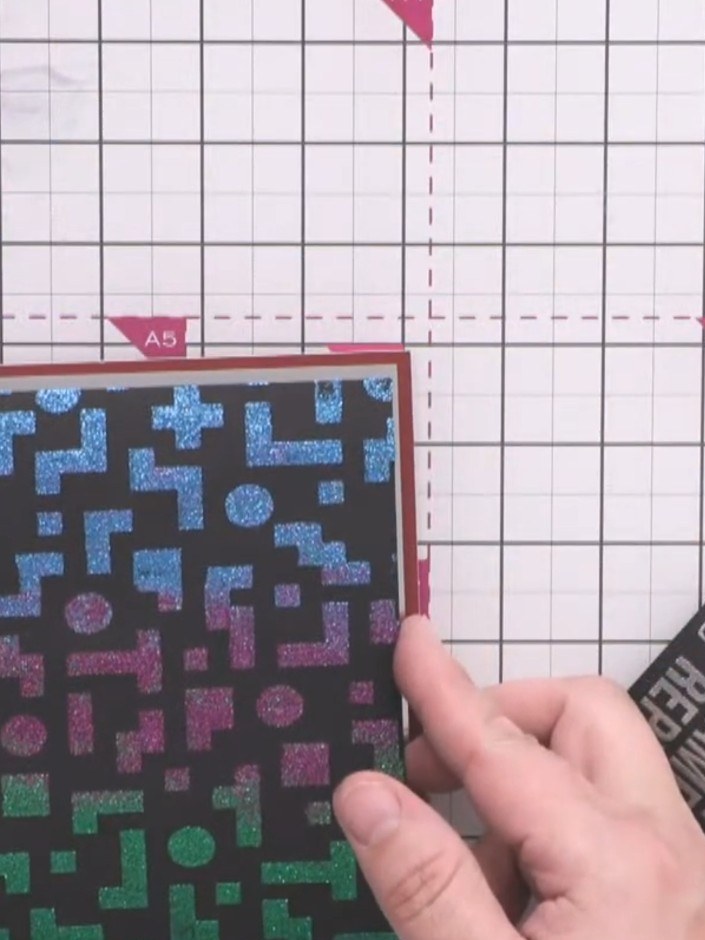
Apply tape runner adhesive to the back of the black pixel pattern card. Position it onto the silver mirror card, arranging the gradient colours so the blue is at the top transitioning to pink in the middle and green at the bottom.
▶ diesen Schritt ansehen (14:00)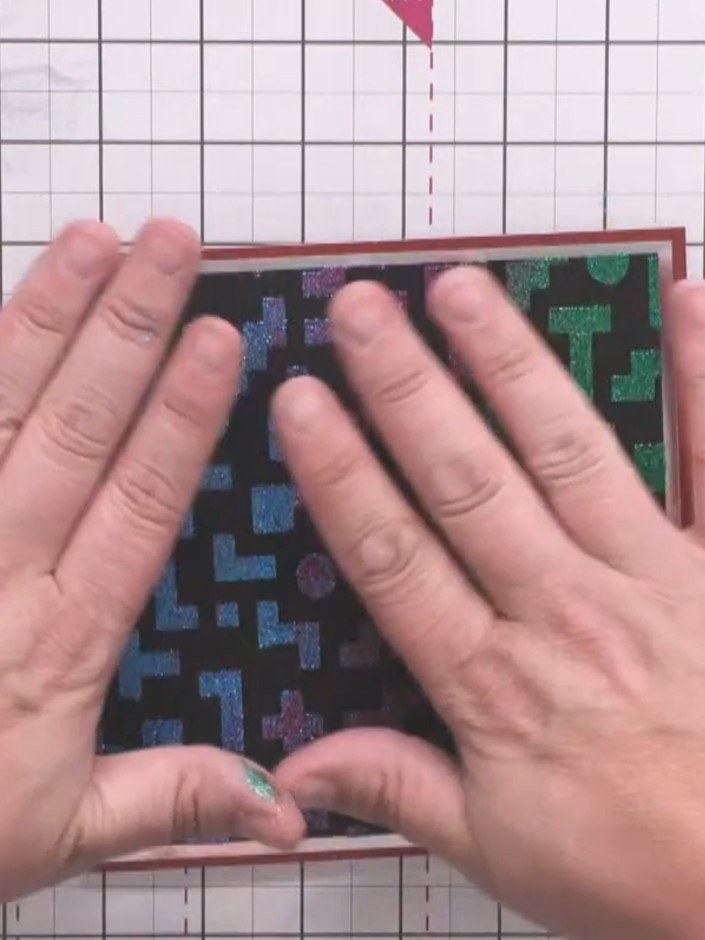
Apply foam tape to the back of the embossed sentiment card to give it height and dimension. Press firmly to secure the foam tape in place.
▶ diesen Schritt ansehen (14:15)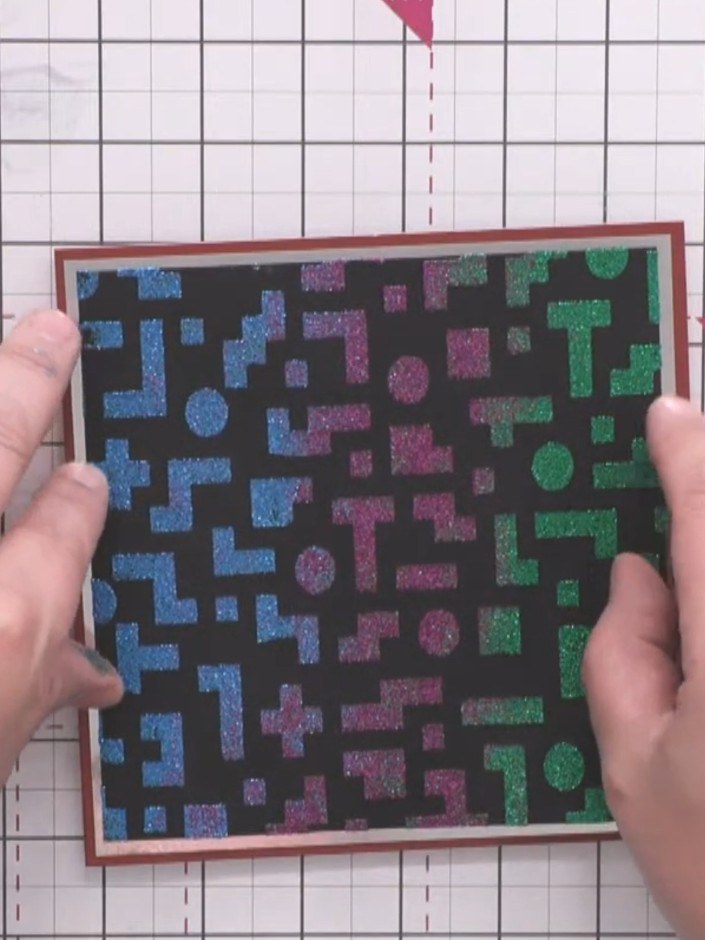
Position the embossed sentiment card centrally on top of the stencilled background panel, ensuring the textured pixel pattern remains visible around the edges.
▶ diesen Schritt ansehen (14:30)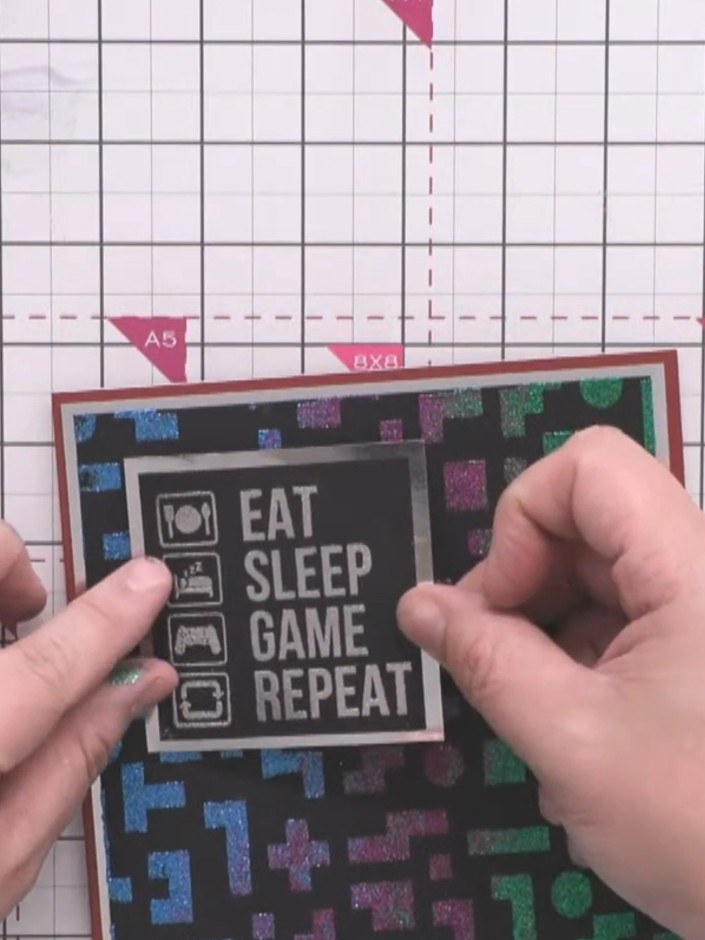
Press down firmly on all the layers to secure them together and complete your assembled card.
▶ diesen Schritt ansehen (15:00)Direkt aus der Show aufgeschrieben. Alle Anleitungen aus unseren Shows ansehen · kostenlose Anleitungen · live auf My Telly ansehen