Schenke deinen Freundinnen und Freunden 10 € Rabatt auf ihre erste Bestellung!
Freunde WERBEN








 Deal HuntersDi., 3. Nov. 10:00 Uhr
 Hidden GemsMi., 4. Nov. 6:00 Uhr
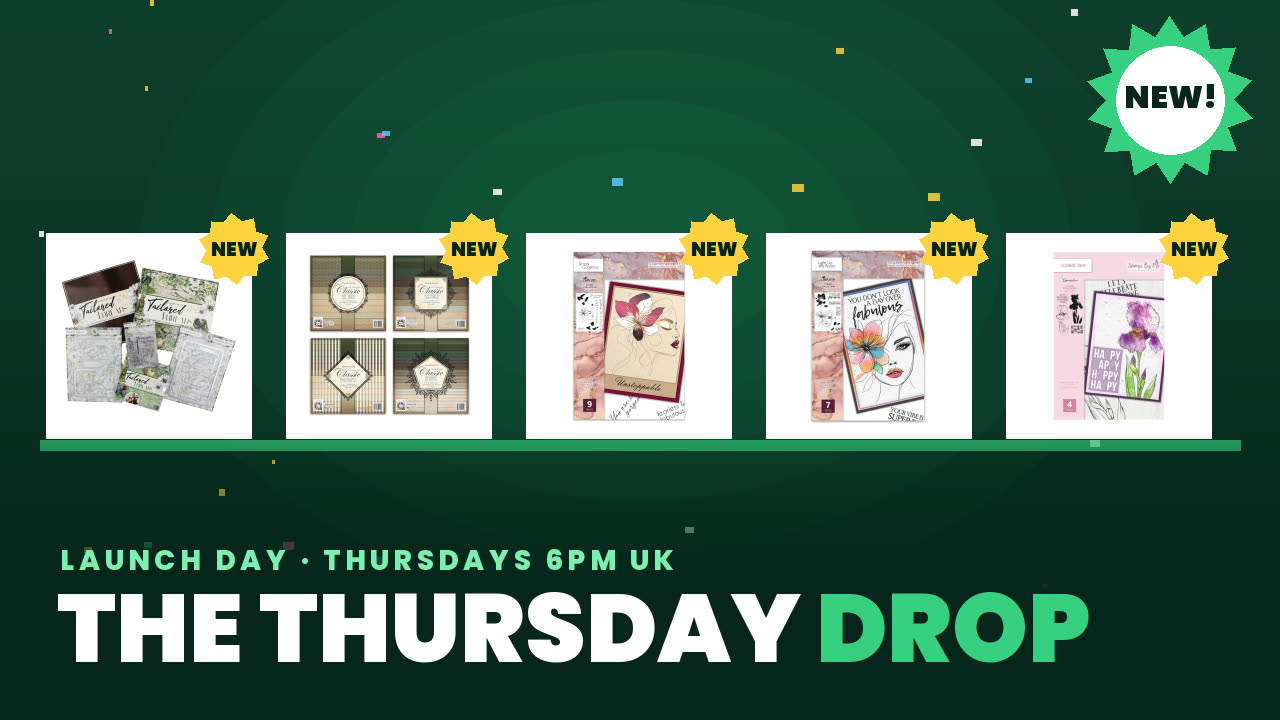 The Thursday DropDo., 5. Nov. 14:00 Uhr
Ein Projekt aus unserer Live-Show CREATE AND CRAFT – Sei dabei, wenn Simon von AVAGO-INK seine neuesten Produkte vorführt – Ausgestrahlt am 5. Mai · 05.05.2022
Create a serene Japanese-inspired card featuring a delicate bridge and pine tree silhouette against an ombré blue background. The inked background creates a peaceful, elegant effect that's quick to make but looks professionally finished.
Ink the light blue colour from the edge of your card stock, building the colour gradually towards the centre, focusing on the top half only.
Swap to the darker blue ink and add more intensity to the corners, building the colour gradually to create depth.
Set the inked panel aside and place your die-cut die on plain black card stock towards the top.
Run the black card through your A5 die-cutting machine to cut out the bridge and tree silhouette.
Carefully tease out the delicate cut areas around the tree and bridge details.
Apply glue to the back of the black silhouette panel and position it on top of your inked blue background.
Lift the silhouette slightly to create a shadow effect for added dimension.
Mount the layered panel onto a white card base to make the colours pop.
Stamp a sentiment in the corner using black ink.
Trim the card to size and finish.
Teile dein Projekt mit der Stamps By Me Community - und behalte diese Anleitung für das nächste Mal.
Direkt aus der Show aufgeschrieben. Alle Anleitungen aus unseren Shows · kostenlose Anleitungen · live auf My Telly ansehen · die bisherige Ansicht