Schenke deinen Freundinnen und Freunden 10 € Rabatt auf ihre erste Bestellung!
Freunde WERBEN








 Deal HuntersDi., 3. Nov. 10:00 Uhr
 Hidden GemsMi., 4. Nov. 6:00 Uhr
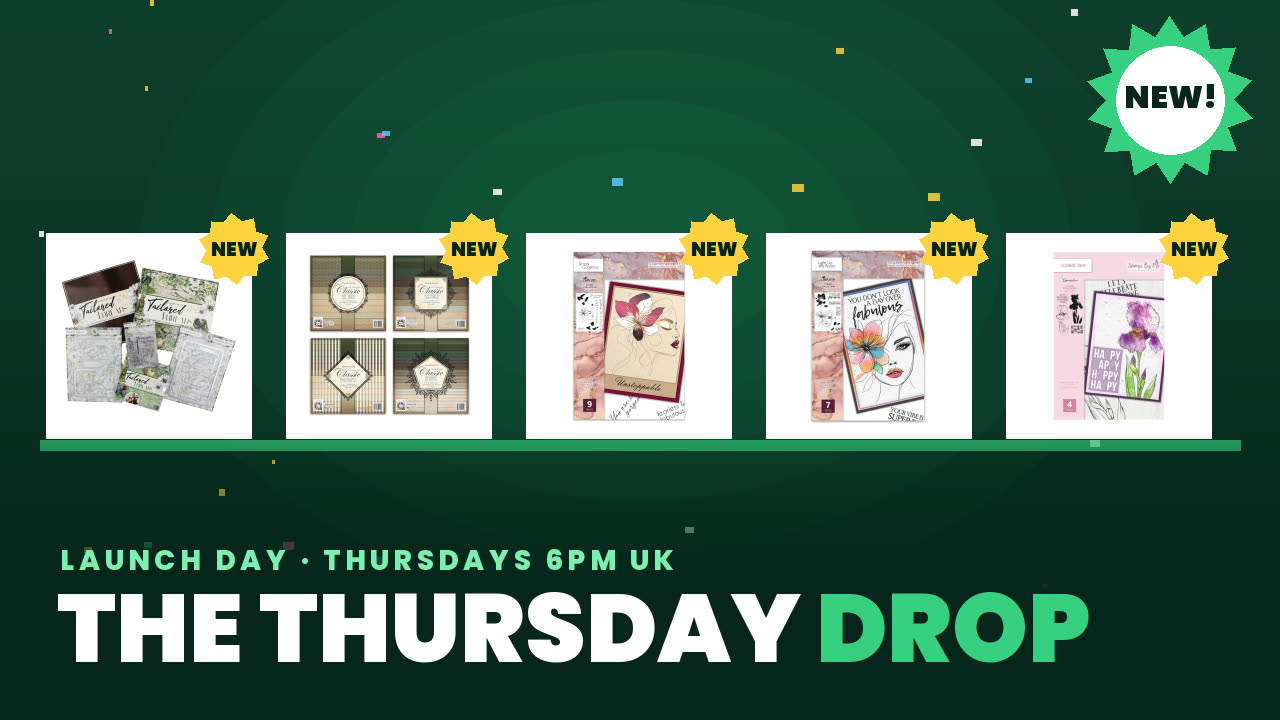 The Thursday DropDo., 5. Nov. 14:00 Uhr
Preise ändern sich sofort.
Ein Projekt aus unserer Live-Show CREATE AND CRAFT EXCLUSIVE - Sei dabei mit Helen Kirkham bei Show 2 - Sendung vom 31. März 22 · 31.03.2022
A striking sunset-themed card using the Sunray die in multiple layers and colours. The design features a blended ink background with layered sunray die-cuts in coordinating colours, topped with a sentiment stamp for a retro, summery feel.
Cut the Sunray die from orange cardstock using your die-cutting machine.
Create a blended ink background using distress oxide inks in sunset colours on white cardstock.
Layer the orange Sunray die-cut onto the blended background.
Cut the Sunray die again from a darker shade of orange or red cardstock.
Snip away the outer rays from the darker die-cut, keeping only the inner circle and partial rays.
Layer the darker Sunray piece on top of the first layer, offsetting it slightly to create dimension.
Cut a third layer of the Sunray die from an even darker shade.
Snip away more of the outer rays from this layer, leaving only the innermost rays.
Layer this final piece on top, creating a graduated effect from light to dark.
Stamp or adhere a 'Good Vibes' sentiment die-cut to the centre of the card.
Mount the finished design onto a larger card base.
Teile dein Projekt mit der Stamps By Me Community - und behalte diese Anleitung für das nächste Mal.
Direkt aus der Show aufgeschrieben. Alle Anleitungen aus unseren Shows · kostenlose Anleitungen · live auf My Telly ansehen · die bisherige Ansicht