Schenke deinen Freundinnen und Freunden 10 € Rabatt auf ihre erste Bestellung!
Freunde WERBEN








 Deal HuntersDi., 3. Nov. 10:00 Uhr
 Hidden GemsMi., 4. Nov. 6:00 Uhr
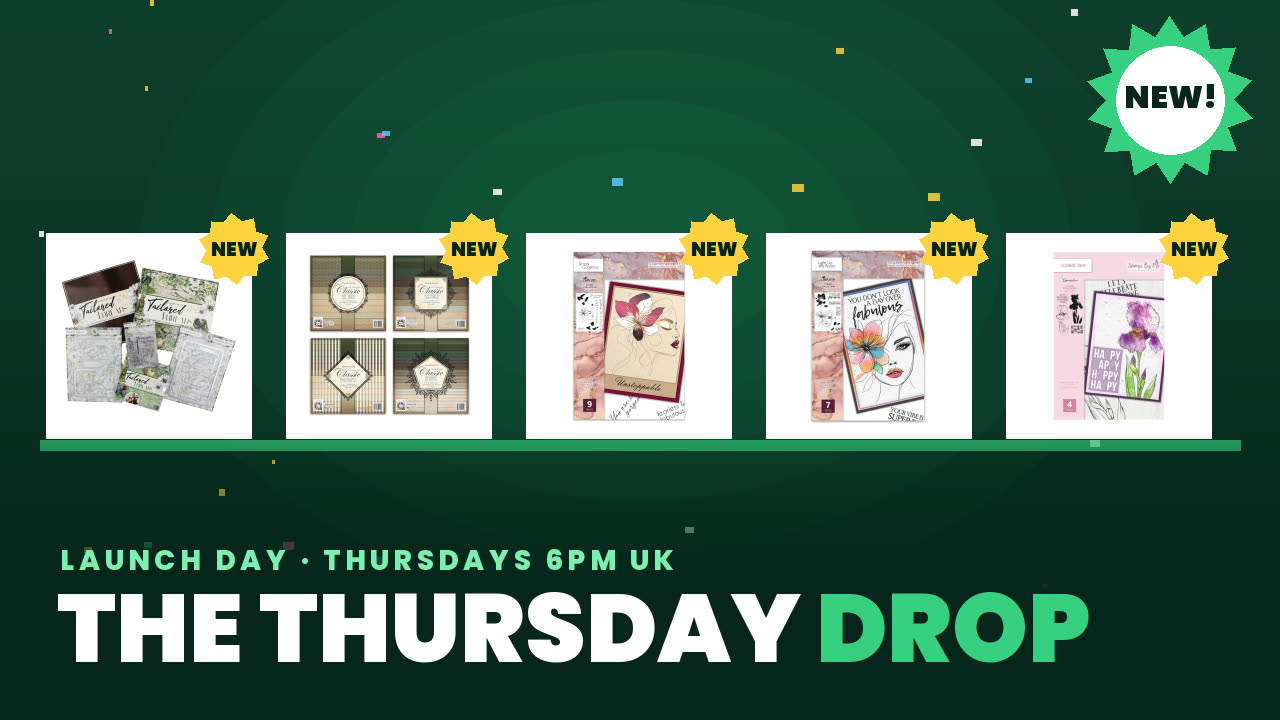 The Thursday DropDo., 5. Nov. 14:00 Uhr
Preise ändern sich sofort.
Ein Projekt aus unserer Live-Show Marken-Showcase in den HTCN-Studios – PEARLYWINKS – Ausstrahlung Freitag 25. Feb. 22 – 2. Show · 25.02.2022
Using the Mandala Madness Precision Stencil Pro with its twist-turn technology, create a multi-coloured mandala background by rotating the stencil to reveal different pattern sections. Layer colours to build depth and create a unique, intricate design.
Fold a piece of card in half and draw around the larger side of the stencil, then cut out with scissors to create a card blank and mat layer.
Line up the smaller mat piece over the card blank to see through the stencil and centre your design.
Prepare your easy blend sprays by saturating foam in a small container with the teal and green colours.
Position the stencil on your card and apply the first colour (green) through the stencil using the foam.
Twist and rotate the stencil to a new position to reveal a different section of the mandala pattern.
Apply the second colour (teal) through the rotated stencil, layering it over the first colour where they overlap.
Continue rotating and applying colours around the entire mandala until you have built up your full design.
Clean the stencil between applications using a baby wipe, which also creates additional background texture on the wipe.
Mount your finished mandala background onto a card base to complete the project.
Teile dein Projekt mit der Stamps By Me Community - und behalte diese Anleitung für das nächste Mal.
Direkt aus der Show aufgeschrieben. Alle Anleitungen aus unseren Shows · kostenlose Anleitungen · live auf My Telly ansehen · die bisherige Ansicht