¡Regala a tus amigos 10 € de descuento en su primer pedido!
Invita a una AMIGA








 The Friday Final Cutvie 20 nov 5:00
 Escaparate de la comunidadlun 23 nov 5:00
 Deal Huntersmar 24 nov 8:00
Los precios cambian al instante. Cada idioma es nuestra propia traducción, no Google.
Un proyecto de nuestro programa en directo HSN INSPIRATION - Emitido el 17 de noviembre de 2026 · 17/11/2026 · míralo desde 3:33:45
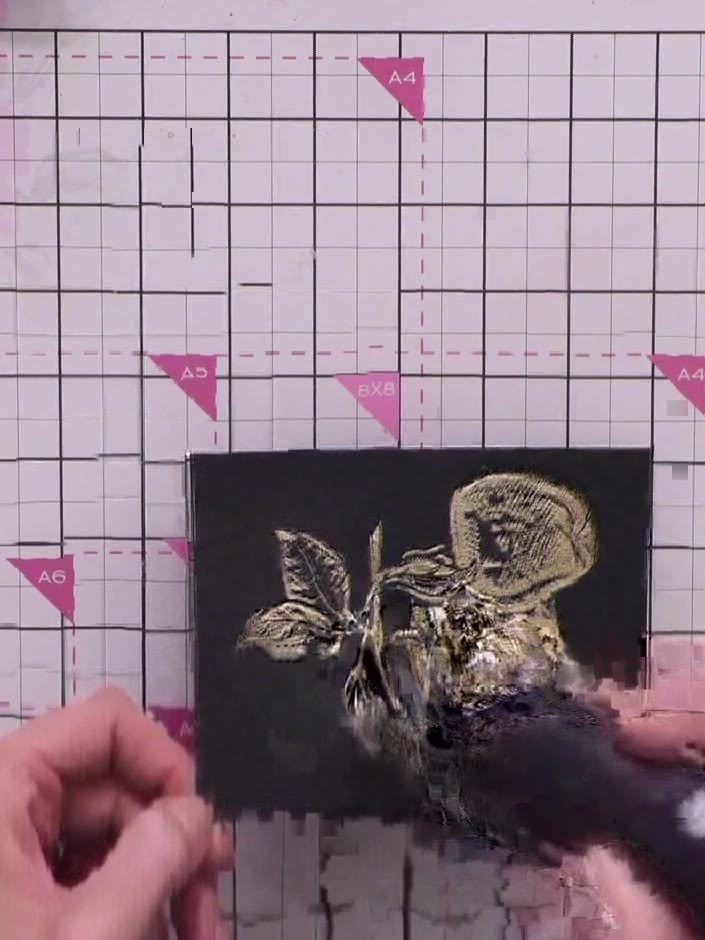
Create an elegant card featuring gold heat-embossed apples on black cardstock with a stunning sparkly white background. The dimensional design is achieved using embossing folders and re-inking techniques to create a frosted, textured effect around the metallic gold fruit motif. Perfect for special occasions or retirement celebrations.
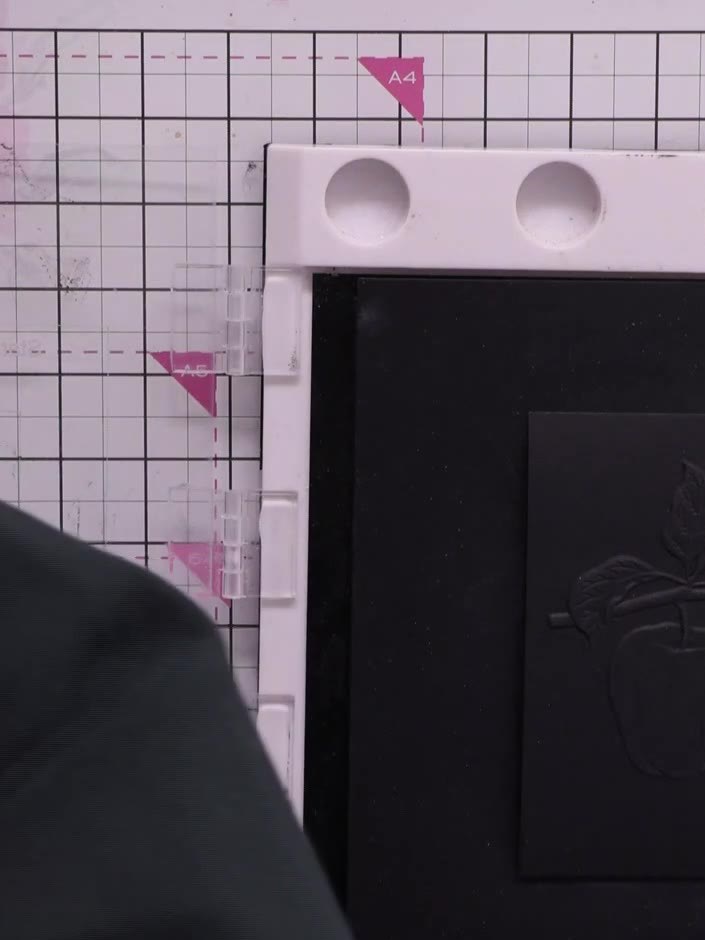
Run the apple embossing folder through your die-cutting machine with black cardstock inside to create the dimensional embossed design. The embossed apple image will be raised on the black card.
▶ ver este paso (3:33:45)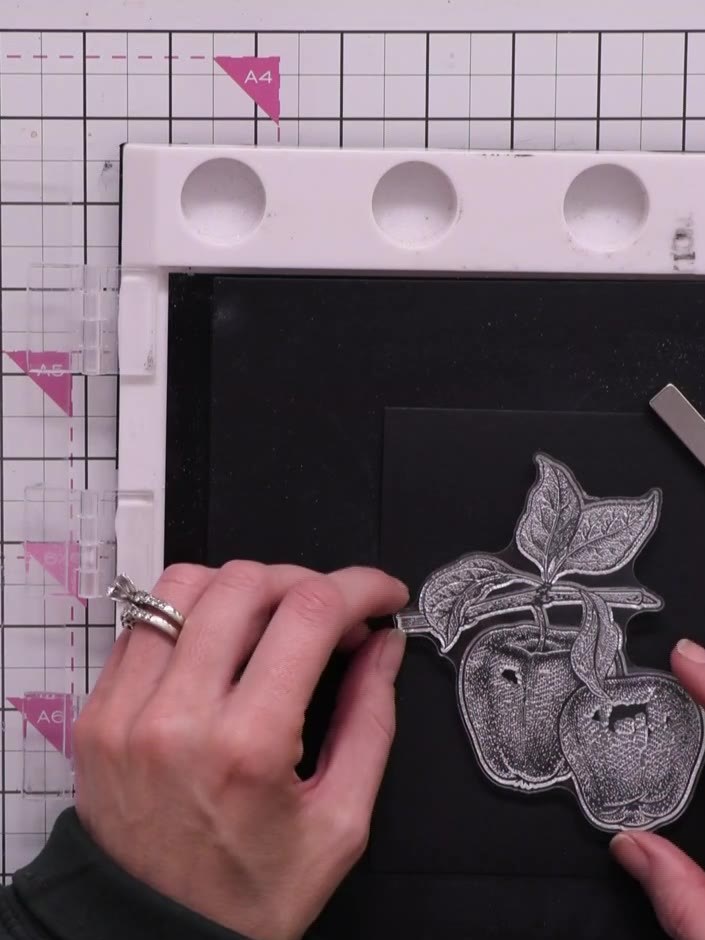
Stamp the apple image in gold ink over the embossed design on the black card, lining it up carefully with the embossed outline. The gold stamped image should sit directly on top of the embossed apple shape.
▶ ver este paso (3:34:30)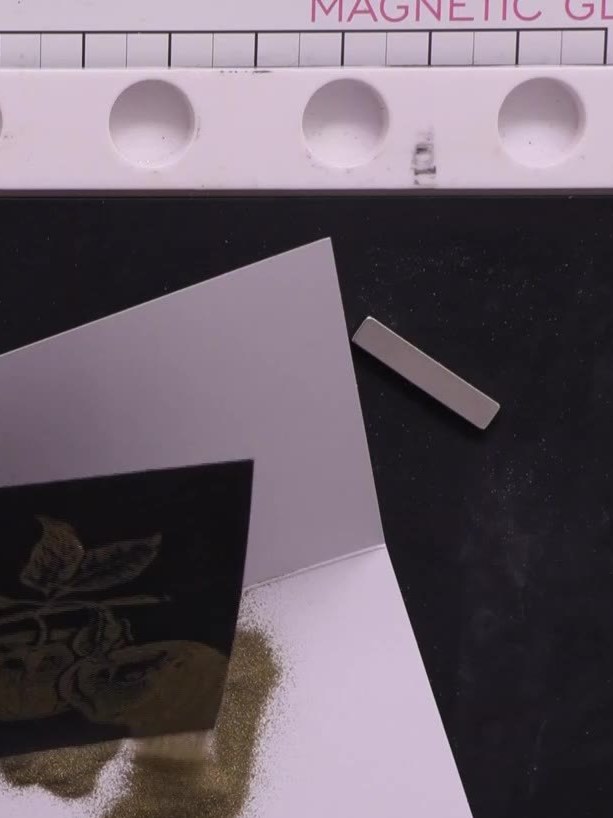
Apply gold sparkle embossing powder over the gold stamped apple image whilst the ink is still wet. Ensure the powder covers all the stamped areas completely.
▶ ver este paso (3:40:15)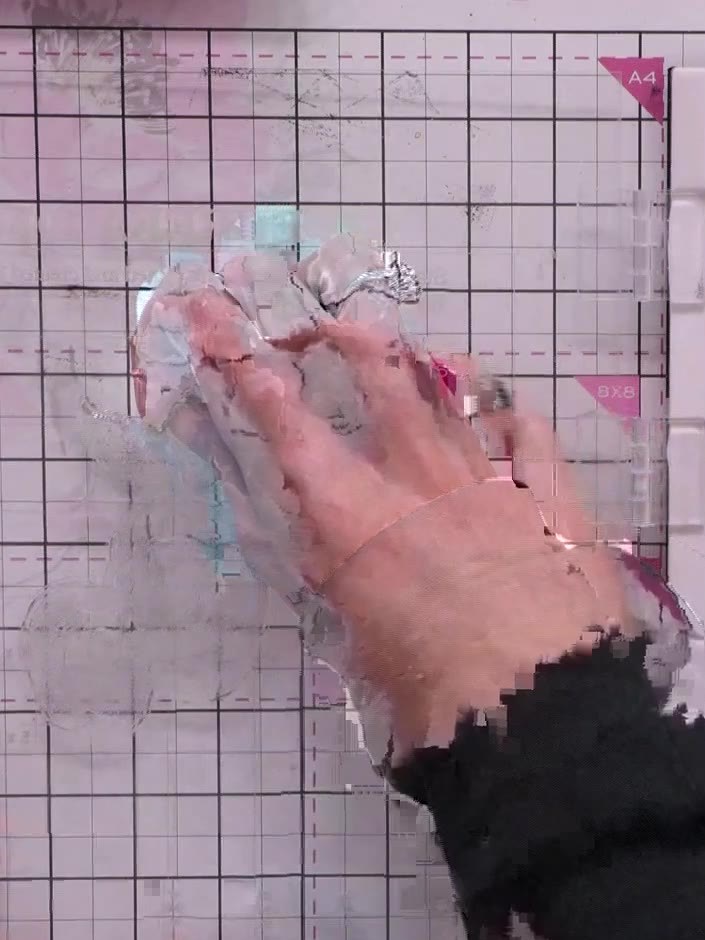
Use a dry brush to gently remove any unwanted embossing powder flecks from around the stamped design on your card.
▶ ver este paso (3:41:15)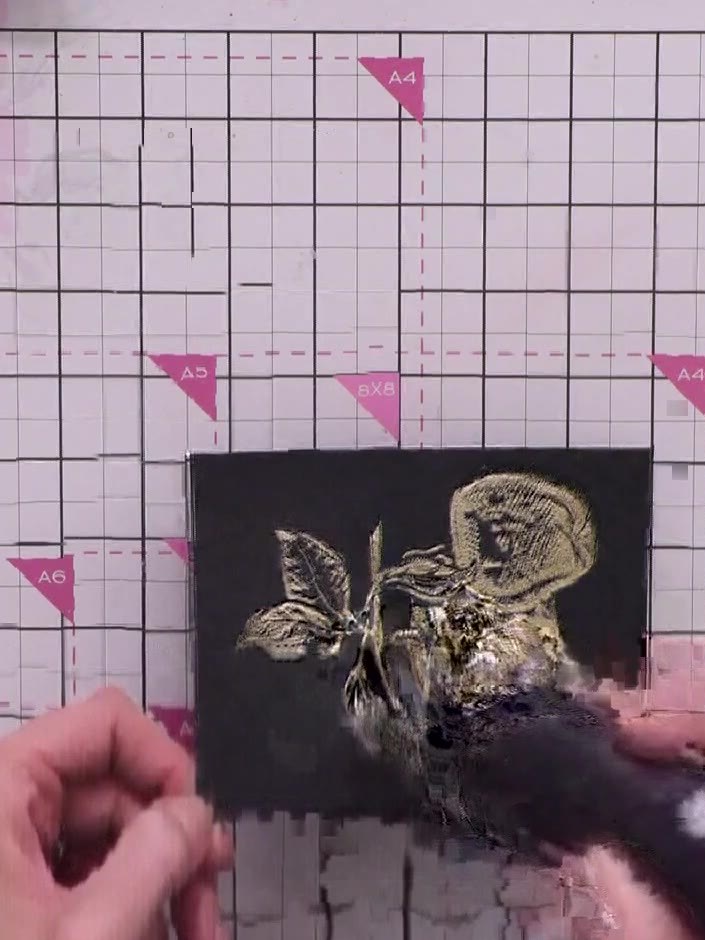
Heat set the embossing powder with a heat gun, moving it over the design until the powder melts and becomes raised and glossy. Keep the heat gun moving to avoid scorching the card.
▶ ver este paso (3:42:30)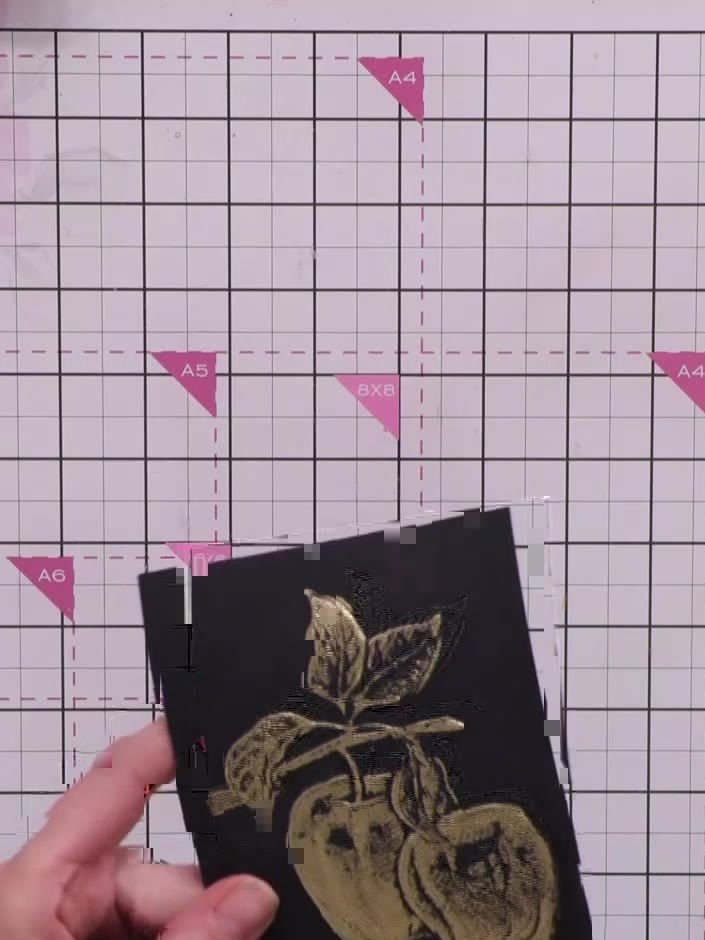
Ink up the embossing folder with a white ink pad by tapping it all over the raised parts of the folder. Ensure even coverage across the design.
▶ ver este paso (3:44:00)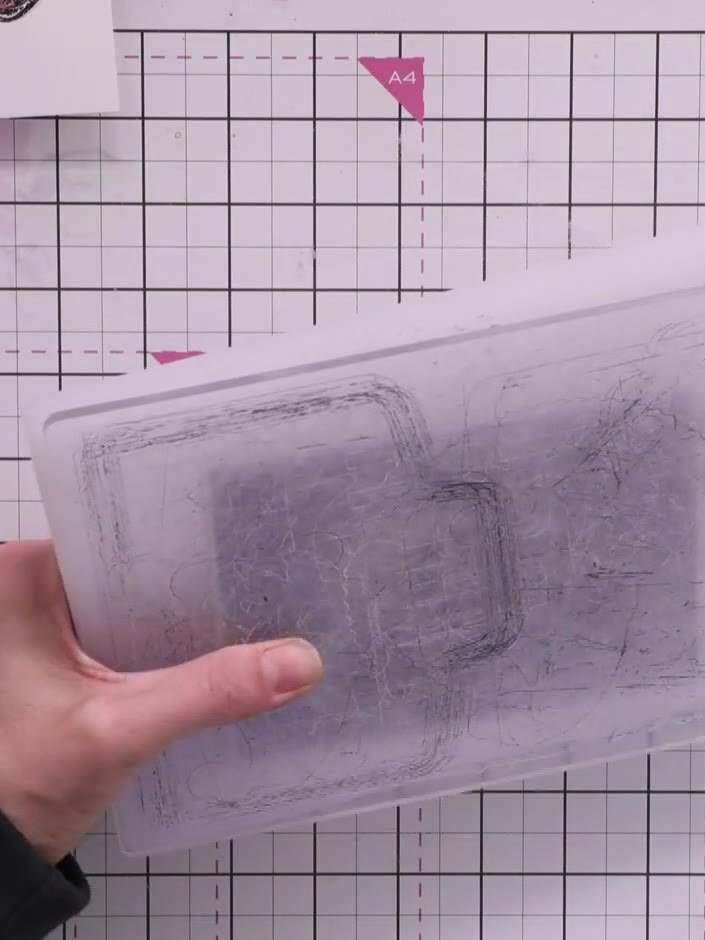
Place the finished gold apple design back into the embossing folder and run it through the die-cutting machine again to transfer white ink onto the black cardstock around the apples.
▶ ver este paso (3:46:15)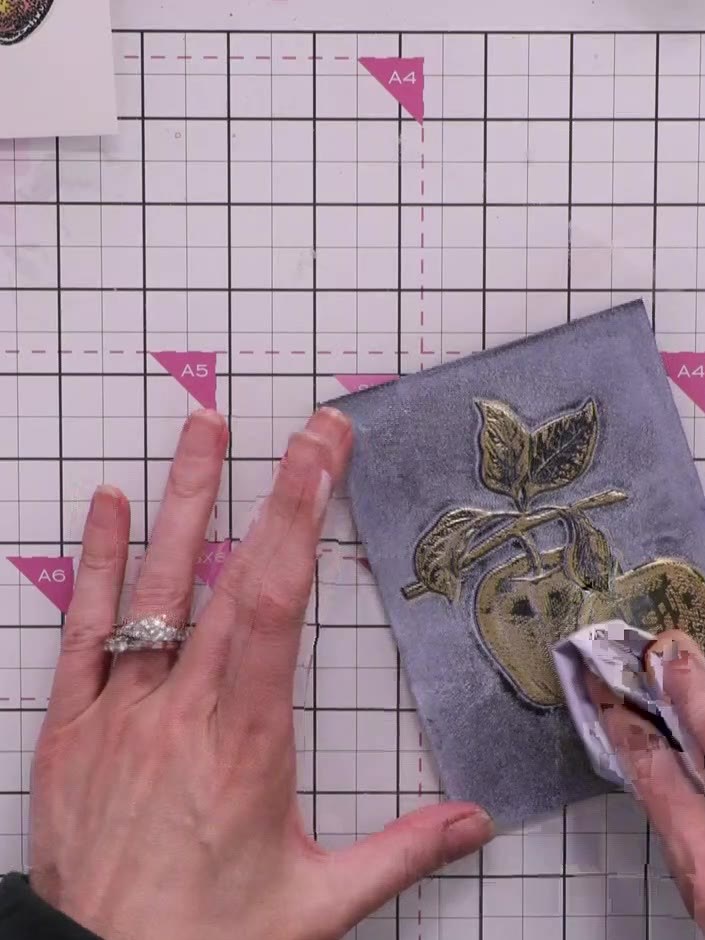
Using a tissue, gently wipe away the excess white pigment ink from the gold embossed apple design. Leave the white ink only in the background areas around the apples, creating a sparkly white halo effect.
▶ ver este paso (3:47:15)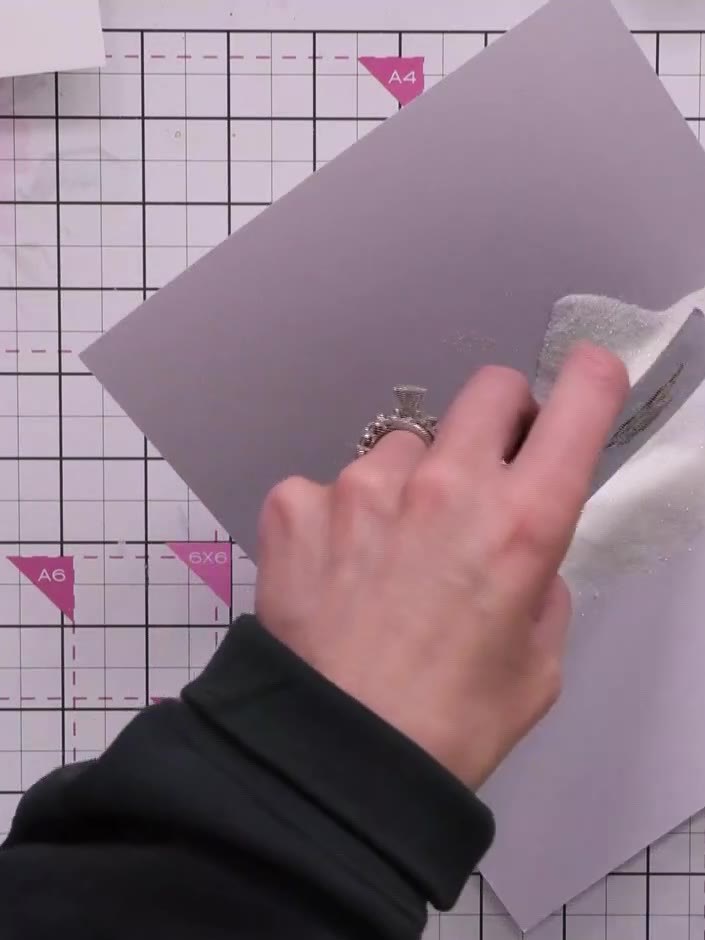
Apply silver sparkle embossing powder over the white background areas of the card. Use a soft brush to gently spread the powder evenly across the white sections, ensuring good coverage.
▶ ver este paso (3:48:00)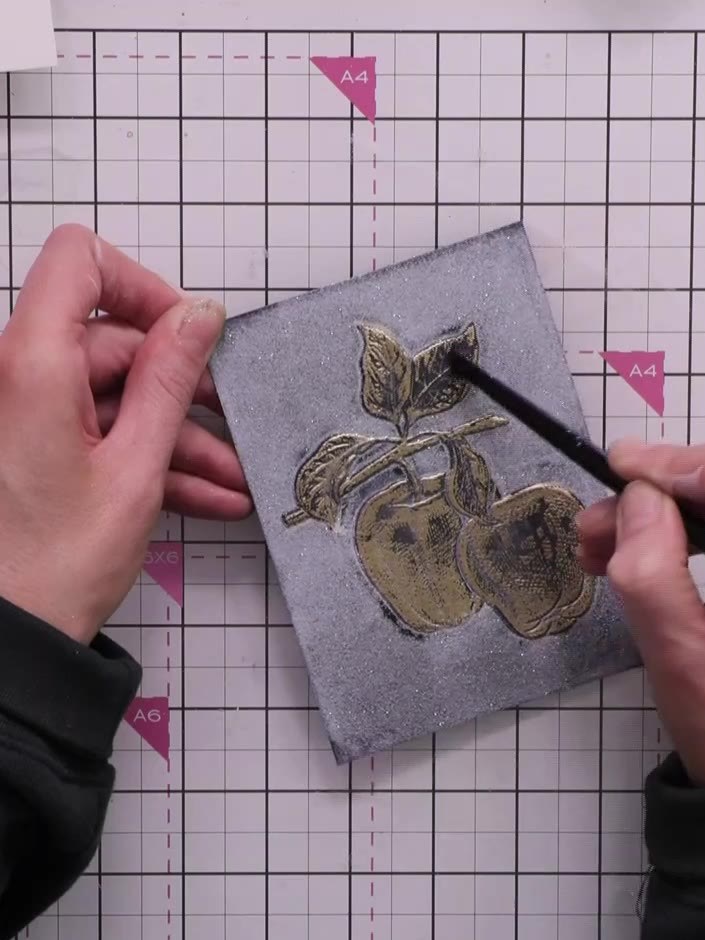
Use a dry brush to gently remove any excess sparkle powder from the gold embossed apples, keeping the design clean and the gold details clear.
▶ ver este paso (3:48:45)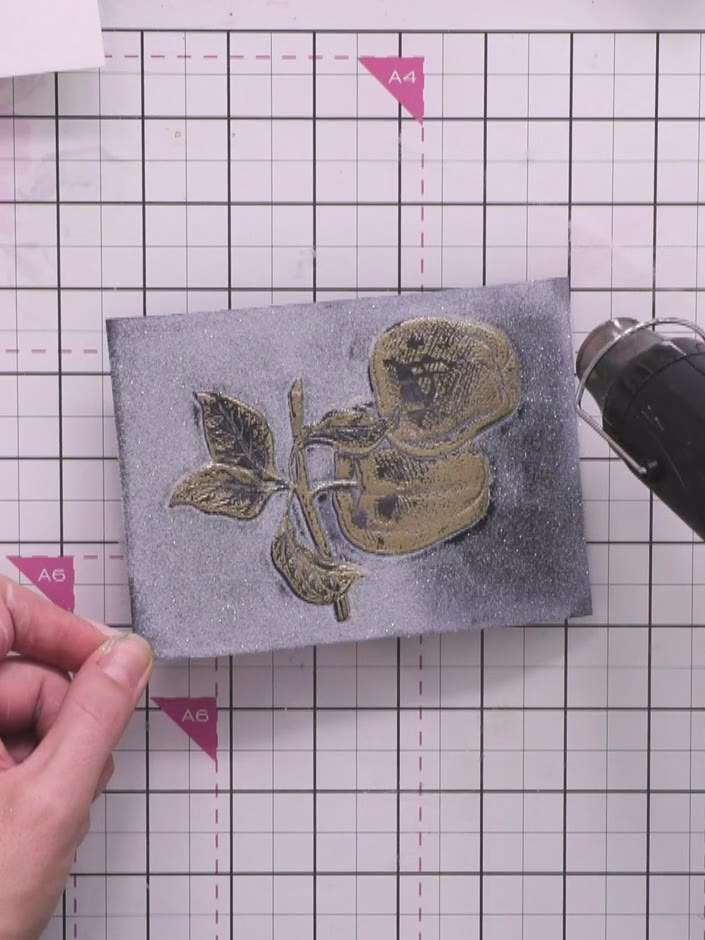
Heat set the embossing powder with a heat gun, moving it over the design until the powder melts and creates a sparkly textured finish.
▶ ver este paso (3:49:30)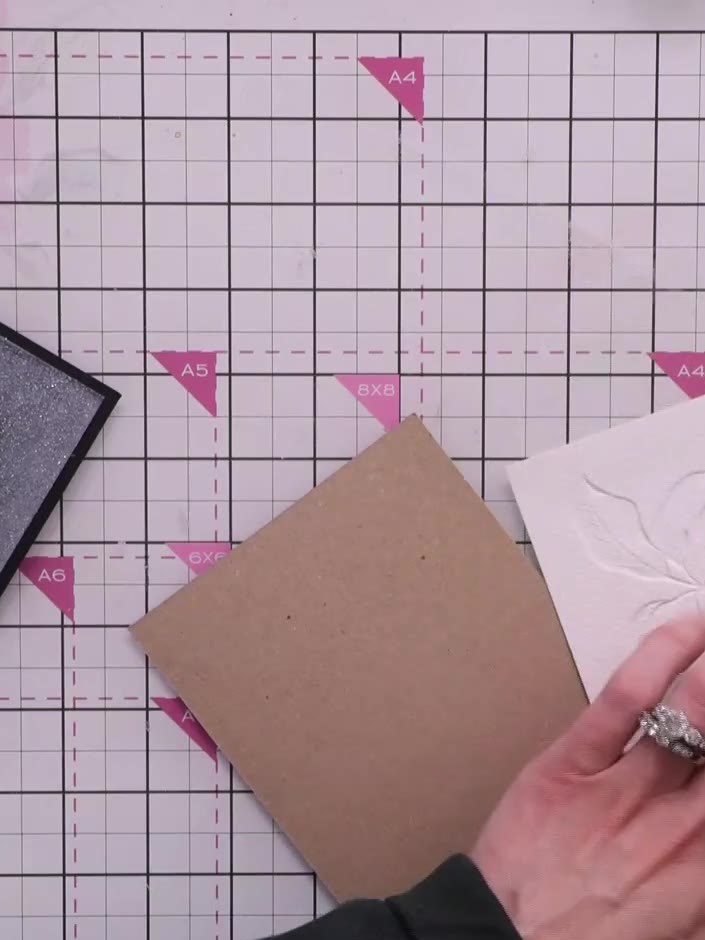
Mount the embossed apple panel onto a kraft card blank using adhesive. Press firmly to ensure the panel is securely attached to the card base.
▶ ver este paso (3:51:15)Redactado a partir del propio programa. Mira todos los tutoriales de nuestros programas · tutoriales gratis · míralo en directo en My Telly