Offrez à vos amis 10 € de réduction sur leur première commande !
Parrainez un AMI








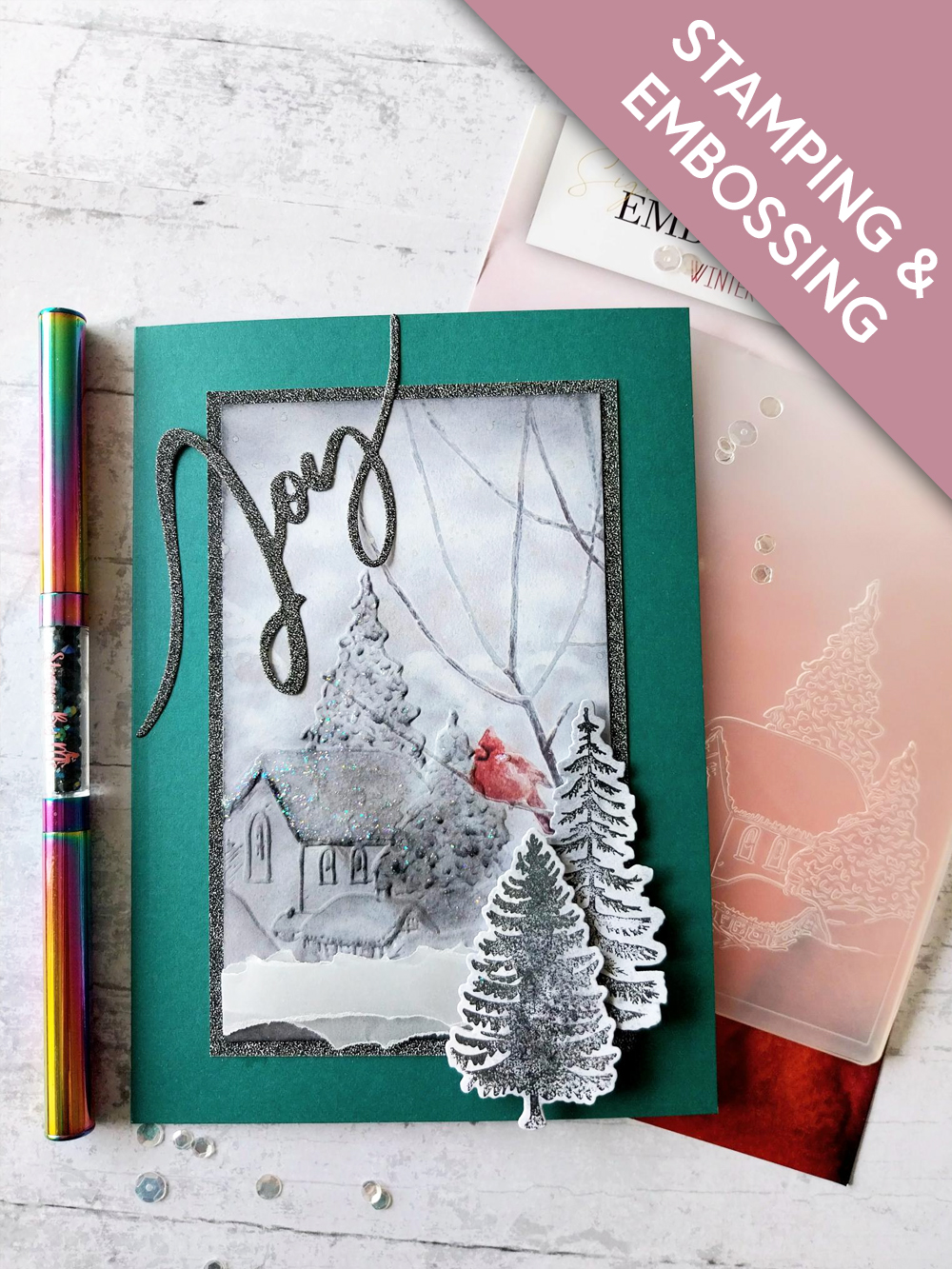
MATÉRIEL NÉCESSAIRE :
Carte vierge bleu canard (recoupée à 7 x 5")
Papier cartonné blanc
Papier cartonné pailleté noir
Papier calque (vellum)
Classeur de gaufrage A6 Winter Village
Fonds peints Winter Magic Slim Line
Set de tampons et matrices de découpe Cotton Pines
Set de matrices de découpe Joy
Encreur hybride SBM : Midnight
Distress Oxide : Lost Shadow, Black Soot
Outil de mise en couleur (blending tool)
Spray Pearlywinks Pearl Mist : Glitter Pearl
Pinceau
Stickles : Star Dust
Pistolet chauffant WOW
Palette d’aquarelle Eureka 101
Tapis en verre magnétique SBM
Massicot
Colle
Ruban adhésif double face
Machine de découpe
[cliquez sur l'image pour l'agrandir] 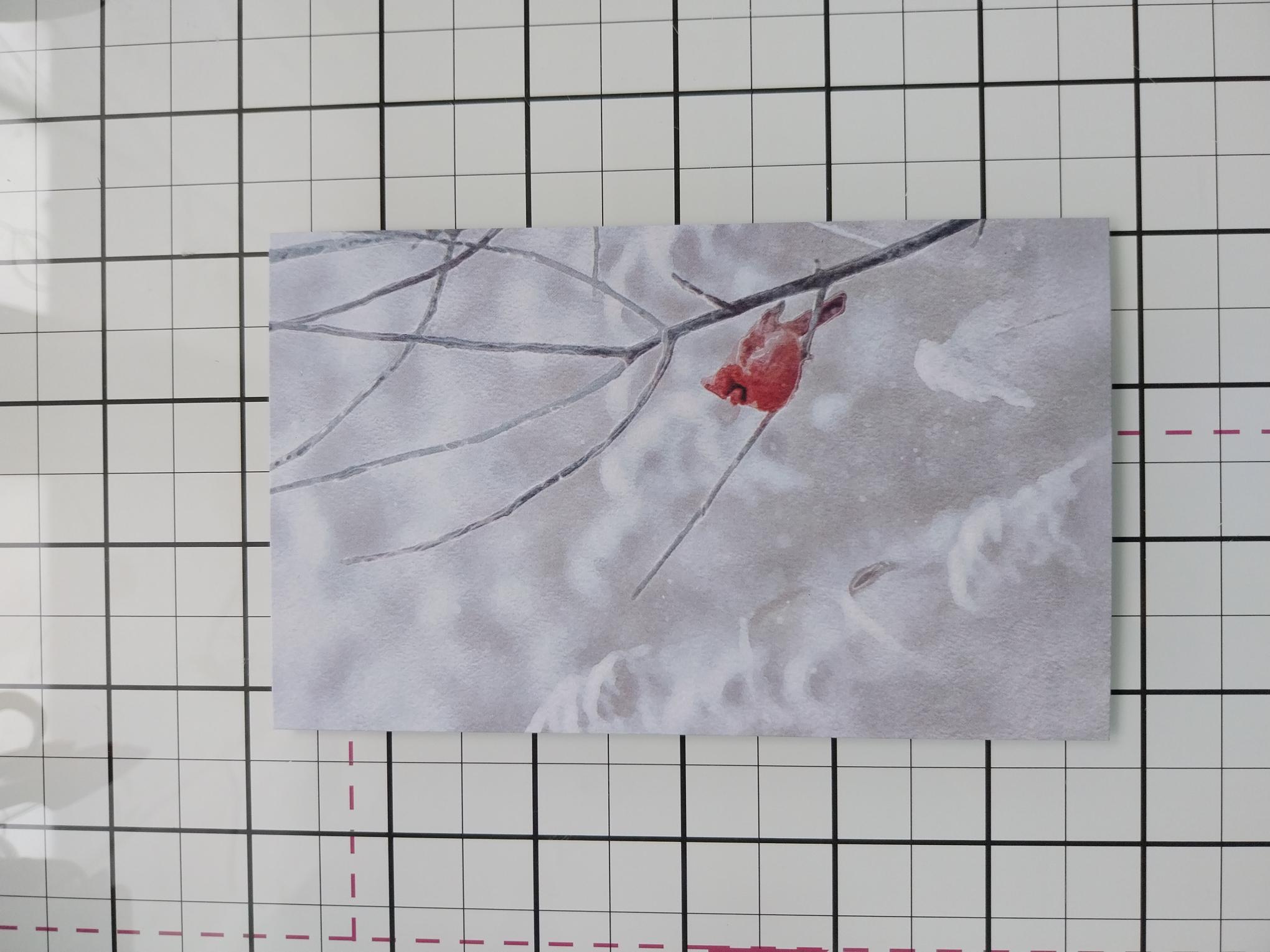
|
Trim this painted mount, from the Winter Magic Slim Line pack, so it fits inside your A6 Winter Village embossing folder. Use the folder as a guide to decide where you want the Red Cardinal to sit, within your design. |
|
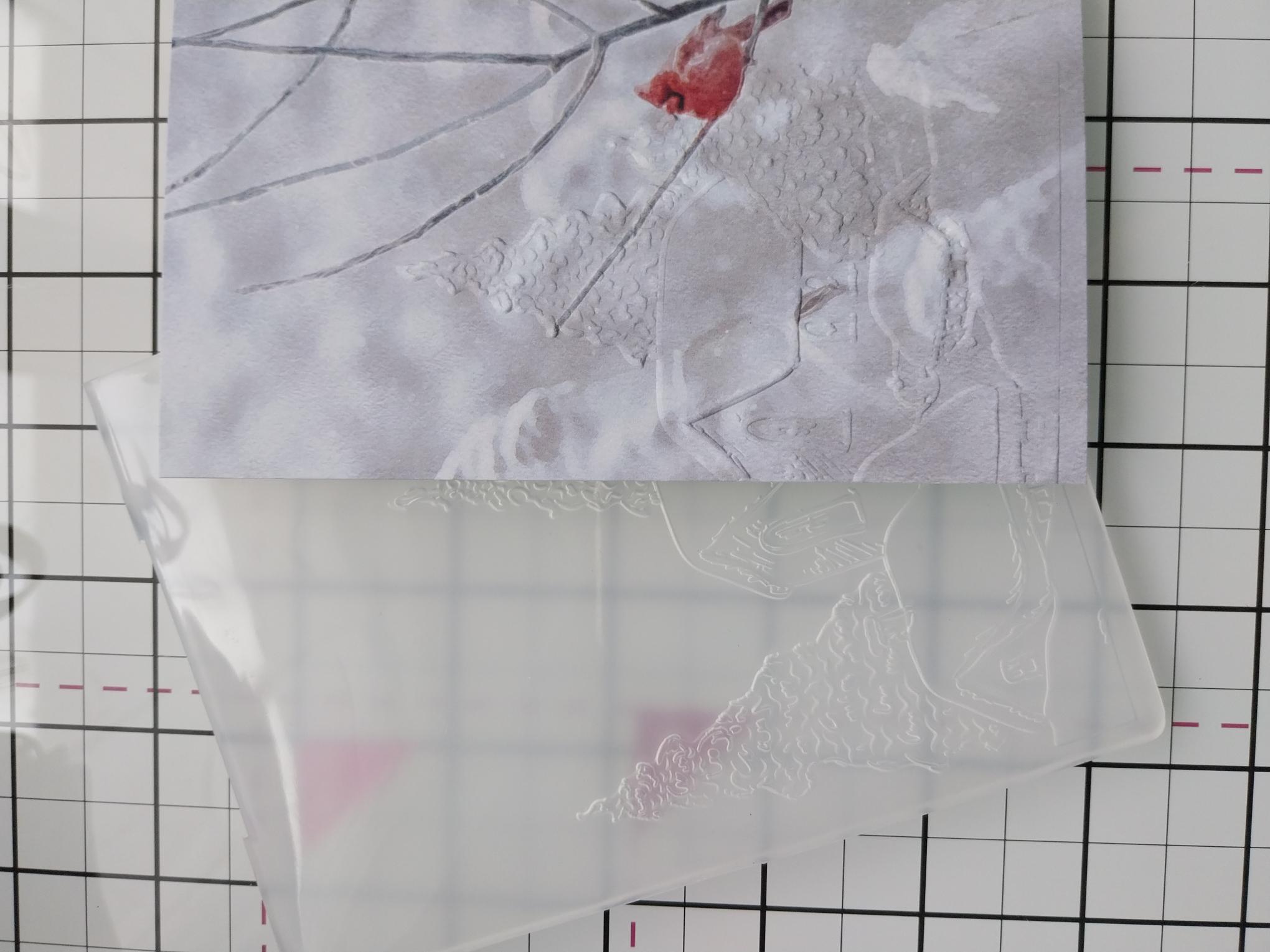
Place inside and run it through your machine, so the embossed image goes off the left edge of the mount. |
|
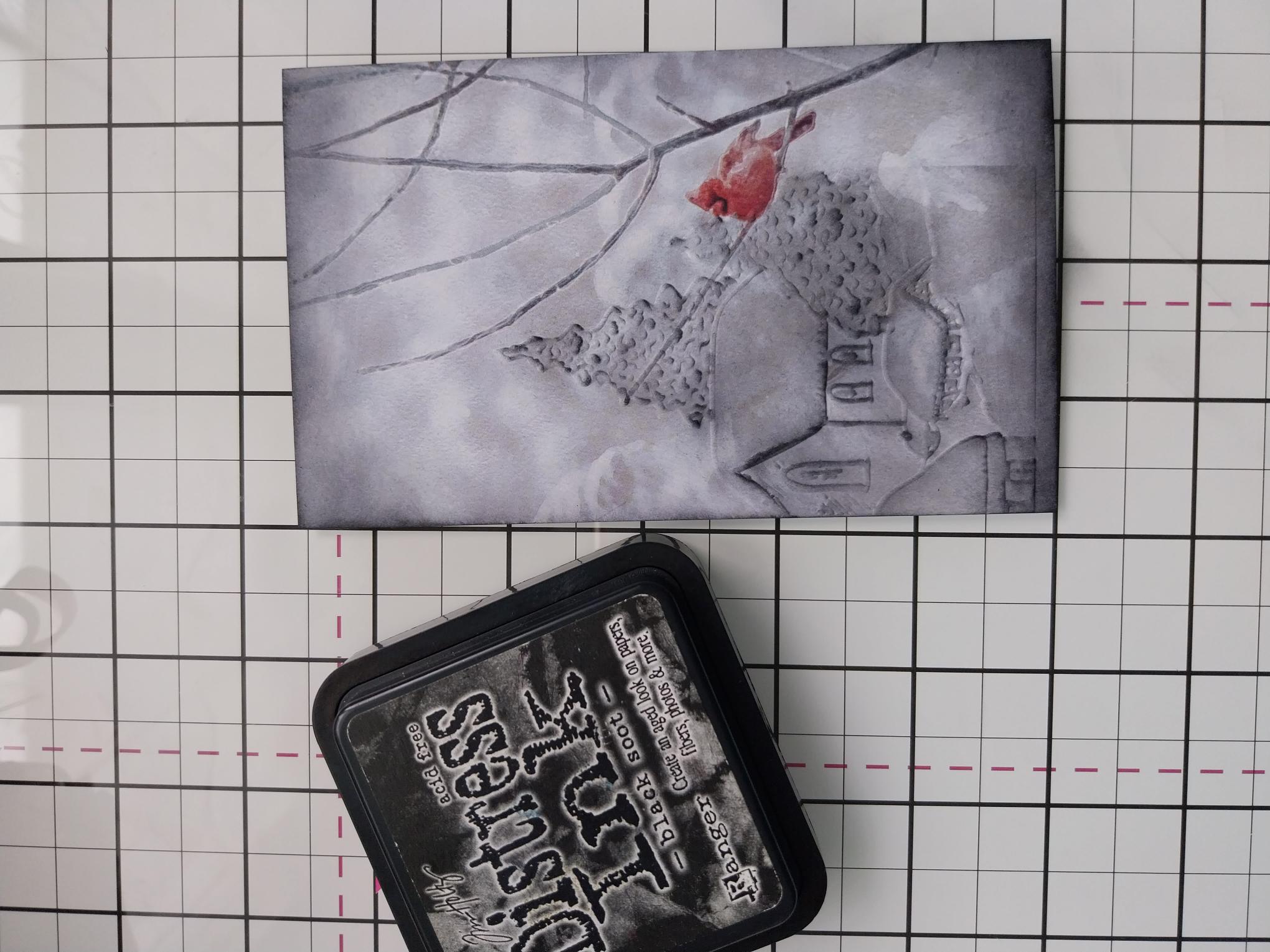
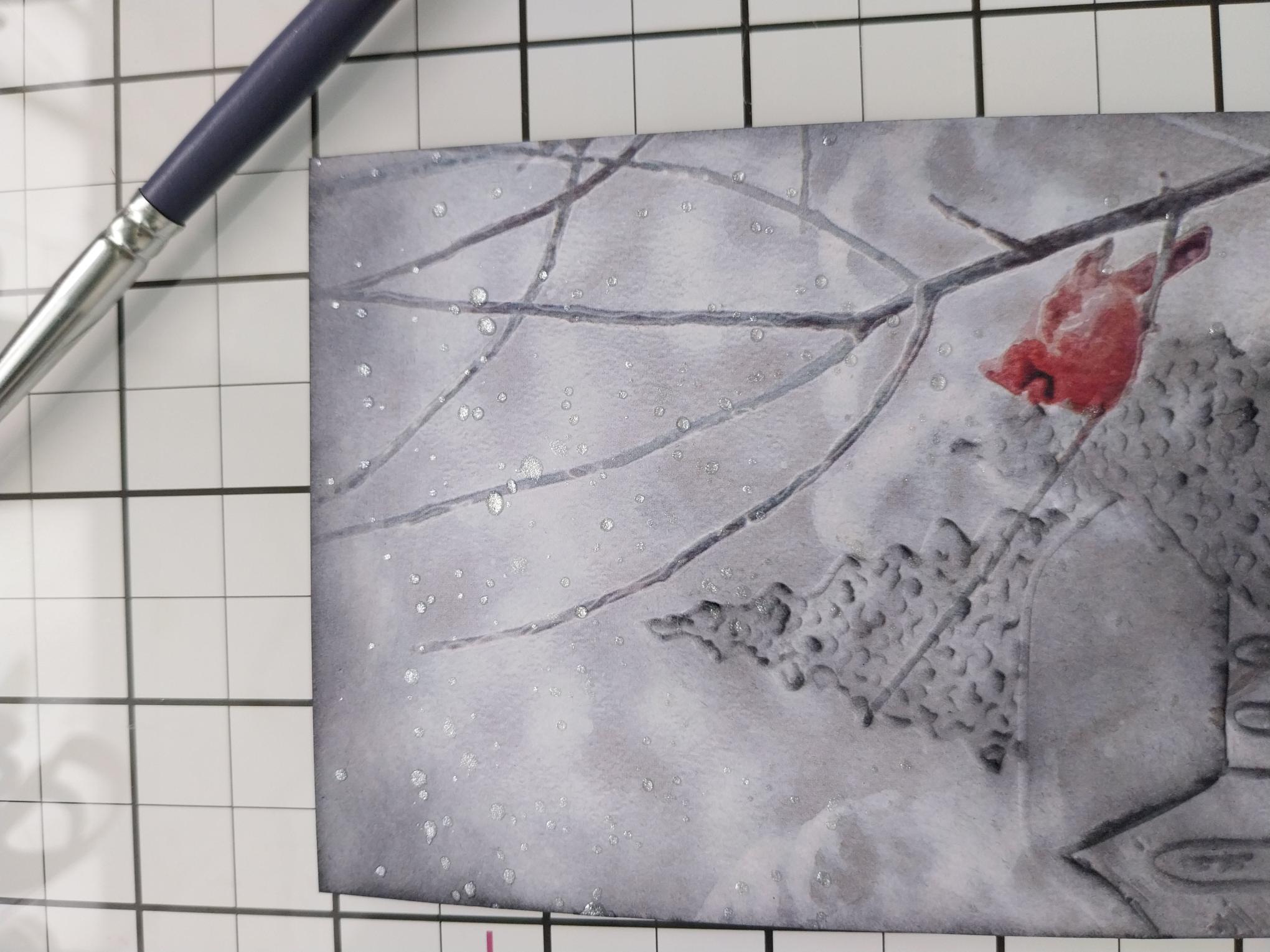
Gently rub your Black Soot ink pad over the embossed image, before blending around the edges of the mount, with your blending tool. Blast the ink dry with your heat tool. |
|
Swirl the Pearlywinks Pearl Mist spray, to activate the mica. Spray on to your glass mat and use a paint brush to splatter over your artwork. Dry off with your heat gun, before setting to one side. |
|
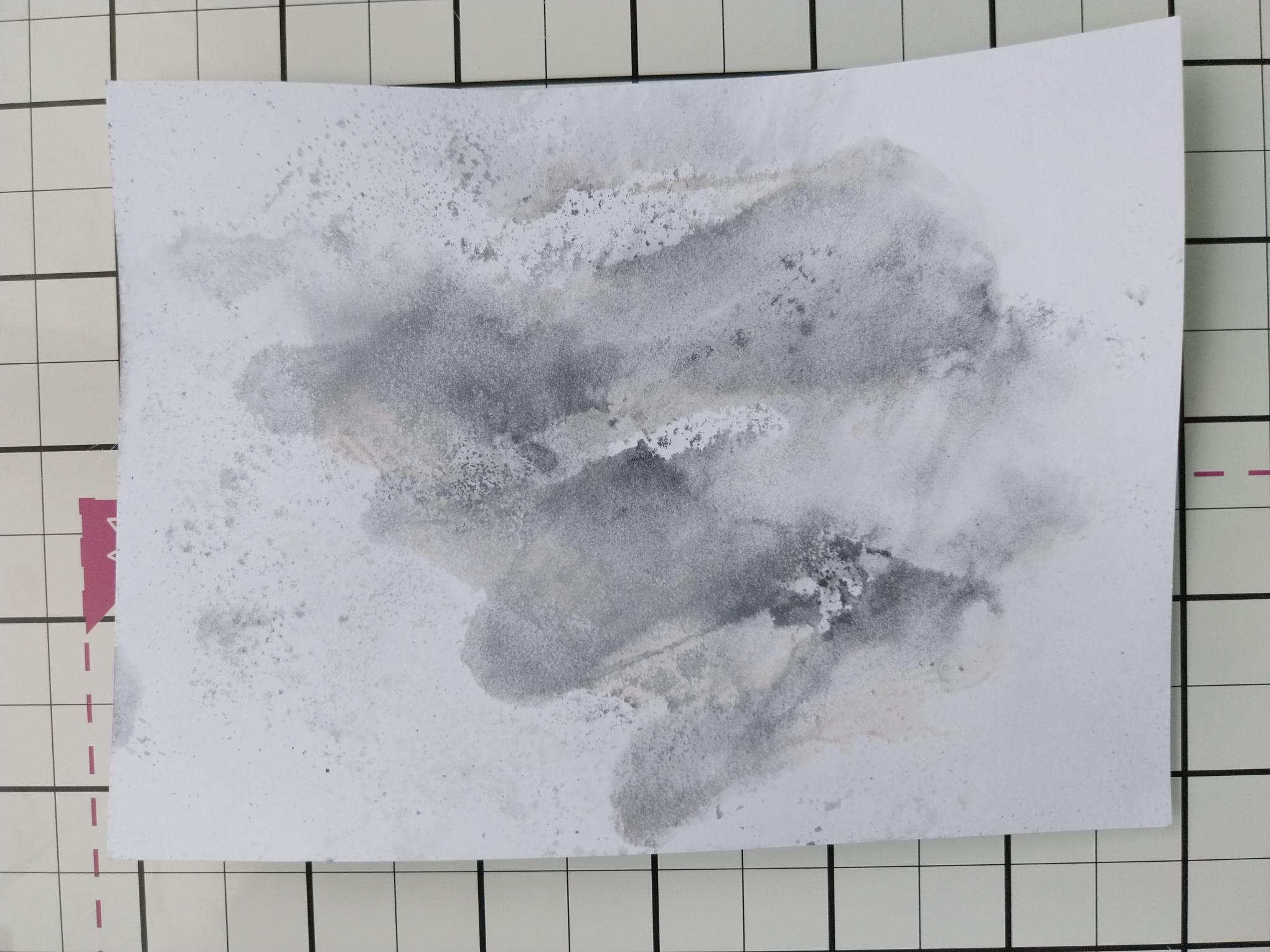
Cut a piece of white card big enough to stamp and die cut, TWO of the Cotton Pine trees. Swipe the Lost Shadow and Black Soot ink pads on to your glass mat, spritz with water and pick up the ink on to the white card. Dry with your heat tool. |
|
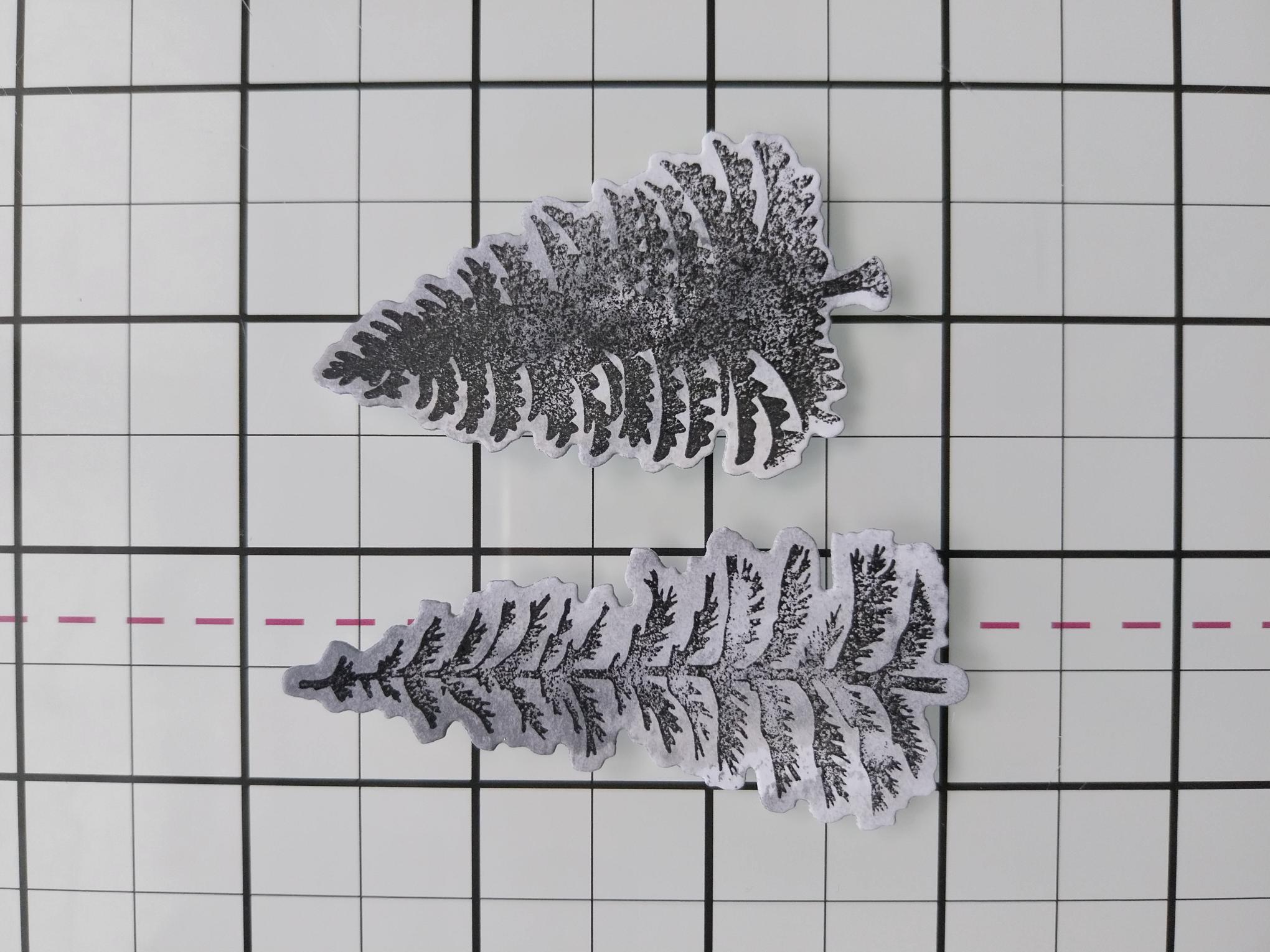
Stamp the trees on to your inky card, using the Midnight Hybrid ink. Use the coordinating dies to cut them out. |
|
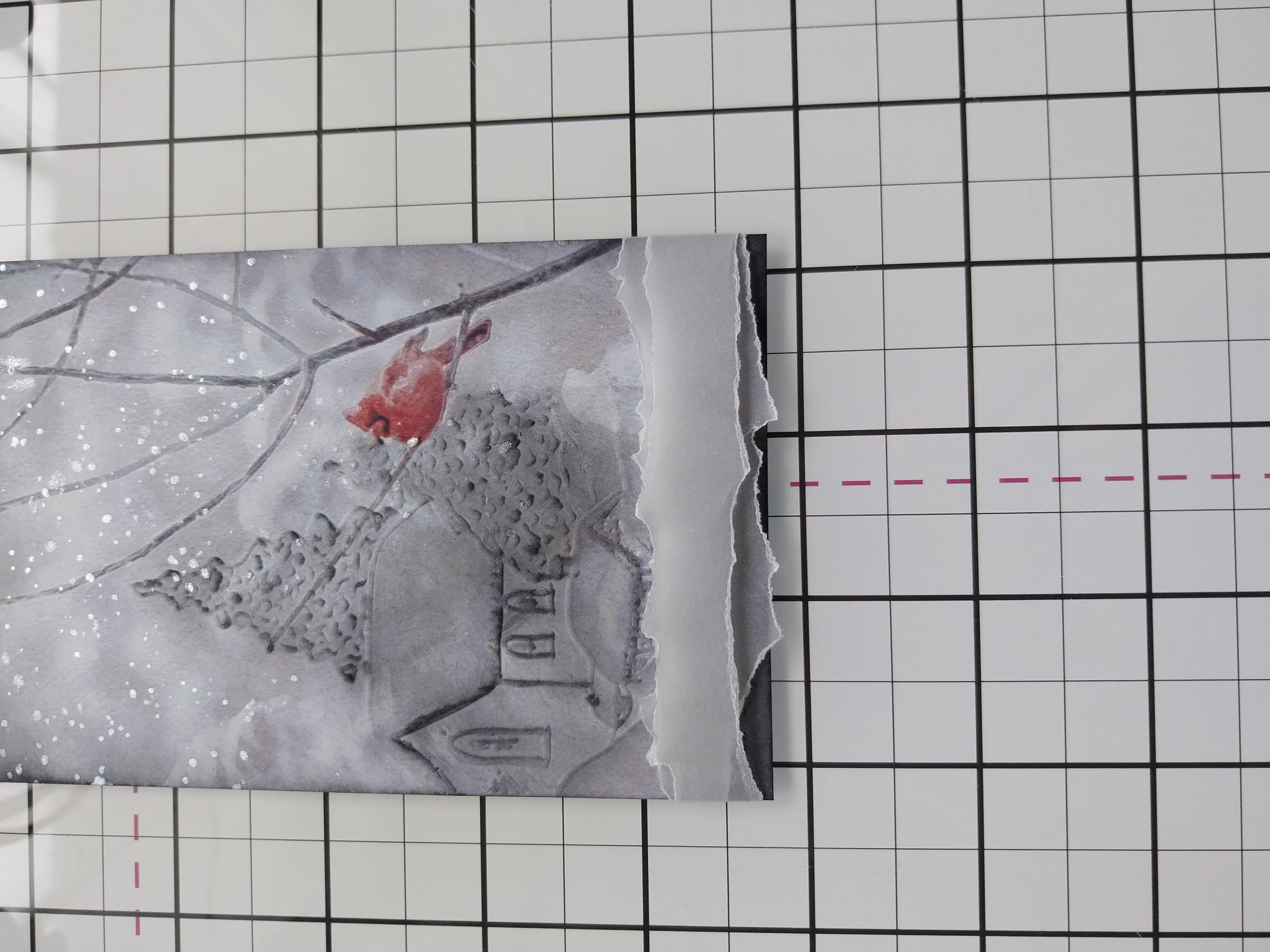
Tear a couple of strips of vellum and place across the bottom of your artwork. Secure on the reverse with double-sided tape. |
|
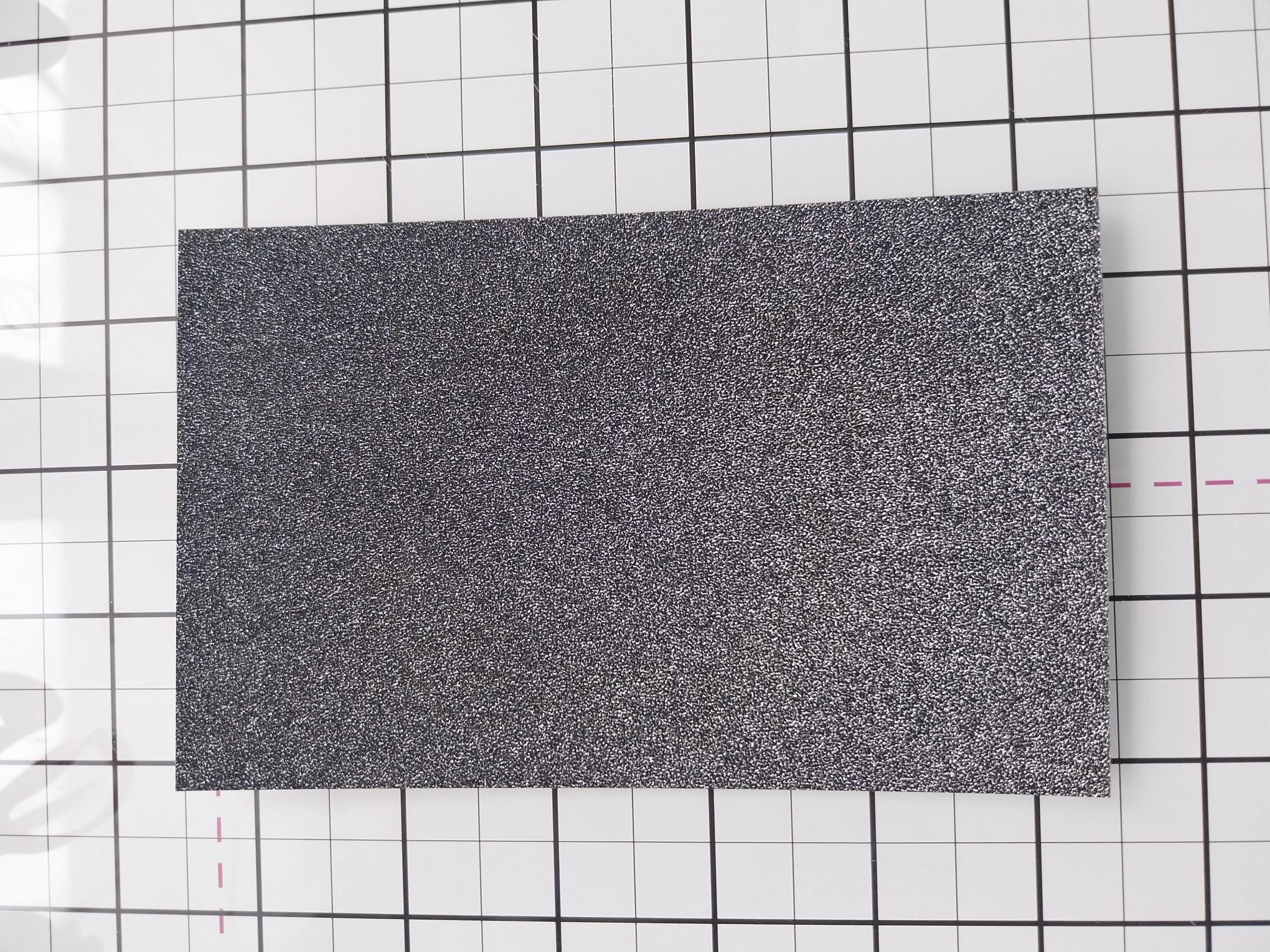
Trim black glitter card 1/4" bigger than your embossed mount. |
|
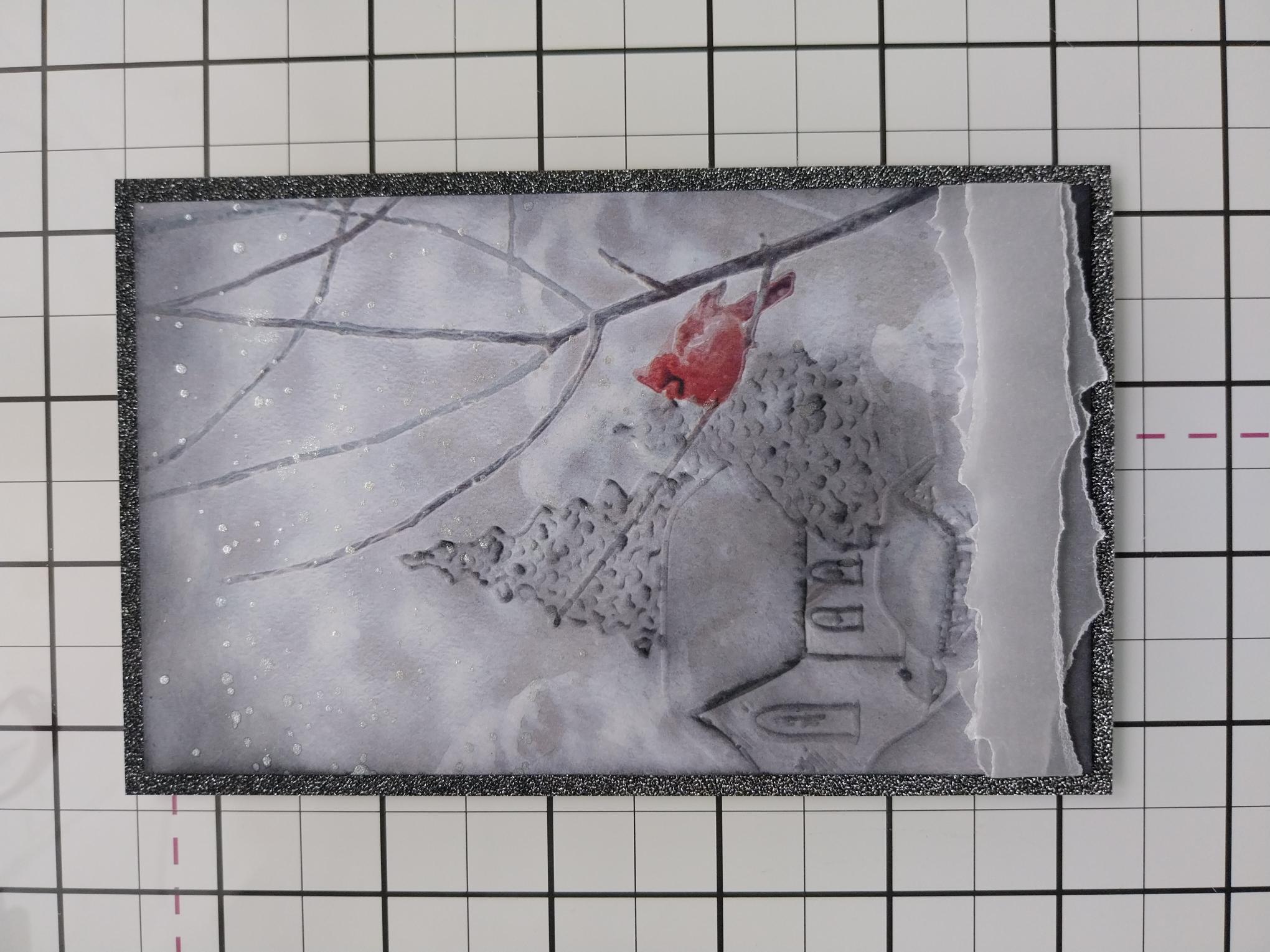
Adhere your artwork on to the black glitter card. |
|
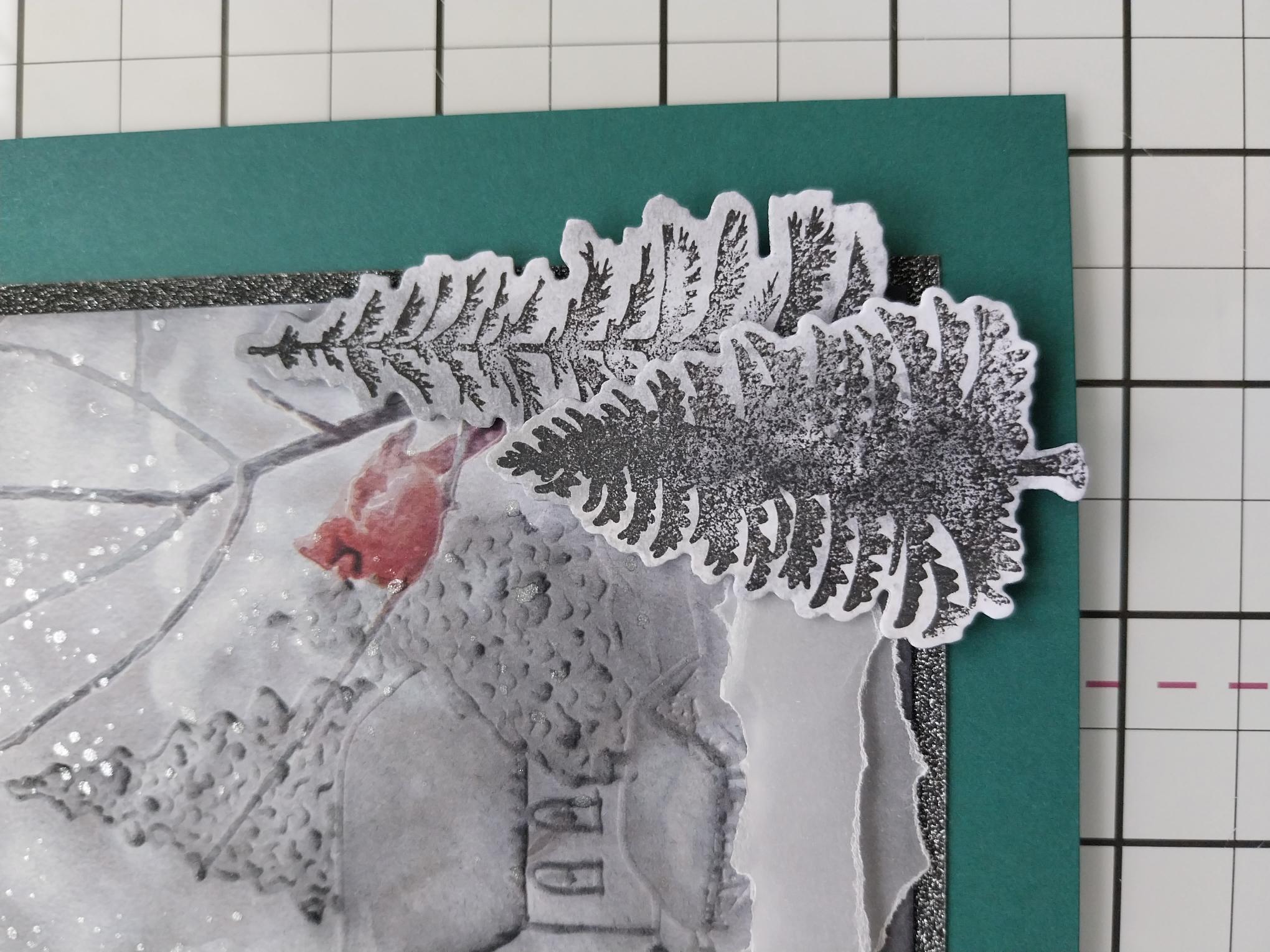
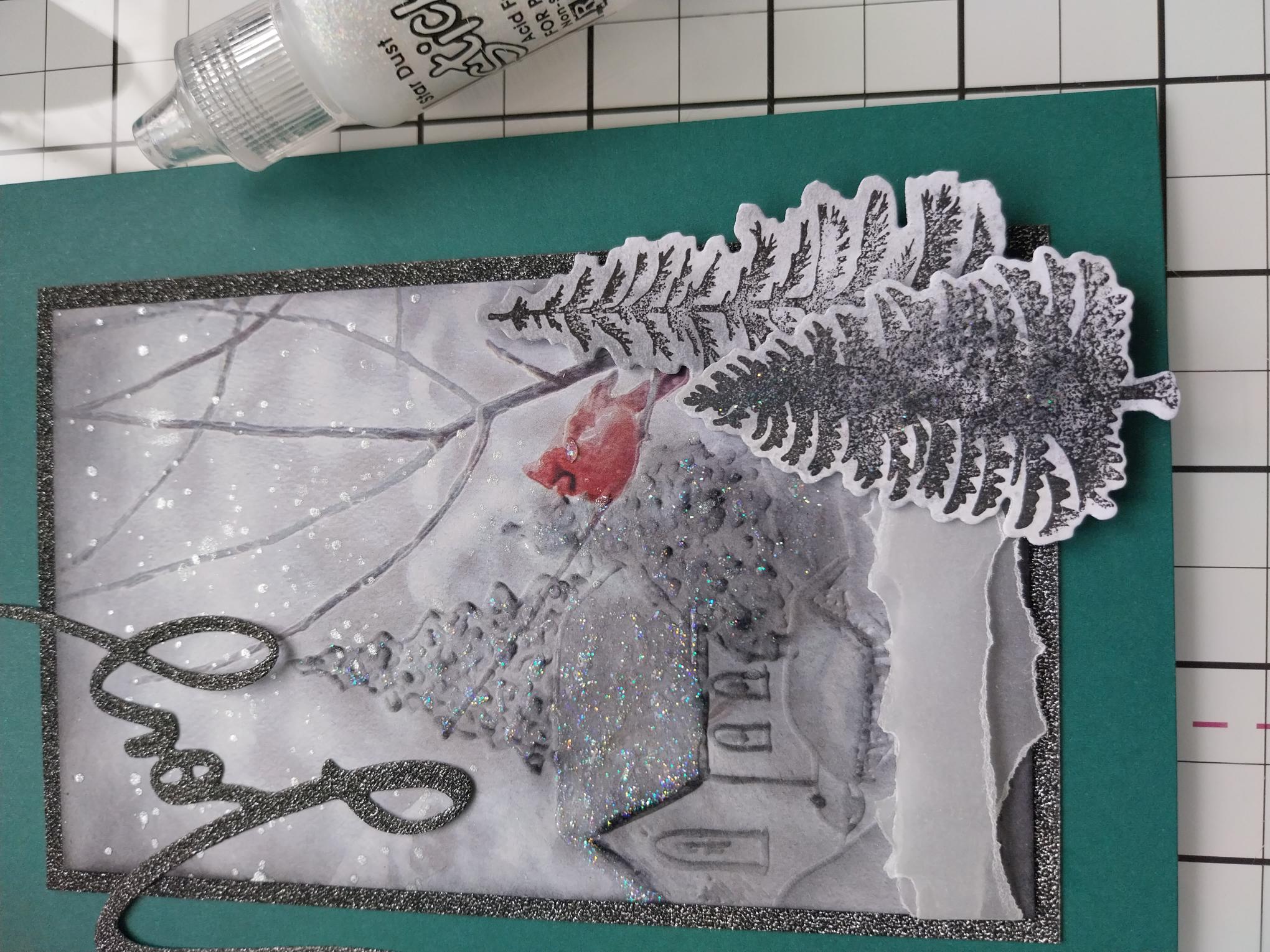
Adhere on to your teal card blank, then use wet glue and foam pads to add your die cut trees to the bottom right of your artwork. |
|
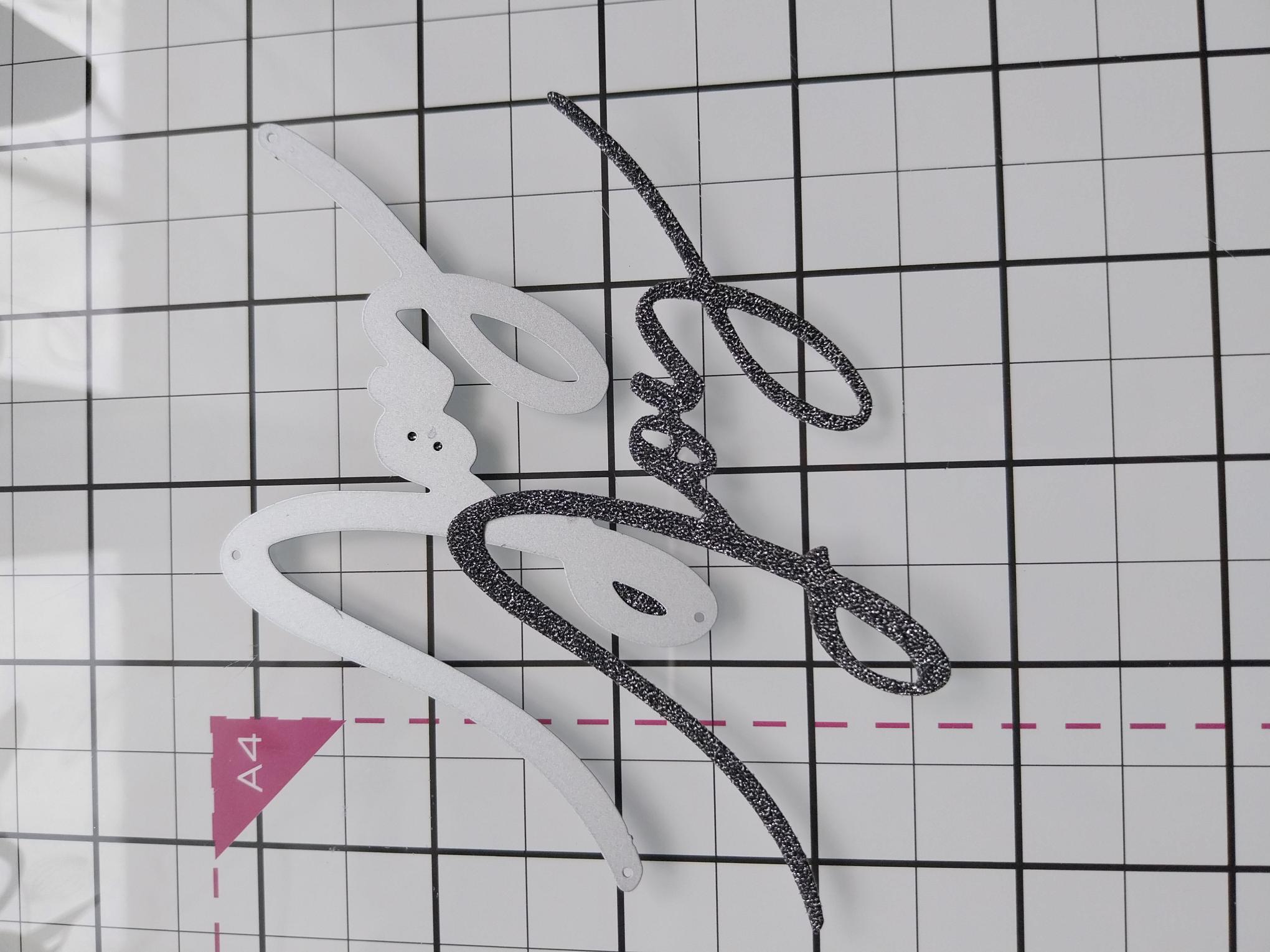
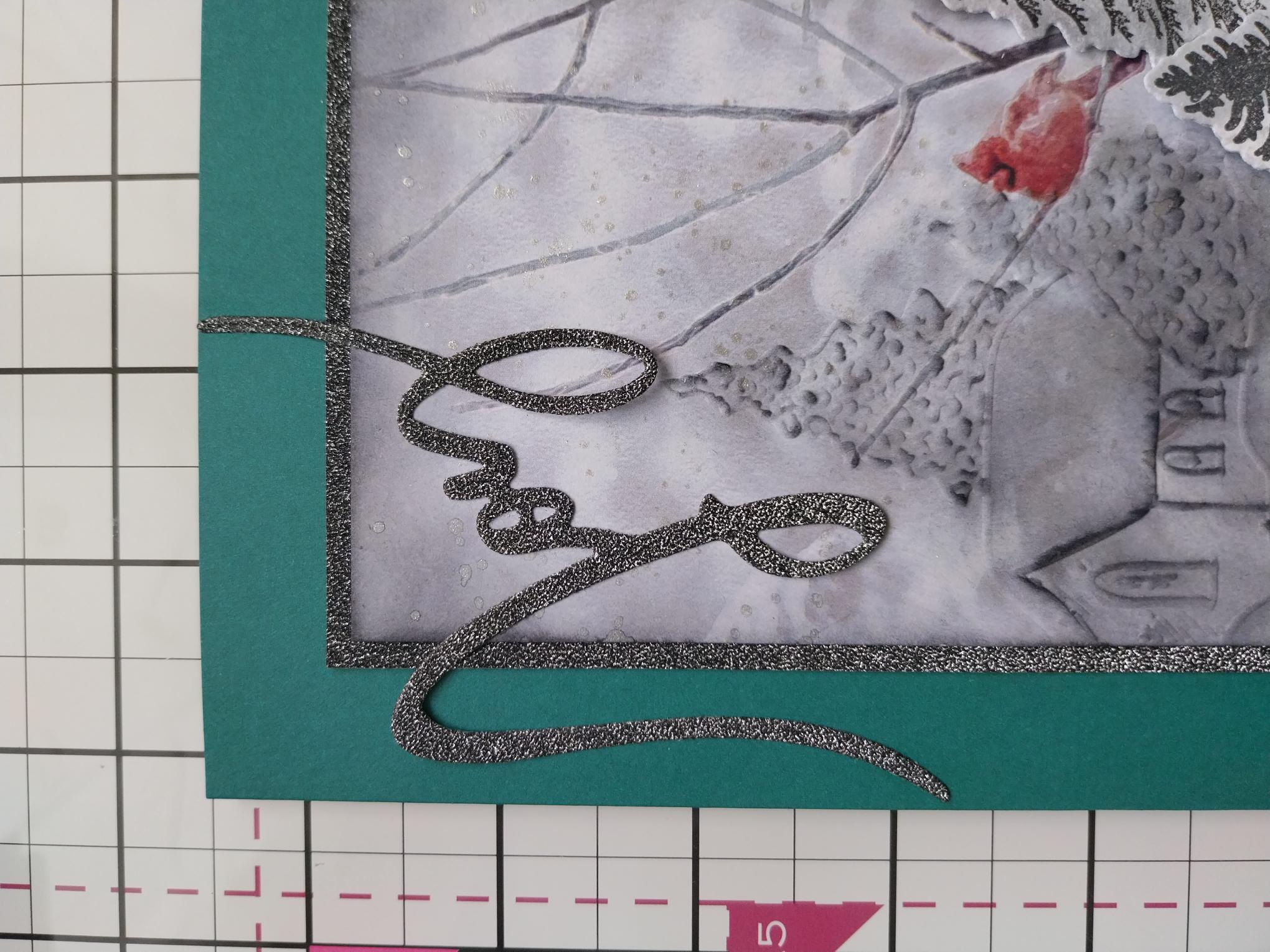
Die cut two or three "Joy" sentiments, using the solid die in the set, on to the black glitter card. Adhere your die cut sentiments together, to create a substantial 3D element. |
|
Adhere across the top left corner of your card. |
|
Use Stickles to add festive sparkle to your artwork, to complete your project. |