LIENS RAPIDES

info@howtocraftnetwork.com
Encore plus malin : achetez et regardez avec l'application SBMTÉLÉCHARGEZ L'APPLIRegardez-nous en direct sur votre smart TVVOIR COMMENTDécouvrez notre chaîne IPTV dédiée : rendez-vous sur my-telly.comREGARDERCumulez des points de fidélité à chaque commandeEN SAVOIR PLUS
Bienvenue sur How to Craft Network
 
SBM SHOP
SUIVEZ-NOUS
OFFREZ 10 € DE RÉDUCTION À VOS AMIS PARRAINEZ UN AMI › DÉCOUVRIR MY-TELLY.COM › ENCORE PLUS MALIN TÉLÉCHARGEZ L'APPLI › CHAÎNE PRIMÉE SUR VOTRE TV › REJOIGNEZ LE CLUB POUR ÉCONOMISER ›
 

Mojito Cocktail Card with Stencils, Stamp and HD 3D Embossing

Un projet de notre émission en direct ÉMISSION CREATE AND CRAFT DU 6 JANV. 2023 - Rejoignez Toni pour son tout nouveau lancement ! · 06/01/2023 · à voir dès 47:45
Mojito Cocktail Card with Stencils, Stamp and HD 3D Embossing - the finished project
Le projet terminé

Create a sophisticated mojito cocktail card featuring layered stencil work in fresh green and yellow tones. Add stamped details for visual interest, then enhance your design with a high-definition 3D embossed heart element. This project demonstrates how to combine multiple techniques including stencilling, stamping and HD embossing for maximum impact.
Vous aurez besoin de

STAMPS BY ME QUATTRO D - MOJITO - 090922ASTAMPS BY ME QUATTRO D - MOJITO - 090922AVOIR

TÉLÉCHARGER CE GUIDE (PDF)

Pas à pas

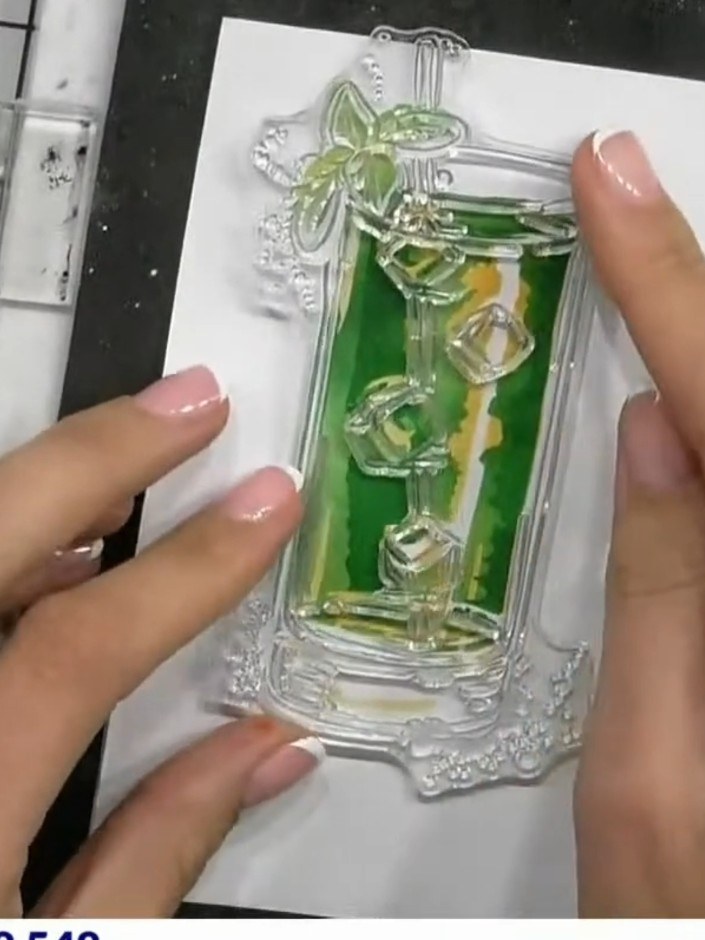
  1. Step 1: Position stencil number one in the corner of your white cardstock on the craft mat.

    Position stencil number one in the corner of your white cardstock on the craft mat.

    ▶ voir cette étape (48:15)
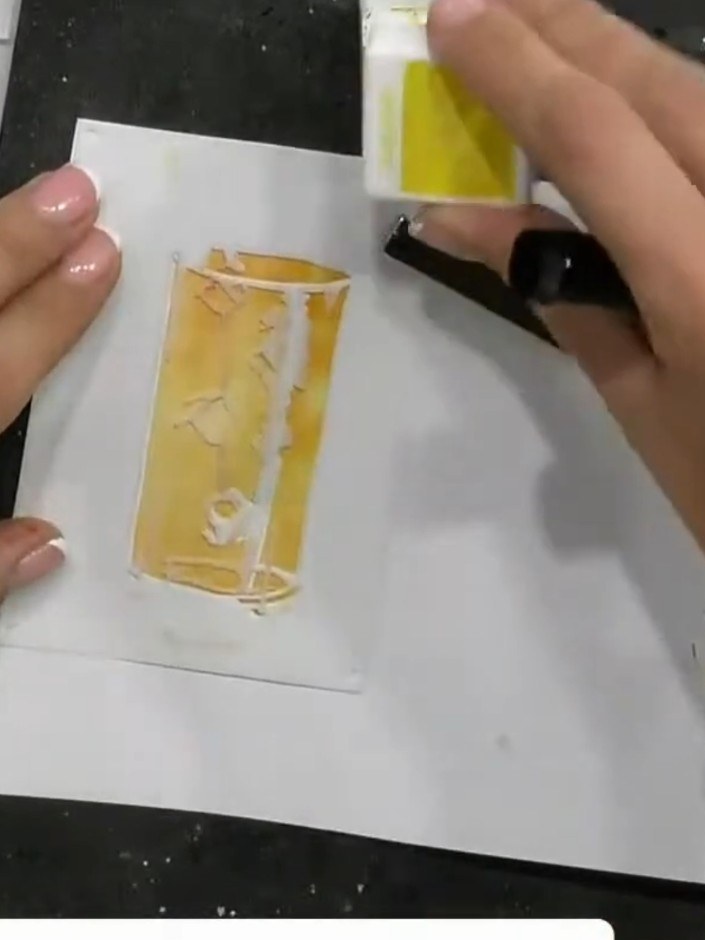
  2. Step 2: Apply green ink through the stencil using a blending brush, working over the design area to create the base co

    Apply green ink through the stencil using a blending brush, working over the design area to create the base colour for the mojito glass.

    ▶ voir cette étape (48:30)
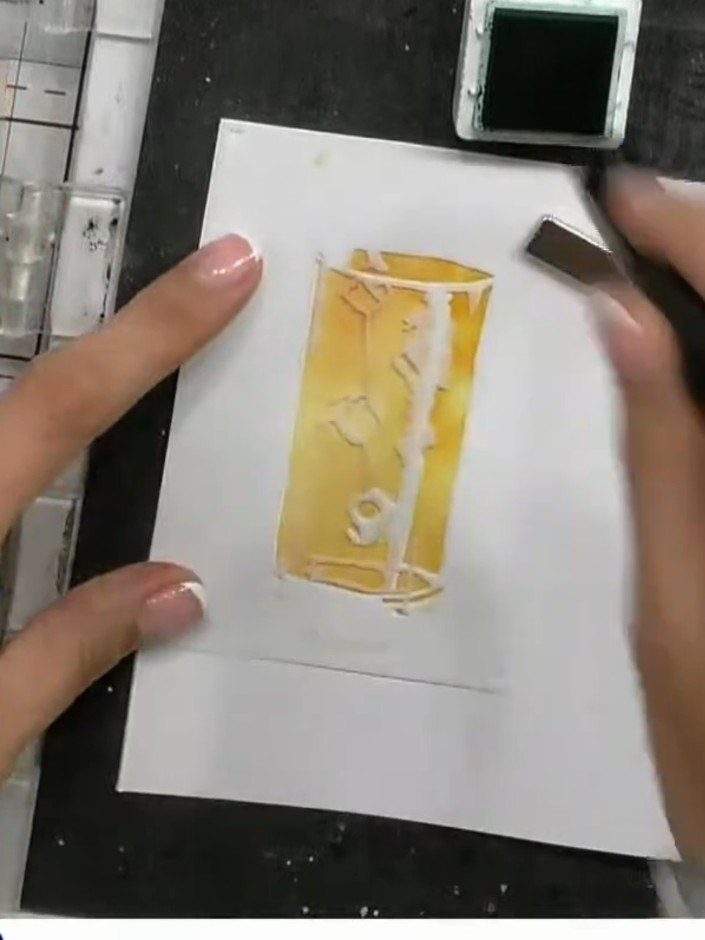
  3. Step 3: Remove the first stencil and position the second stencil in the same corner of the card. Ensure it is aligned

    Remove the first stencil and position the second stencil in the same corner of the card. Ensure it is aligned properly before continuing.

    ▶ voir cette étape (49:00)
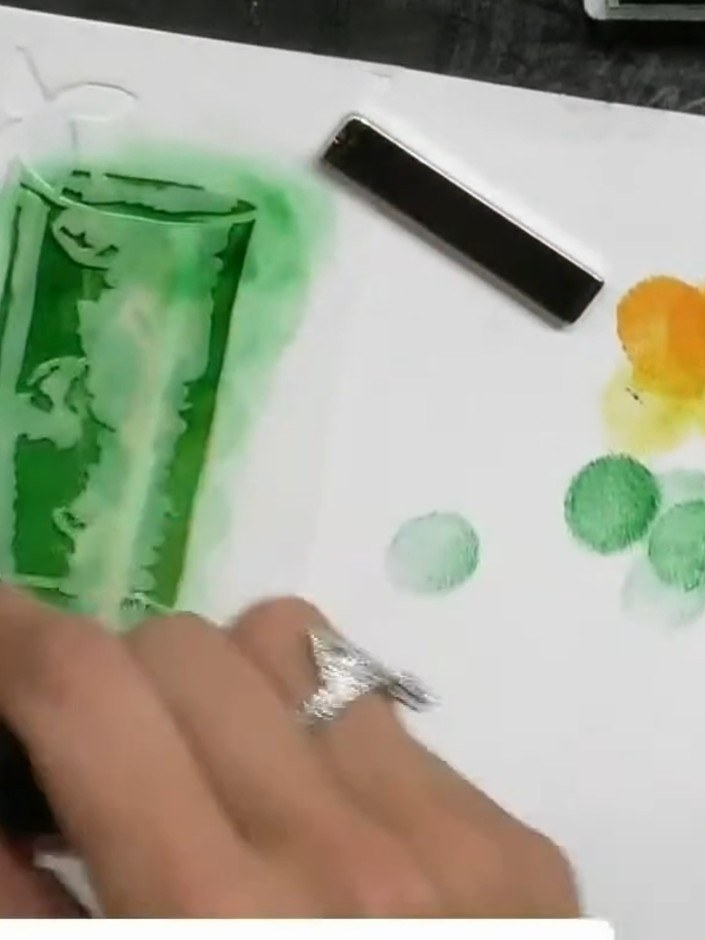
  4. Step 4: Apply green ink through the second stencil layer, building up colour and dimension around the glass image. Use

    Apply green ink through the second stencil layer, building up colour and dimension around the glass image. Use a sponge or blending tool to add depth to the design.

    ▶ voir cette étape (49:15)
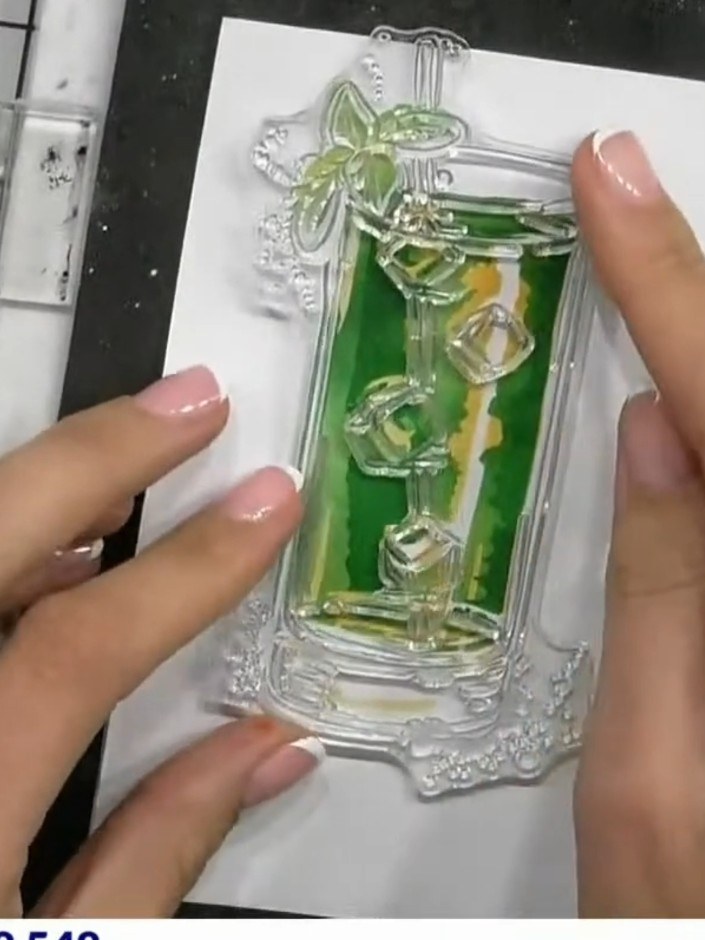
  5. Step 5: Remove stencil two and position stencil number three over the cocktail glass area on your card.

    Remove stencil two and position stencil number three over the cocktail glass area on your card.

    ▶ voir cette étape (49:45)
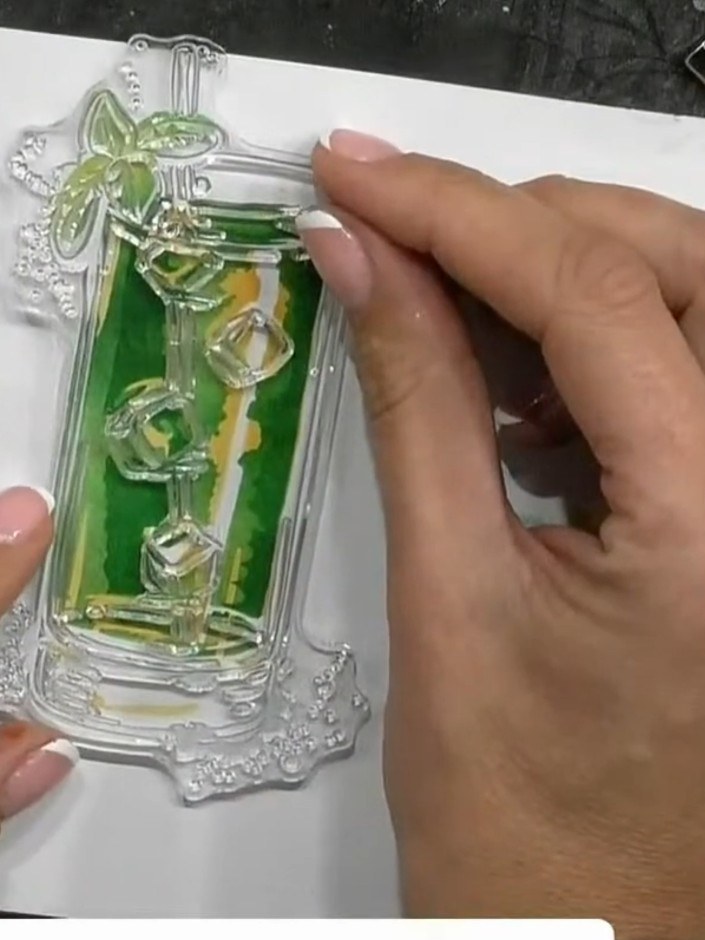
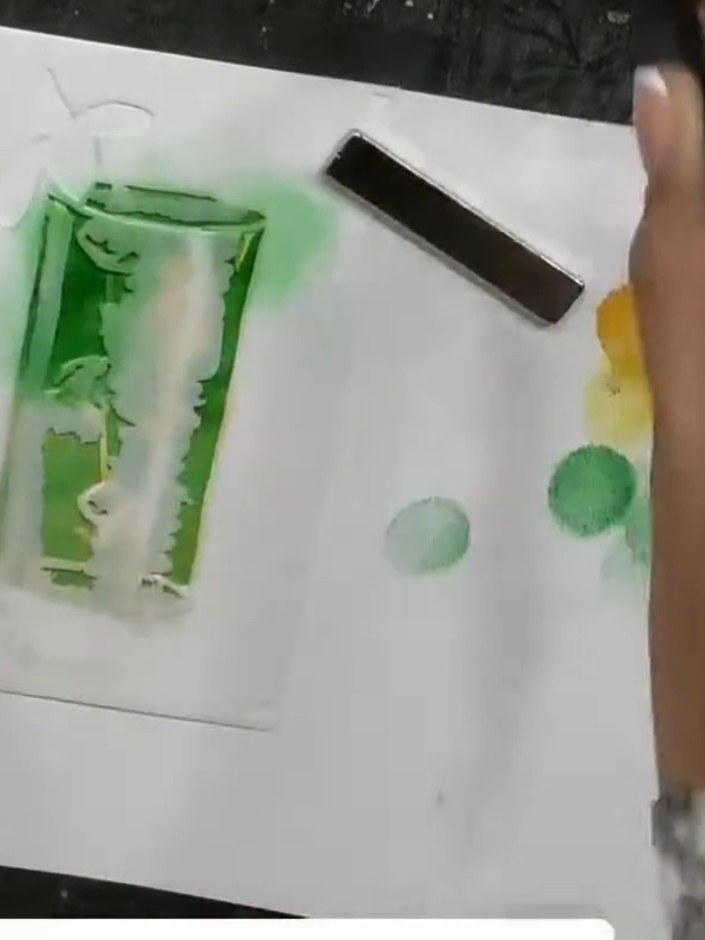
  6. Step 6: Apply green ink through stencil three, pressing firmly to create darker tones and depth. Work the ink pad over

    Apply green ink through stencil three, pressing firmly to create darker tones and depth. Work the ink pad over the stencil to build up colour intensity where desired.

    ▶ voir cette étape (50:00)
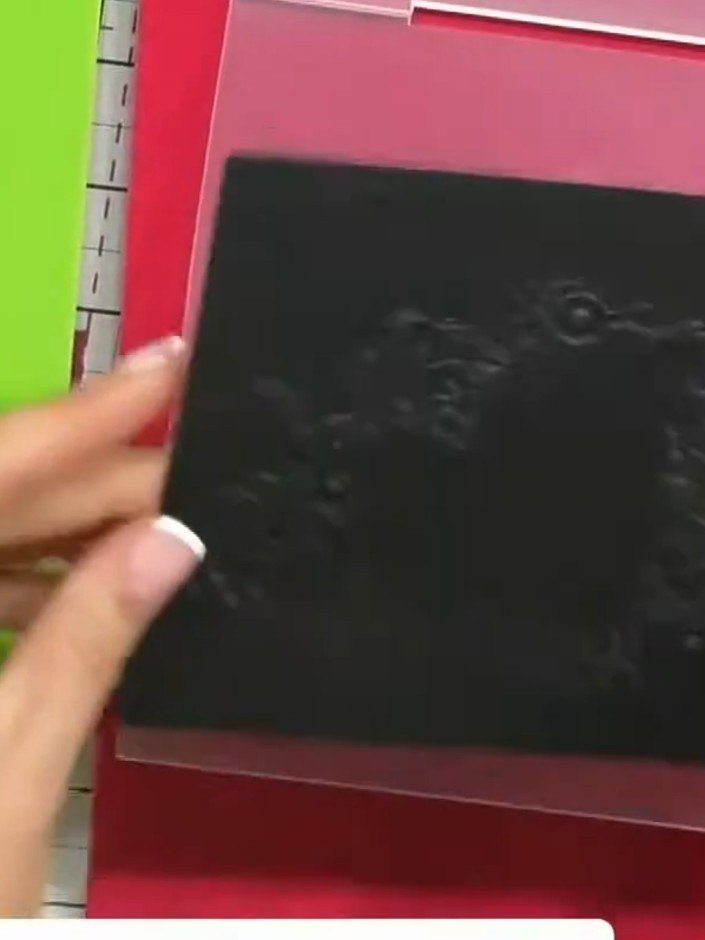
  7. Stamp a sentiment or decorative detail from the Mojito stamp set in black ink onto the stencilled cocktail glass background. Position the stamp carefully to complement the stencilled design. ▶ watch 50:30
  8. Step 8: Place your black cardstock into the High Definition 3D Embossing Folder, aligning it carefully within the fold

    Place your black cardstock into the High Definition 3D Embossing Folder, aligning it carefully within the folder.

    ▶ voir cette étape (54:00)
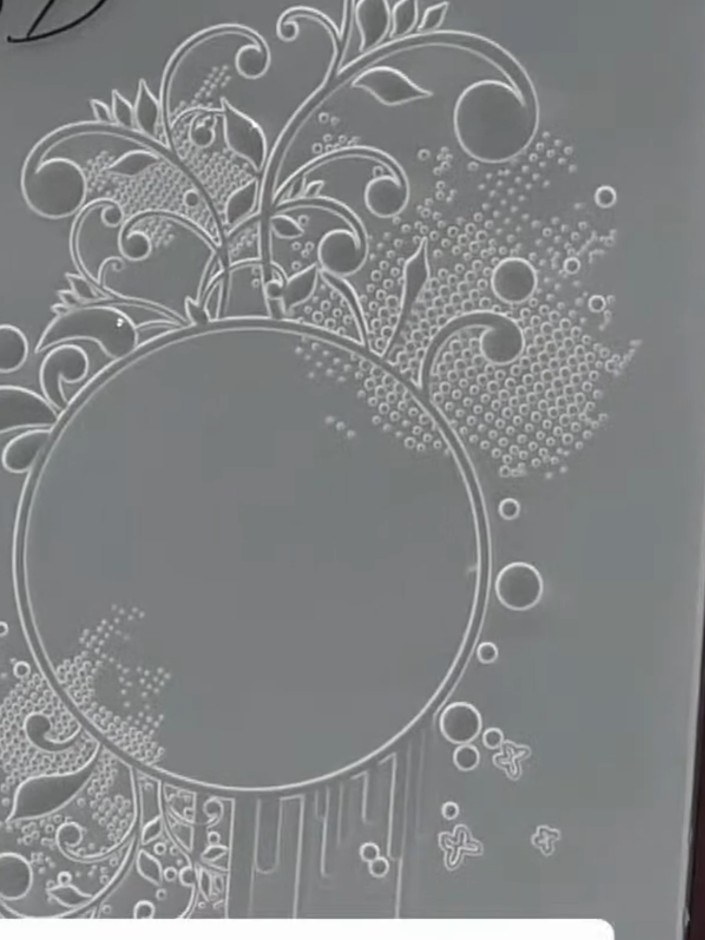
  9. Step 9: Run the embossing folder through your die-cutting machine, applying steady pressure to create the embossed eff

    Run the embossing folder through your die-cutting machine, applying steady pressure to create the embossed effect on your card.

    ▶ voir cette étape (54:15)
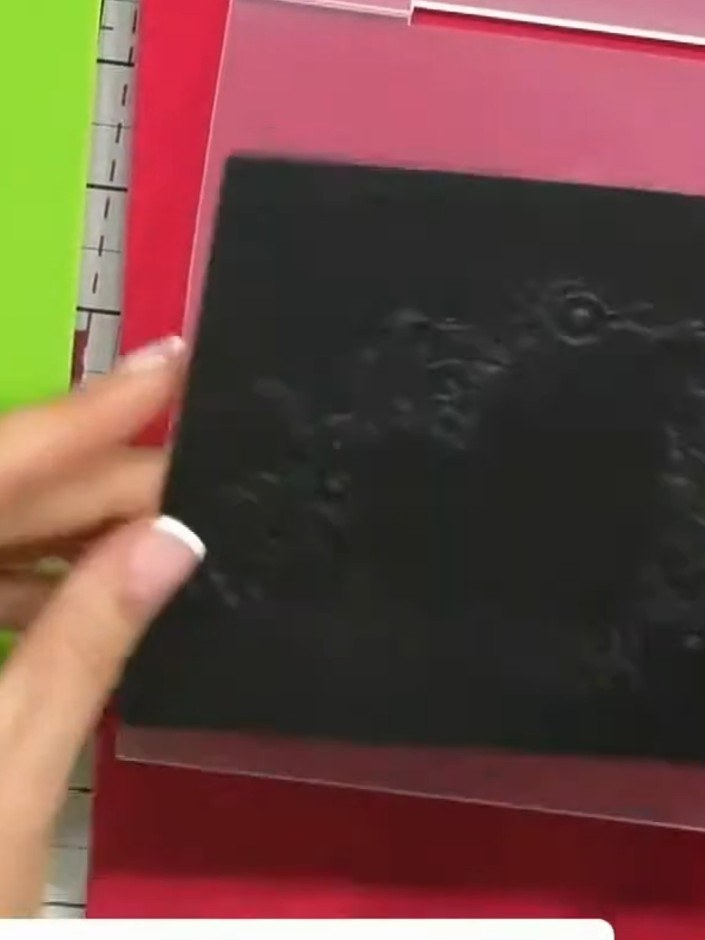
  10. Step 10: Remove the black cardstock from the embossing folder and examine both the raised embossed side and the recesse

    Remove the black cardstock from the embossing folder and examine both the raised embossed side and the recessed debossed side to see the dimensional detail created by the folder.

    ▶ voir cette étape (54:45)
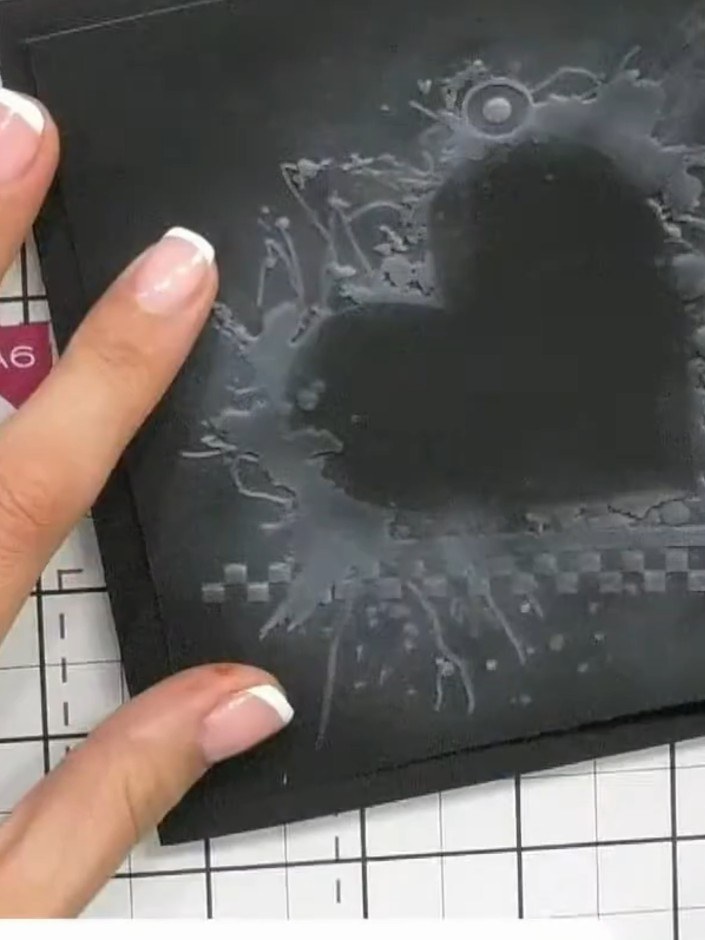
  11. Step 11: Adhere the finished embossed piece to a card base using foam pads to add dimension and showcase the 3D embossi

    Adhere the finished embossed piece to a card base using foam pads to add dimension and showcase the 3D embossing effect.

    ▶ voir cette étape (57:00)

Astuces de l'émission

À voir aussi dans cette émission

Rédigé à partir de l'émission elle-même. Découvrez tous les guides de nos émissions · tutoriels gratuits · regarder en direct sur My Telly







