Offrez à vos amis 10 € de réduction sur leur première commande !
Parrainez un AMI








Un projet de notre émission en direct 811161 – Classeurs de gaufrage 3D Floral SBM · 01/01/2023 · à voir dès 1:00
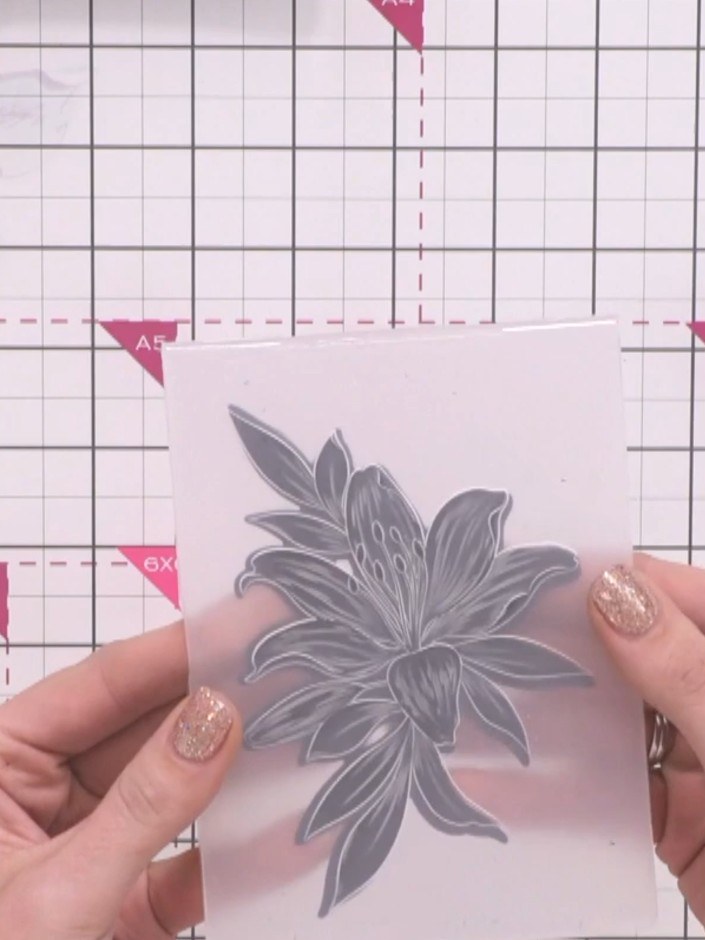
Create a stunning 3D floral embellishment featuring intricate dimensional details highlighted with metallic gold accents. Using embossing folders with coordinating dies, you'll produce a beautifully textured design in elegant pink and gold tones. This technique showcases the depth and detail of embossed florals, perfect for adding a sophisticated touch to cards and papercrafts.
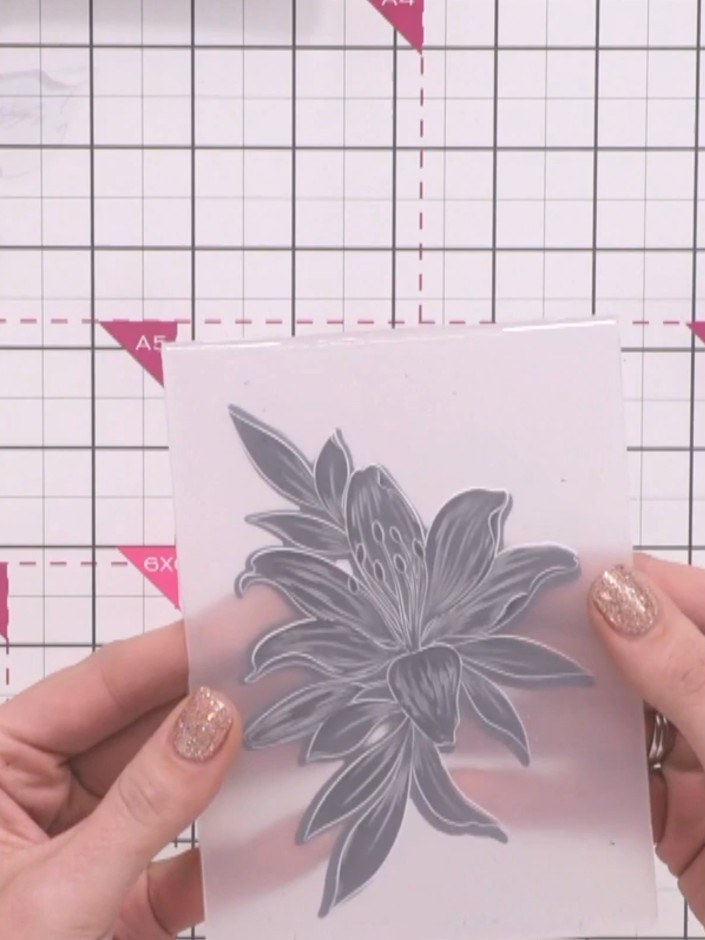
Place your cardstock with the floral embellishment into your die-cutting machine along with the coordinating die. Run it through the machine to cut out the floral shape.
▶ voir cette étape (1:00)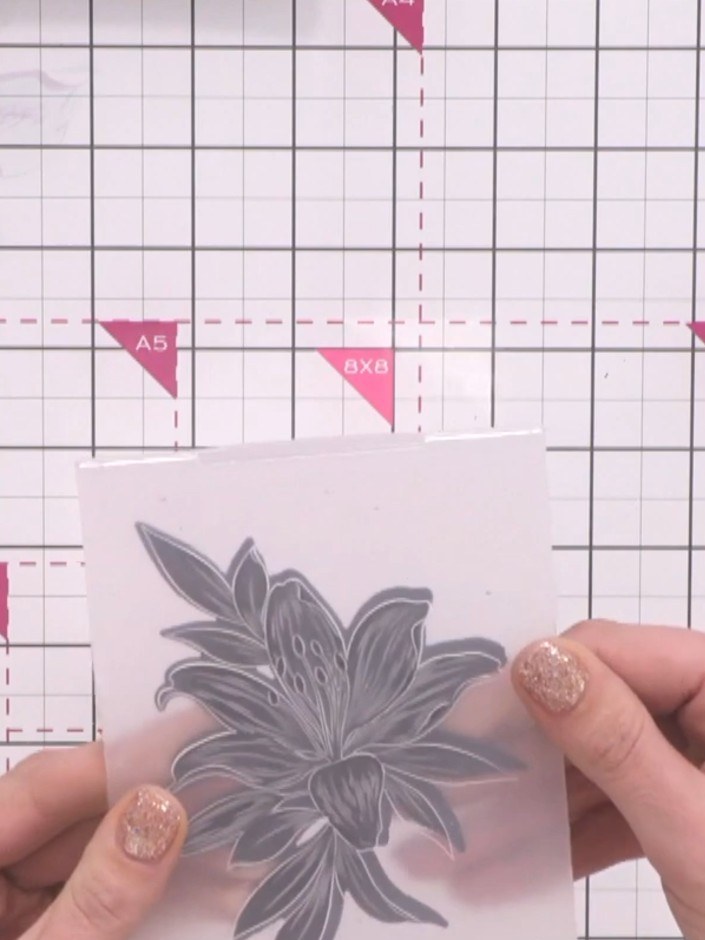
Line up the cut black floral embellishment with the embossing folder, ensuring it is oriented correctly. The folder only accepts the design in one direction, so check the alignment before proceeding.
▶ voir cette étape (1:05)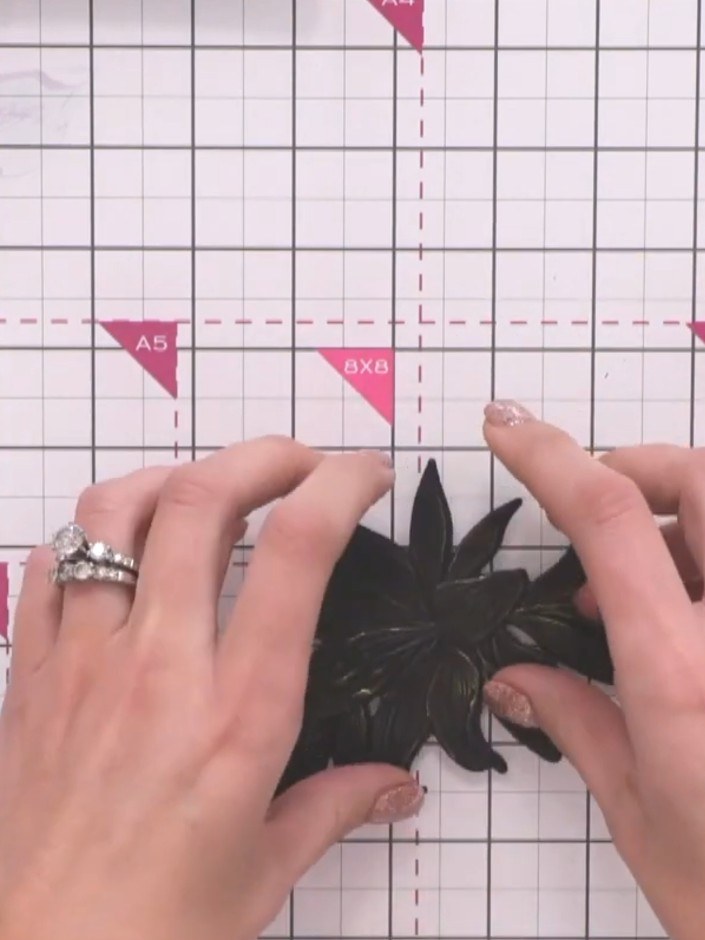
Place your embellishment into the embossing folder and run it through your die-cutting machine to create a 3D embossed effect with dimensional detail.
▶ voir cette étape (1:10)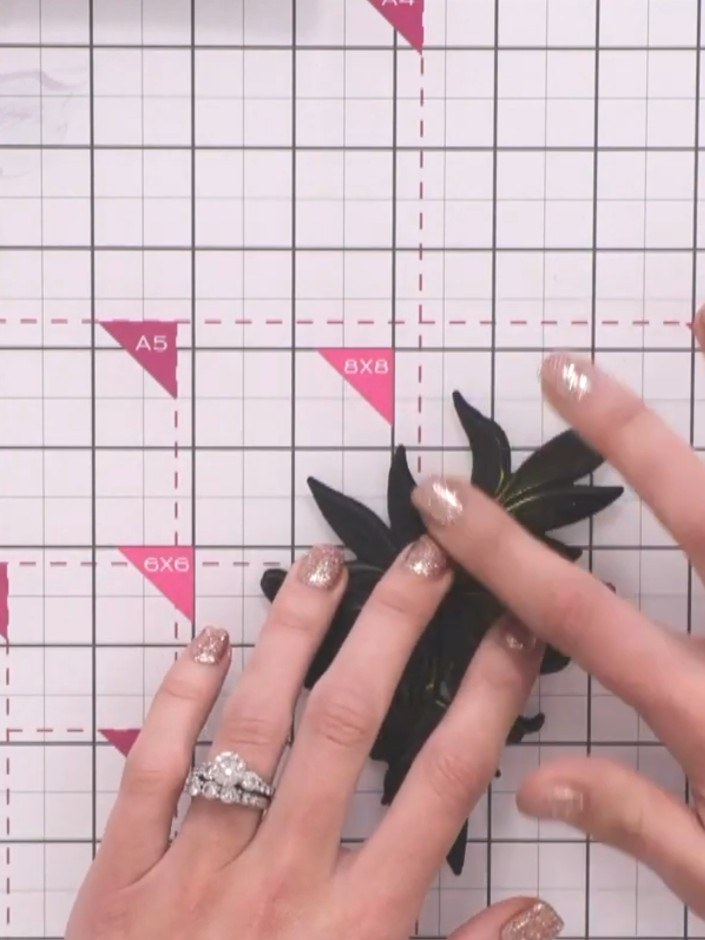
Carefully remove the embossed floral embellishment from the 3D embossing folder to reveal the dimensional design.
▶ voir cette étape (1:15)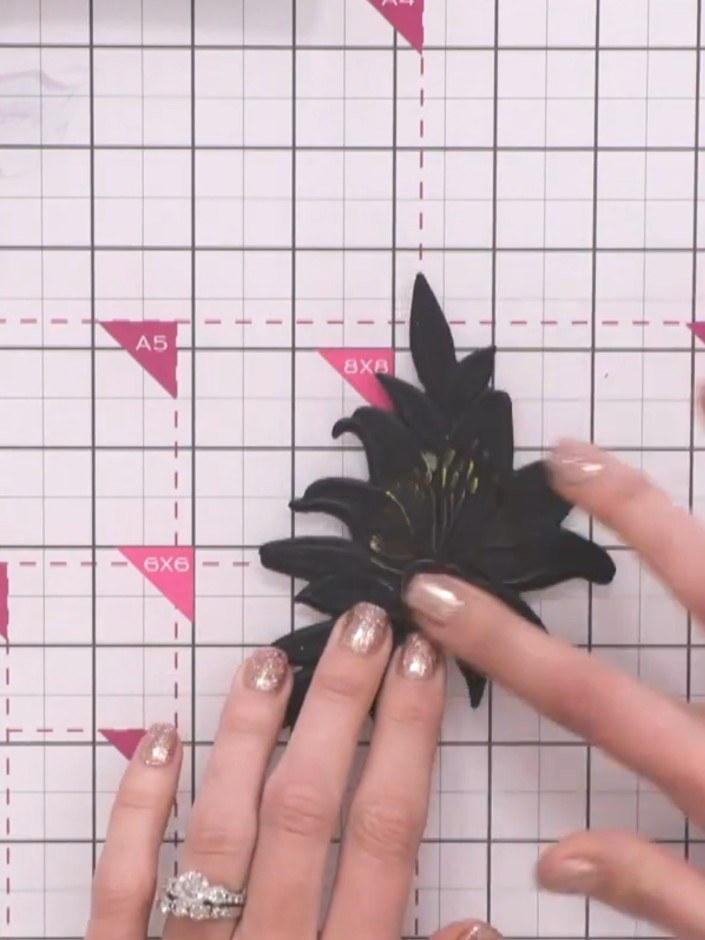
Apply gold ink or polish to selected areas of the black embossed floral piece to highlight the detail and add dimension to the design.
▶ voir cette étape (1:25)Rédigé à partir de l'émission elle-même. Découvrez tous les guides de nos émissions · tutoriels gratuits · regarder en direct sur My Telly