Offrez à vos amis 10 € de réduction sur leur première commande !
Parrainez un AMI








Un projet de notre émission en direct HSN Item 811132 - Stamps By Me - Quattro-d Peonies · 26/09/2022 · à voir dès 1:15
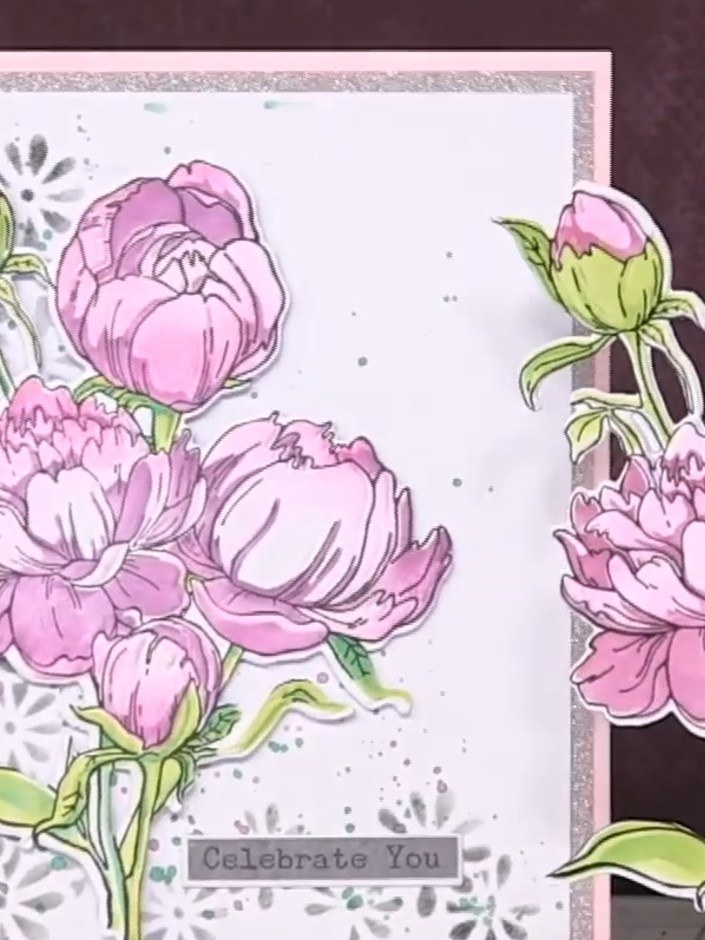
Create a stunning multi-layered peony card featuring beautiful pink peonies with green stems and buds. This project combines stencilling, stamping, die-cutting and 3D embossing using the Quattro-D technique to create dimensional floral embellishments with wonderful depth and texture. The finished card includes a decorative background with a 'Celebrate You' sentiment.
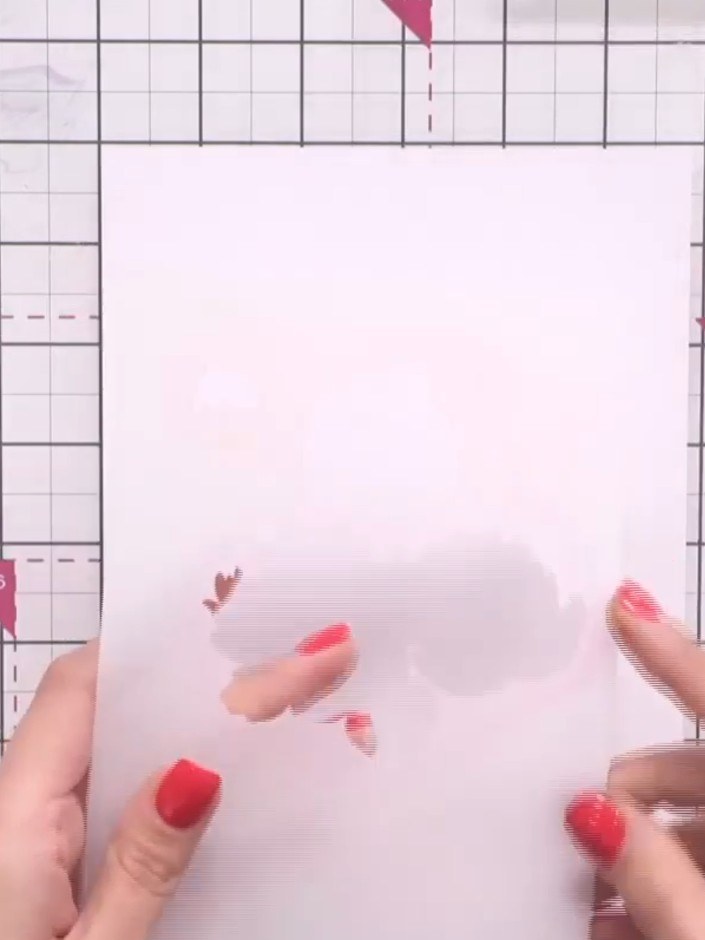
Take the first numbered stencil from your Quattro-D Peonies set and position it on your white cardstock. Align the stencil using the edge of the cardstock as a guide, ensuring it sits flat and secure.
▶ voir cette étape (1:15)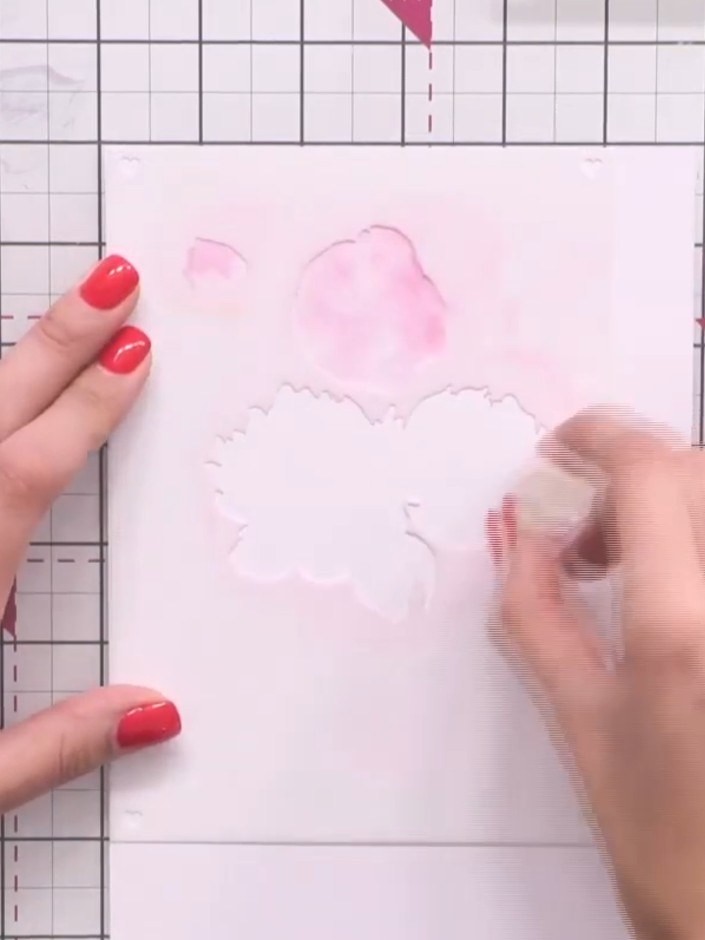
Using a sponge dauber or brush, apply pink ink through the first stencil onto your card base. Lay down a subtle base colour without worrying about perfect blending at this stage.
▶ voir cette étape (1:45)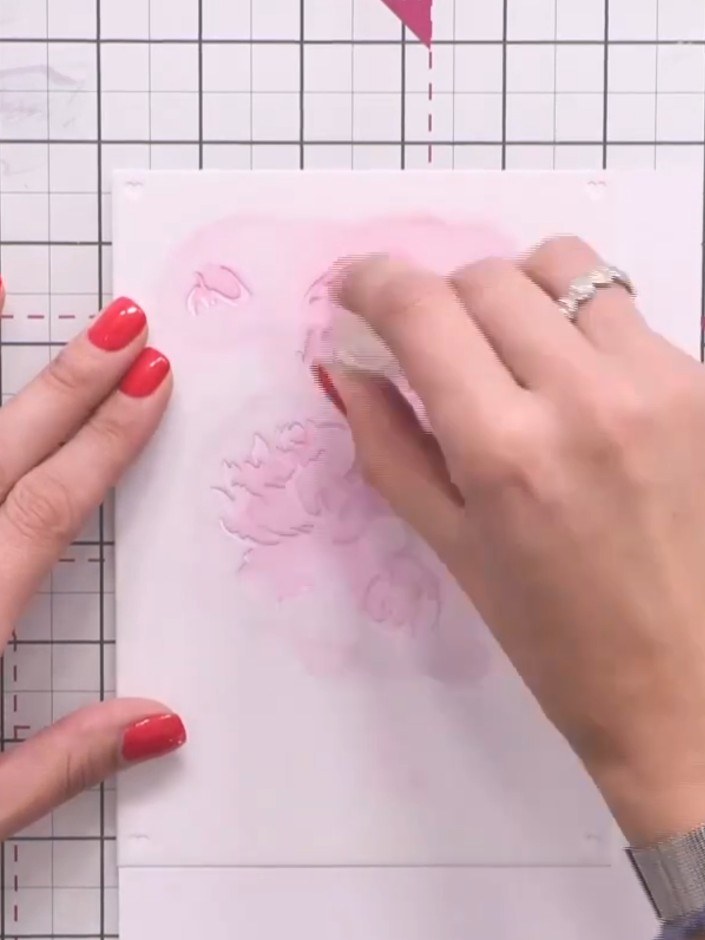
Position stencil two in the top corner of your card. Apply purple ink through the stencil to add depth to the floral design.
▶ voir cette étape (2:15)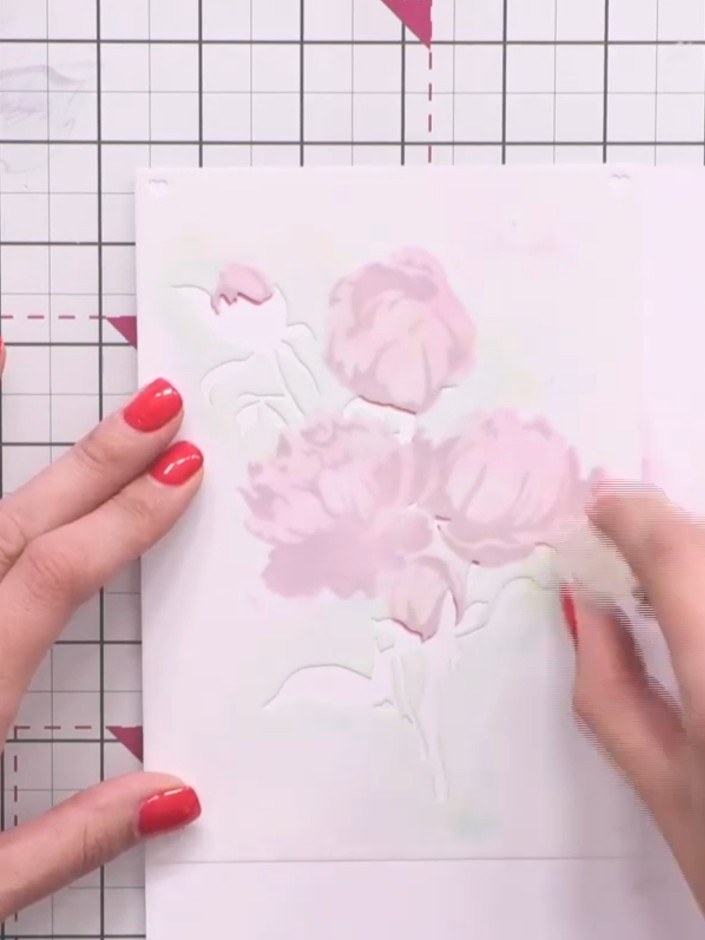
Position stencil three over the image and apply a light green ink through it using a blending tool. Add touches of darker green ink to create variation and depth in the foliage areas.
▶ voir cette étape (3:00)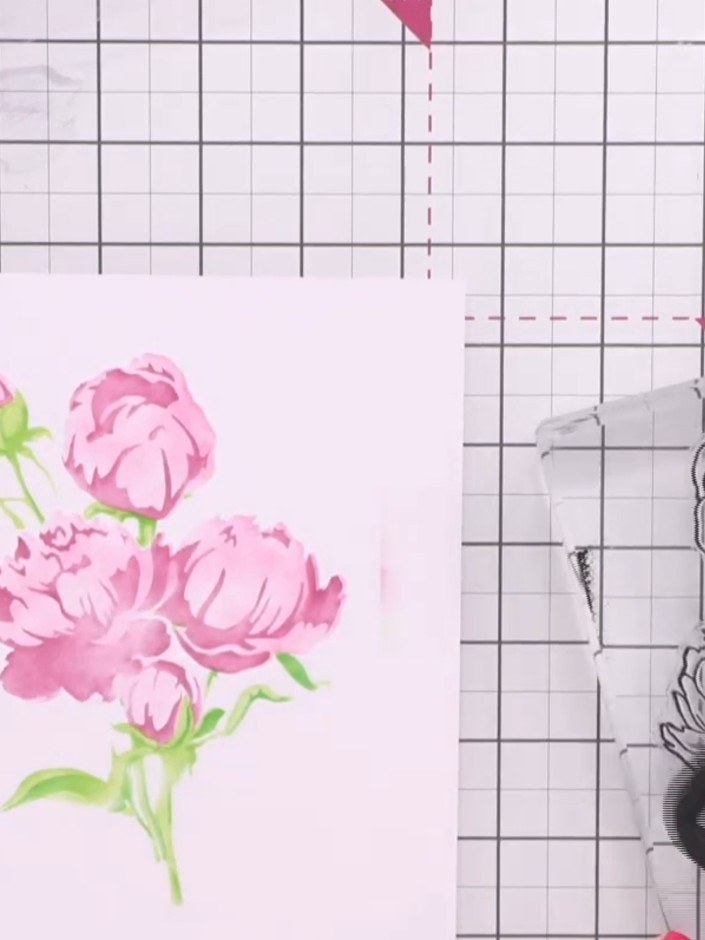
Line up the peony stamp on top of your stencilled design and press down firmly using a black ink pad to add detail and definition to the flowers.
▶ voir cette étape (4:15)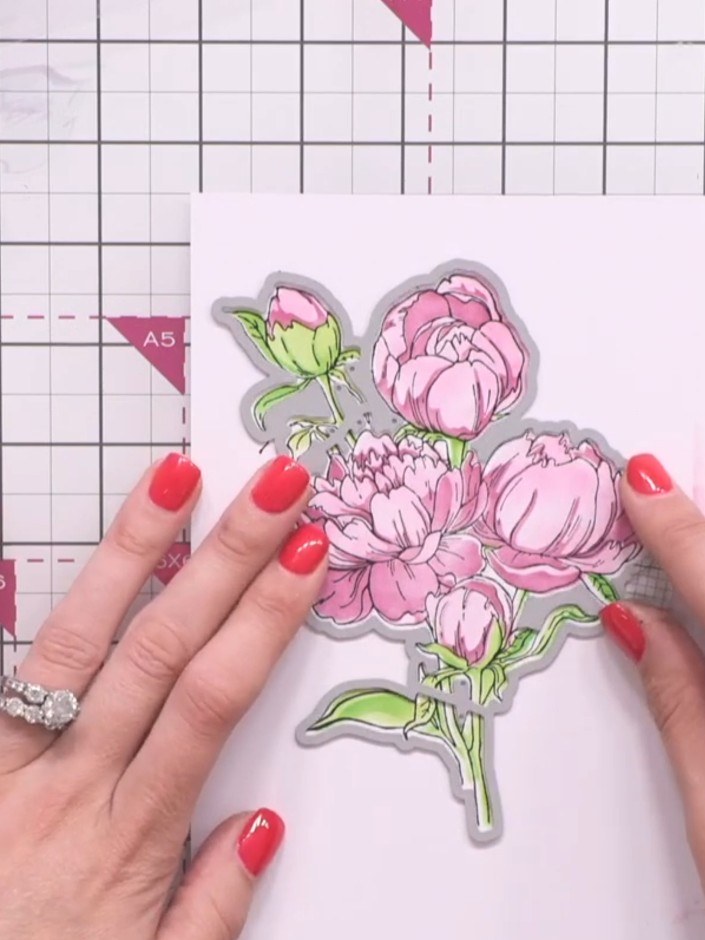
Position the outline die around your stamped peony design, ensuring it is lined up accurately. Run the die and cardstock through your die-cutting machine to cut out the floral shape.
▶ voir cette étape (5:15)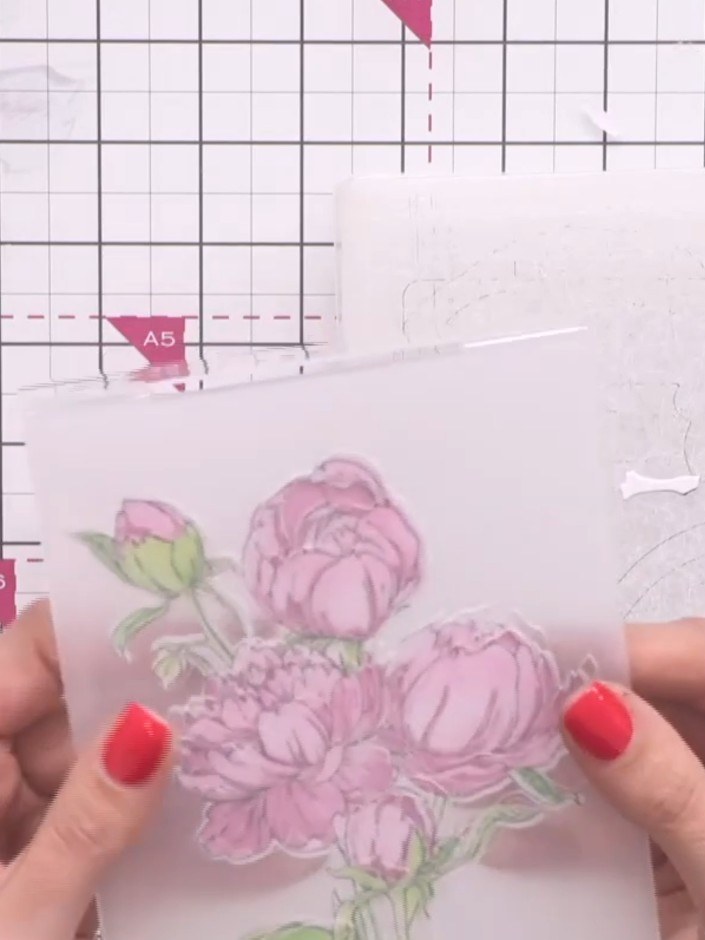
Place your die-cut peony design into the 3D embossing folder with the raised part positioned on the back. Ensure the design is properly lined up to the front of the folder before closing.
▶ voir cette étape (6:30)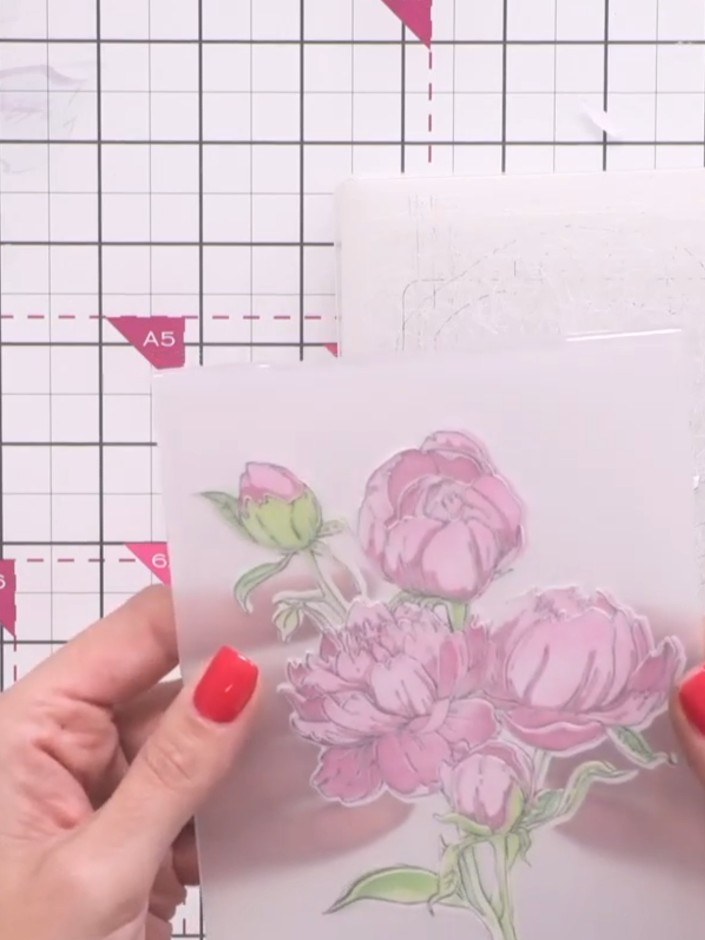
Place the floral image inside the embossing folder and run it through your die-cutting machine to create the final 3D embossed effect on the peonies.
▶ voir cette étape (6:45)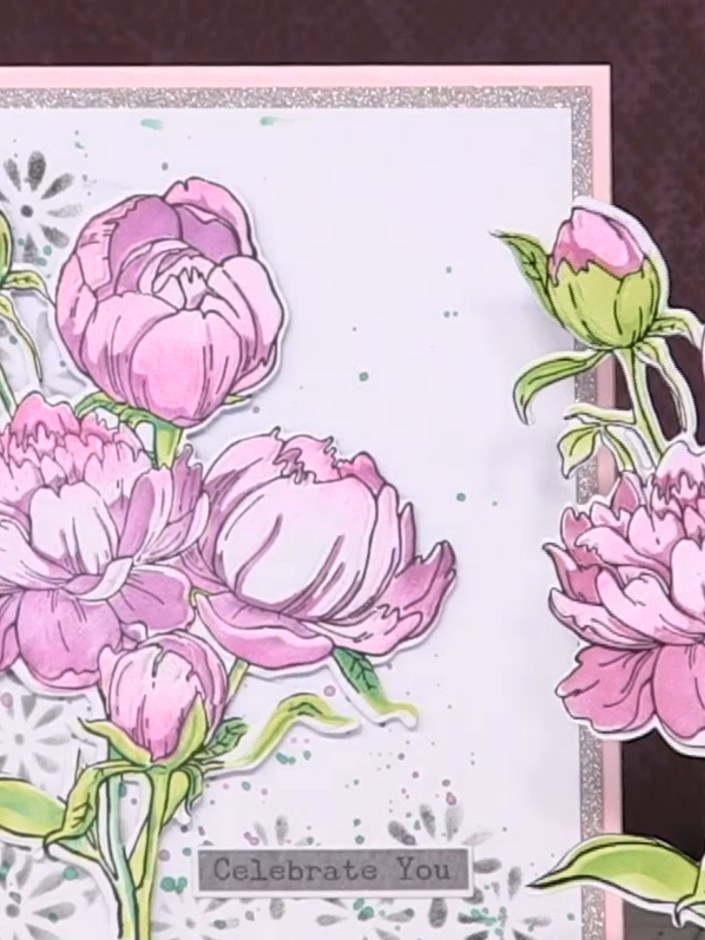
Mount your completed peony embellishment onto a card blank with a silver glitter border. Add a 'Celebrate You' sentiment label to the centre of the card to complete your design.
▶ voir cette étape (7:30)Rédigé à partir de l'émission elle-même. Découvrez tous les guides de nos émissions · tutoriels gratuits · regarder en direct sur My Telly