Offrez à vos amis 10 € de réduction sur leur première commande !
Parrainez un AMI








Un projet de notre émission en direct CREATE AND CRAFT TV - Retrouvez Toni pour son tout nouveau lancement - Diffusion du 23 oct. 23 · 23/10/2023 · à voir dès 15:00
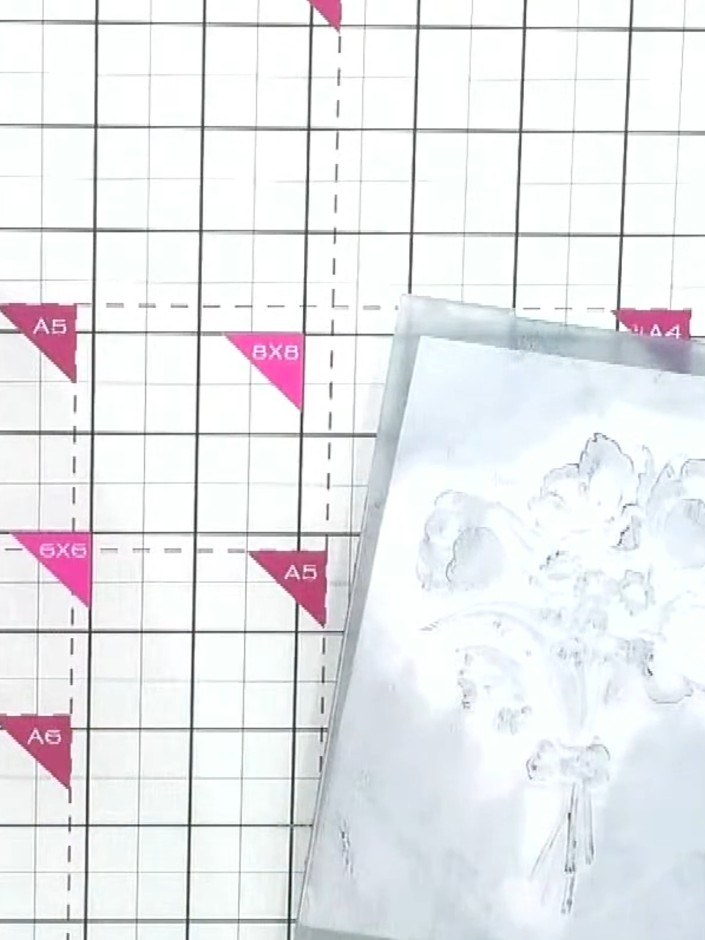
Réalisez une carte magnifiquement texturée, ornée de délicats motifs floraux dans de doux tons bleus et blancs. Ce projet utilise la technique d'encrage Weathered Wood : vous encrez les deux faces d'un classeur de gaufrage avant d'y passer votre papier cartonné, pour obtenir un gaufrage riche en détails et en relief. Le résultat ? Une carte élégante au charme rétro et pleine de profondeur.
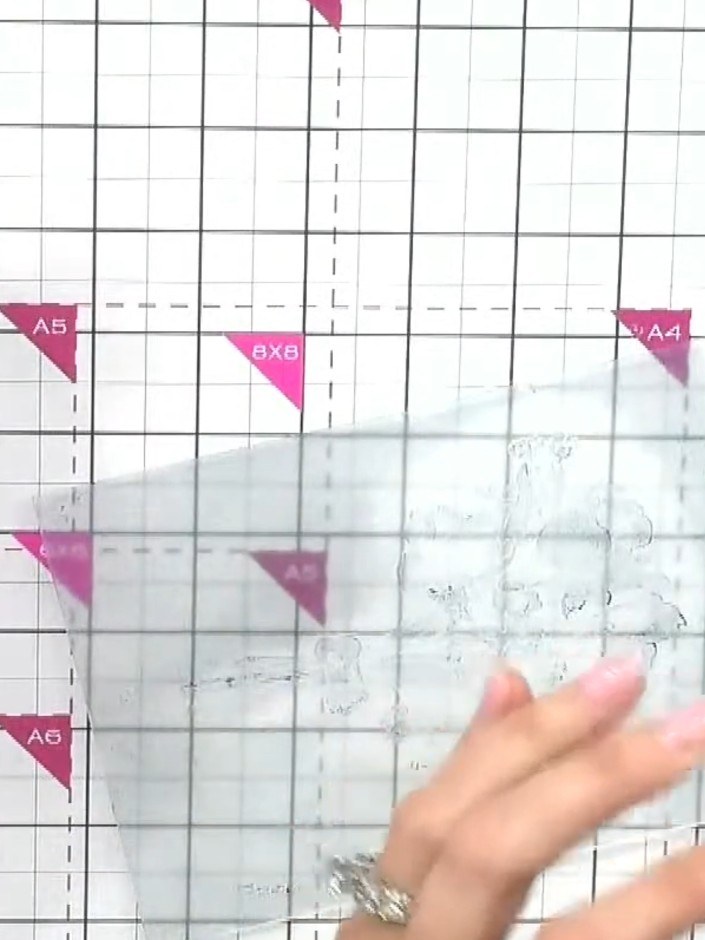
Préparez votre classeur de gaufrage et votre encreur Weathered Wood. Have them ready on your work surface for the next steps.
▶ voir cette étape (15:15)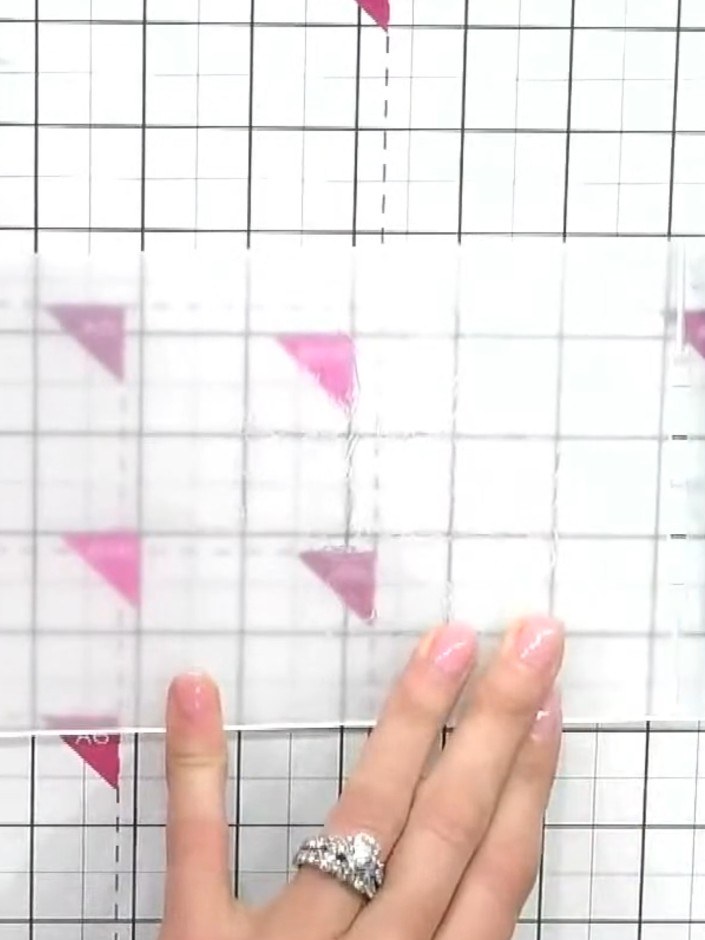
Ink both sides of the embossing folder thoroughly with the Withered Wood ink pad, working the colour into all the crevices using the corner of the pad.
▶ voir cette étape (15:30)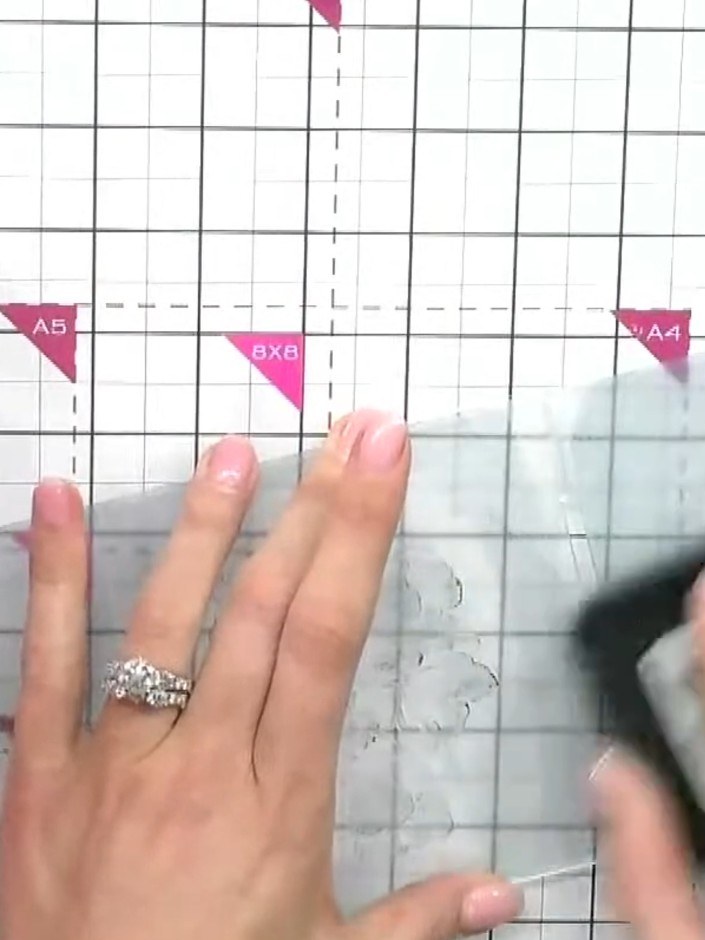
Insert a piece of cardstock into the embossing folder, ensuring it sits properly in the crevice of the folder.
▶ voir cette étape (15:45)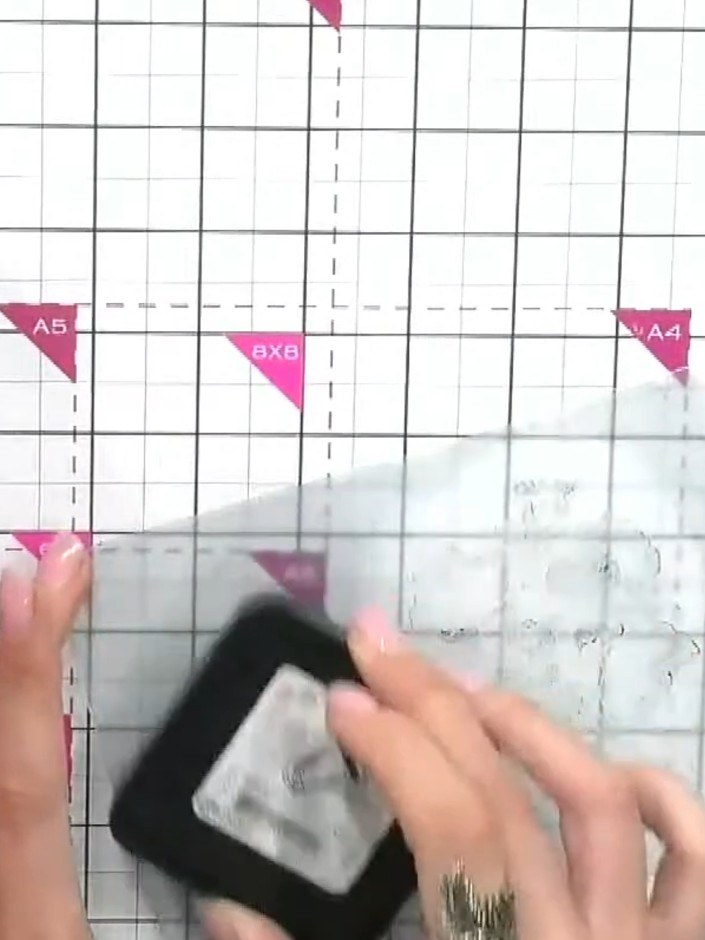
Run the embossing folder through your die-cutting machine according to the manufacturer's settings to emboss the design onto the card.
▶ voir cette étape (16:00)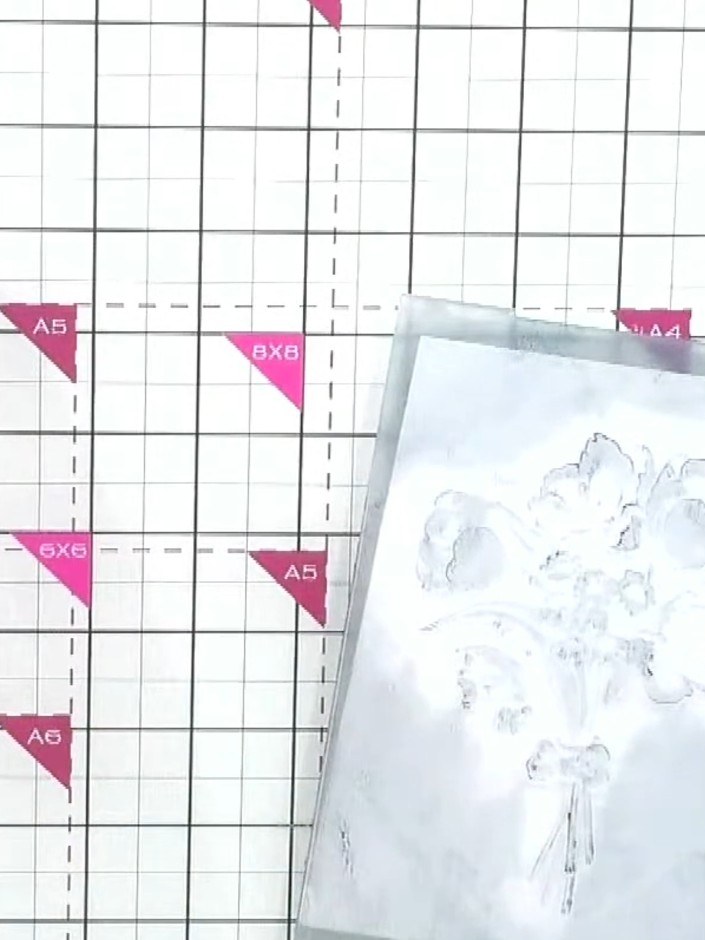
Remove the cardstock from the embossing folder and examine both sides. Choose which side you prefer - the white-on-white embossed effect or the inked side.
▶ voir cette étape (16:15)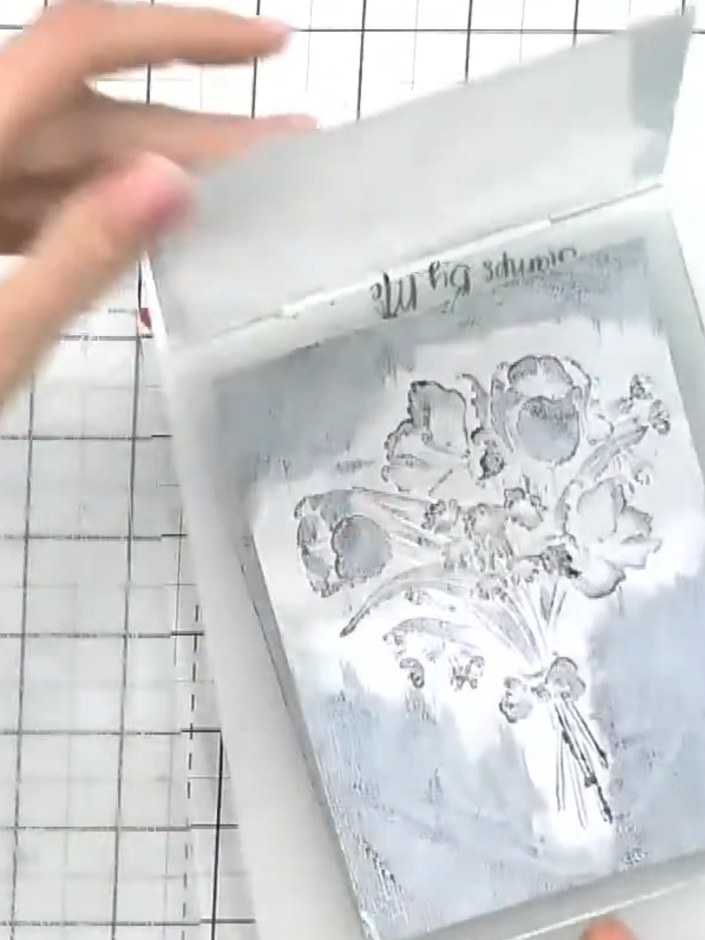
For deeper detail, flip the card over and run it through the embossing folder again with black ink on the folder. This will bring back dimension and enhance the embossed design.
▶ voir cette étape (16:30)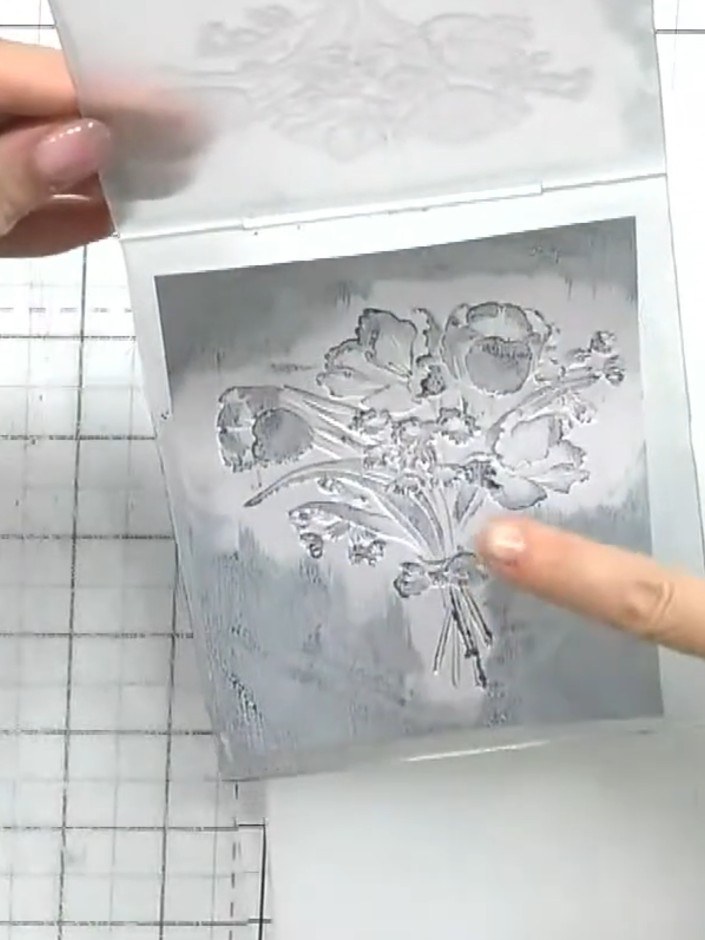
Use a white ink pad to gently dab and highlight the raised areas of the embossed image. This will restore fine detail and add contrast to the design.
▶ voir cette étape (17:00)Rédigé à partir de l'émission elle-même. Découvrez tous les guides de nos émissions · tutoriels gratuits · regarder en direct sur My Telly