Offrez à vos amis 10 € de réduction sur leur première commande !
Parrainez un AMI








Un projet de notre émission en direct LANCEMENT DE NOËL CREATE AND CRAFT - Rejoignez Toni pour ses toutes nouvelles créations très attendues - diffusée le 30 juin 23 · 30/06/2023 · à voir dès 31:45
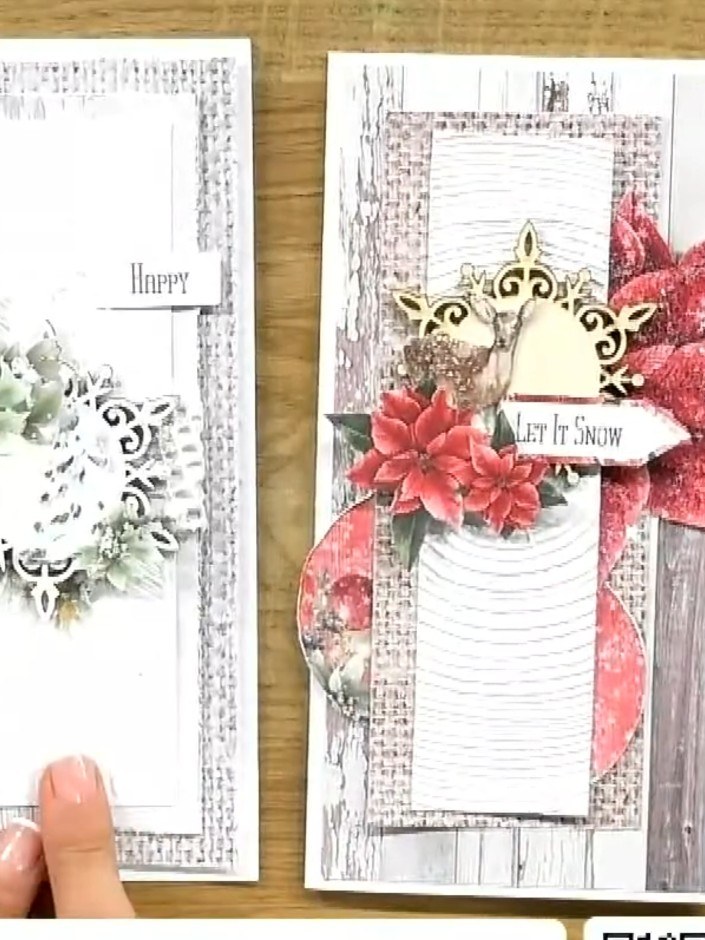
Réalisez une élégante carte de Noël avec, en vedette, un panneau blanc embossé effet bois. Elle est décorée de poinsettias roses, de feuillages décoratifs et d'un cadre ornemental doré, et finie par une étiquette « Let It Snow ». Une carte raffinée qui associe superpositions en relief et fleurs festives pour un rendu épuré et moderne.
 CLASSEUR DE GAUFRAGE 3D HAUTE DÉFINITION SIGNATURE WATERCOLOUR - AUTUMN BREEZE - 290225CVOIR
 STAMPS BY ME - A WINTER STORY PACK D'EMBELLISSEMENTS 6 X 6 - 011222BVOIR
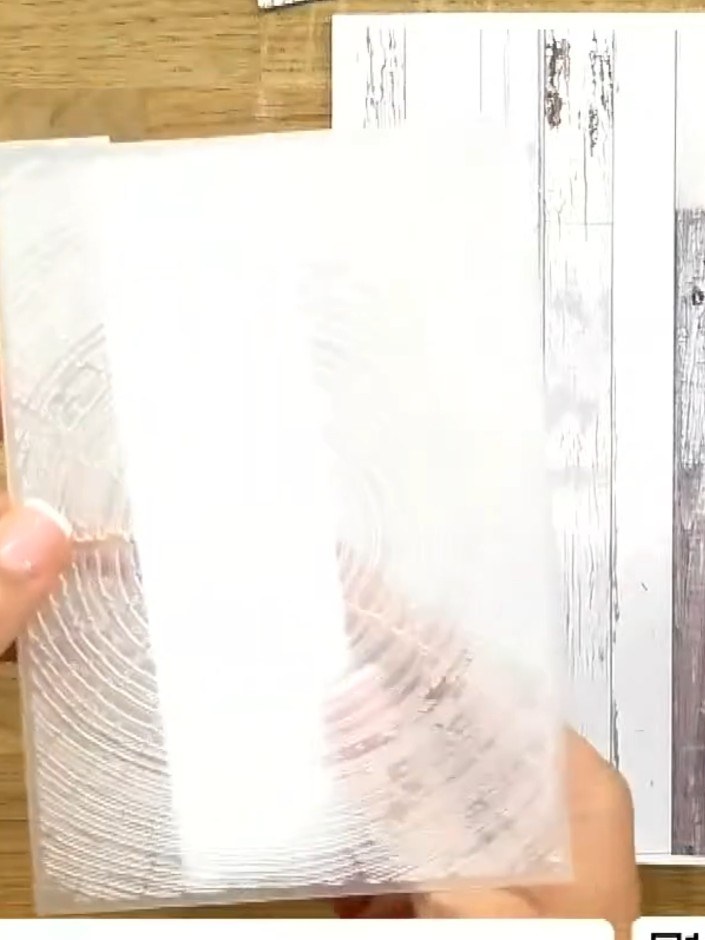
Start with a white cardstock panel as your base layer. This will form the foundation for your card design.
▶ voir cette étape (31:45)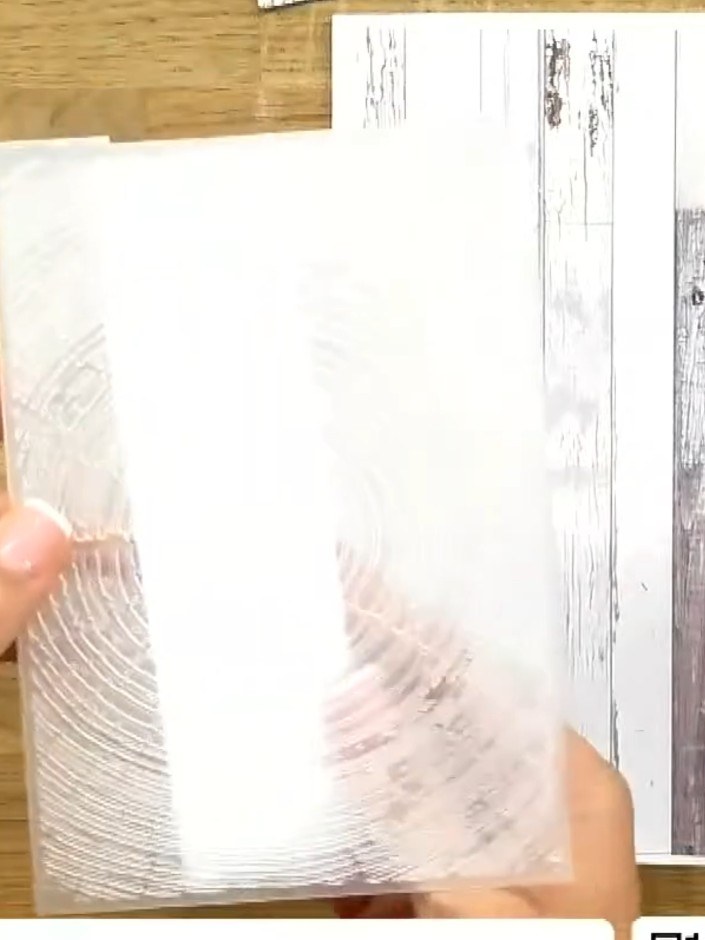
Run the white panel through your die-cutting machine with the Timber embossing folder to create a textured wood grain effect on the surface.
▶ voir cette étape (32:00)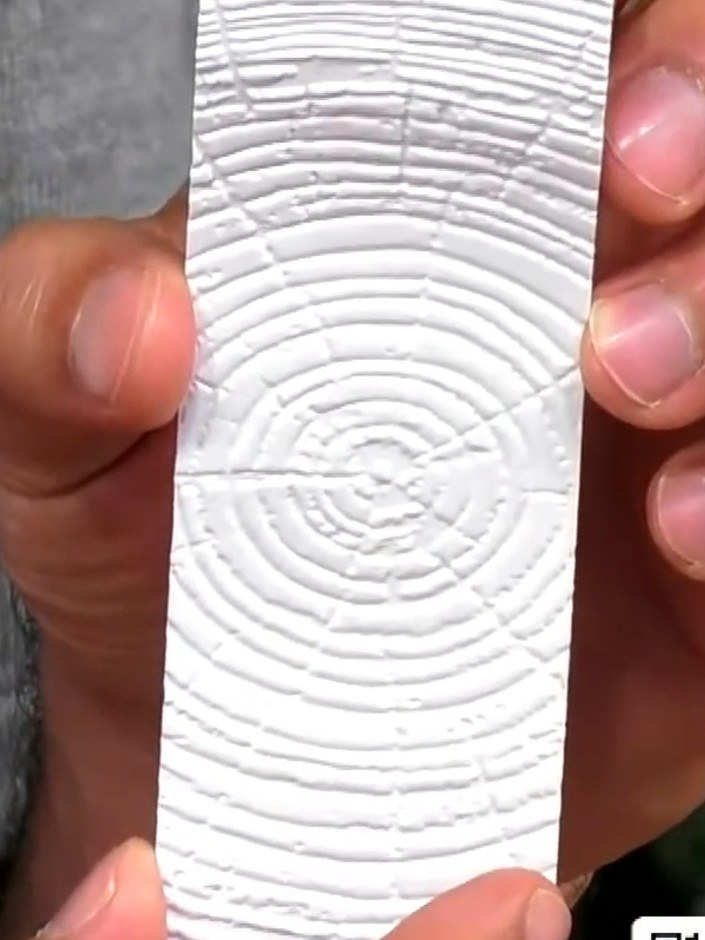
Carefully lift the embossed white panel from the embossing folder to reveal the detailed timber ring texture pattern.
▶ voir cette étape (32:45)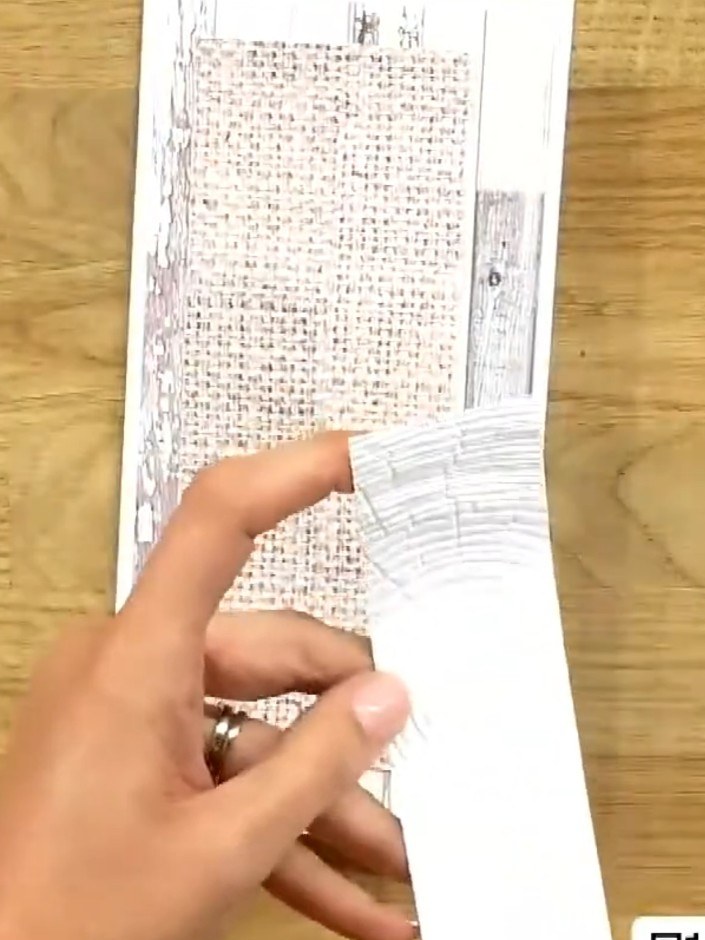
Mount the embossed panel onto a slimline card base. Position the textured panel centrally on the card front and adhere it securely.
▶ voir cette étape (33:00)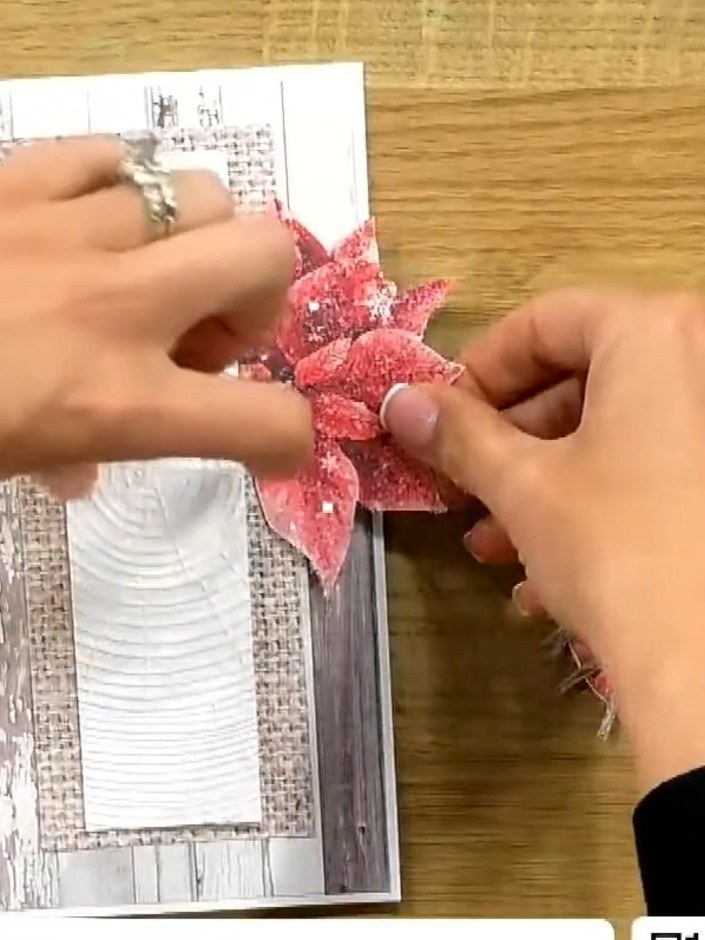
Cut out a poinsettia embellishment from the paper collection. Fussy cut around the petals to separate the flower from the background.
▶ voir cette étape (33:30)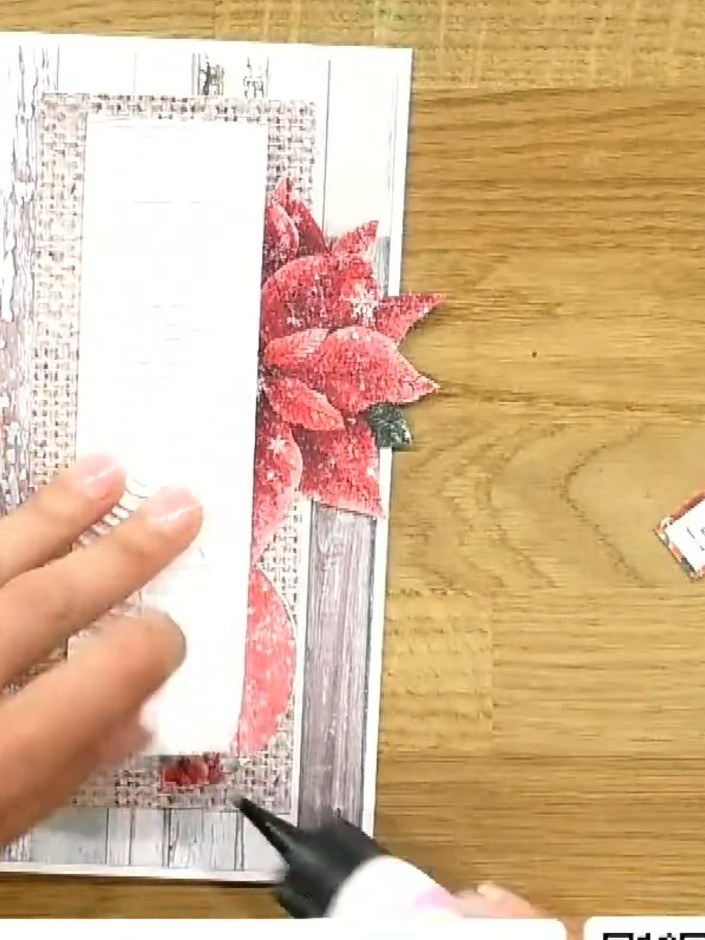
Apply glue to the back of the pink poinsettia embellishment and position it on the right side of the card, overlapping the textured timber panel. Press down firmly to secure.
▶ voir cette étape (34:00)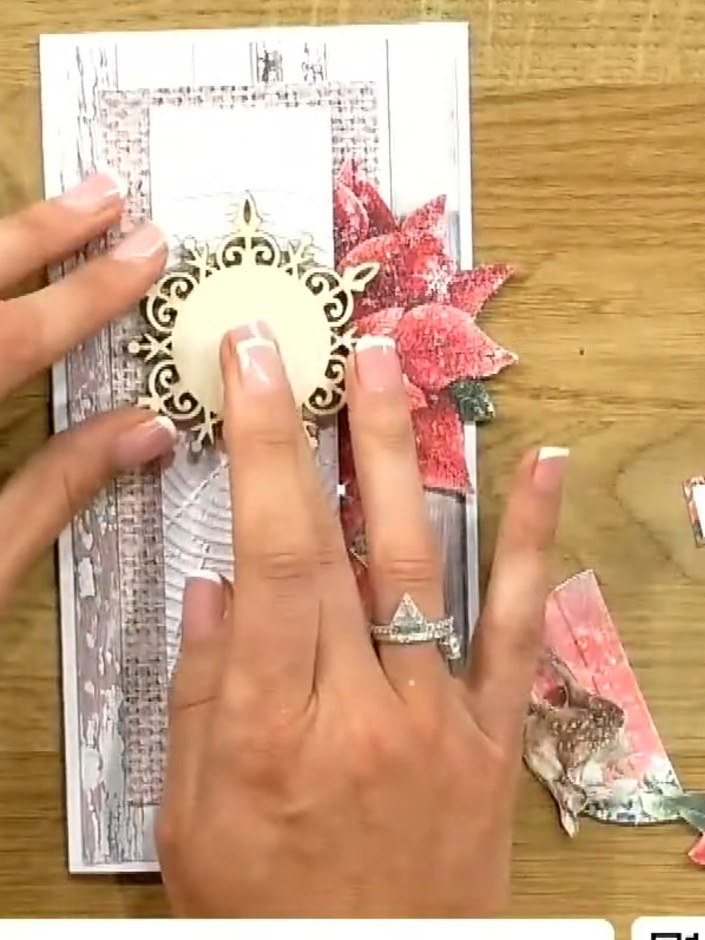
Take a decorative circular embellishment and cut it in half. Position one half on the card to add dimension to your design.
▶ voir cette étape (34:30)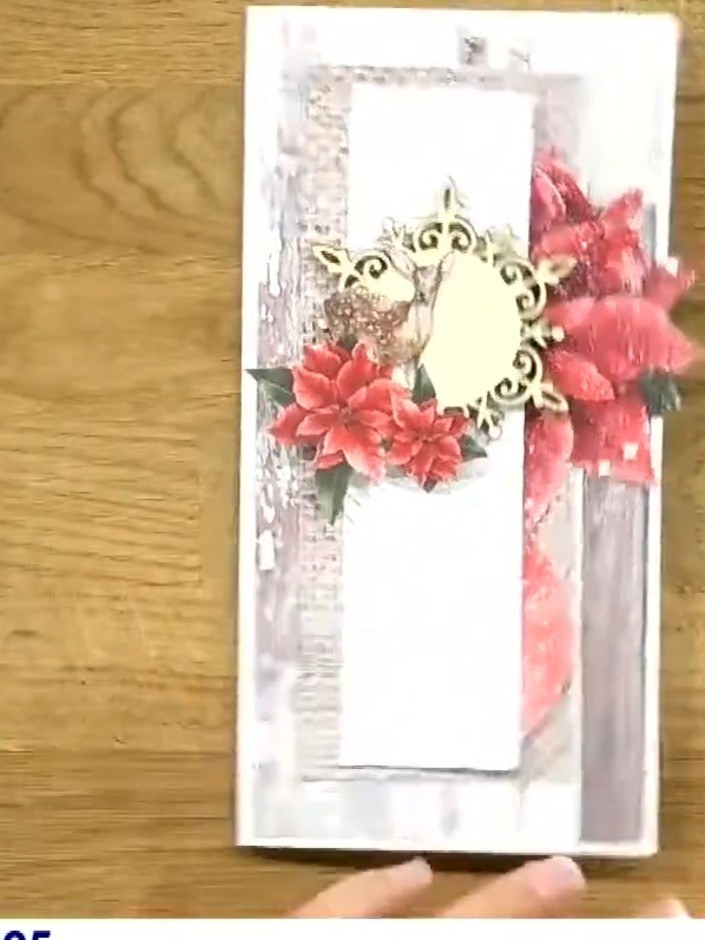
Glue the wooden embellishment shapes from the collection onto the card. Position the decorative frame at the top centre, then add the poinsettia flowers and other wooden pieces around it to create a festive arrangement.
▶ regarder cette étape (35:00)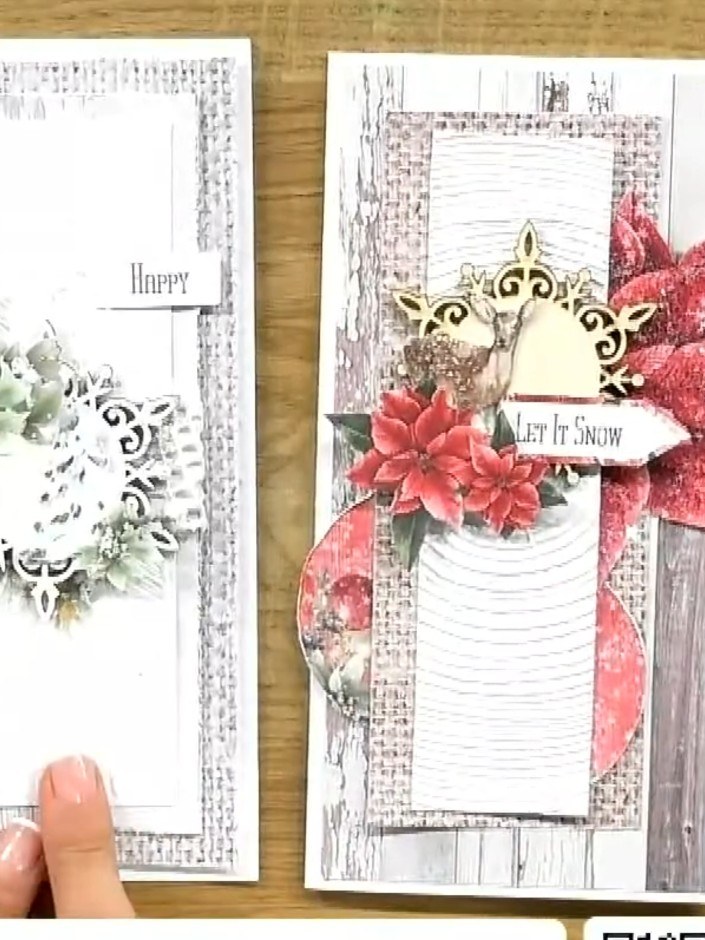
Add small foam pads behind decorative elements to create dimension. Stand the finished card upright to display the layered design with the embossed timber texture background and festive embellishments.
▶ voir cette étape (36:00)Rédigé à partir de l'émission elle-même. Découvrez tous les guides de nos émissions · tutoriels gratuits · regarder en direct sur My Telly