Offrez à vos amis 10 € de réduction sur leur première commande !
Parrainez un AMI








Un projet de notre émission en direct CREATE AND CRAFT TV - Retrouvez Toni pour son tout dernier lancement - Diffusé le 19 mai 23 · 19/05/2023 · à voir dès 41:15
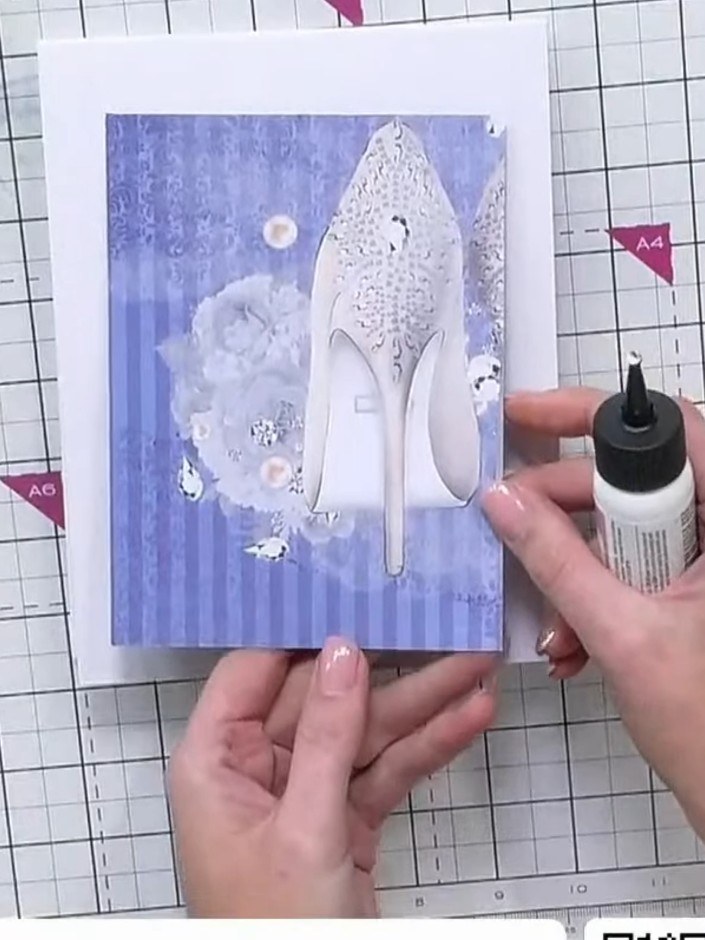
Réalisez une carte épurée et élégante en papier cartonné blanc gaufré d’un superbe motif répétitif « Love ». Agrémentée de délicats cercles de papier calque perforés et d’une élégante silhouette de femme découpée avec soin, cette création raffinée montre toute la profondeur et le relief que le gaufrage apporte à vos cartes. Idéale pour un mariage, un anniversaire de mariage ou une occasion romantique !
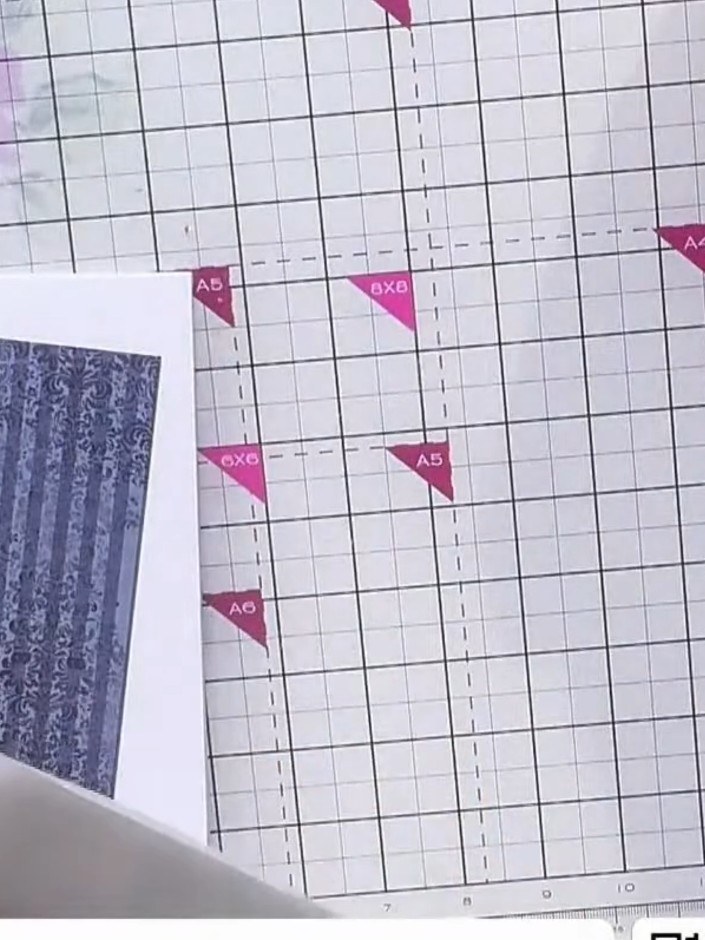
Take a piece of white cardstock and insert it into the 6x6 embossing folder with the 'Love' repeating pattern. Place the cardstock inside the folder, ensuring it is centred within the embossing design.
▶ voir cette étape (41:15)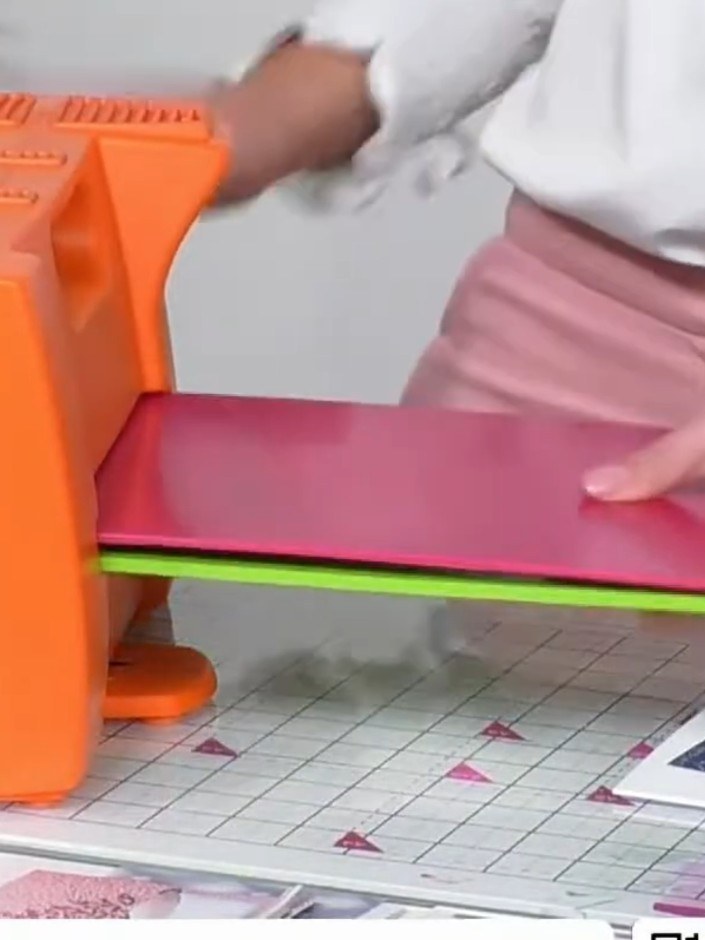
Place your textured cardstock onto the embossing folder and run it through your die-cutting machine to create the embossed pattern.
▶ voir cette étape (41:30)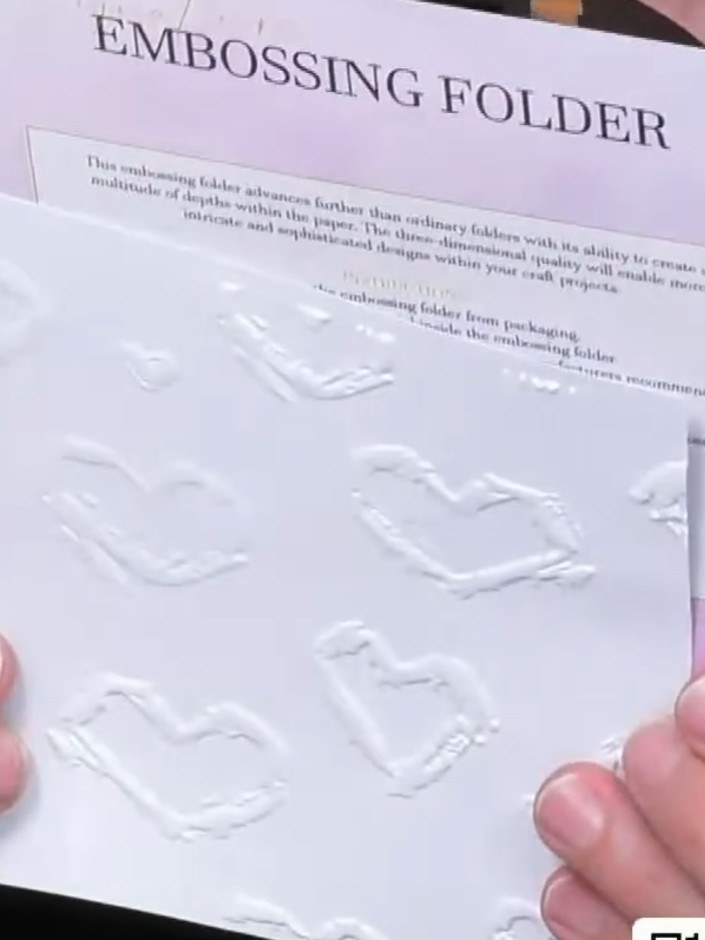
Remove the embossed cardstock from the embossing folder. Admire the 3D raised detail created by the Urban Hearts embossing folder on the white cardstock.
▶ voir cette étape (41:45)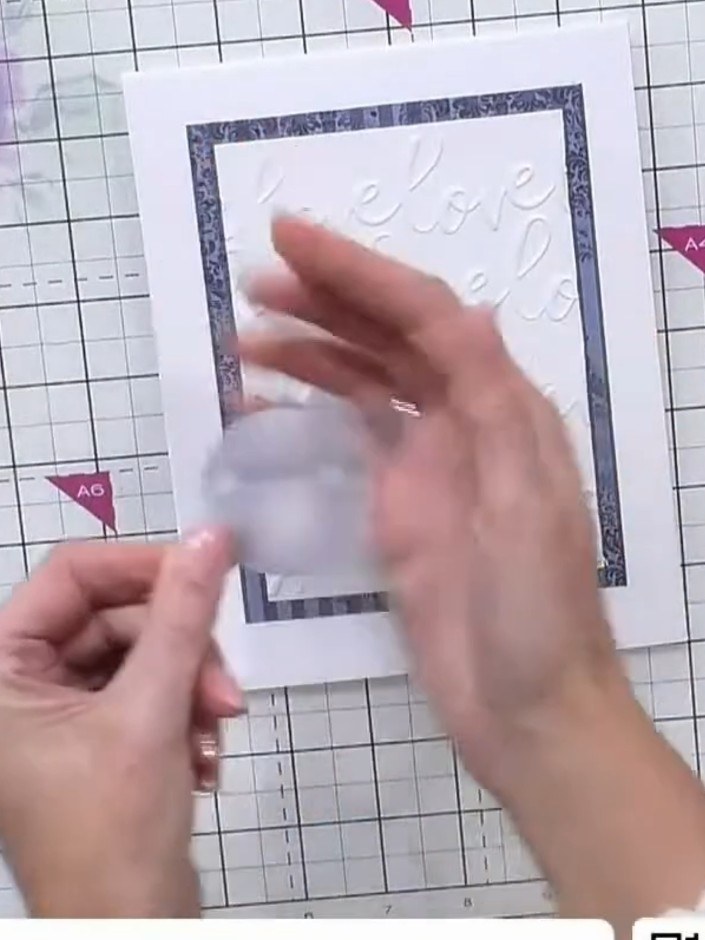
Use a circle punch to punch random circles from the vellum. These will be used to create layered elements on your card.
▶ voir cette étape (42:00)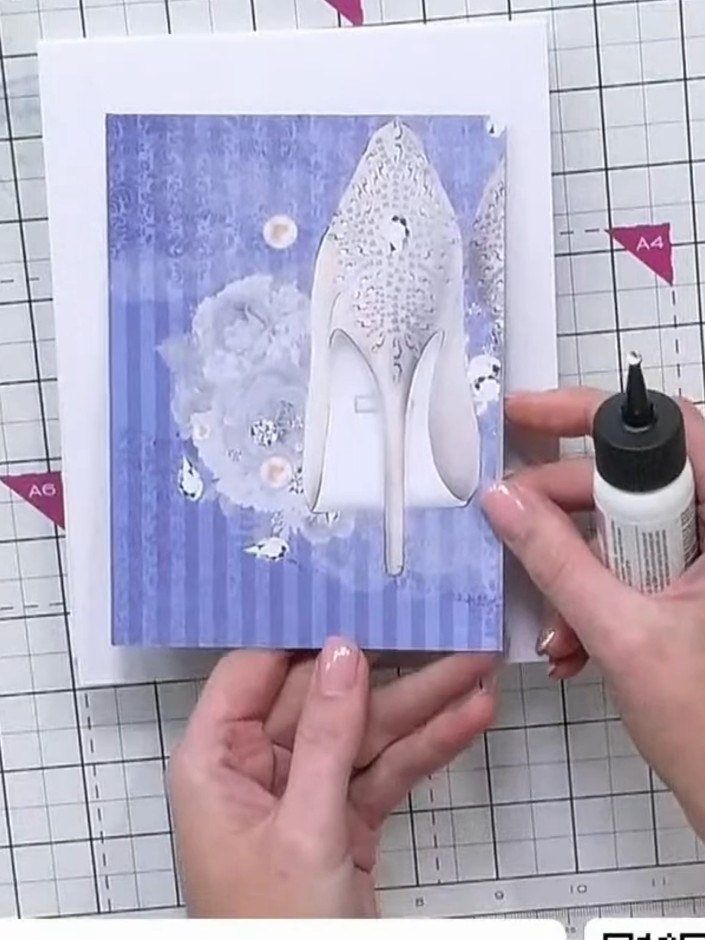
Fussy cut a lady figure from the patterned paper collection using scissors or a craft knife.
▶ voir cette étape (42:30)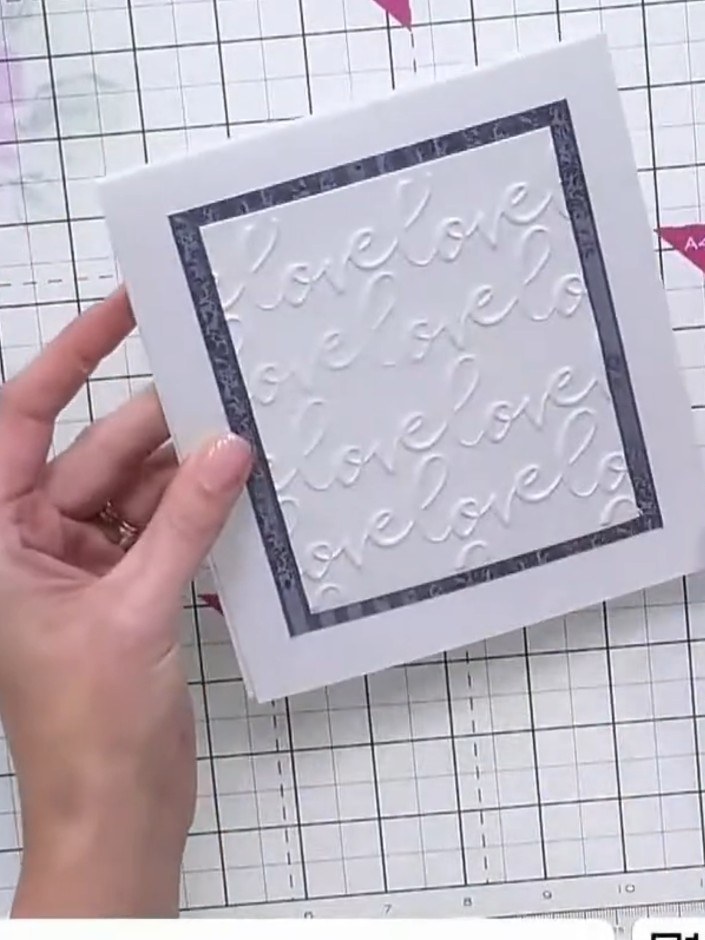
Stamp the 'Elegant and Stylish' sentiment from the Like a Diamond stamp set onto the white card panel using black ink. Position the sentiment centrally within the embossed frame.
▶ voir cette étape (43:00)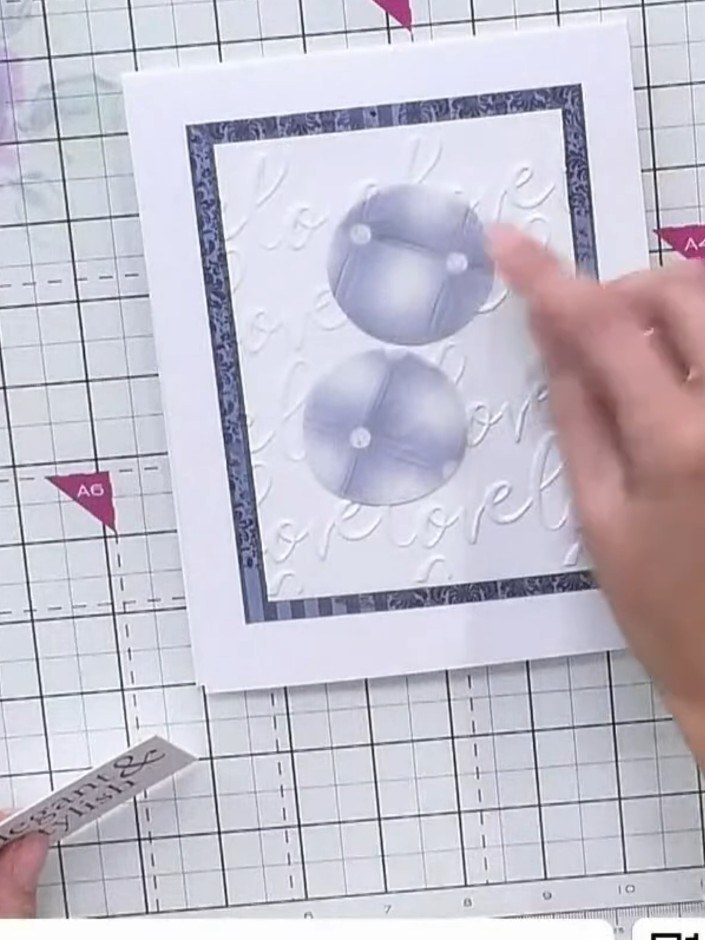
Position the embossed white cardstock panel onto the card base, layering it to showcase the embossed texture. Add the purple vellum circles on top, arranging them to create a pleasing composition.
▶ voir cette étape (43:30)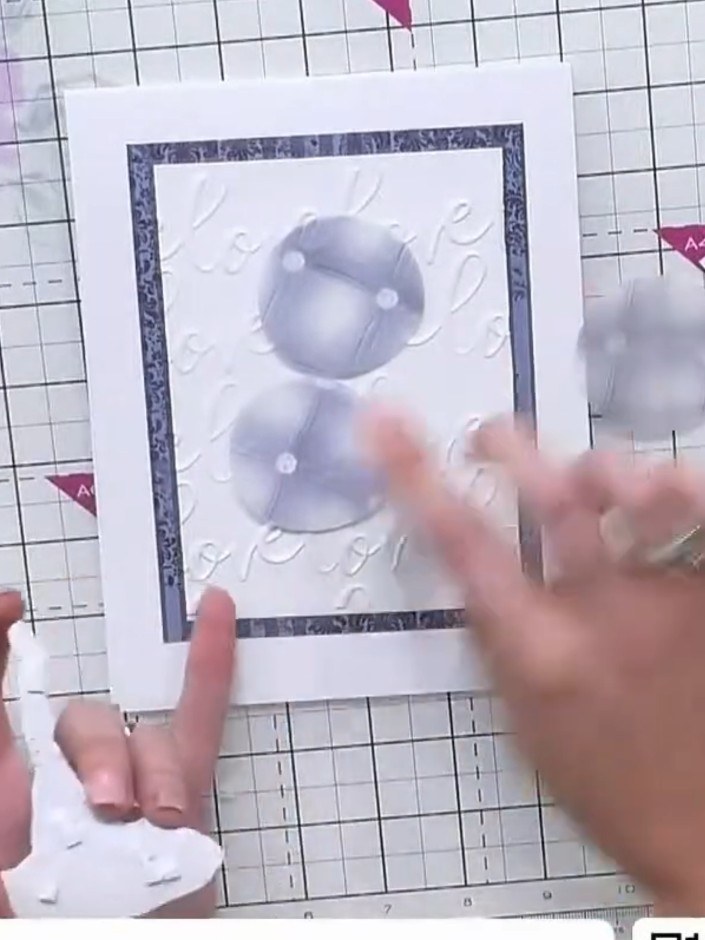
Attach the punched vellum circles around the embossed design using adhesive. Position them to add elegance and transparency to the card front.
▶ voir cette étape (44:00)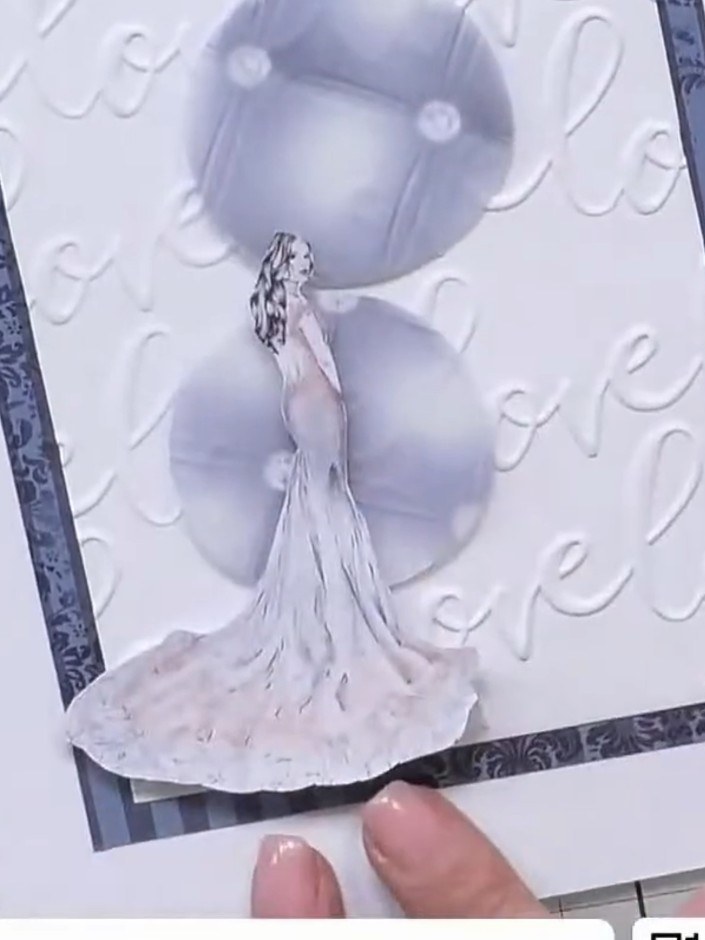
Position the fussy-cut lady image on the lower edge of the card, next to the sentiment tag, to create visual balance on your design.
▶ voir cette étape (44:30)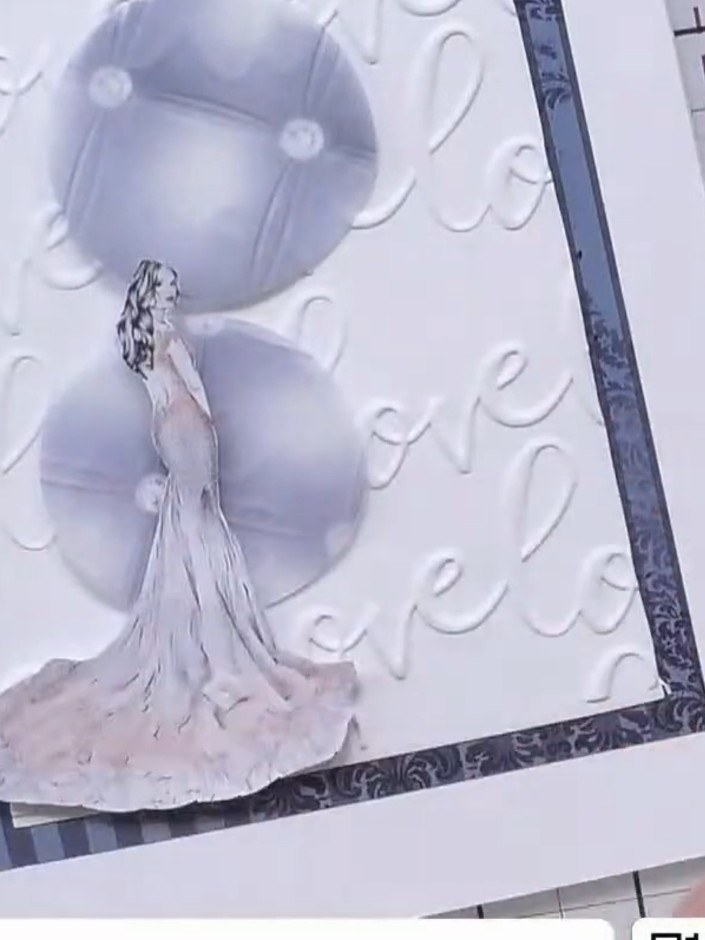
Secure all the layers together using adhesive. Allow the adhesive to set completely before handling the card further.
▶ voir cette étape (45:00)Rédigé à partir de l'émission elle-même. Découvrez tous les guides de nos émissions · tutoriels gratuits · regarder en direct sur My Telly
