Schenke deinen Freundinnen und Freunden 10 € Rabatt auf ihre erste Bestellung!
Freunde WERBEN








Ein Projekt aus unserer Live-Show CREATE AND CRAFT SHOW 6. JAN. 2023 - Sei bei Tonis brandneuem Launch dabei! · 06.01.2023 · ab 47:45 ansehen
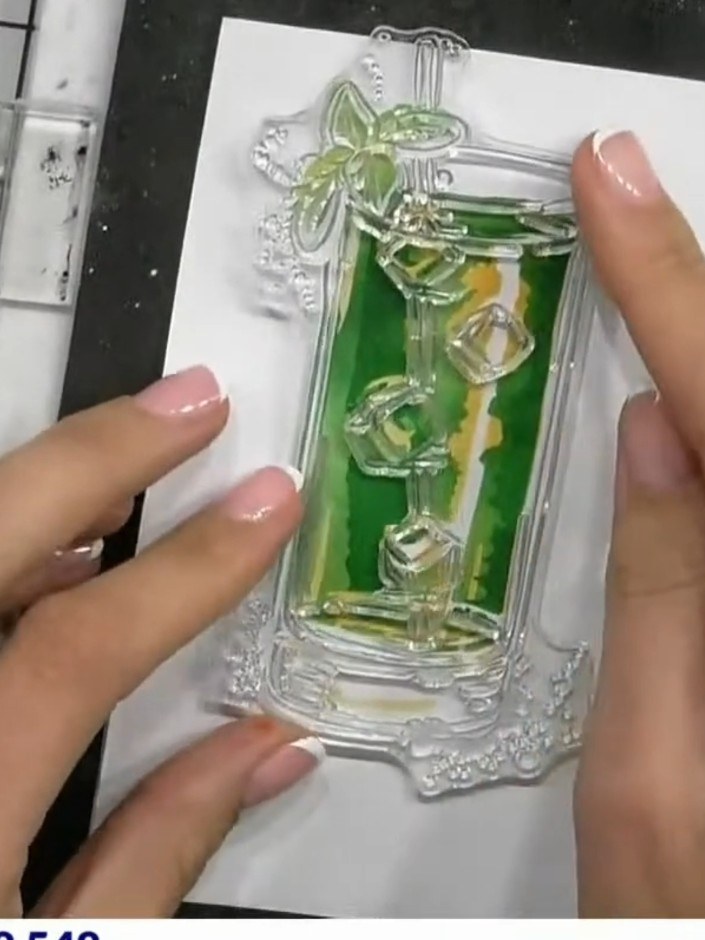
Create a sophisticated mojito cocktail card featuring layered stencil work in fresh green and yellow tones. Add stamped details for visual interest, then enhance your design with a high-definition 3D embossed heart element. This project demonstrates how to combine multiple techniques including stencilling, stamping and HD embossing for maximum impact.
DIESE ANLEITUNG HERUNTERLADEN (PDF)
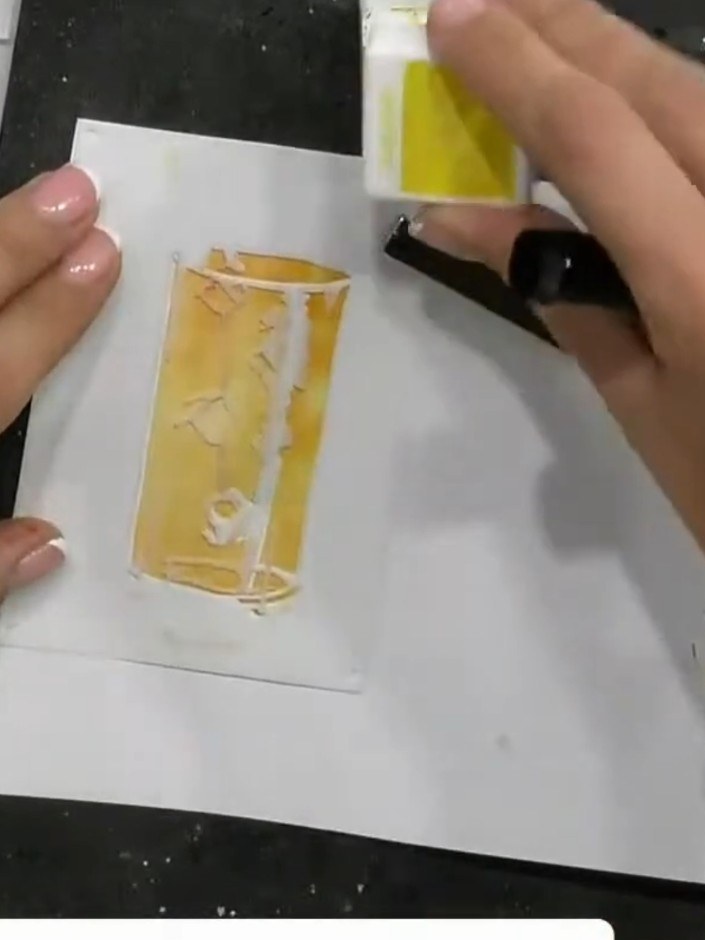
Position stencil number one in the corner of your white cardstock on the craft mat.
▶ diesen Schritt ansehen (48:15)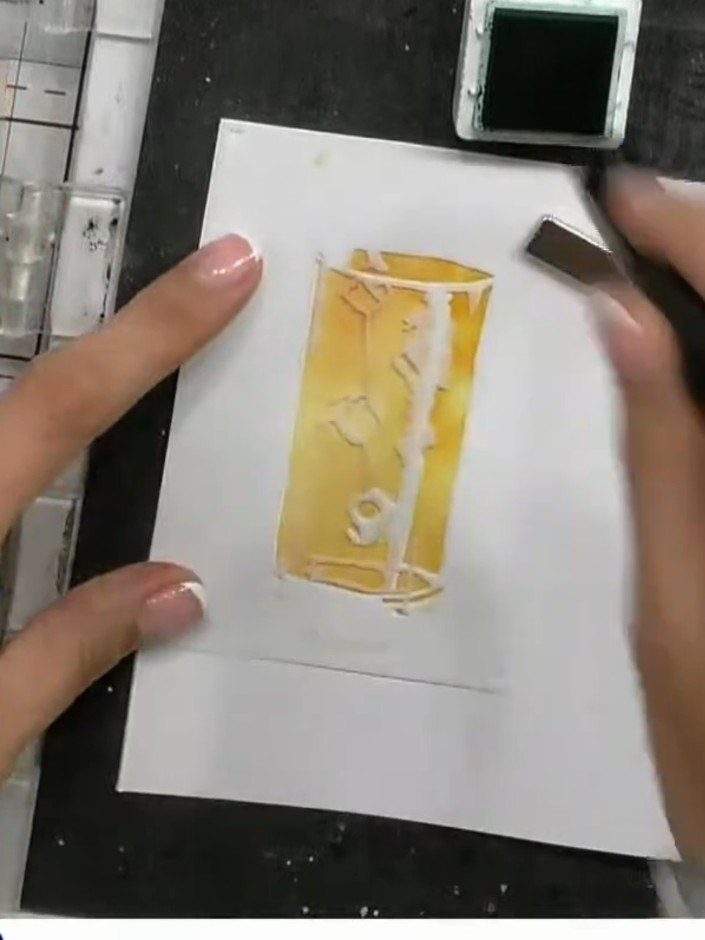
Apply green ink through the stencil using a blending brush, working over the design area to create the base colour for the mojito glass.
▶ diesen Schritt ansehen (48:30)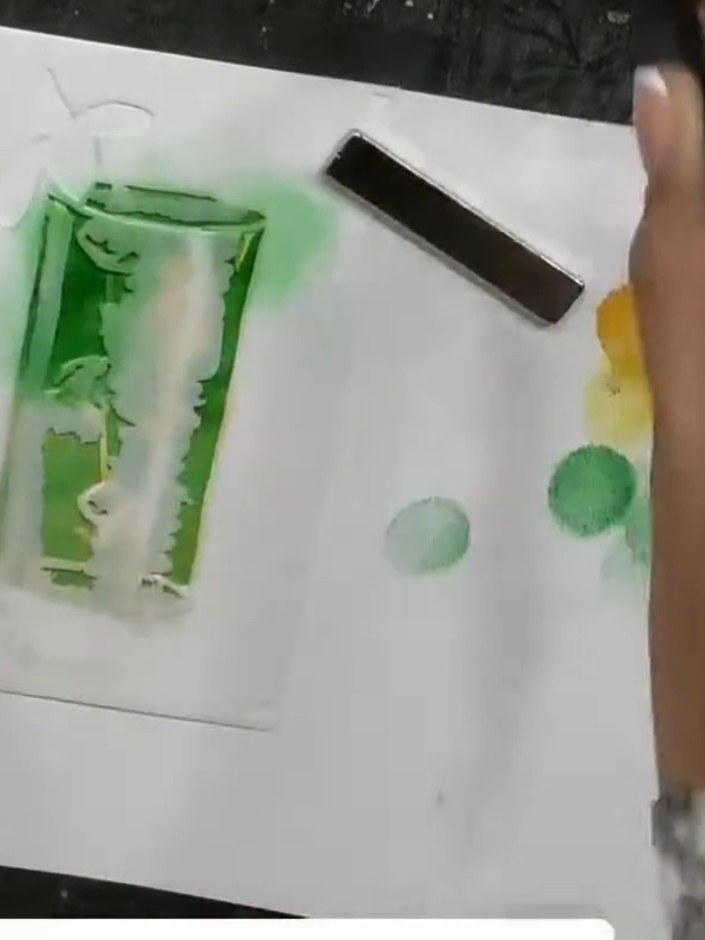
Remove the first stencil and position the second stencil in the same corner of the card. Ensure it is aligned properly before continuing.
▶ diesen Schritt ansehen (49:00)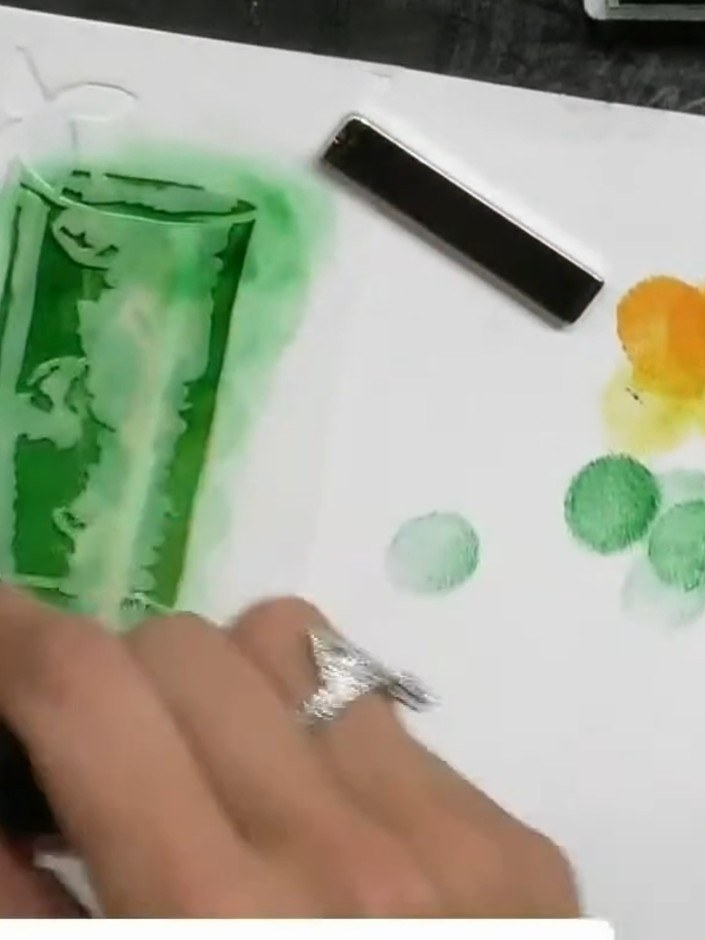
Apply green ink through the second stencil layer, building up colour and dimension around the glass image. Use a sponge or blending tool to add depth to the design.
▶ diesen Schritt ansehen (49:15)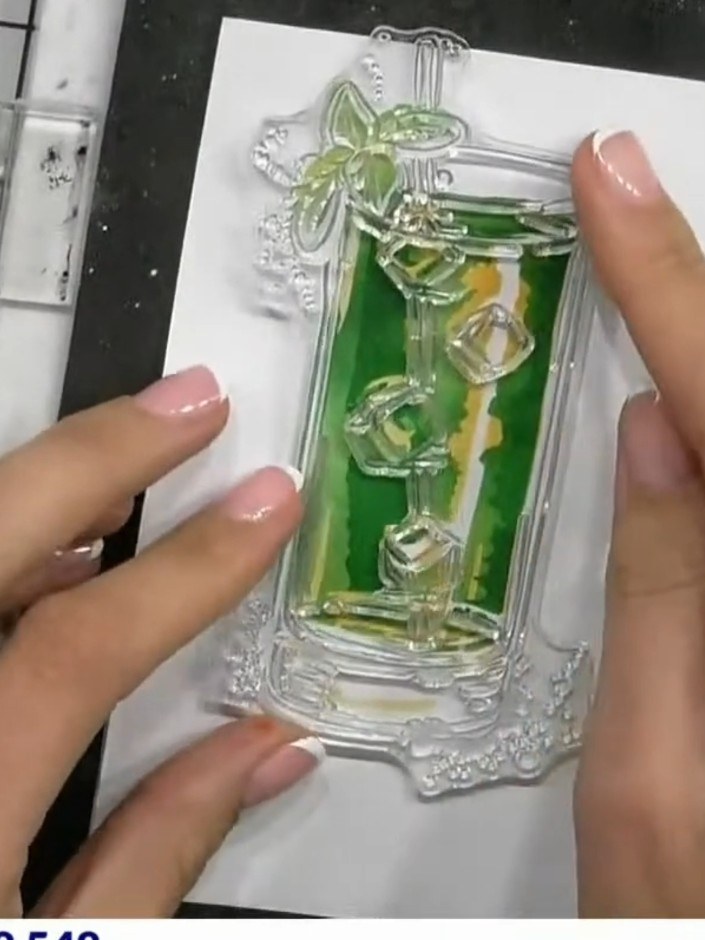
Remove stencil two and position stencil number three over the cocktail glass area on your card.
▶ diesen Schritt ansehen (49:45)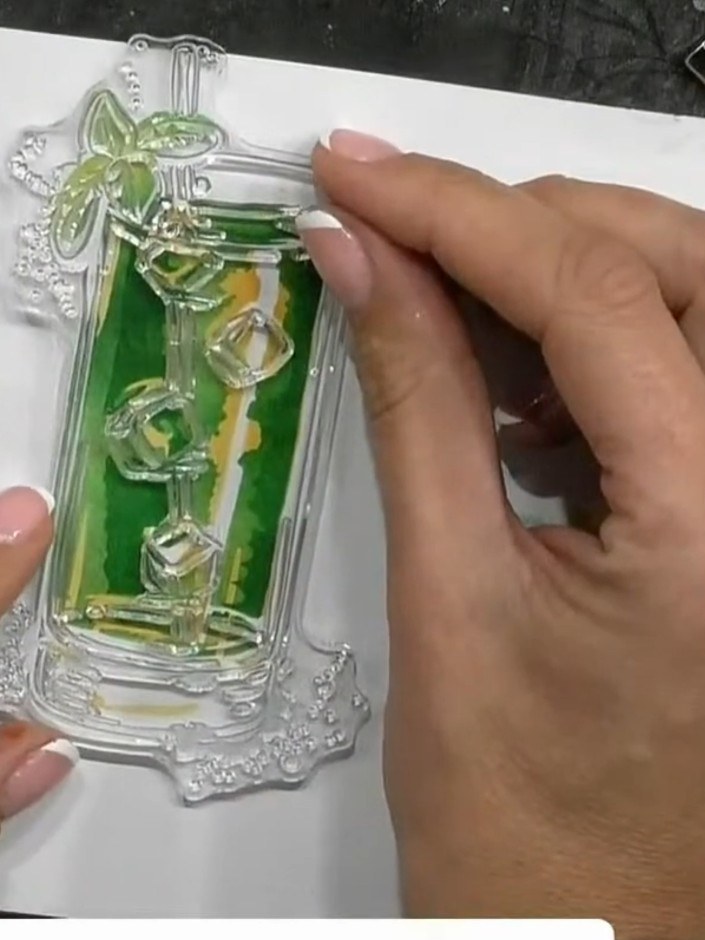
Apply green ink through stencil three, pressing firmly to create darker tones and depth. Work the ink pad over the stencil to build up colour intensity where desired.
▶ diesen Schritt ansehen (50:00)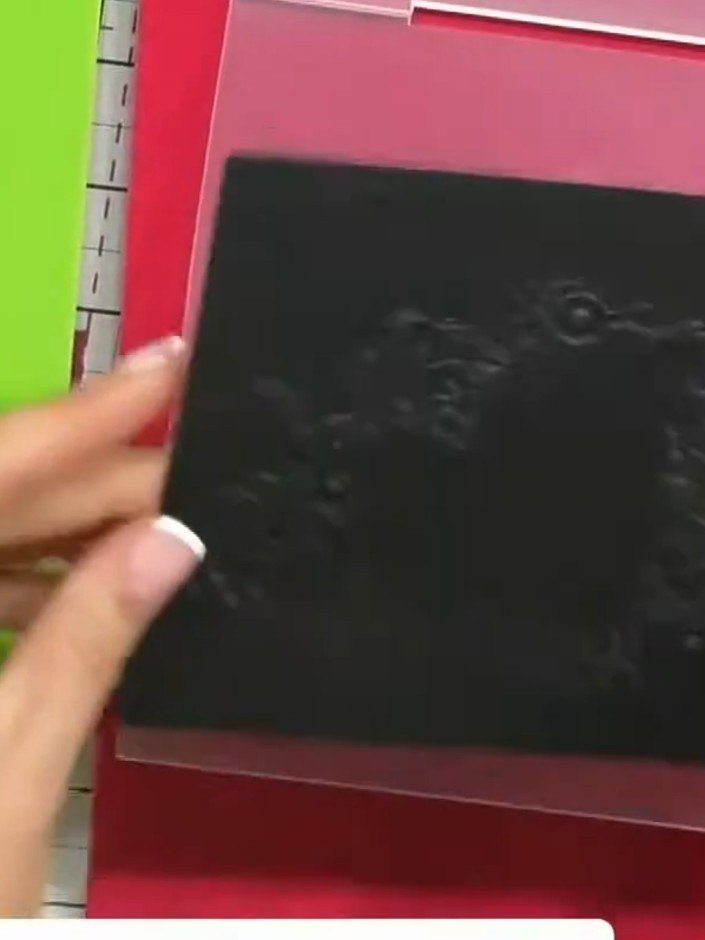
Place your black cardstock into the High Definition 3D Embossing Folder, aligning it carefully within the folder.
▶ diesen Schritt ansehen (54:00)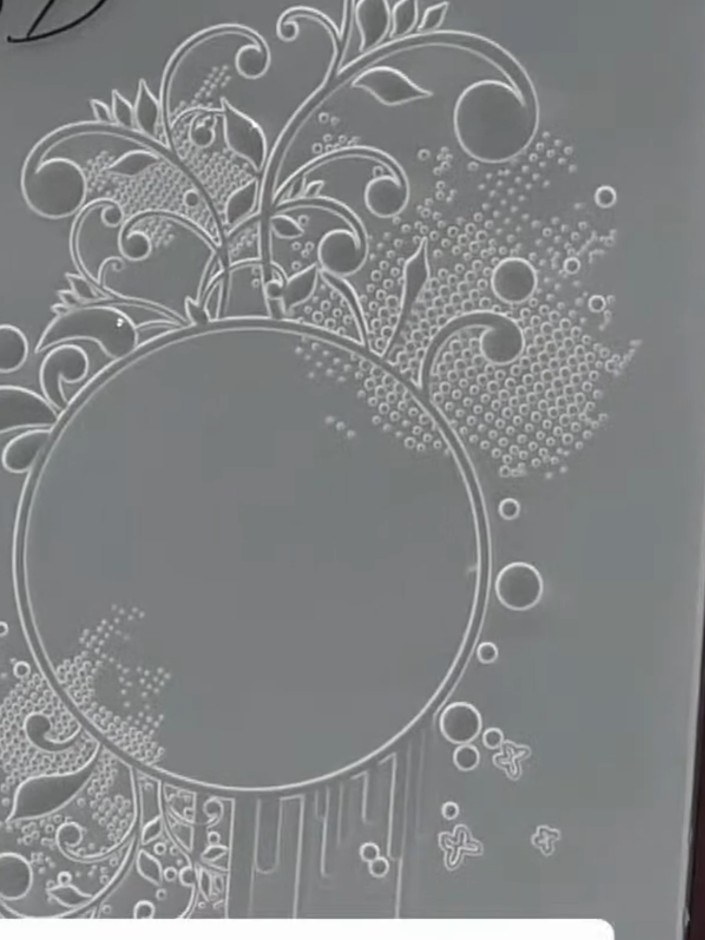
Run the embossing folder through your die-cutting machine, applying steady pressure to create the embossed effect on your card.
▶ diesen Schritt ansehen (54:15)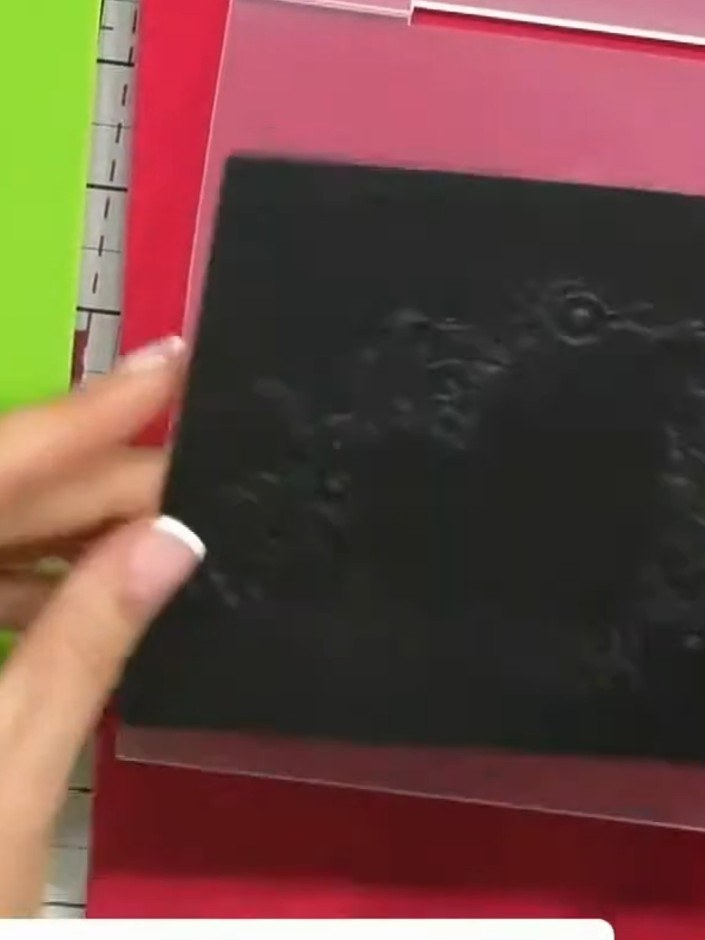
Remove the black cardstock from the embossing folder and examine both the raised embossed side and the recessed debossed side to see the dimensional detail created by the folder.
▶ diesen Schritt ansehen (54:45)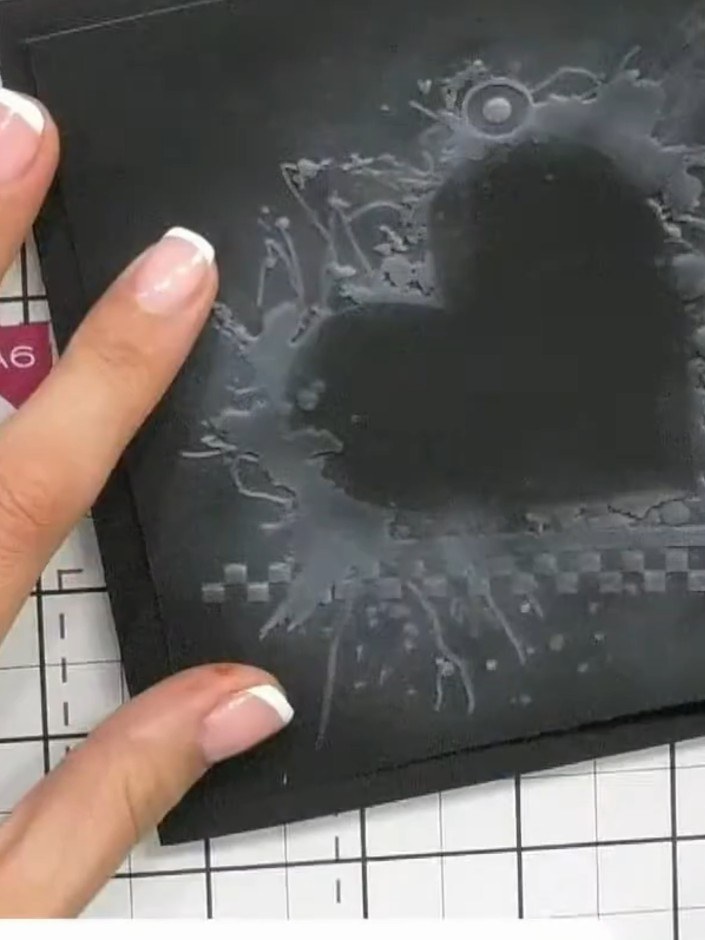
Adhere the finished embossed piece to a card base using foam pads to add dimension and showcase the 3D embossing effect.
▶ diesen Schritt ansehen (57:00)Direkt aus der Show aufgeschrieben. Alle Anleitungen aus unseren Shows ansehen · kostenlose Anleitungen · live auf My Telly ansehen
