Schenke deinen Freundinnen und Freunden 10 € Rabatt auf ihre erste Bestellung!
Freunde WERBEN








Ein Projekt aus unserer Live-Show QUATTRO-D Cocktails erklärt – direkt aus der Verpackung · 01.01.2023 · ab 3:00 ansehen
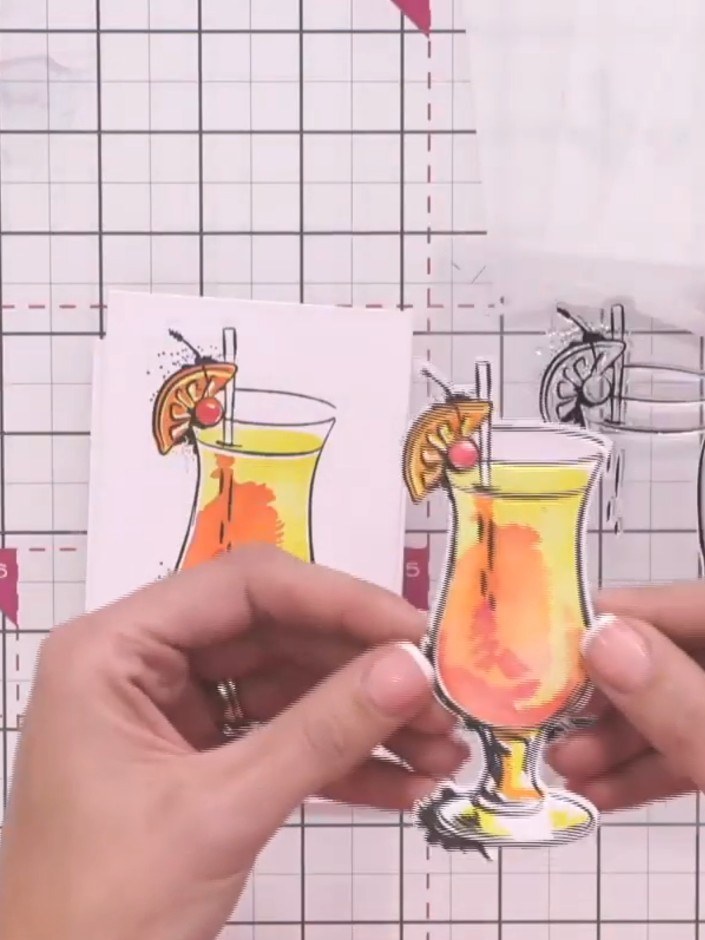
Create a stunning three-dimensional cocktail card featuring a refreshing green mojito with realistic depth and texture. This project combines watercolour backgrounds in pink and grey tones with die-cut embellishments that are enhanced using a complementary 3D embossing folder. The finished piece showcases impressive dimensional detail with a 'Cheers' sentiment, perfect for celebrations.
 STAMPS BY ME QUATTRO D - MOJITO - 090922AANSEHEN
 STAMPS BY ME QUATTRO D - TEQUILA SUNRISE - 090922CANSEHEN
DIESE ANLEITUNG HERUNTERLADEN (PDF)
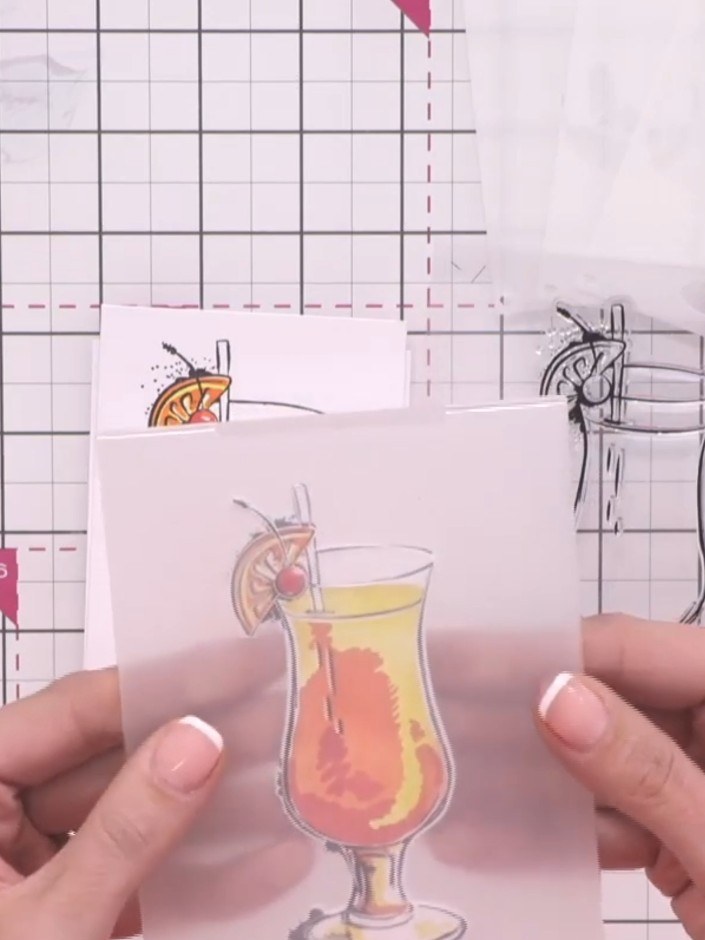
Place your stamped and coloured cocktail image face up in the embossing folder. Run through your die-cutting machine according to the manufacturer's instructions to create a raised embossed effect.
▶ diesen Schritt ansehen (3:00)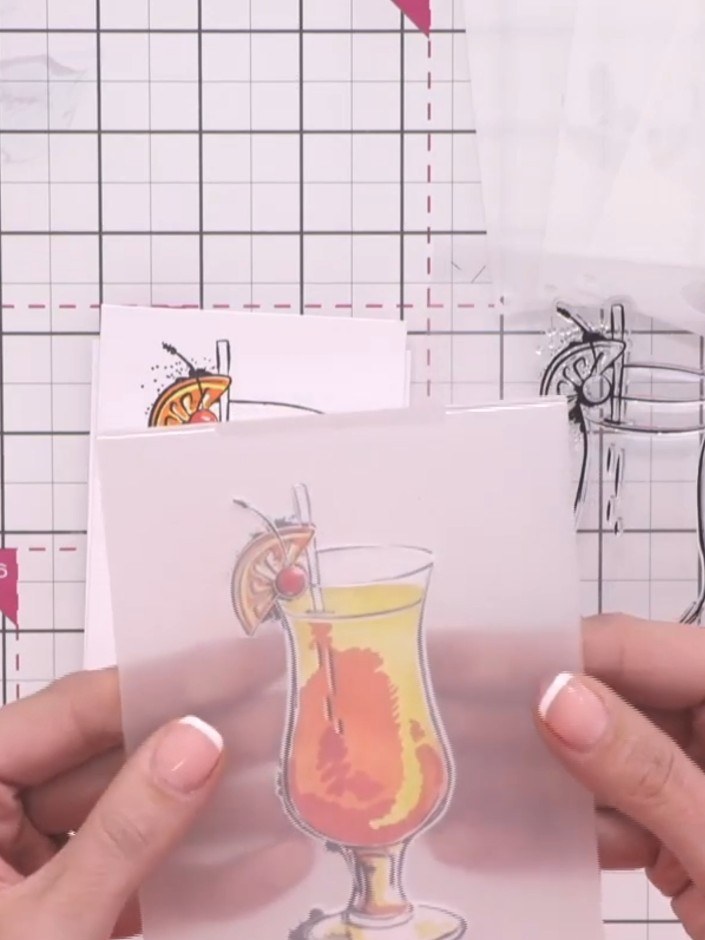
Take your die-cut cocktail glass element and carefully align it to the front of the 3D embossing folder, positioning it precisely over the matching design.
▶ diesen Schritt ansehen (3:00)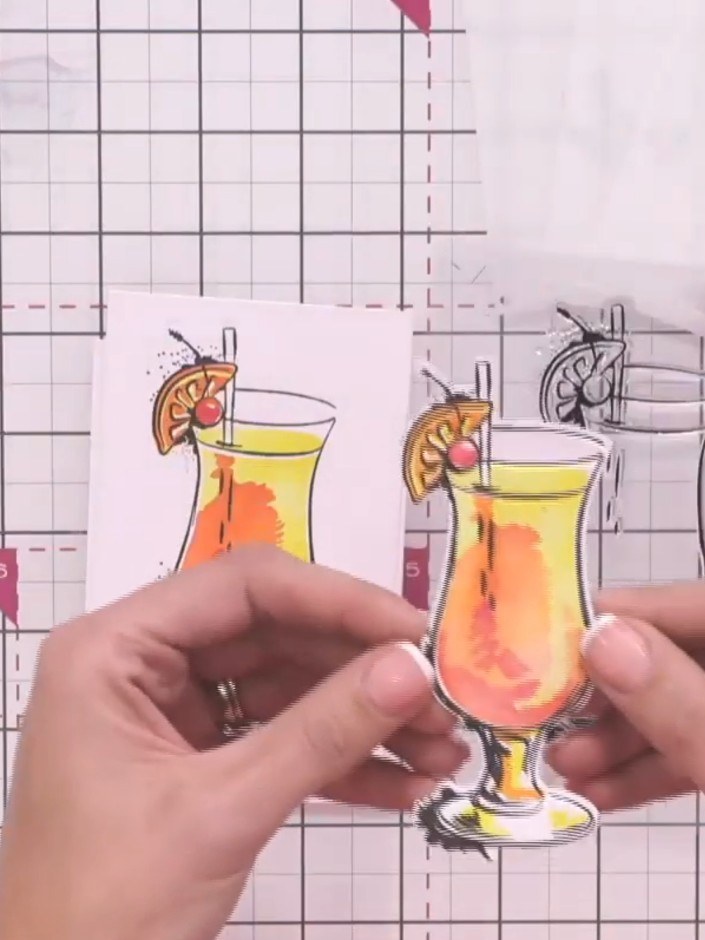
Place your die-cut cocktail glass image into the coordinating embossing folder and run it through your die-cutting machine according to your manufacturer's settings. This will create a raised, three-dimensional effect on your cocktail glass design.
▶ diesen Schritt ansehen (3:15)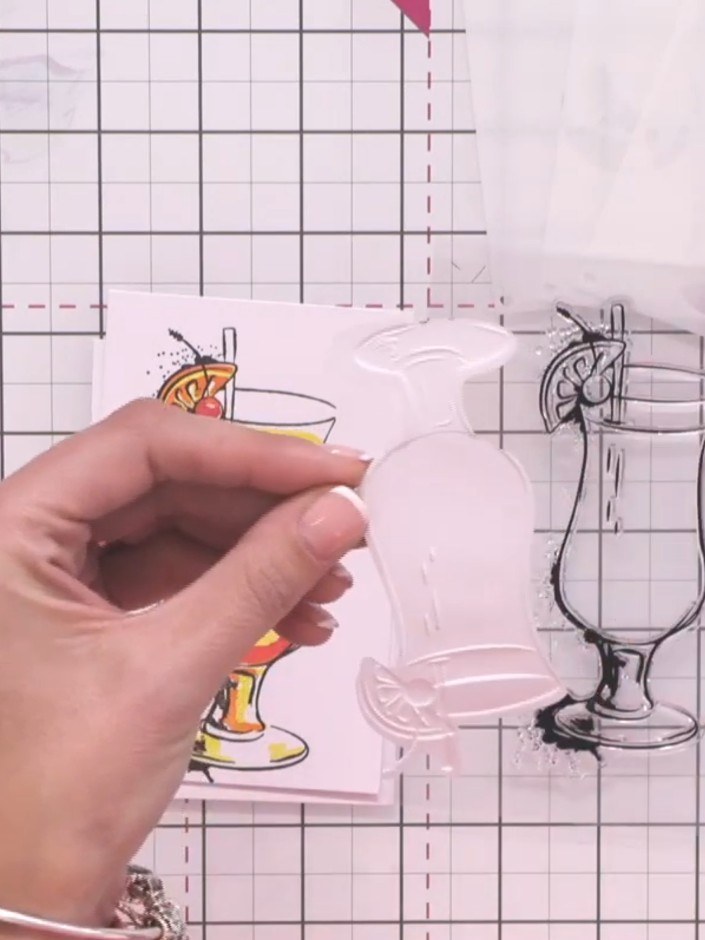
Carefully open the embossing folder and remove the embossed cocktail element. Admire the three-dimensional texture created by the embossing process.
▶ diesen Schritt ansehen (3:30)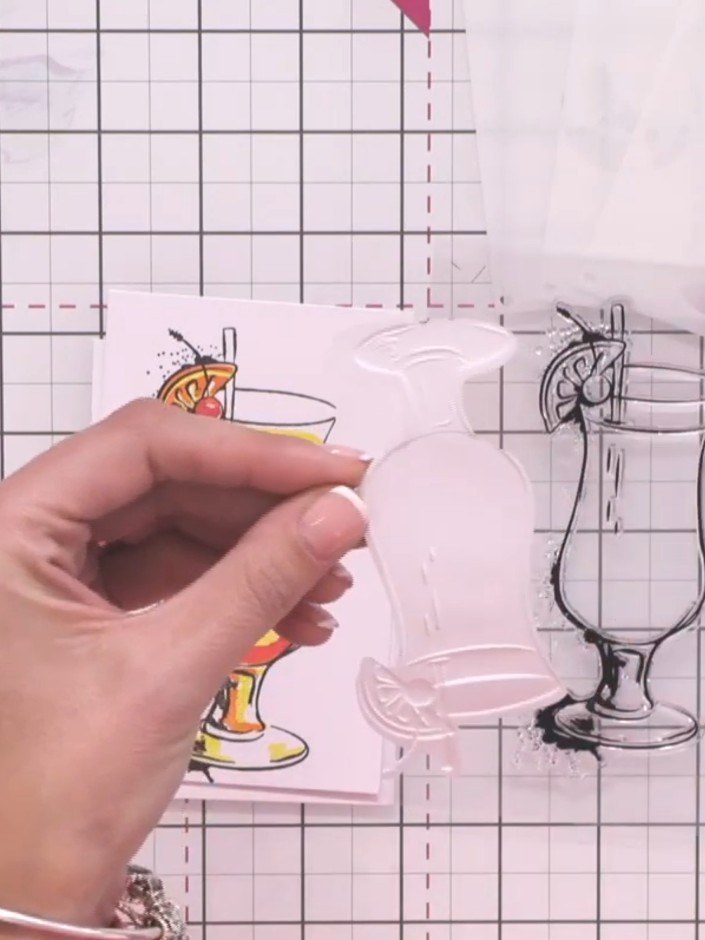
Attach your completed 3D embossed cocktail embellishment to your card front using foam pads or adhesive to add dimension and complete your design.
▶ diesen Schritt ansehen (3:30)Direkt aus der Show aufgeschrieben. Alle Anleitungen aus unseren Shows ansehen · kostenlose Anleitungen · live auf My Telly ansehen