Schenke deinen Freundinnen und Freunden 10 € Rabatt auf ihre erste Bestellung!
Freunde WERBEN








Ein Projekt aus unserer Live-Show FRIDAY LAUNCH - Sei dabei, wenn Toni ihre neuesten Produkte und Demos zeigt - Ausgestrahlt am 30. 22. September · 30.09.2022 · ab 32:00 ansehen
Create an interactive tunnel pocket page insert for your scrapbook album featuring elegant white florals on a black background. This clever design includes a sliding tag mechanism that allows you to display different photos or messages by pulling them through the channel opening. The project combines decorative patterned papers with quote strips and uses simple folding and layering techniques to create the tunnel effect.
DIESE ANLEITUNG HERUNTERLADEN (PDF)
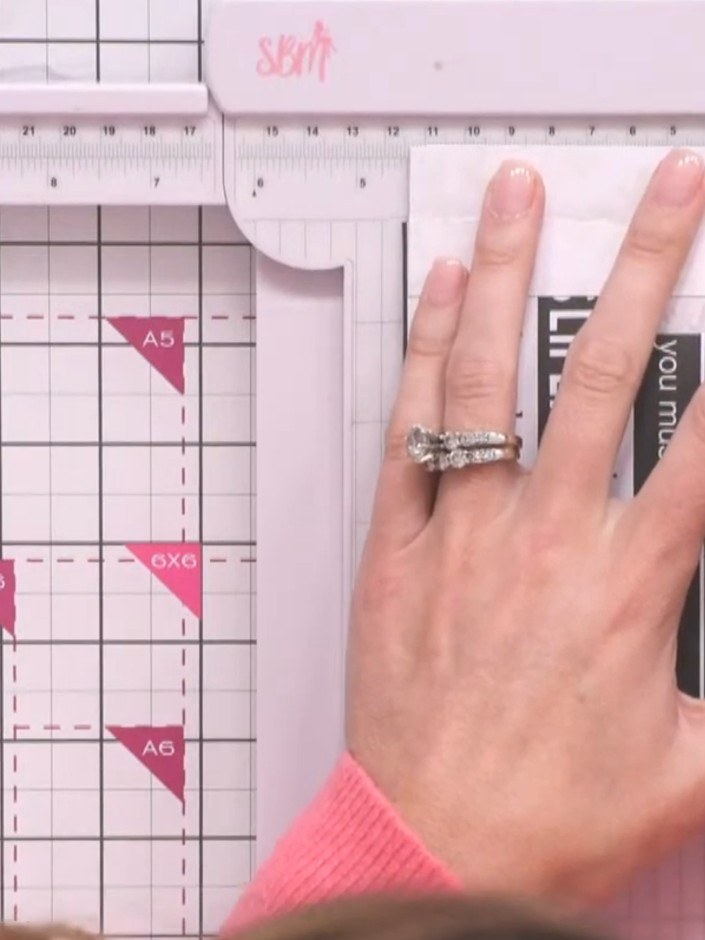
Measure the width of your album's hinge using a ruler to determine the tunnel width needed (approximately 1.5 inches or 4 cm).
▶ diesen Schritt ansehen (32:00)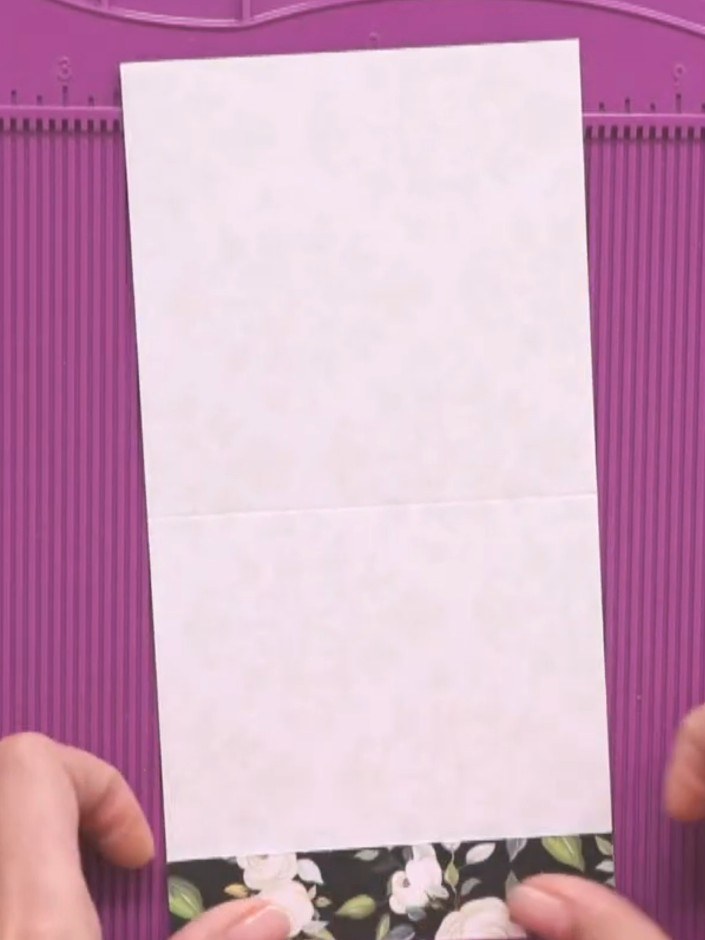
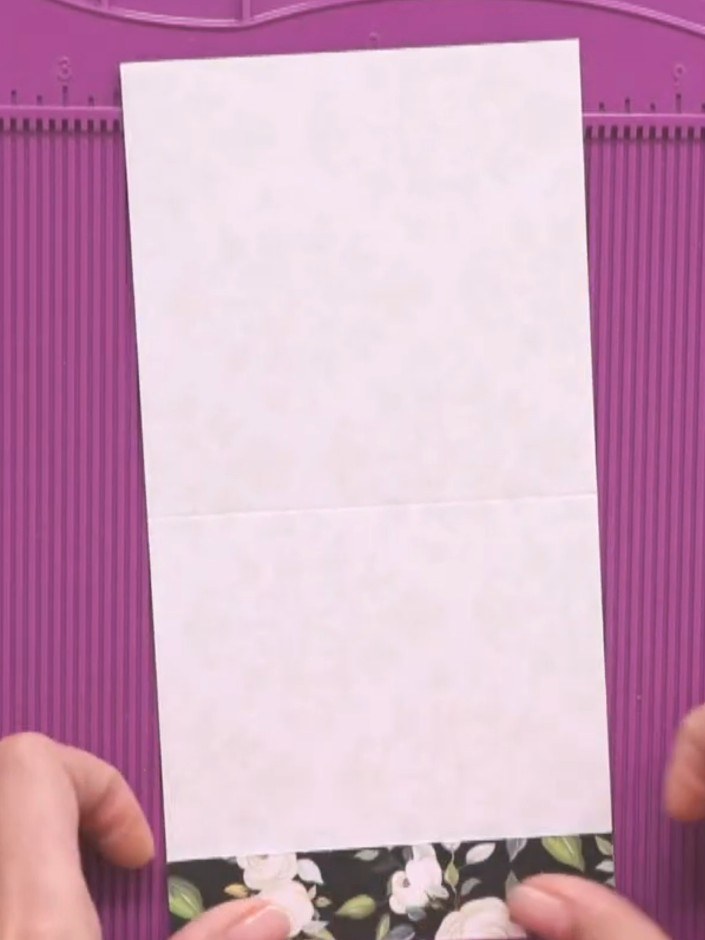
Cut a piece of white cardstock to fit your album's pocket depth, adding an extra 2.5 cm (1 inch) for the hinge allowance. Position the cardstock on your cutting mat with a decorative paper strip at the bottom edge.
▶ diesen Schritt ansehen (32:15)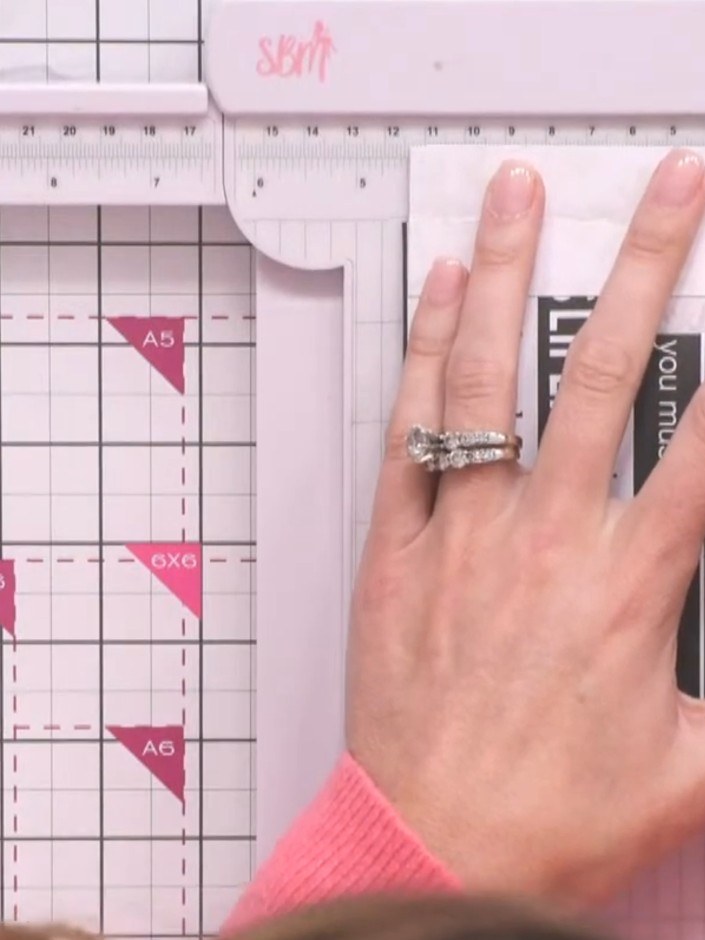
Score the pink card at 4.5 inches on each side using a ruler and scoring tool to mark where the tunnel opening will be positioned.
▶ diesen Schritt ansehen (32:30)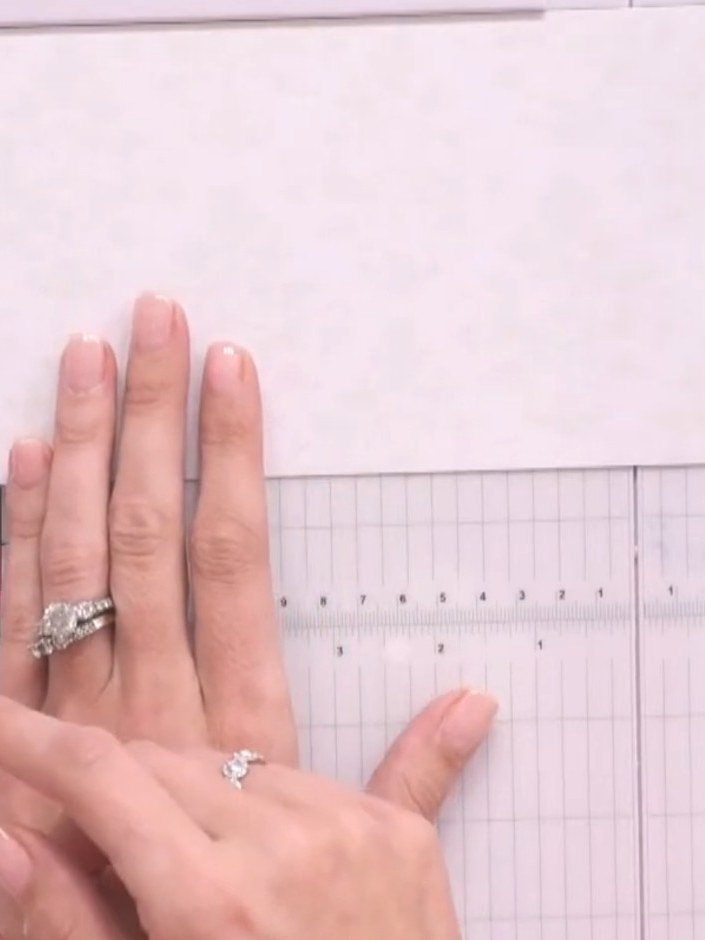
Score a line approximately 1 inch (2.5 cm) from the fold on your white cardstock to create the tunnel channel walls.
▶ diesen Schritt ansehen (33:00)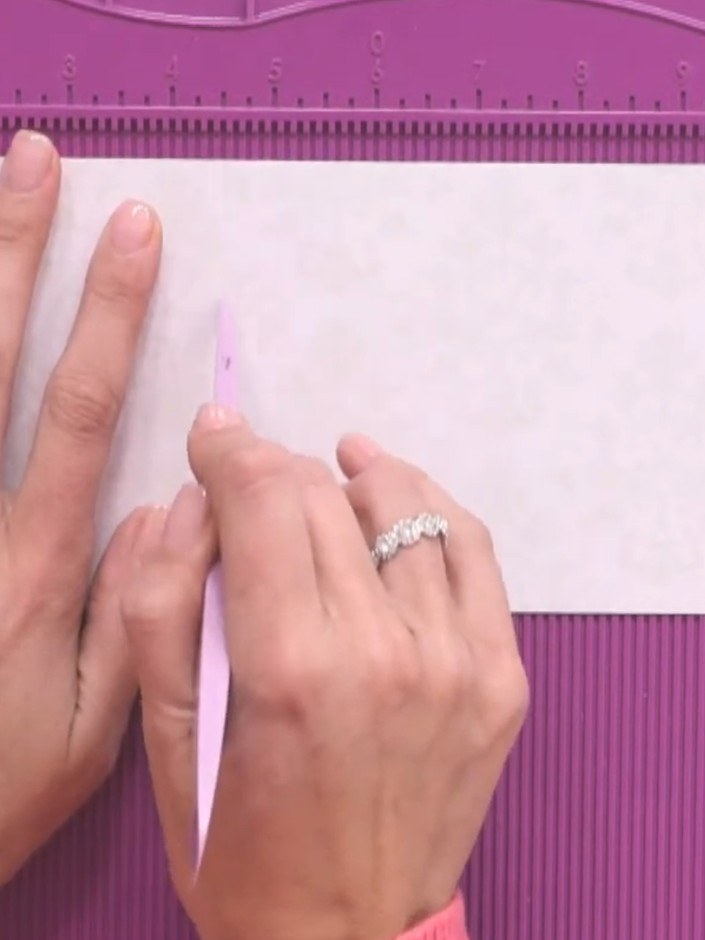
Use scissors to taper the edges of the tunnel opening on the white card panel. This removes bulk and ensures the tags will slide smoothly through the tunnel.
▶ diesen Schritt ansehen (33:30)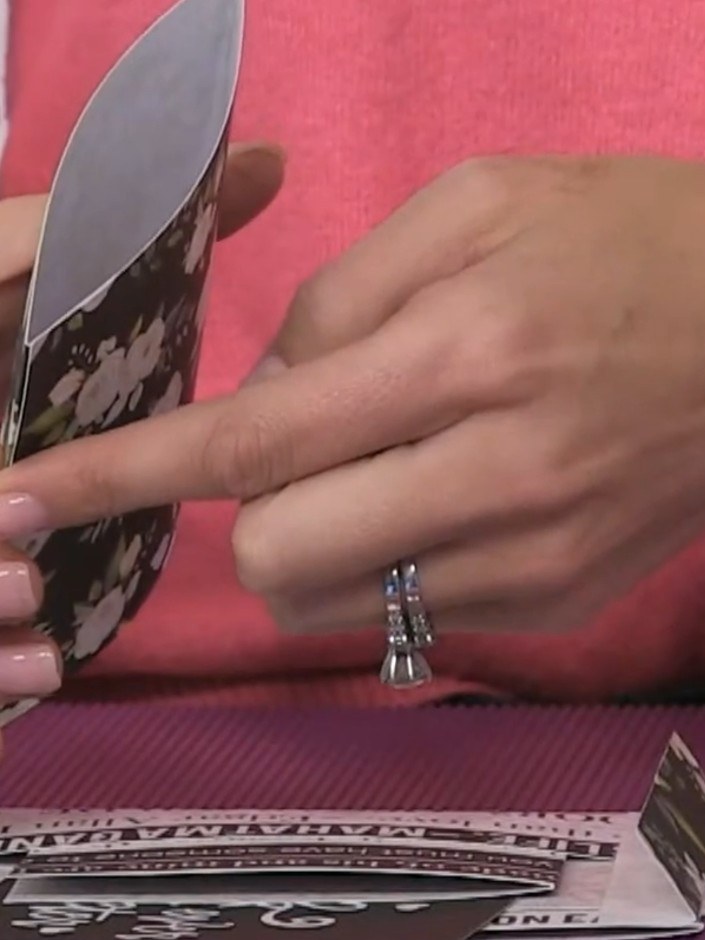
Adhere the tunnel page to the album's hinge using tape, ensuring the opening faces outward. Press firmly to secure the connection.
▶ diesen Schritt ansehen (34:00)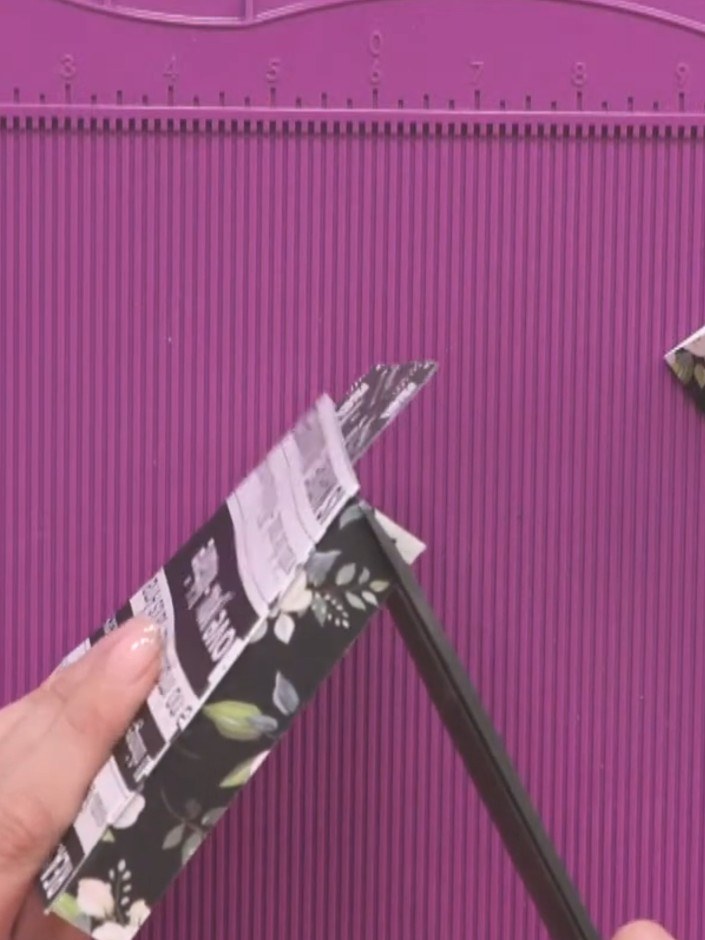
Test-fit your tags or cards through the tunnel pocket to ensure they slide freely without catching on the edges.
▶ diesen Schritt ansehen (34:30)Direkt aus der Show aufgeschrieben. Alle Anleitungen aus unseren Shows ansehen · kostenlose Anleitungen · live auf My Telly ansehen