Schenke deinen Freundinnen und Freunden 10 € Rabatt auf ihre erste Bestellung!
Freunde WERBEN








Ein Projekt aus unserer Live-Show CREATE AND CRAFT - NEU UND EXKLUSIV - Feier mit Toni 10 Jahre im TV mit ihren neuesten Produkten - Ausgestrahlt am 26. Sept. 22 · 26.09.2022 · ab 39:00 ansehen
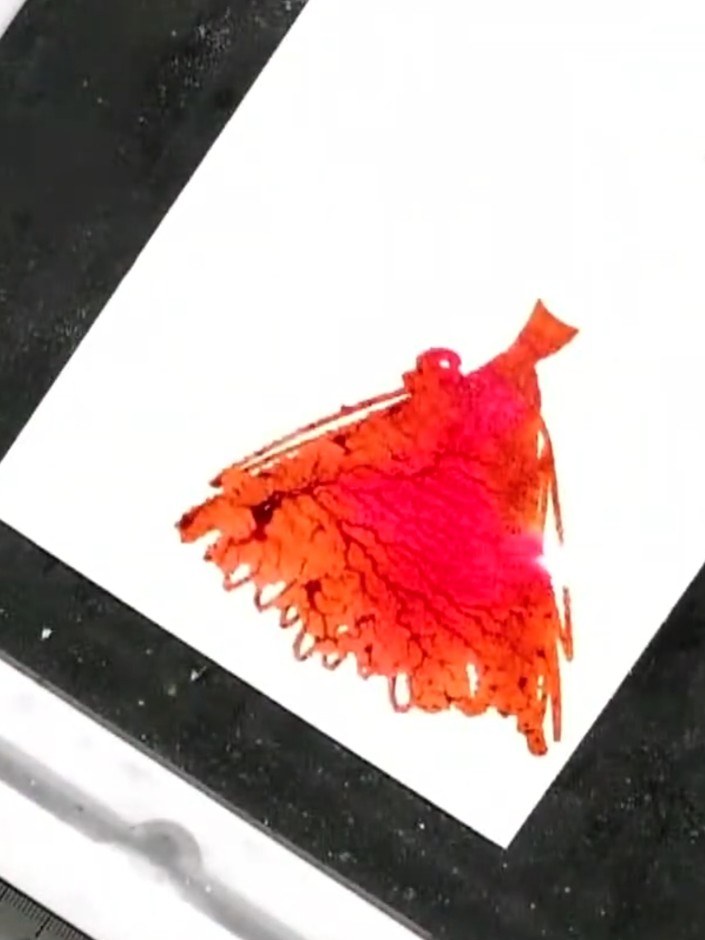
Create a striking card using a two-part lamination stamp featuring a lady in an elegant gown. You'll layer vibrant watercolour effects in pink, orange and red tones, adding depth with ink, water spray and optional embossing. The finished piece combines beautiful watercolour blending with dimensional stamped detail for a sophisticated handmade card.
DIESE ANLEITUNG HERUNTERLADEN (PDF)
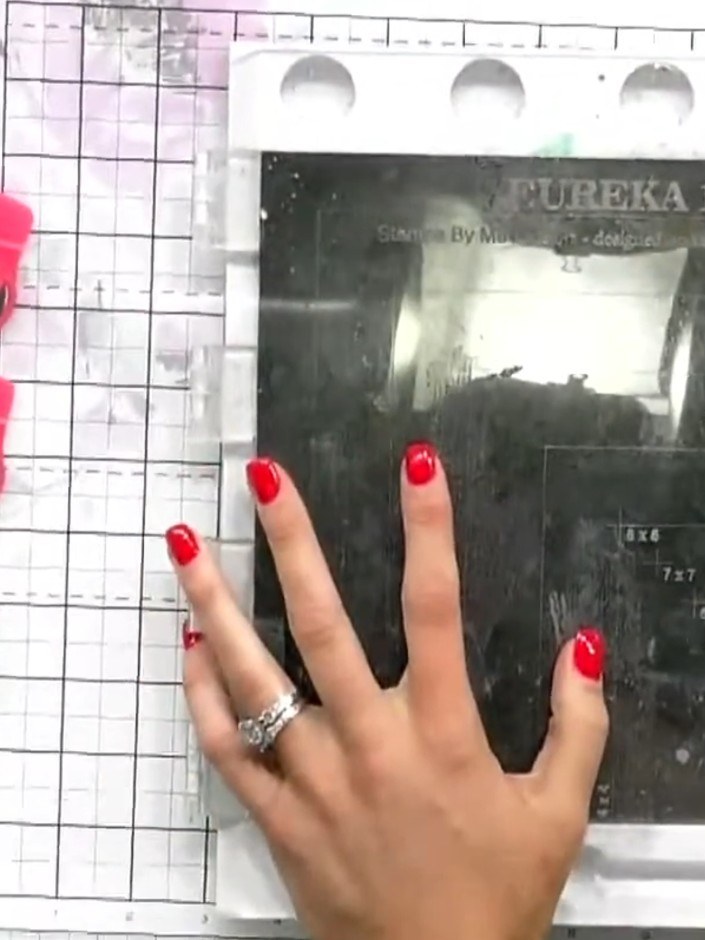
Place your watercolour or card stock on the magnetic glass mat with the grid side facing up. The magnetic surface will hold your card in place whilst you work.
▶ diesen Schritt ansehen (39:00)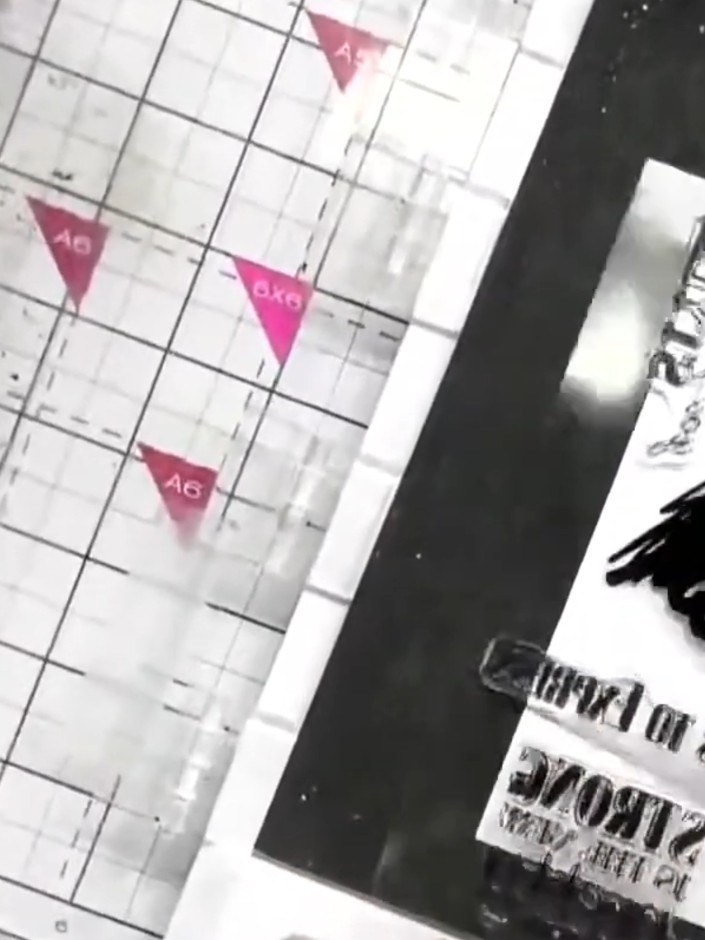
Position the lamination stamp in the corner of your watercolour card. Use the magnets on your stamping platform to secure the card in place if needed.
▶ diesen Schritt ansehen (40:15)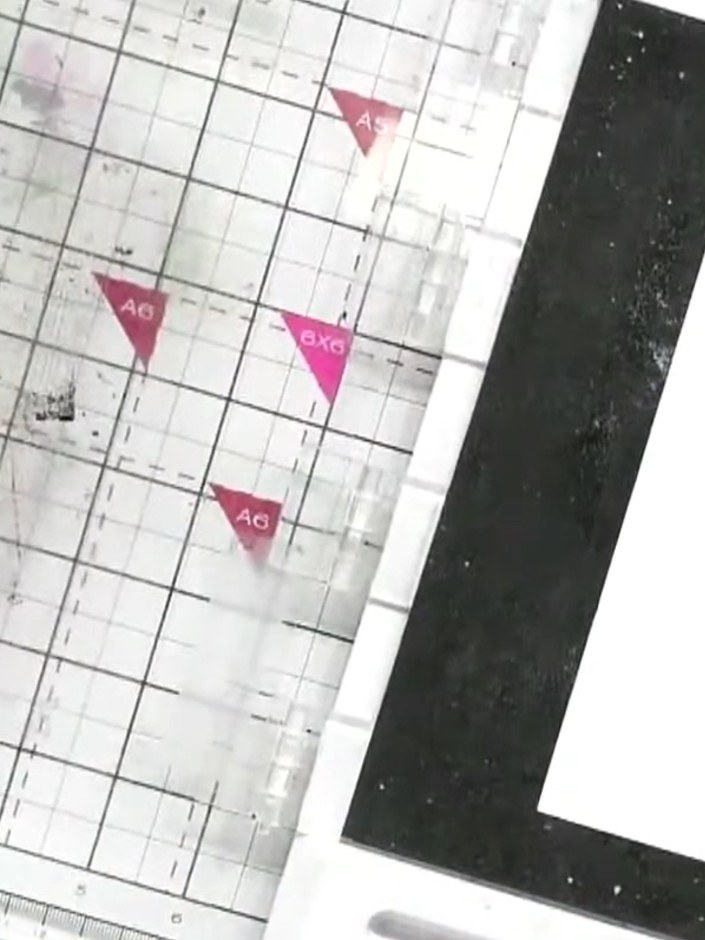
Using a spot brush, gently dab pink ink onto the solid portion of the dress stamp. Work carefully to ink up the design, creating a watercolour effect.
▶ diesen Schritt ansehen (40:45)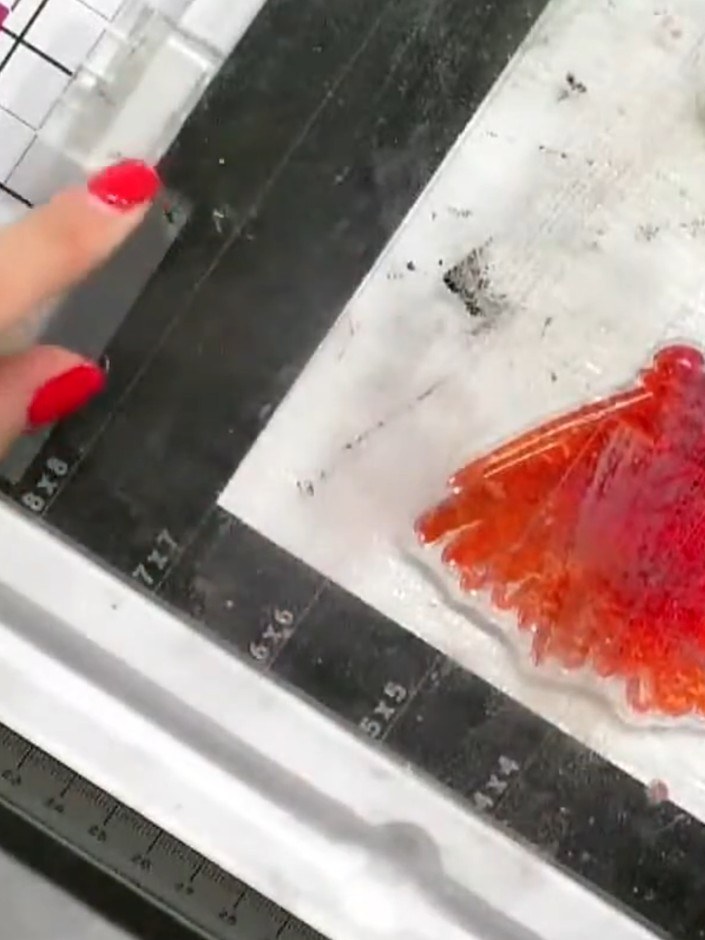
Add orange ink around the stamped dress design to complement the pink watercolour effect, creating a gradient finish.
▶ diesen Schritt ansehen (41:00)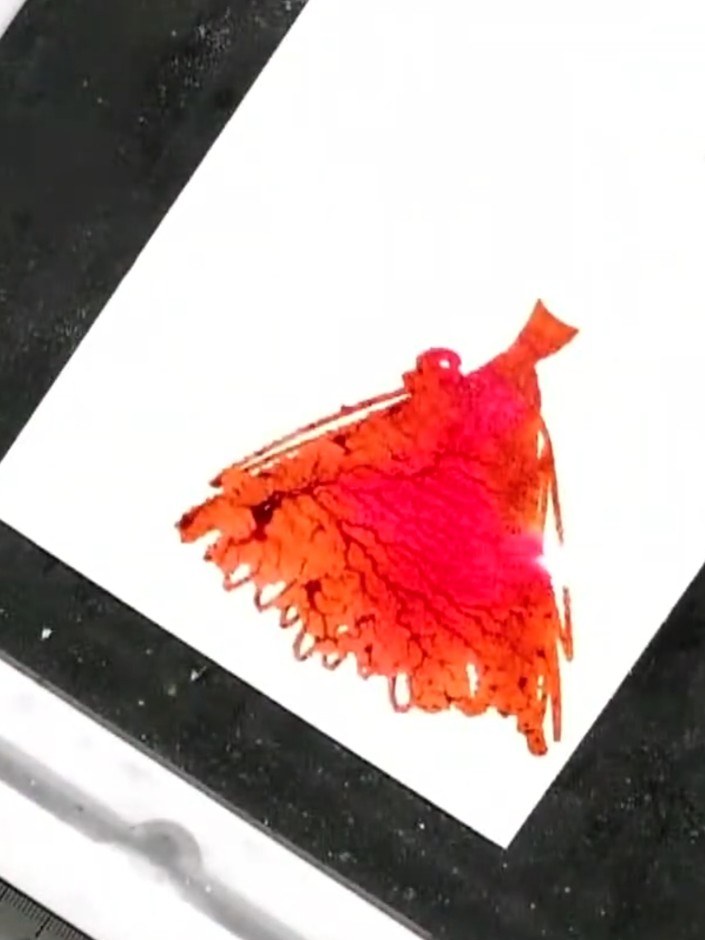
Lightly spray the inked stamp with water to create a watercolour effect. The water will blend the pink and orange inks together for a soft, graduated finish.
▶ diesen Schritt ansehen (41:15)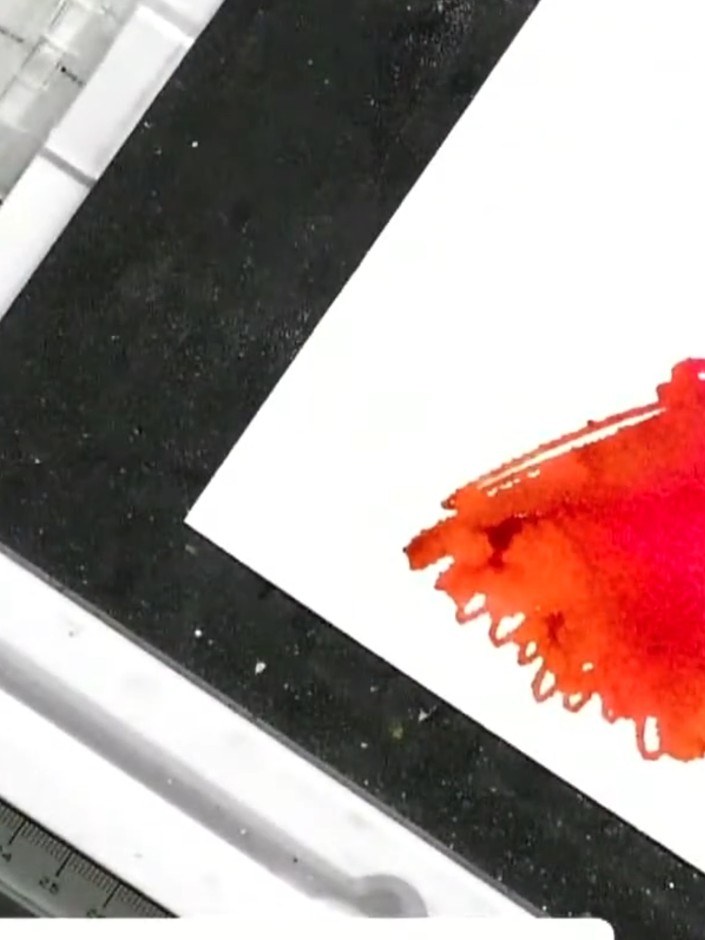
Press the stamp firmly onto your white card panel and carefully lift it away to reveal the watercolour bird image in red and orange tones.
▶ diesen Schritt ansehen (41:30)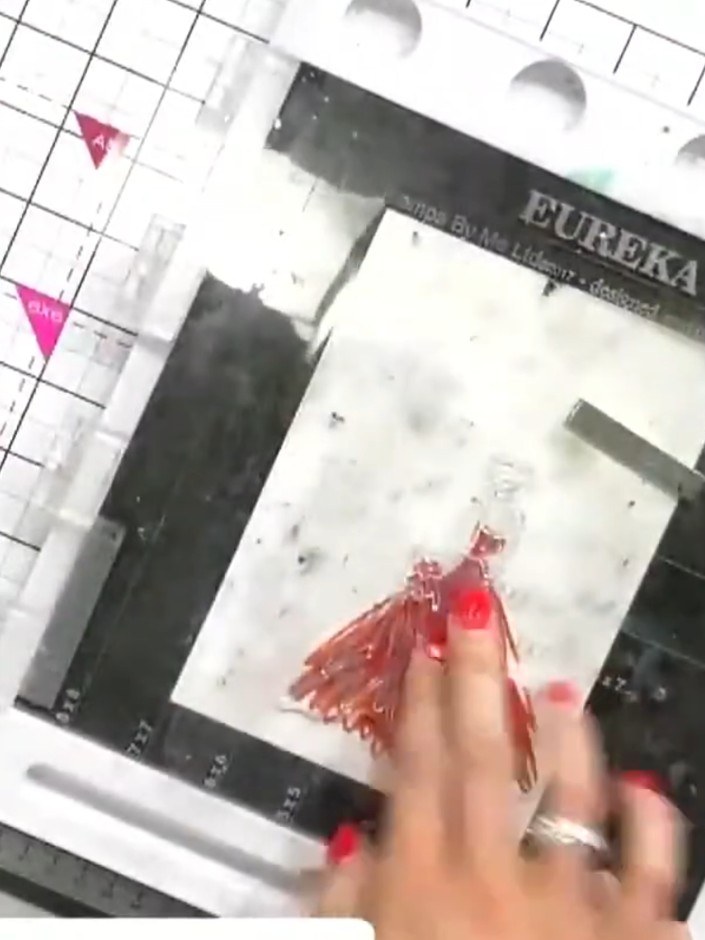
Once the watercoloured area is dry, ink the outline portion of the stamp with black ink. Carefully stamp it over the watercoloured dress to add definition and detail.
▶ diesen Schritt ansehen (42:15)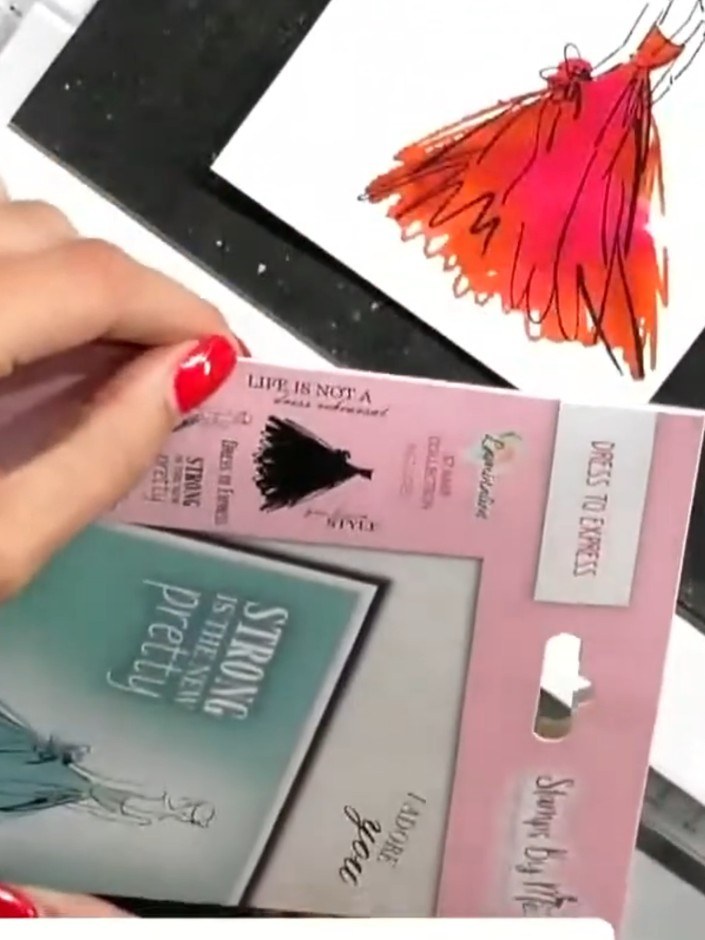
Choose a sentiment stamp from your set and stamp it onto the side of your card base using black ink. Position the sentiment to complement your coloured dress image.
▶ diesen Schritt ansehen (43:15)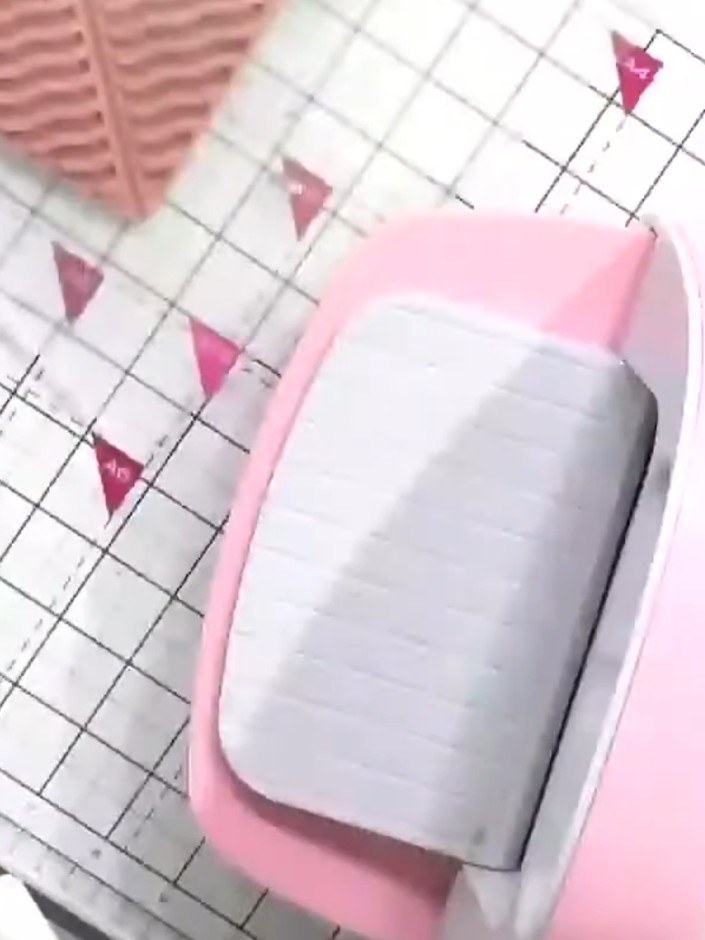
Optional: Run the finished card through an HD 3D embossing folder to add texture and dimension to the design. Feed the card through your die-cutting machine with the embossing folder to create a raised pattern across the surface.
▶ diesen Schritt ansehen (46:30)Direkt aus der Show aufgeschrieben. Alle Anleitungen aus unseren Shows ansehen · kostenlose Anleitungen · live auf My Telly ansehen