Schenke deinen Freundinnen und Freunden 10 € Rabatt auf ihre erste Bestellung!
Freunde WERBEN








Ein Projekt aus unserer Live-Show CREATE AND CRAFT - NEU UND EXKLUSIV - Feier mit Toni 10 Jahre im TV mit ihren neuesten Produkten - Ausgestrahlt am 26. Sept. 22 · 26.09.2022 · ab 30:15 ansehen
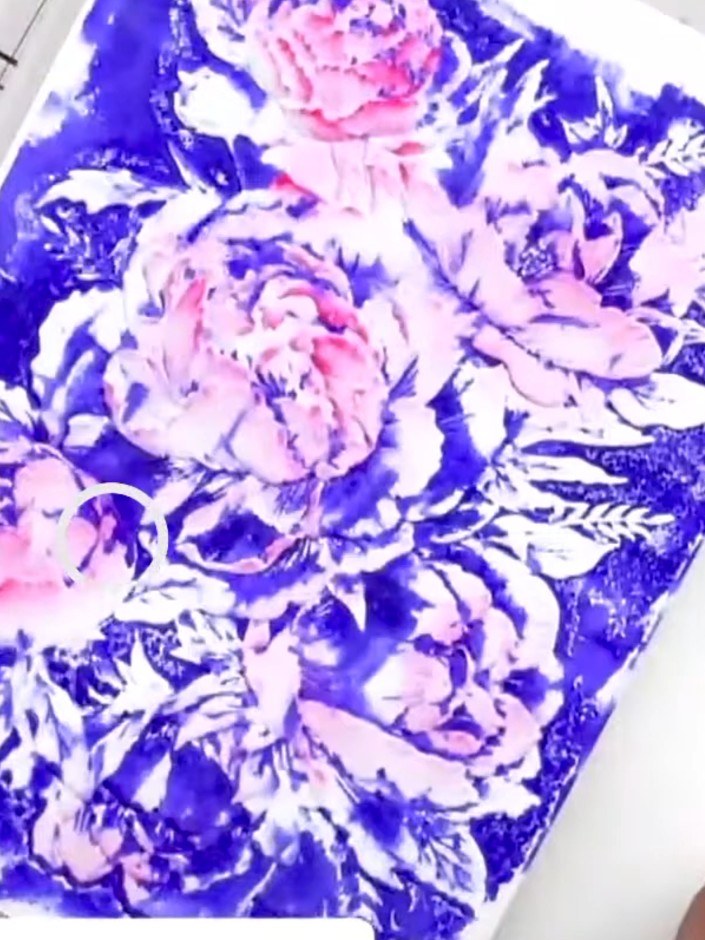
Create a stunning floral card featuring beautiful peonies in vibrant purple and pink tones. Using high-definition embossing folders, you'll achieve exceptional depth and dimensional detail that brings these gorgeous blooms to life. This elegant design showcases the dramatic contrast between the raised white flowers and the rich purple background.
DIESE ANLEITUNG HERUNTERLADEN (PDF)
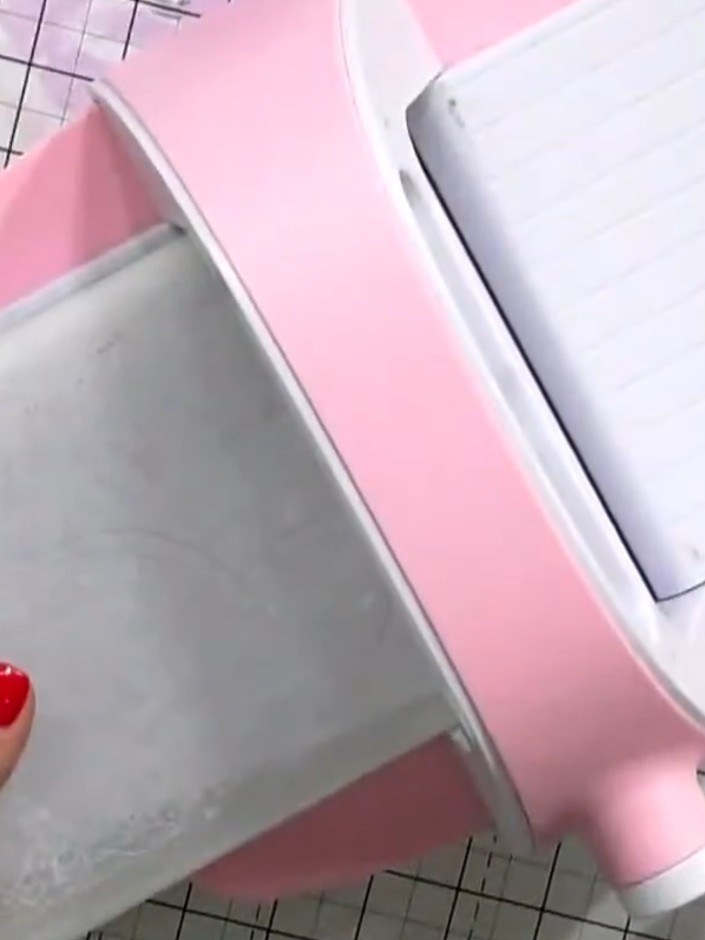
Place your card stock into the die-cutting machine. Ensure the card stock is positioned correctly on the cutting platform with the embossing folder in place. Run it through the machine following your manufacturer's settings.
▶ diesen Schritt ansehen (30:30)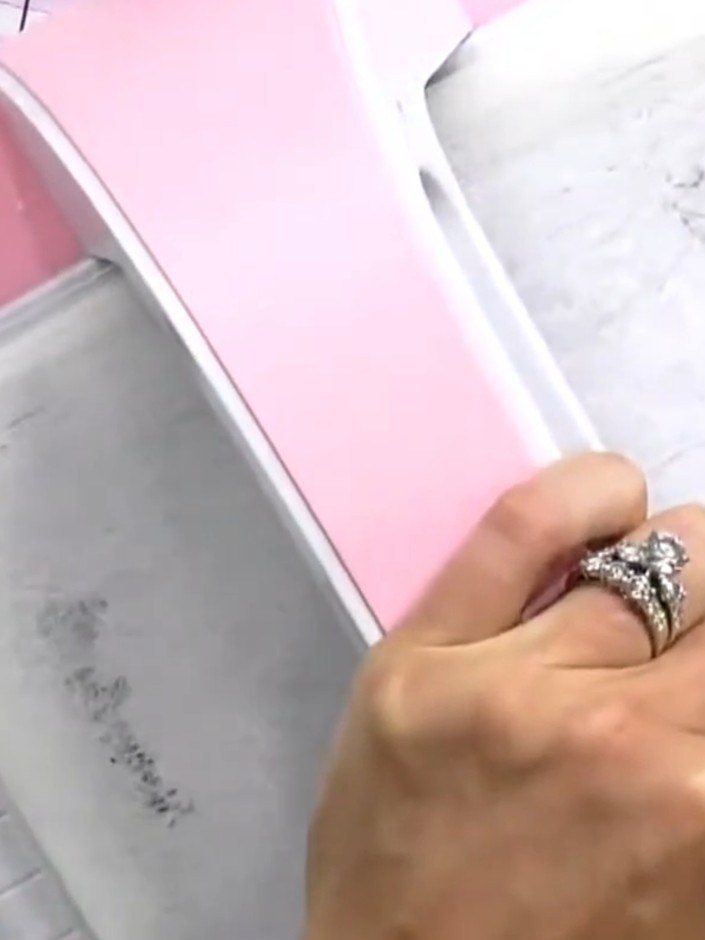
Place your card stock inside the HD 3D embossing folder. Insert the folder into the embossing machine and run it through to create the embossed design.
▶ diesen Schritt ansehen (30:45)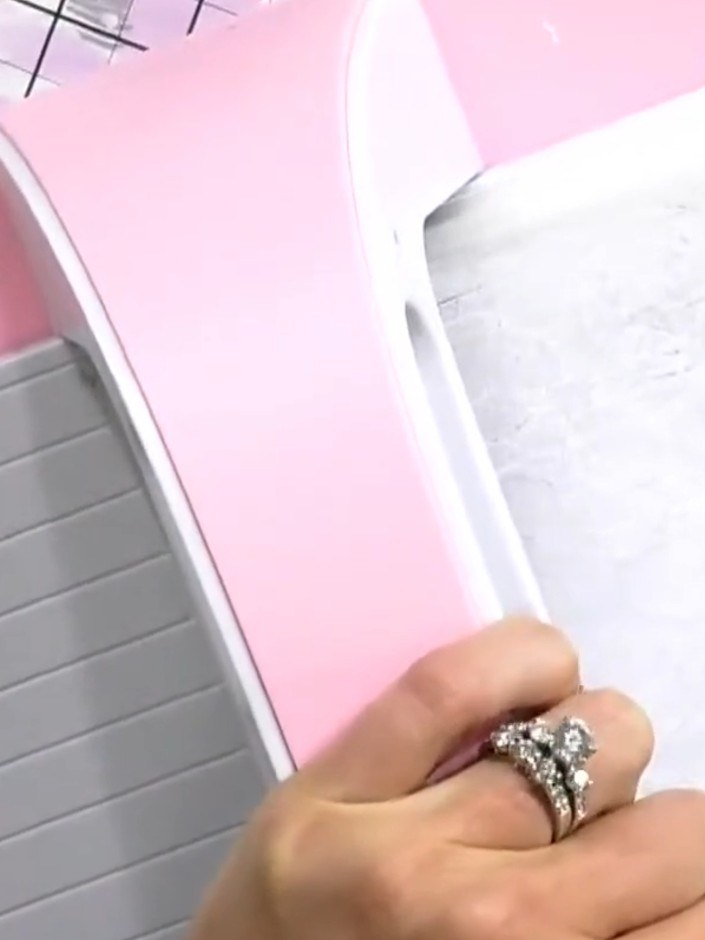
Remove the embossed card from the embossing folder. Examine the detailed embossed design on both the front and back of the card to see the raised pattern created.
▶ diesen Schritt ansehen (31:00)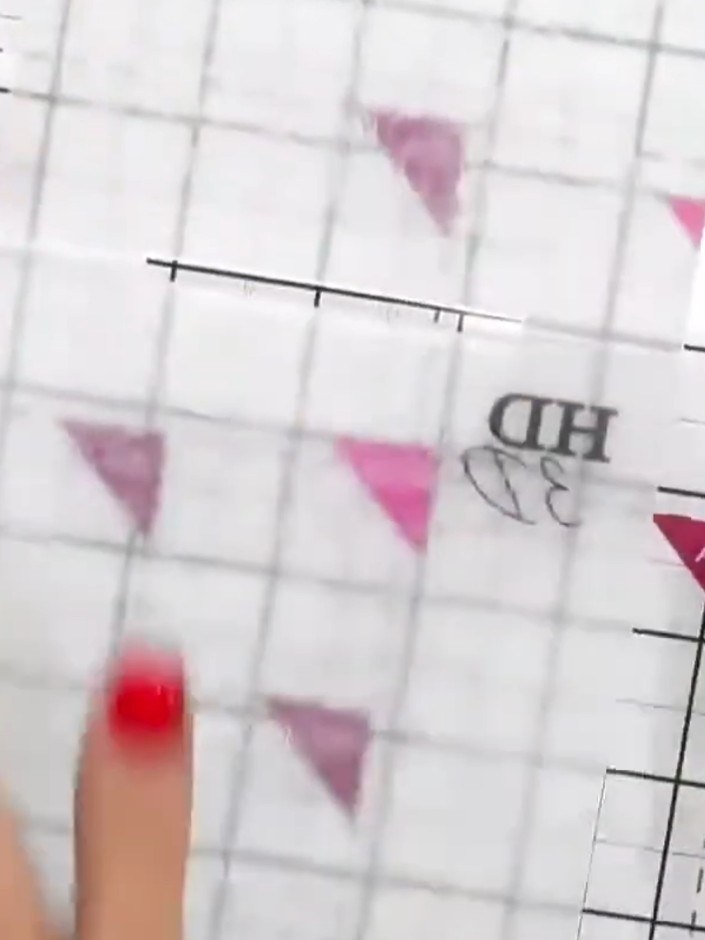
Feel the embossed design with your fingers to identify where the raised and recessed areas are located. This helps you understand which areas are solid and which are indented on the embossing folder.
▶ diesen Schritt ansehen (32:45)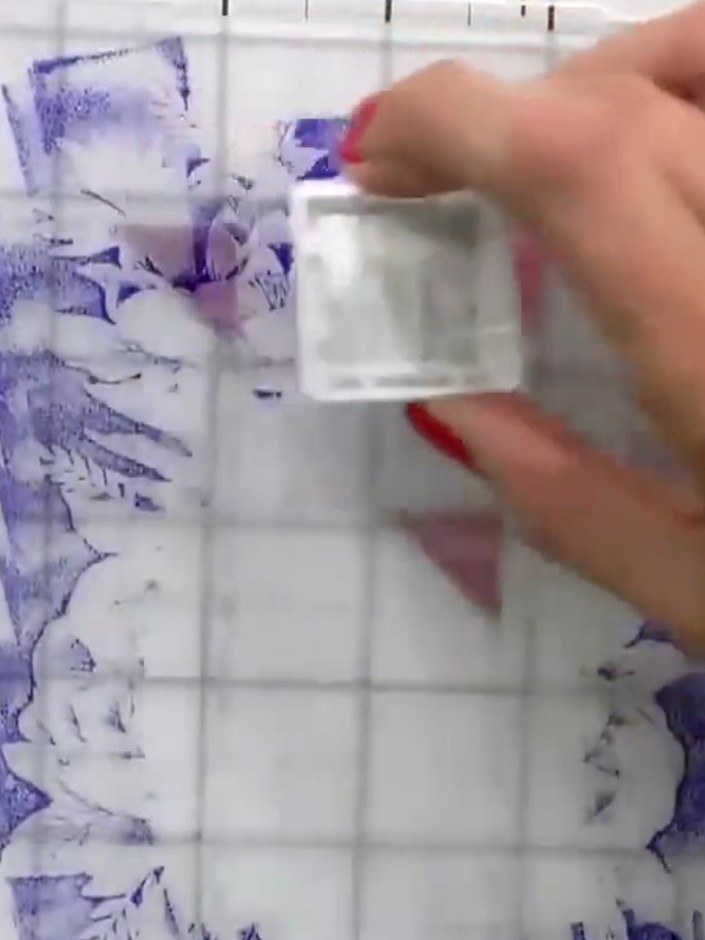
Gently pat the ink pad onto the raised portions of the embossed design. Work on one side of the embossing folder, applying the ink to the 3D raised areas. Don't be too precise with the application.
▶ diesen Schritt ansehen (33:00)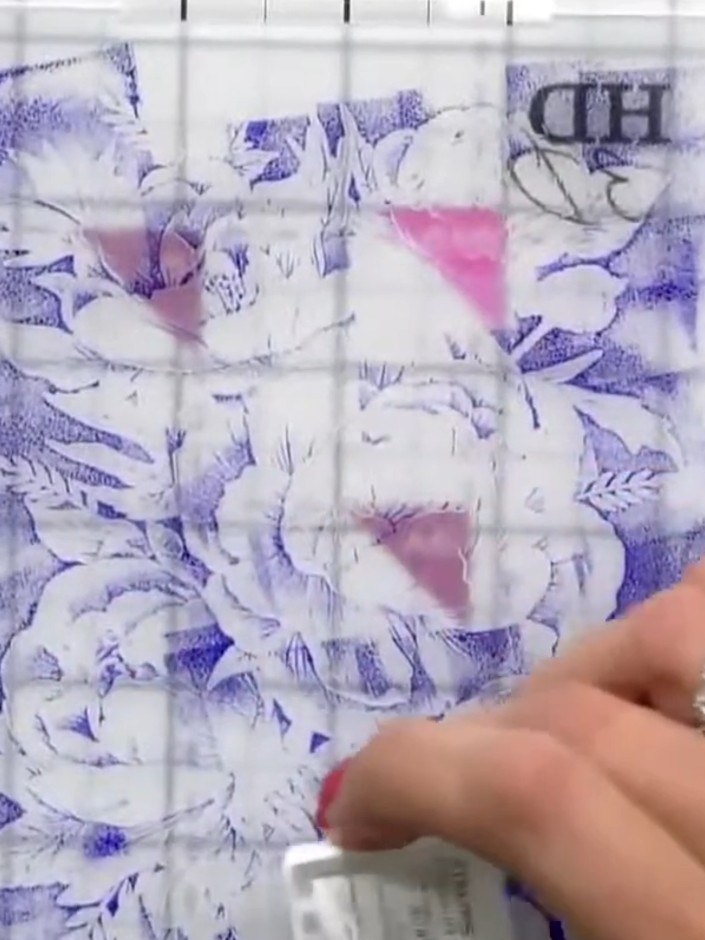
Lightly spray the inked embossed design with water to create a watercolour effect. The water will blend and soften the purple ink on the peony and tiger lily design.
▶ diesen Schritt ansehen (33:15)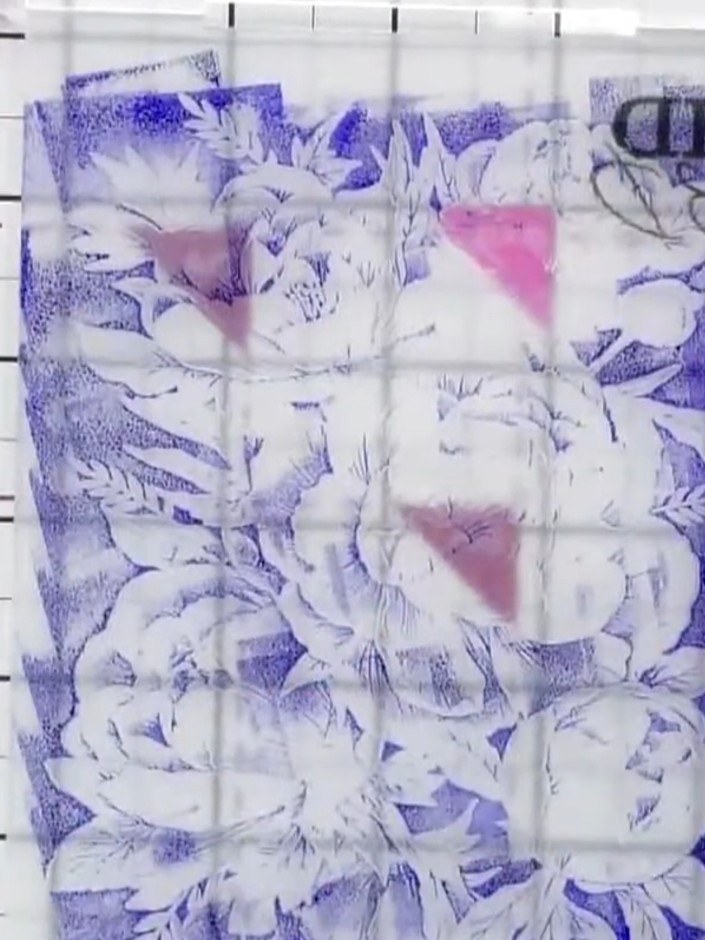
Remove the embossed card from the folder and set it aside to dry completely before continuing with your project.
▶ diesen Schritt ansehen (33:30)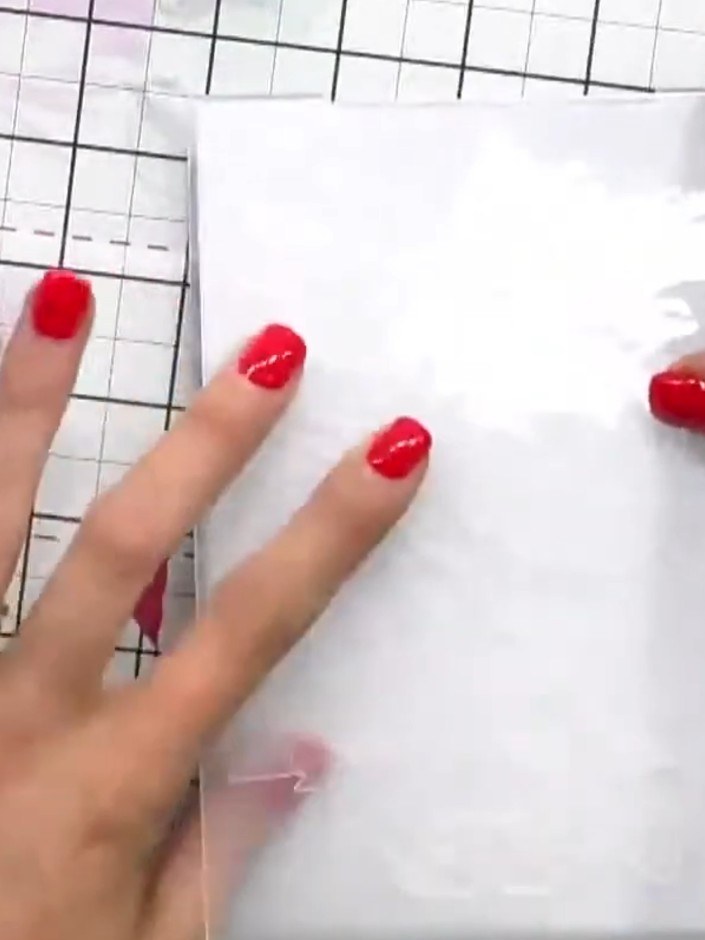
Using a different ink colour, apply ink to another area of the embossed design to add depth and dimension. Choose a complementary shade that works well with your first colour.
▶ diesen Schritt ansehen (34:00)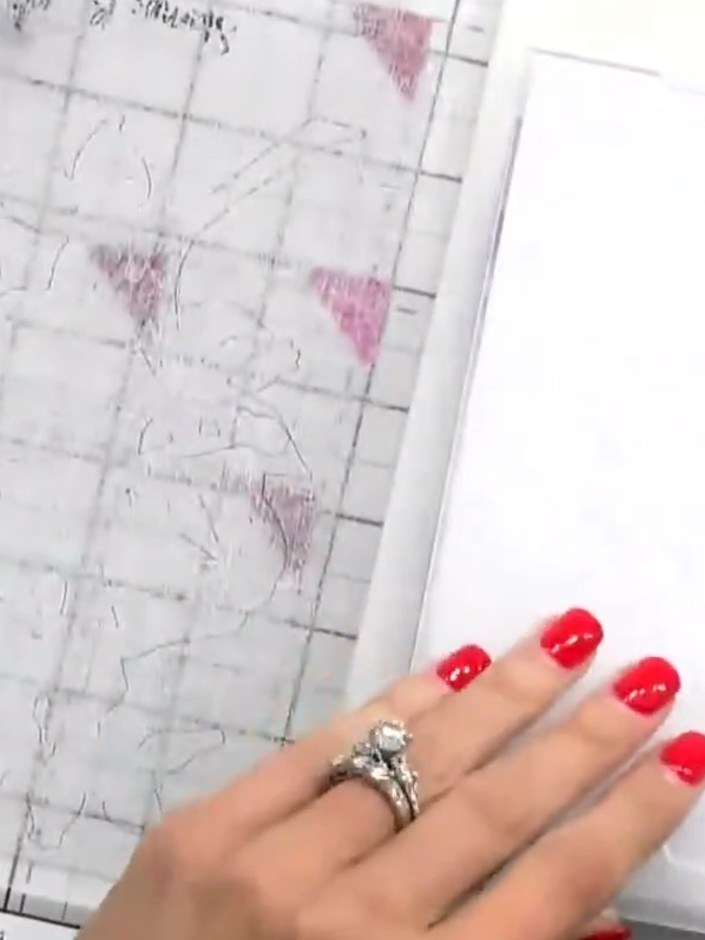
Use a spot brush to lightly apply colour over specific areas of the embossed design to highlight details and bring the peony and tiger lily to life.
▶ diesen Schritt ansehen (34:15)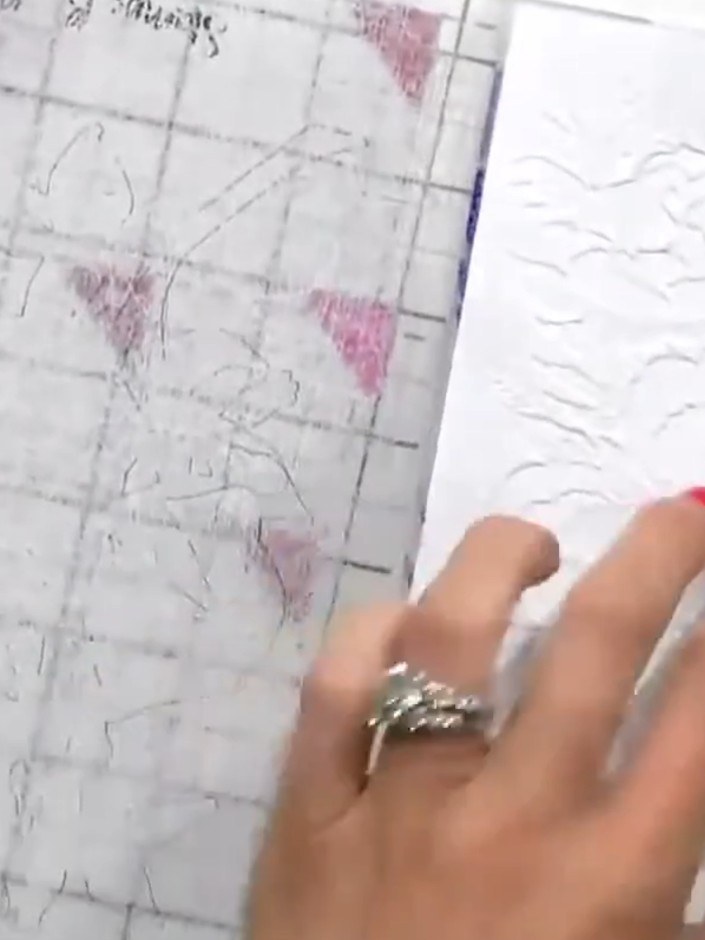
Add a sentiment to complete your card if desired, or leave it simple as a one-and-done design. The embossed floral pattern creates a beautiful finished card on its own.
▶ diesen Schritt ansehen (34:45)Direkt aus der Show aufgeschrieben. Alle Anleitungen aus unseren Shows ansehen · kostenlose Anleitungen · live auf My Telly ansehen