Schenke deinen Freundinnen und Freunden 10 € Rabatt auf ihre erste Bestellung!
Freunde WERBEN








 Deal HuntersDi., 3. Nov. 9:00 Uhr
 Hidden GemsMi., 4. Nov. 5:00 Uhr
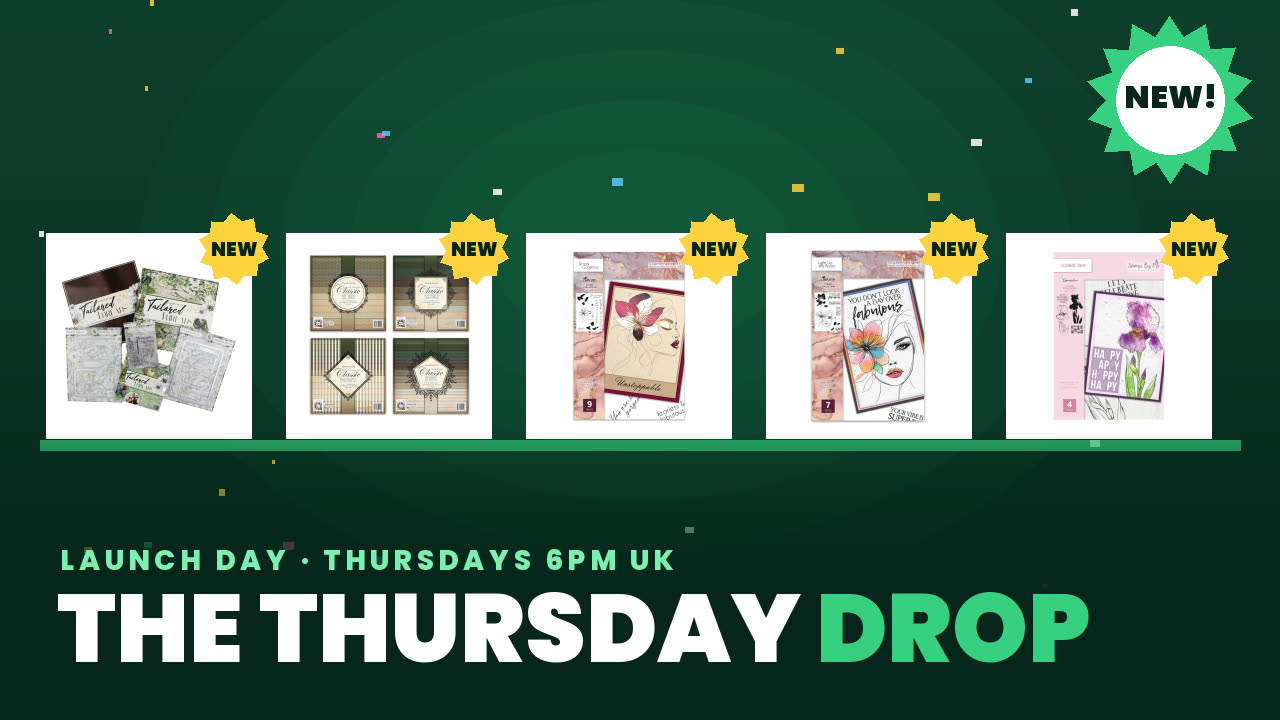 The Thursday DropDo., 5. Nov. 13:00 Uhr
Preise ändern sich sofort.
Ein Projekt aus unserer Live-Show HSN-Vorschau & tolle Gewinnspiele – sei LIVE bei Toni dabei, Ausstrahlung Freitag 11. Feb. · 11.02.2022
Create an artistic card using two-part lamination stamps that require only stamps, colour, and water to produce instant artwork. The technique creates fresh, unique designs that make you look like a professional artist.
Gather your lamination stamp set, colour medium, water, and card base.
Apply colour to the first layer of the lamination stamp using your chosen medium.
Spritz or add water to activate the stamp design.
Layer the second stamp on top to complete the lamination effect and create the final artwork.
Experiment with different coloured second layers, such as blue sparkly, to vary the finished look.
Teile dein Projekt mit der Stamps By Me Community - und behalte diese Anleitung für das nächste Mal.
Direkt aus der Show aufgeschrieben. Alle Anleitungen aus unseren Shows · kostenlose Anleitungen · live auf My Telly ansehen · die bisherige Ansicht