Schenke deinen Freundinnen und Freunden 10 € Rabatt auf ihre erste Bestellung!
Freunde WERBEN








 Deal HuntersDi., 3. Nov. 9:00 Uhr
 Hidden GemsMi., 4. Nov. 5:00 Uhr
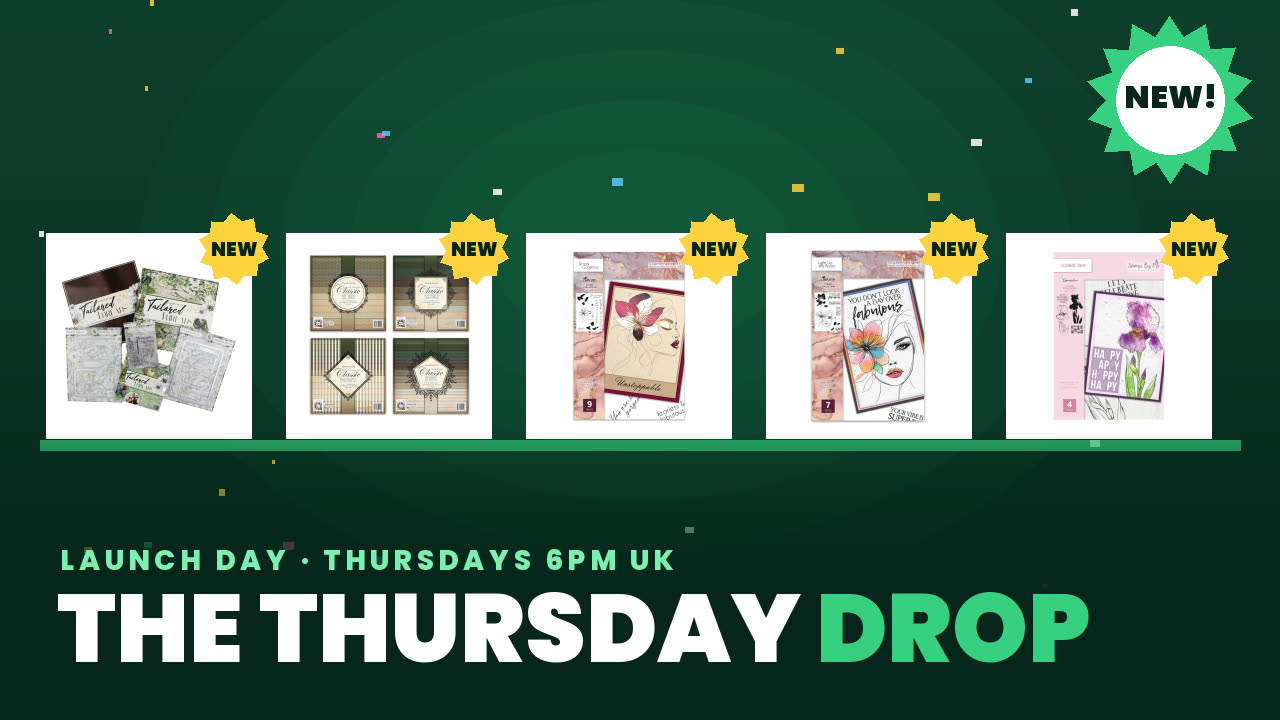 The Thursday DropDo., 5. Nov. 13:00 Uhr
Preise ändern sich sofort.
Ein Projekt aus unserer Live-Show HSN-Vorschau & tolle Gewinnspiele – sei LIVE bei Toni dabei, Ausstrahlung Freitag 11. Feb. · 11.02.2022
Use a tabletop die-cutting machine to cut decorative heart details from the edge of a card, creating an elegant border accent. This demonstrates the precision and ease of the die-cutting tool.
Set up your six-inch tabletop die-cutting machine by pulling out the sides to expand it.
Pop out the base platform where the die-cutting will occur.
Position your card or cardstock with the decorative heart die on the base platform.
Run the card through the die-cutting machine using the handle to apply pressure.
Remove the card and pop out the decorative heart details from the cut edge.
Teile dein Projekt mit der Stamps By Me Community - und behalte diese Anleitung für das nächste Mal.
Direkt aus der Show aufgeschrieben. Alle Anleitungen aus unseren Shows · kostenlose Anleitungen · live auf My Telly ansehen · die bisherige Ansicht