Schenke deinen Freundinnen und Freunden 10 € Rabatt auf ihre erste Bestellung!
Freunde WERBEN








 Deal HuntersDi., 3. Nov. 9:00 Uhr
 Hidden GemsMi., 4. Nov. 5:00 Uhr
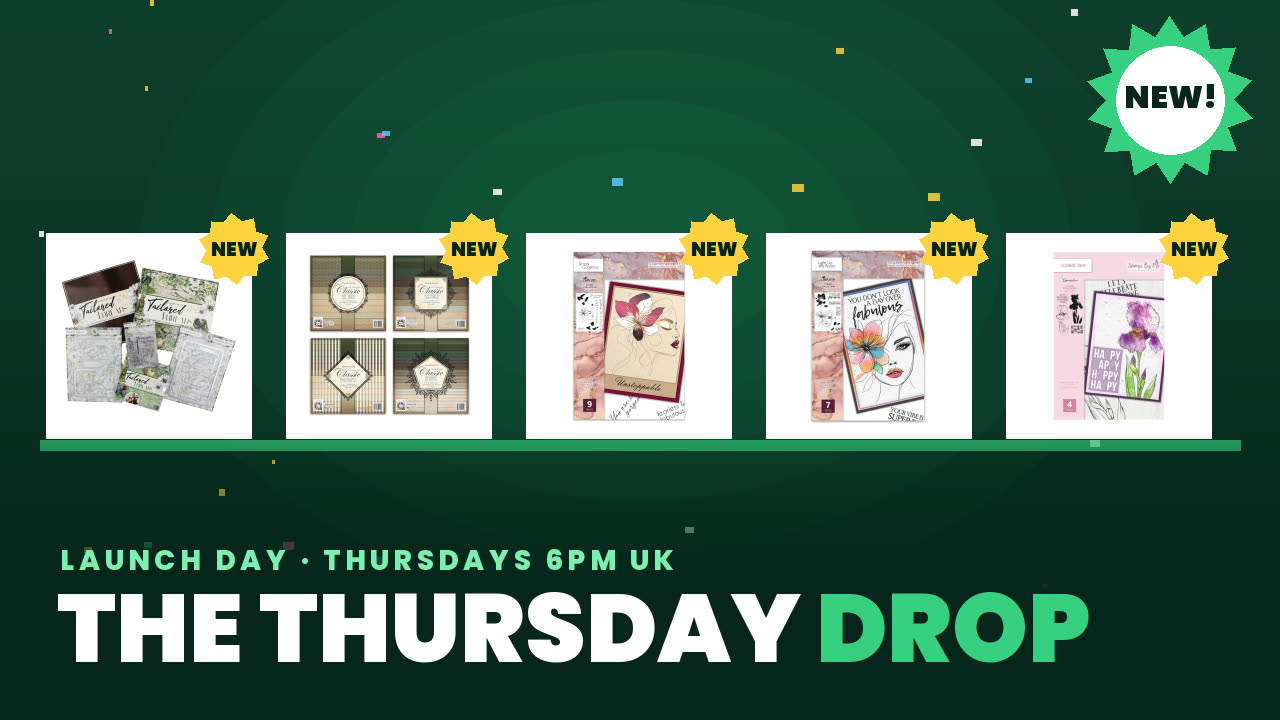 The Thursday DropDo., 5. Nov. 13:00 Uhr
Preise ändern sich sofort.
Ein Projekt aus unserer Live-Show Sei dabei bei Tonis Q&A-Update mit einem fantastischen Show-Angebot – gesendet am 7. Feb. 22 · 07.02.2022
Create a beautiful card featuring a floating floral frame with coordinating sentiment words. The design includes matte and layer elements that can be paper-pieced back into the frame for added depth and visual interest.
Cut a piece of patterned paper from the 8x8 paper pad to use as your card base.
Run the flower frame die through your cutting machine with cardstock to cut out the frame design.
Pop out all the pieces from the die-cut, including the frame, flower, and sentiment words.
Paper-piece the flower back into the frame opening using gold mirror board or contrasting cardstock for added dimension.
Glue the completed frame design onto your patterned paper card base.
Teile dein Projekt mit der Stamps By Me Community - und behalte diese Anleitung für das nächste Mal.
Direkt aus der Show aufgeschrieben. Alle Anleitungen aus unseren Shows · kostenlose Anleitungen · live auf My Telly ansehen · die bisherige Ansicht