LIENS RAPIDES

info@howtocraftnetwork.com
Encore plus malin : achetez et regardez avec l'application SBMTÉLÉCHARGEZ L'APPLIRegardez-nous en direct sur votre smart TVVOIR COMMENTDécouvrez notre chaîne IPTV dédiée : rendez-vous sur my-telly.comREGARDERCumulez des points de fidélité à chaque commandeEN SAVOIR PLUS
Bienvenue sur How to Craft Network
 
SBM SHOP
SUIVEZ-NOUS
OFFREZ 10 € DE RÉDUCTION À VOS AMIS PARRAINEZ UN AMI › DÉCOUVRIR MY-TELLY.COM › ENCORE PLUS MALIN TÉLÉCHARGEZ L'APPLI › CHAÎNE PRIMÉE SUR VOTRE TV › REJOIGNEZ LE CLUB POUR ÉCONOMISER ›
 

Interactive Side-Fold Pocket Page

Un projet de notre émission en direct ATELIER DE NOËL - Rejoignez Toni au Studio 3 pour son projet GRATUIT - Diffusion du 7 déc. 22 · 07/12/2022 · à voir dès 39:30
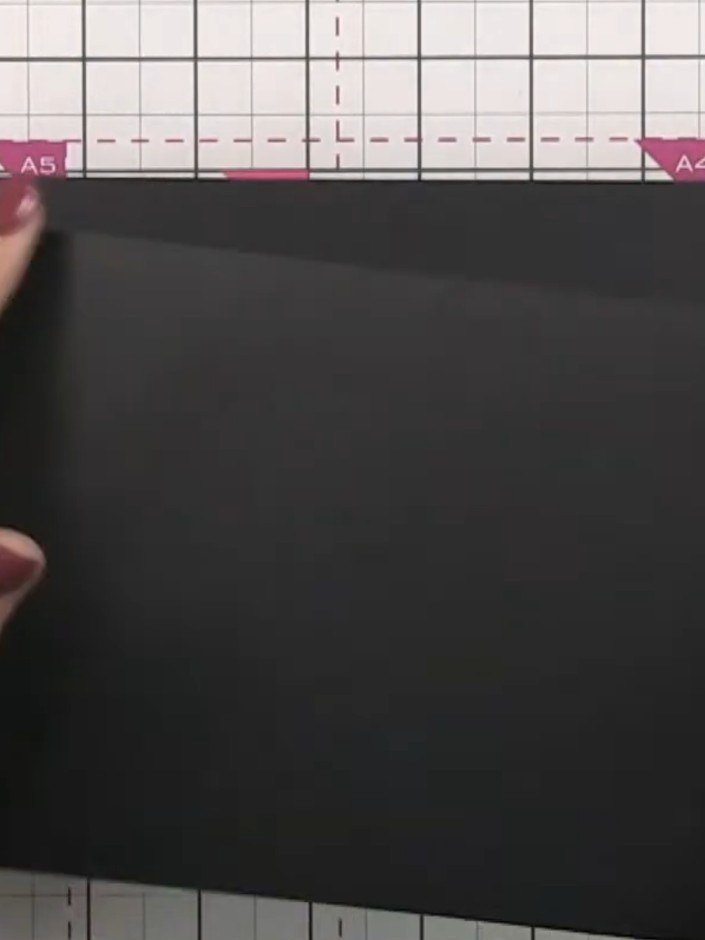
Interactive Side-Fold Pocket Page - the finished project
Le projet terminé

Create an interactive side-fold pocket page for your scrapbook album using black cardstock. This dimensional design features a fold-out pocket that opens from the edge, perfect for tucking away photos, journaling cards or embellishments. The project uses simple folding and gluing techniques to create a functional and stylish addition to your memory keeping.
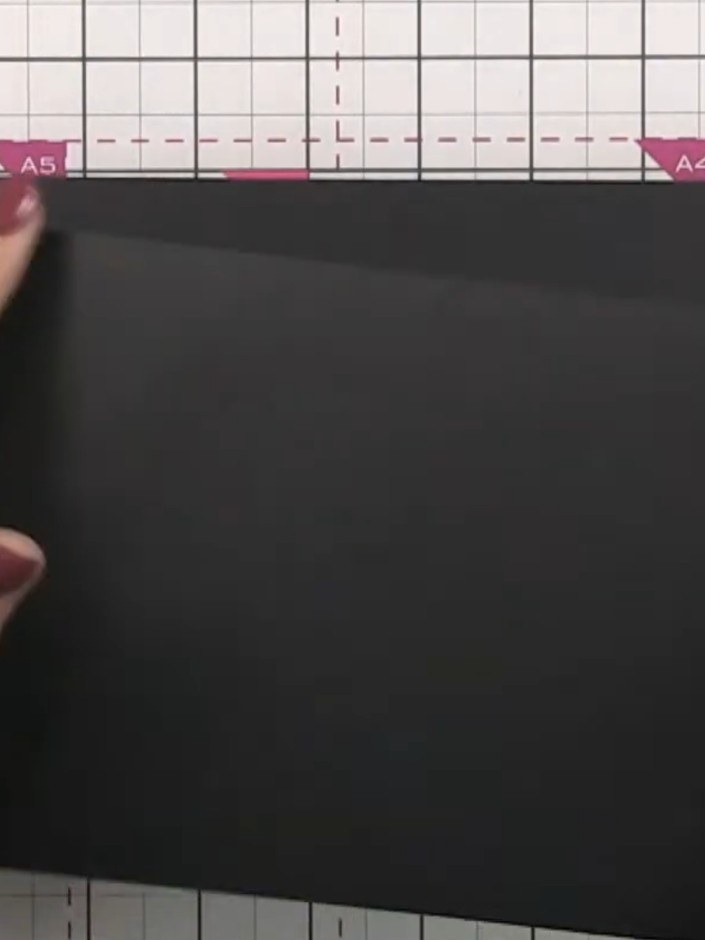
TÉLÉCHARGER CE GUIDE (PDF)

Pas à pas

  1. Step 1: Take a black cardstock page measuring 5.5 inches tall by 8 inches long.

    Take a black cardstock page measuring 5.5 inches tall by 8 inches long.

    ▶ voir cette étape (39:45)
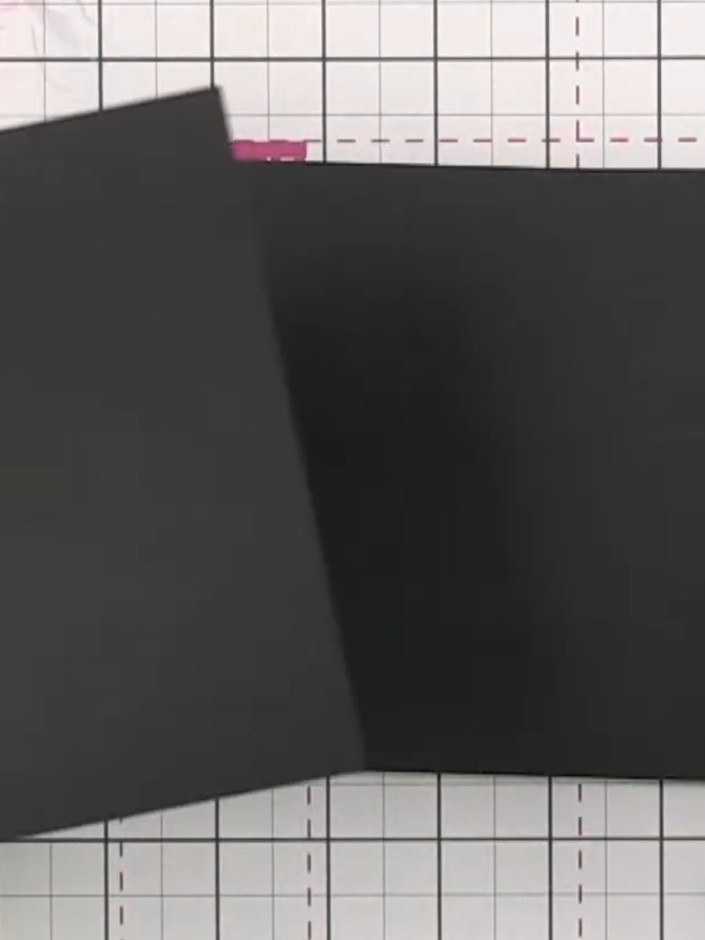
  2. Step 2: Score a line 2 inches (5 cm) from the left edge of the black cardstock to create the fold line for your pocket

    Score a line 2 inches (5 cm) from the left edge of the black cardstock to create the fold line for your pocket flap.

    ▶ voir cette étape (40:00)
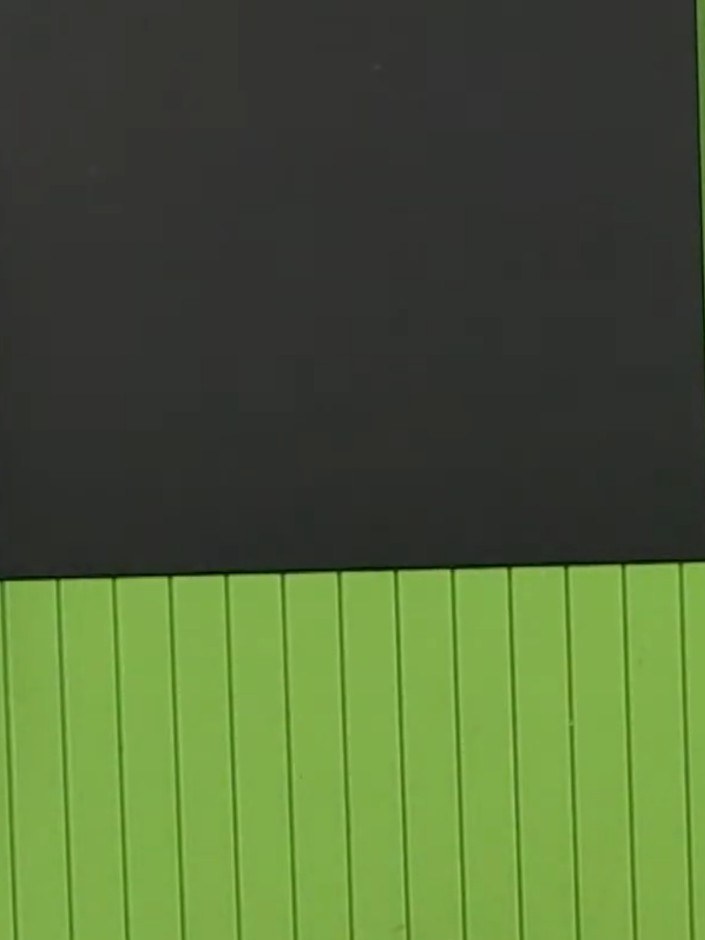
  3. Step 3: Fold the black cardstock along the score line to create the pocket flap.

    Fold the black cardstock along the score line to create the pocket flap.

    ▶ voir cette étape (40:15)
  4. Apply adhesive to the folded flap of the black cardstock and attach it to the back of another page. Keep the adhesive away from the score line to ensure the page opens smoothly. ▶ watch 40:30
  5. Position the black scored panel onto the green scoring board. The panel can now be glued into your album, where it will open from the side to create an interactive pocket element. ▶ watch 41:00

Astuces de l'émission

À voir aussi dans cette émission

Rédigé à partir de l'émission elle-même. Découvrez tous les guides de nos émissions · tutoriels gratuits · regarder en direct sur My Telly







