Offrez à vos amis 10 € de réduction sur leur première commande !
Parrainez un AMI








Un projet de notre émission en direct HOBBYMAKER TV - Rejoignez-nous pour notre dernière émission - Diffusée à 16 h (heure britannique) le 24 octobre 2026 · 24/10/2026 · à voir dès 48:45
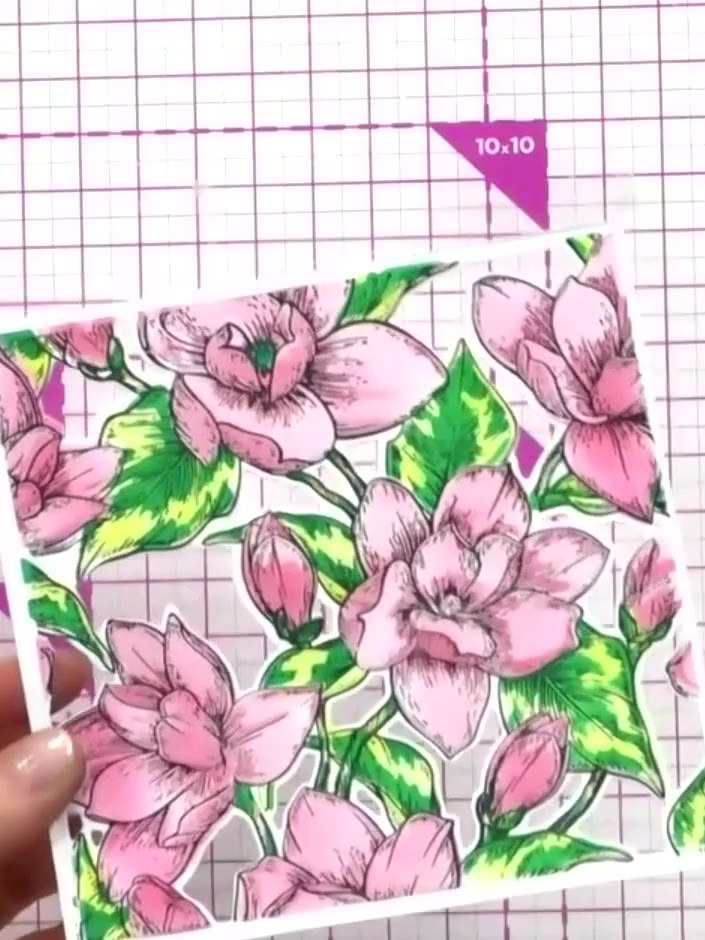
Create a stunning multi-layered floral card featuring the beautiful Magnolia design from the Stamps By Me Quattro D collection. This project combines four coordinated techniques - layering stencils, stamping, die-cutting, and embossing - to produce a professional-quality card with gorgeous 3D floral effects in elegant colours. The Quattro system makes it easy to achieve perfectly aligned layers for a truly impressive handmade card.
Open your Quattro Di Magnolia kit and remove all the elements including the stencil, stamp, die, and embossing folder. Lay them out on your craft mat ready to use.
▶ voir cette étape (49:00)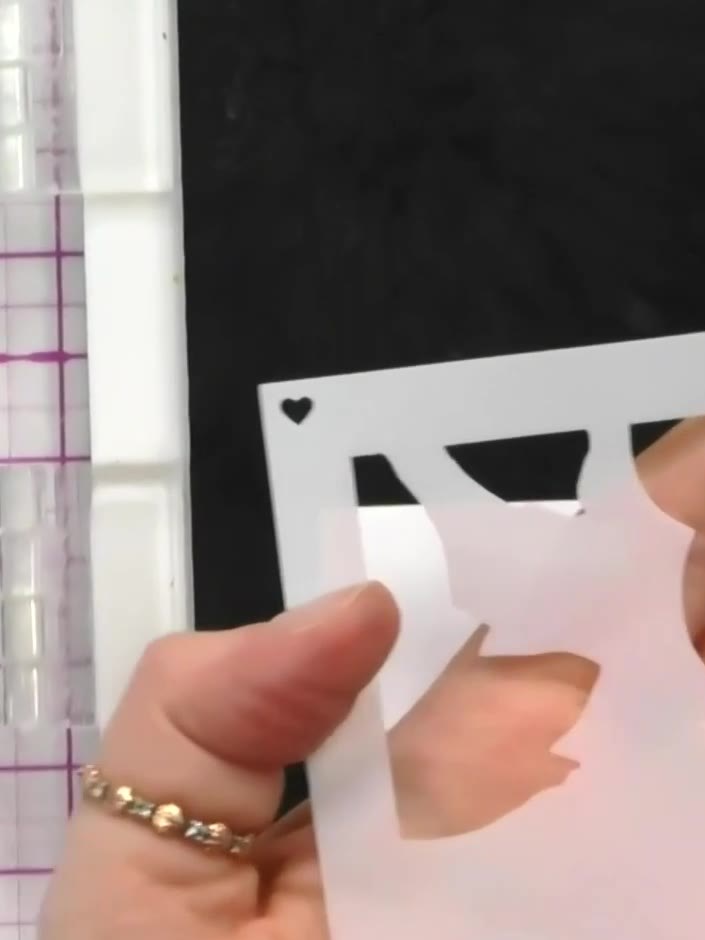
Locate the number on the first stencil to ensure it is positioned the right way up before use.
▶ voir cette étape (49:30)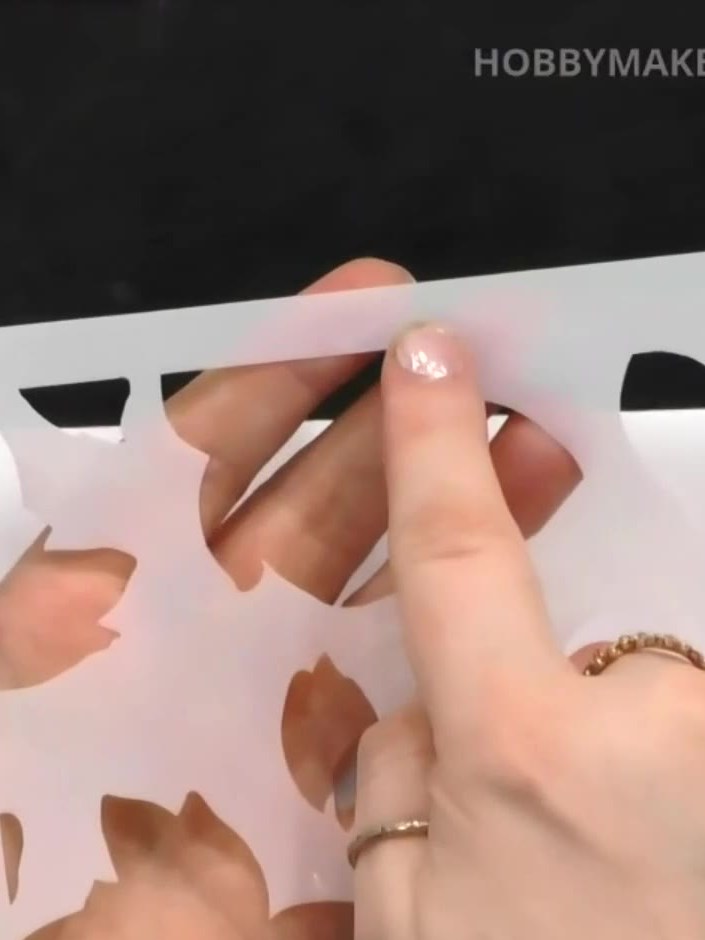
Apply your lightest colour ink through the largest stencil using a dauber. Work gently across the design, building up the colour gradually on your white card.
▶ voir cette étape (50:30)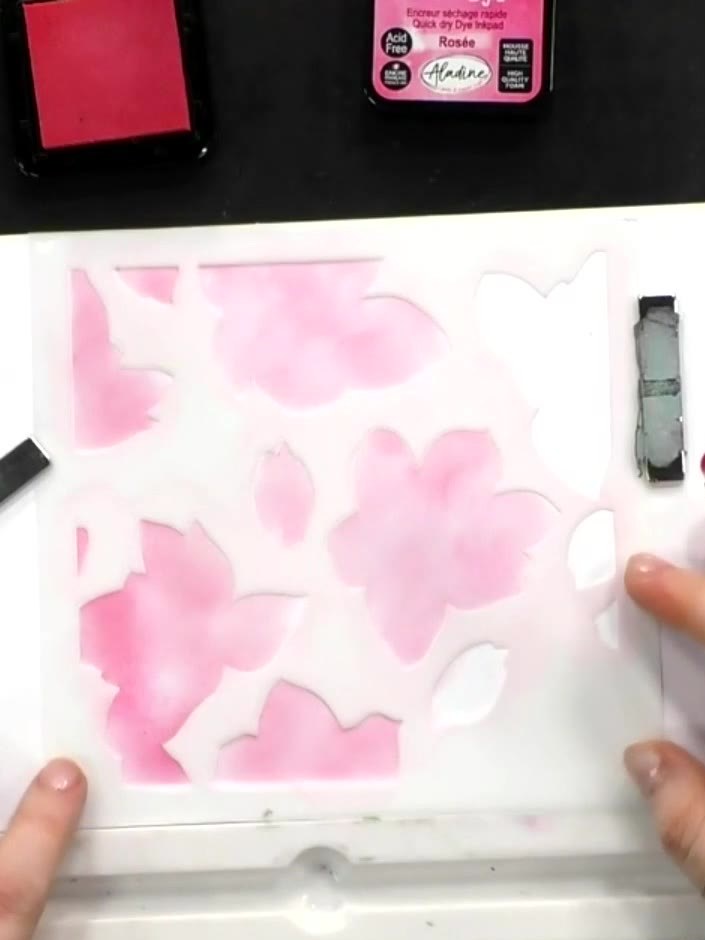
If the stencil moves during blending, carefully reposition it using the corner hearts as registration guides to ensure the design stays aligned.
▶ voir cette étape (51:45)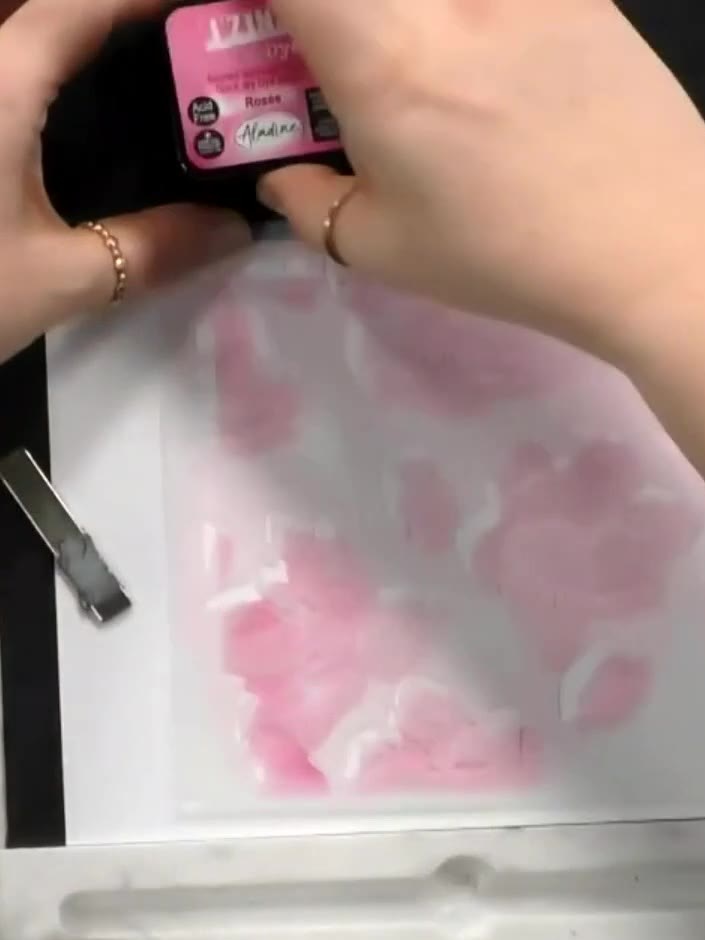
Position the second numbered stencil over your work and apply a slightly darker shade of pink ink using a blending tool, building up the colour gradually over the magnolia design.
▶ voir cette étape (52:15)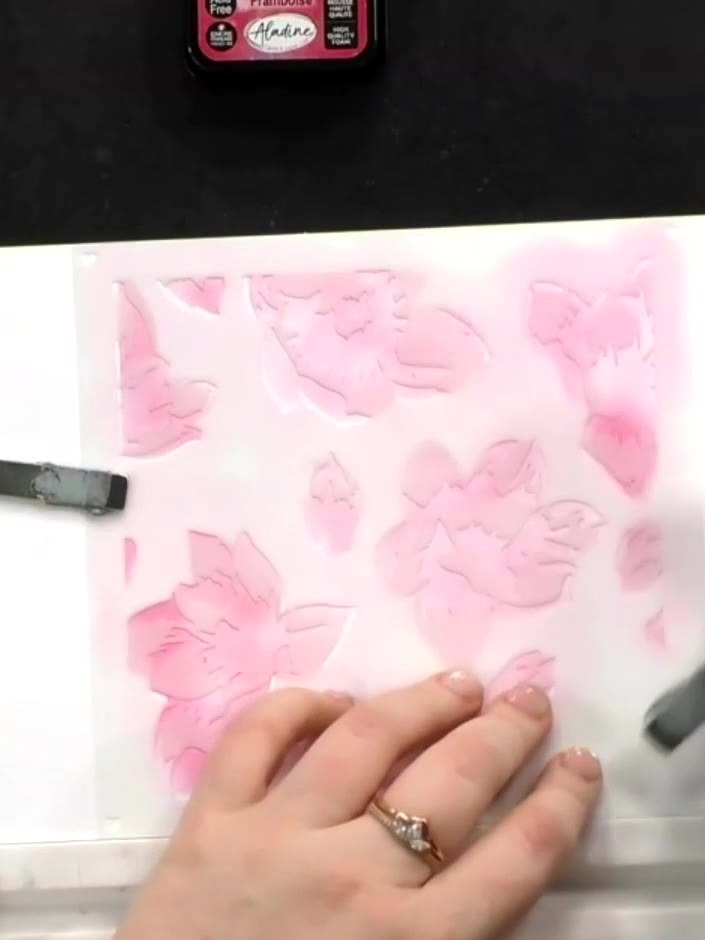
Position the third stencil layer and apply a darker pink ink using a blending tool, building up the depth and dimension of the magnolia design. Work the ink gently to create smooth transitions between the layers.
▶ voir cette étape (52:30)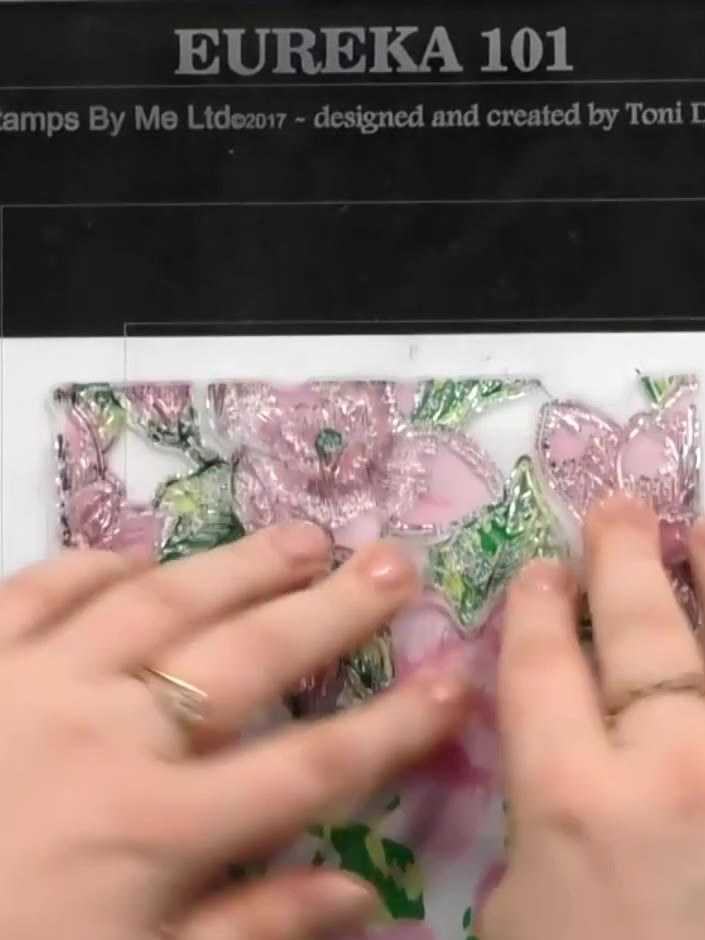
Using a stamping platform and black ink, stamp the large magnolia floral image onto white cardstock. If needed, stamp the image in two halves to cover the full area, ensuring the sections align properly.
▶ voir cette étape (56:00)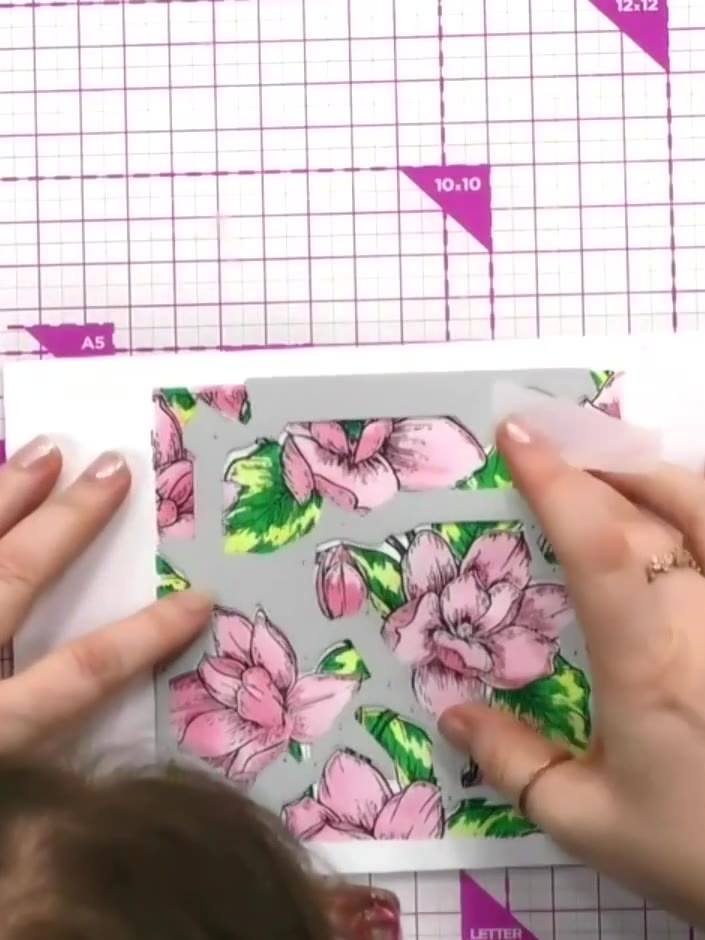
Die-cut the stencilled and stamped piece using the coordinating die. This will cut out the central floral elements while leaving the border intact.
▶ voir cette étape (58:00)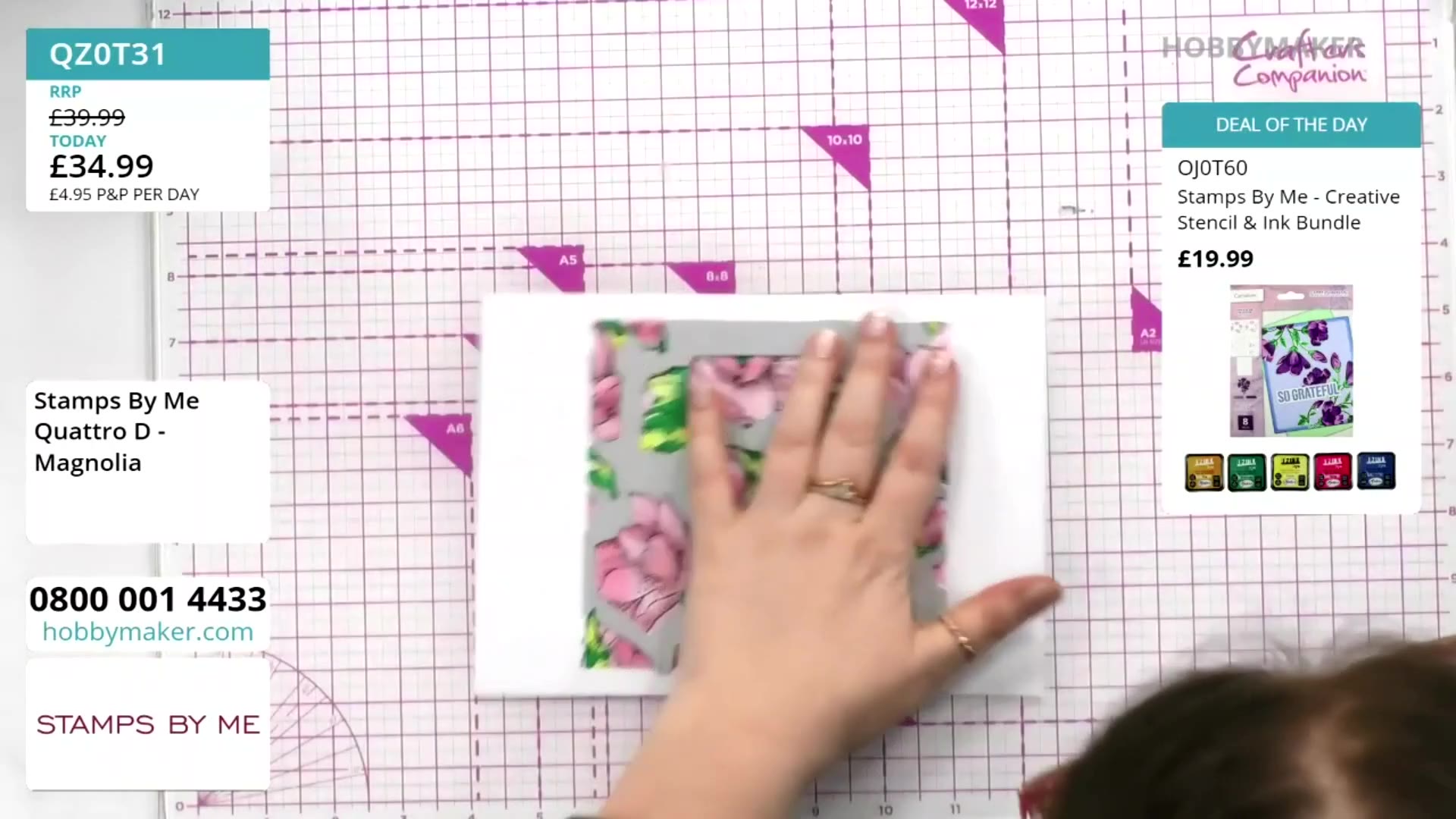
If desired, trim your die-cut floral piece to reduce the border using a paper trimmer. Cut carefully to achieve your preferred size whilst maintaining the design.
▶ voir cette étape (58:30)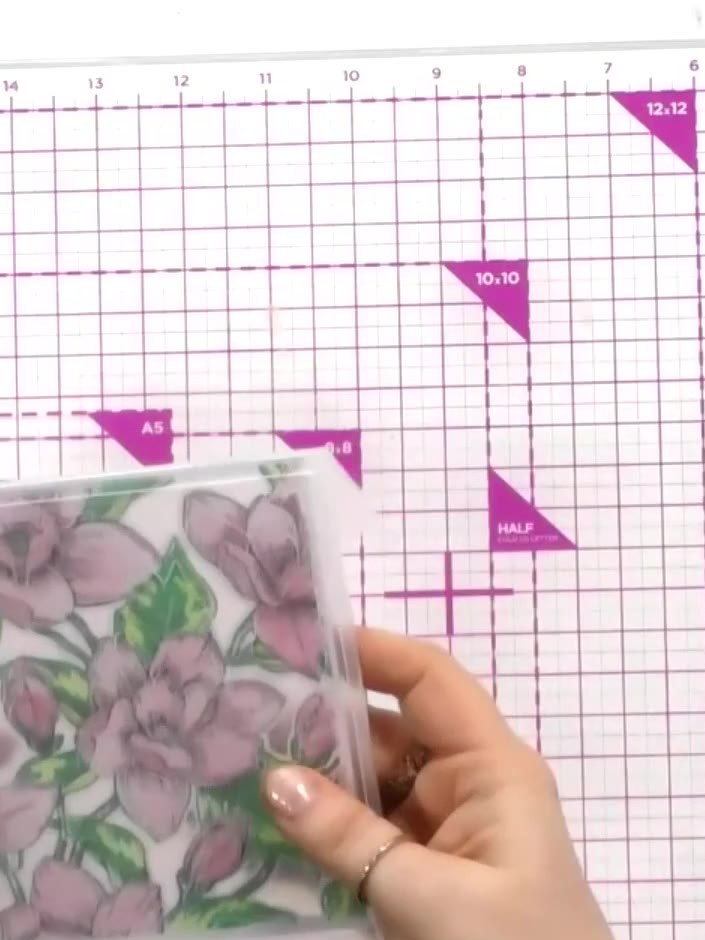
Place the stamped and coloured magnolia piece into the embossing folder, ensuring it is positioned correctly. Use the appropriate sandwich configuration for your die-cutting machine.
▶ voir cette étape (1:00:30)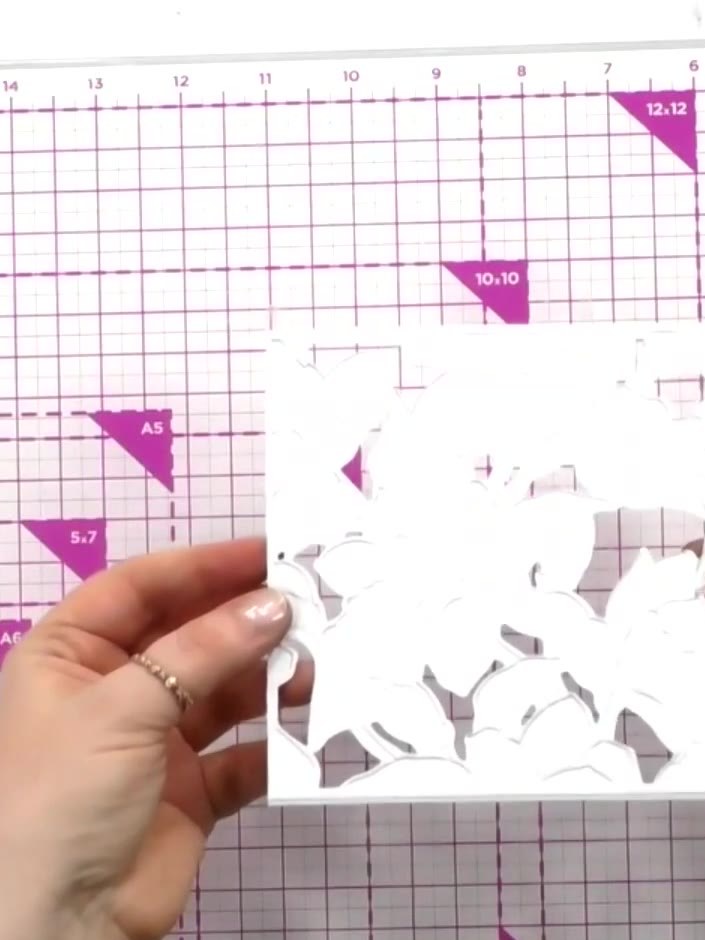
Run the stencil through your die-cutting machine to emboss from the back for better definition. This will create raised details on the magnolia design.
▶ voir cette étape (1:01:00)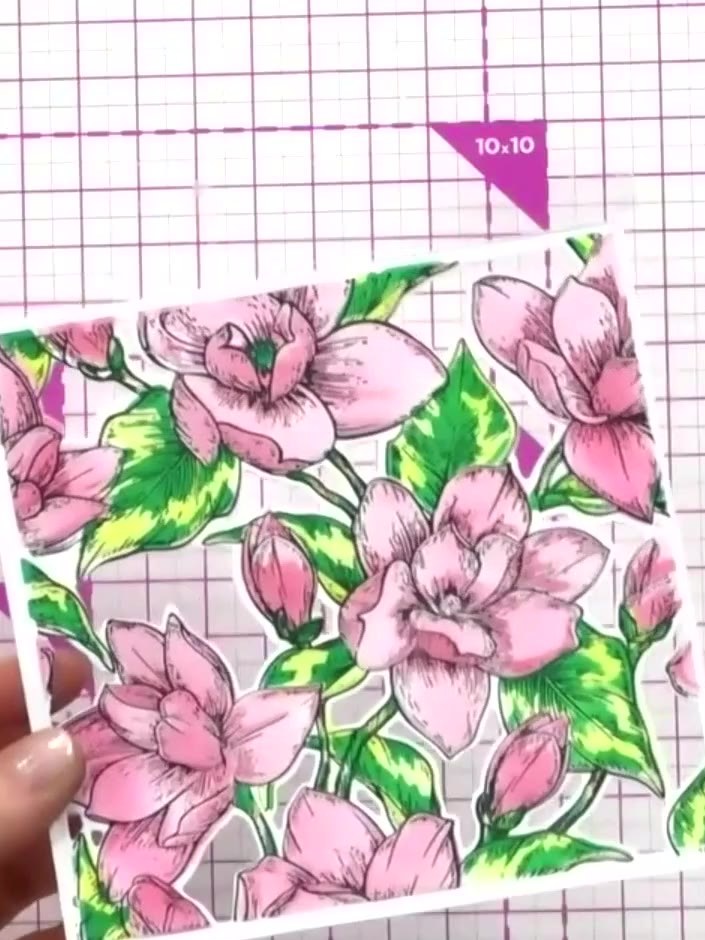
Mount the finished embossed and coloured magnolia panel onto a card blank. Add a sentiment to complete your layered floral card.
▶ voir cette étape (1:01:30)Rédigé à partir de l'émission elle-même. Découvrez tous les guides de nos émissions · tutoriels gratuits · regarder en direct sur My Telly