Give your friends €10 off their first order!
Refer a FRIEND








A project from our live show MONDAY MADNESS - Join Simon from AVAGO-INK for his latest products - Broadcast 28th Nov 22 · 28/11/2022 · watch it from 11:45
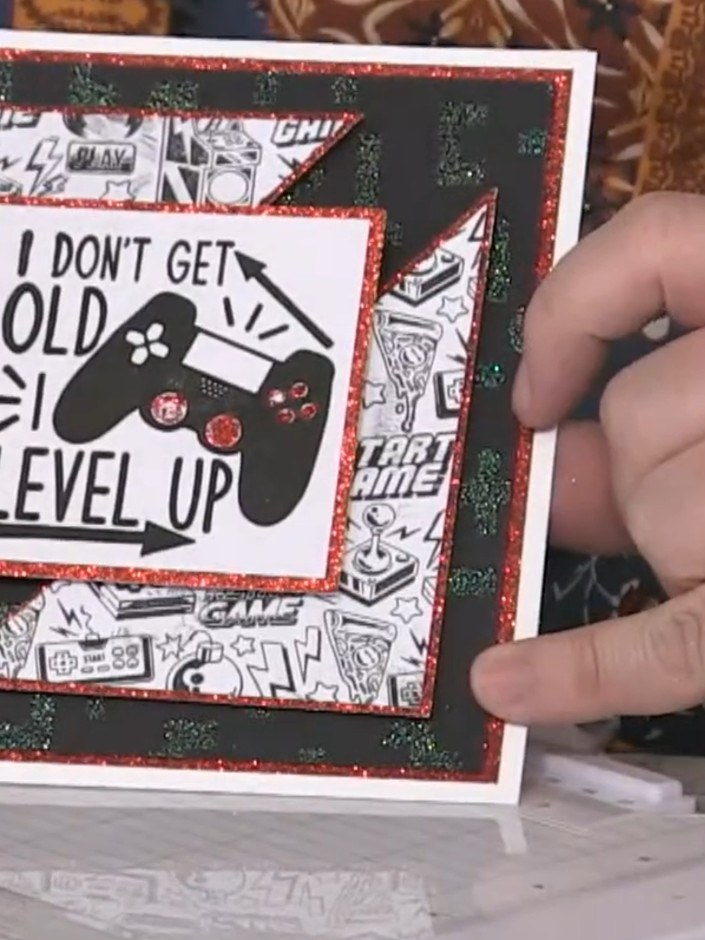
Create a striking gaming-themed card with a dramatic stencilled and glittered background in black and your choice of vibrant colours. This multi-layered design features embossed gaming motifs and sentiments, with contrasting glitter cardstock frames that add depth and sparkle. The main techniques include stencilling, heat embossing, glitter application, and layered die-cutting to achieve a professional finish perfect for gaming enthusiasts.
 100574 - HTCN - Avago-ink Designs - Stencil - Pixel Pattern - 100522ASEE IT
 100572 - HTCN - Avago-ink Designs - A5 Stamp - Cookie - 100522CSEE IT
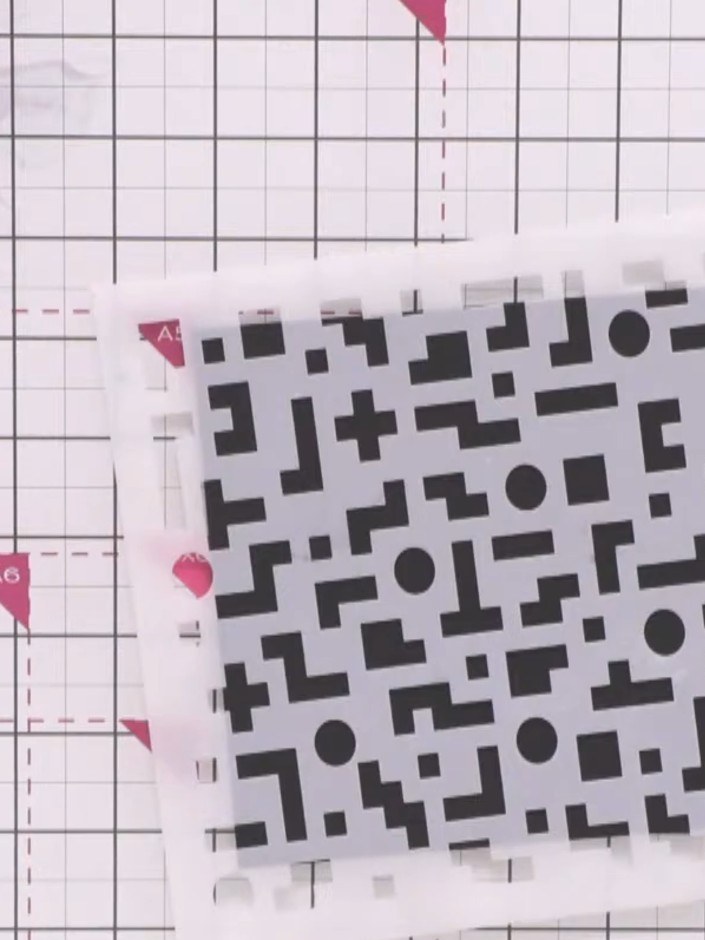
Place the pixel pattern stencil onto black cardstock at an angle, positioning it slightly off-centre for a more dynamic look.
▶ watch this step (12:15)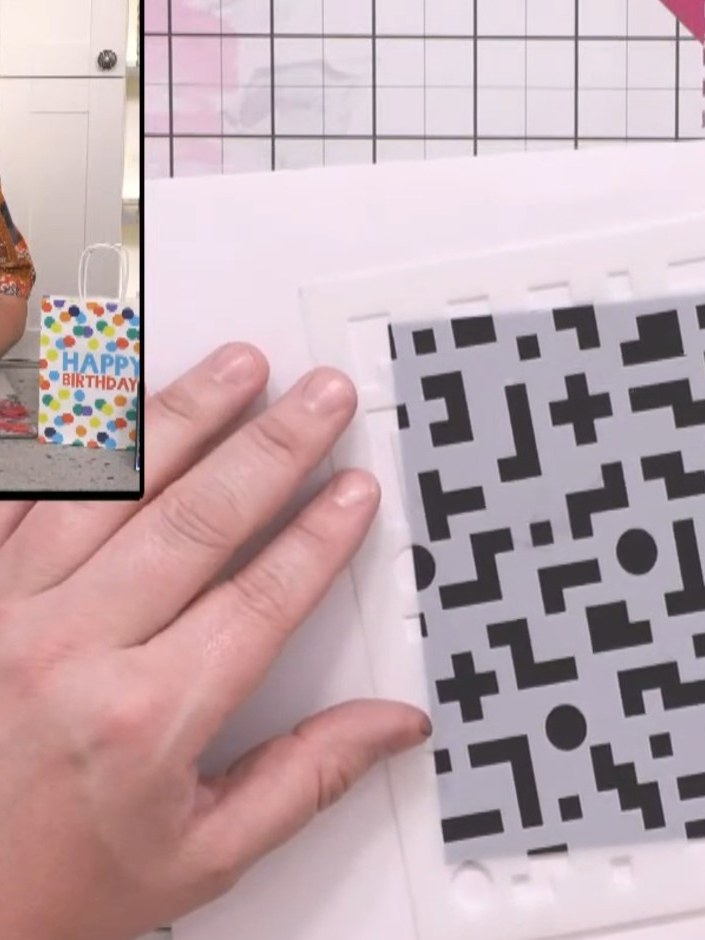
Position the pixel pattern stencil on the black card and apply embossing ink through the stencil using an embossing pad. Press firmly to ensure the design transfers completely onto the card surface.
▶ watch this step (12:30)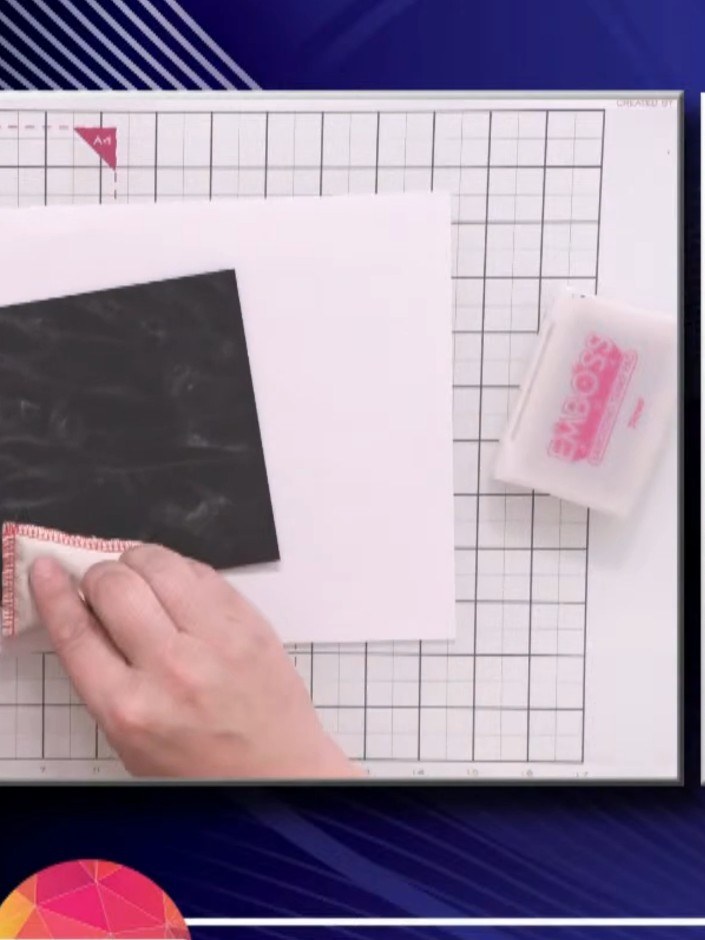
Rub the anti-static bag over the inked stencil area on the black cardstock to prepare the surface for embossing powder. Tap gently around the edges to ensure good coverage.
▶ watch this step (12:45)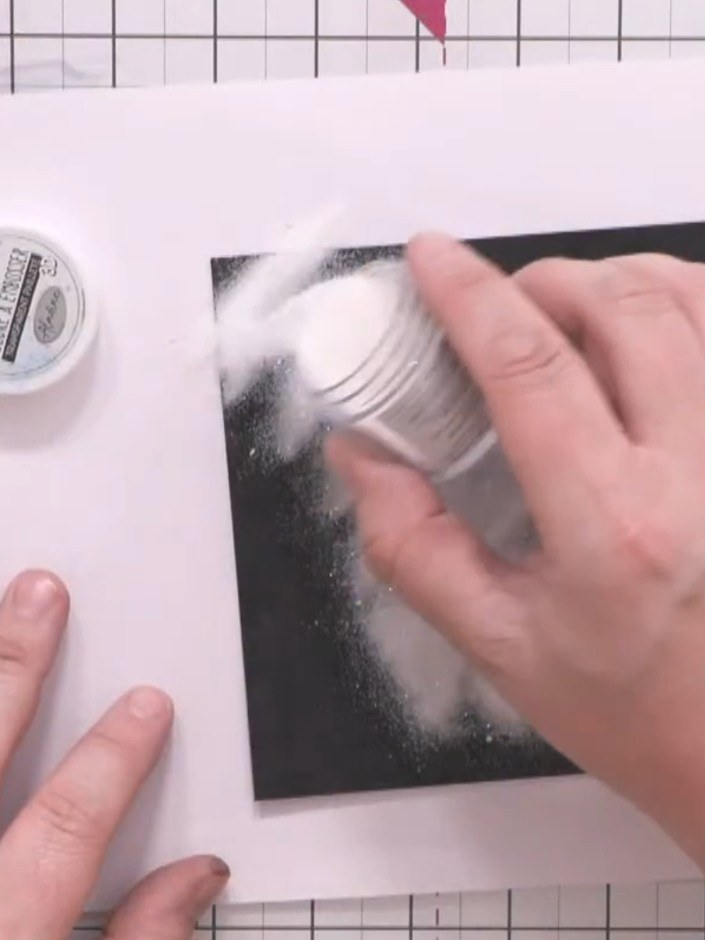
Sprinkle clear sparkling embossing powder over the black inked design, ensuring the entire stencilled area is covered.
▶ watch this step (13:45)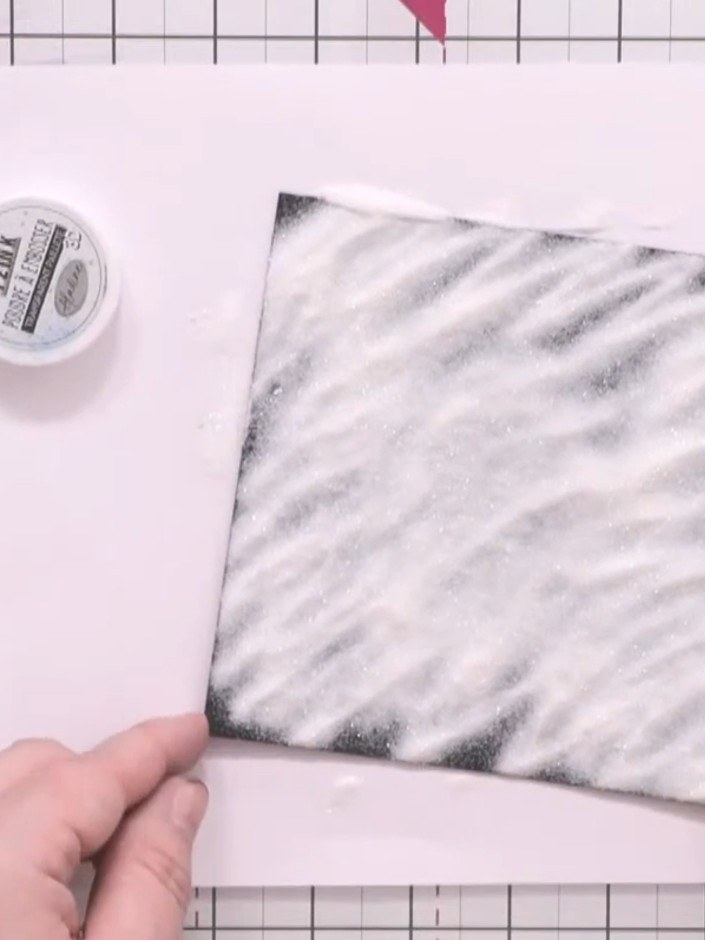
Tip off the excess embossing powder from the black cardstock. Heat-set the remaining powder using a heat gun until it melts and fuses to create a glossy raised pattern.
▶ watch this step (14:00)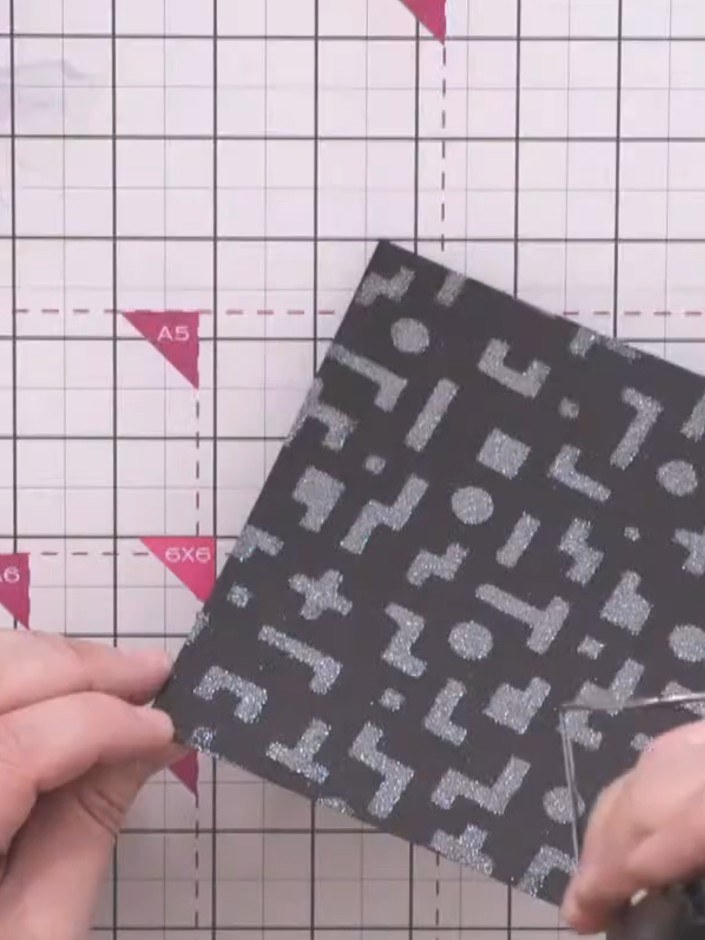
Mount the embossed black panel onto iridescent green glitter cardstock using double-sided tape, leaving an even border around all edges.
▶ watch this step (14:45)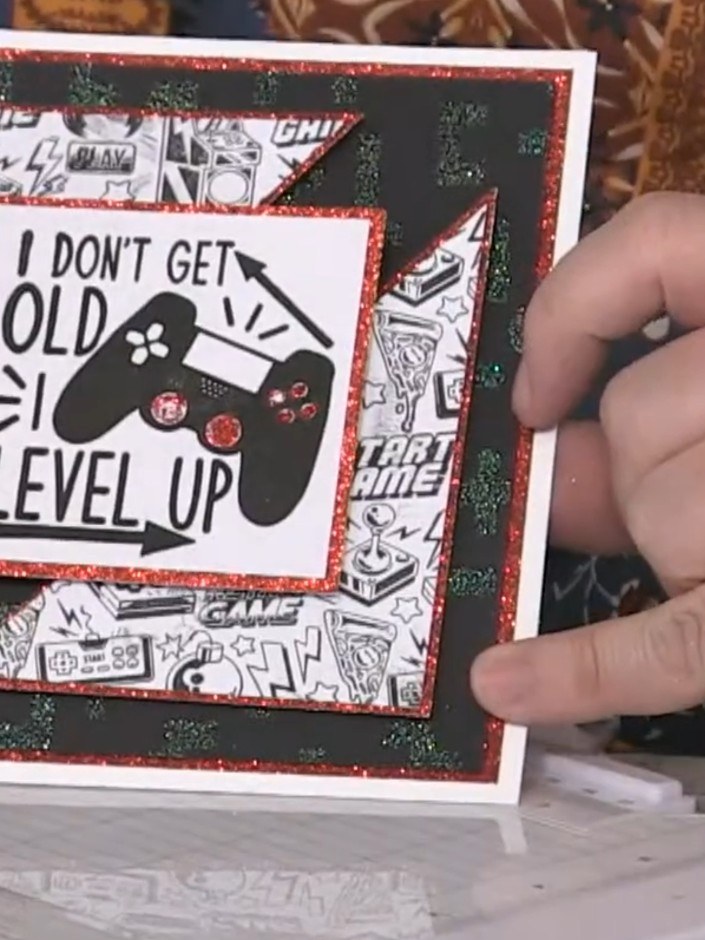
Cut a rectangle mat from glitter cardstock slightly larger than your square stamped element. Cut diagonally from corner to corner to create an offset frame that can be separated whilst keeping the sparkle effect.
▶ watch this step (18:30)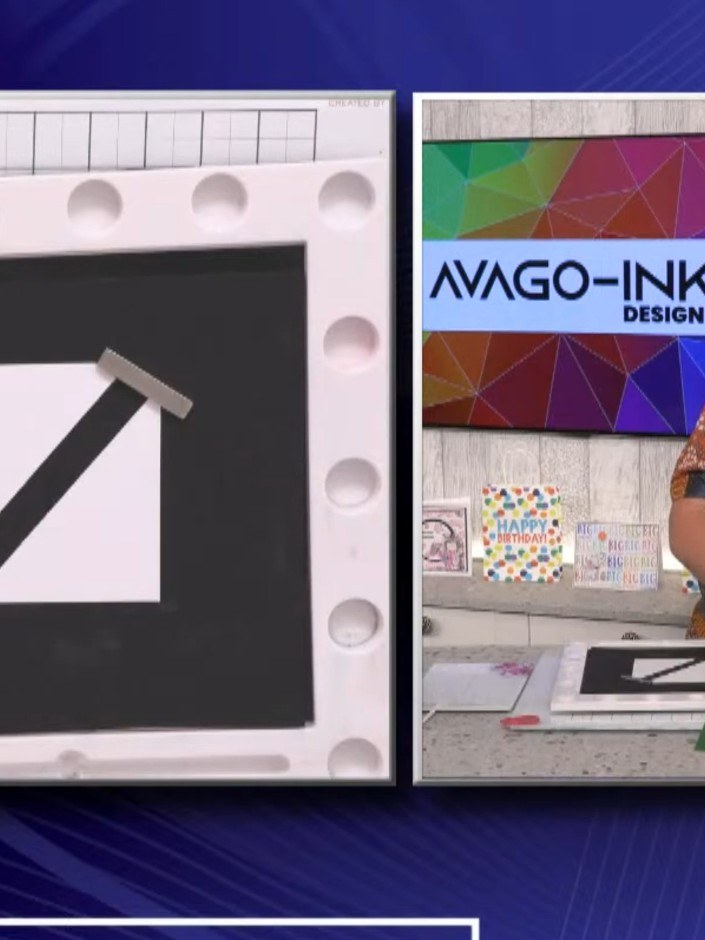
Stamp the crash design from the AVAGO-INK DESIGNS A5 CRASH stamp set in black ink onto white cardstock. The design features gaming equipment including a hammer.
▶ watch this step (20:00)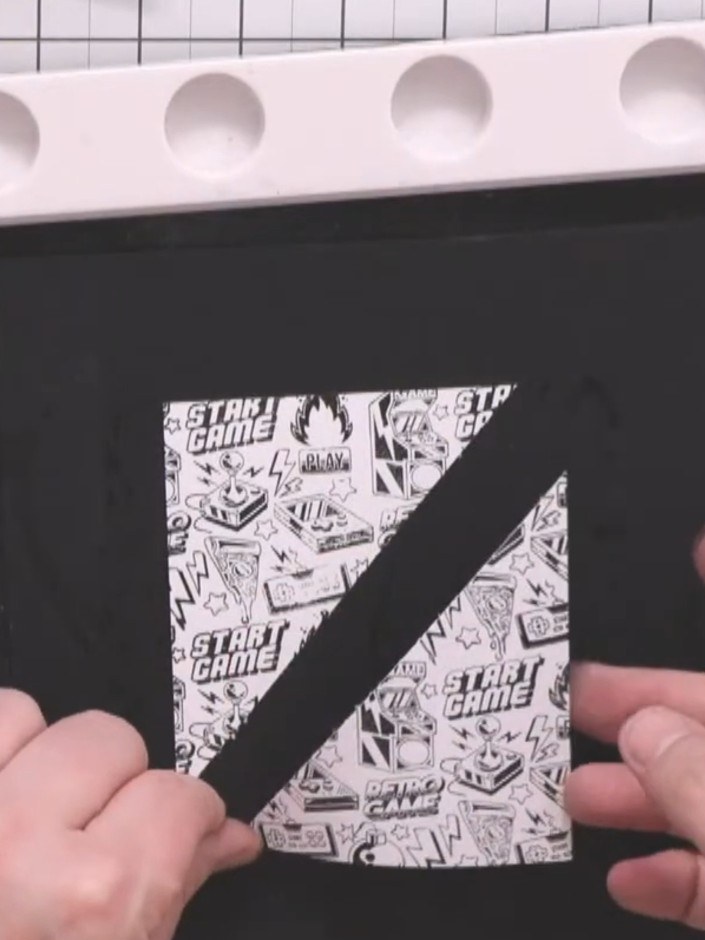
Mount the stamped white square onto the black glitter rectangle mat using wet glue around the edges for security.
▶ watch this step (21:30)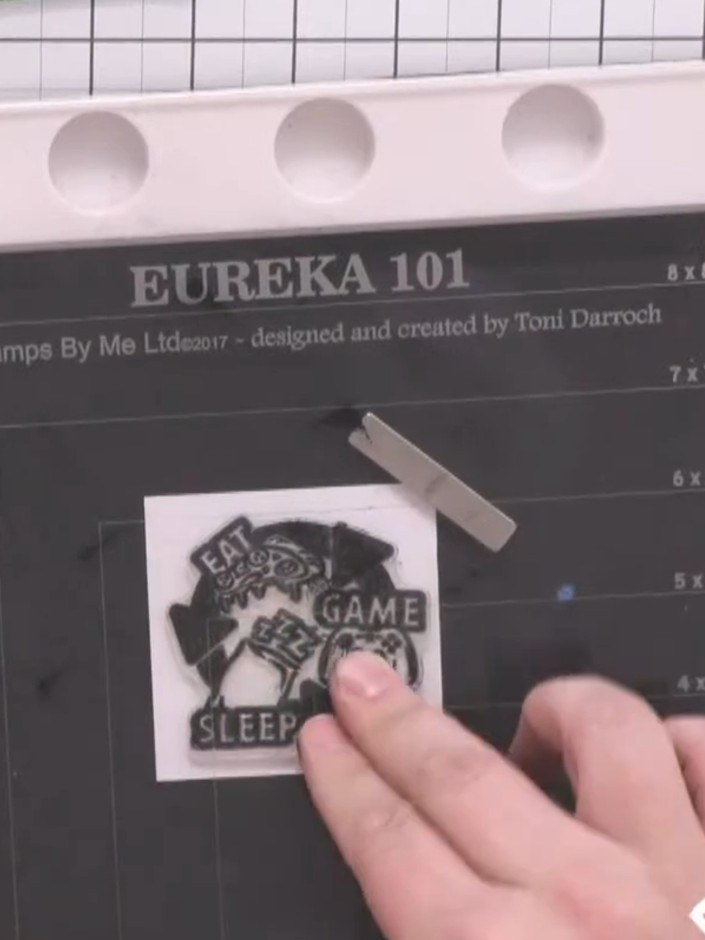
Stamp a sentiment or decorative element in black ink onto a small white square of cardstock.
▶ watch this step (23:30)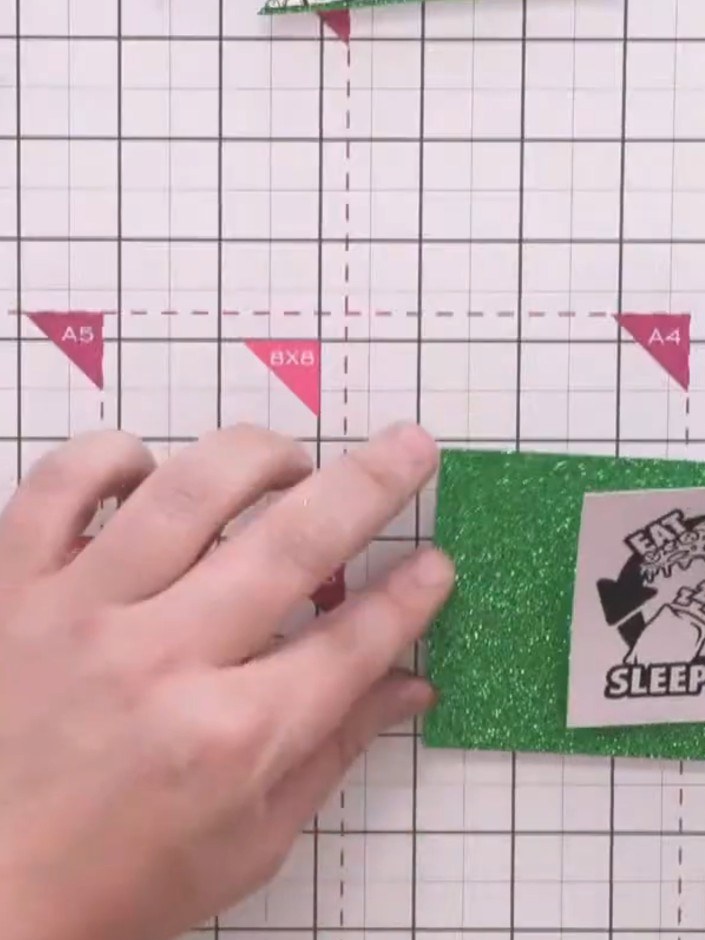
Mount the sentiment square onto matching green glitter cardstock using red liner tape for a secure hold.
▶ watch this step (25:00)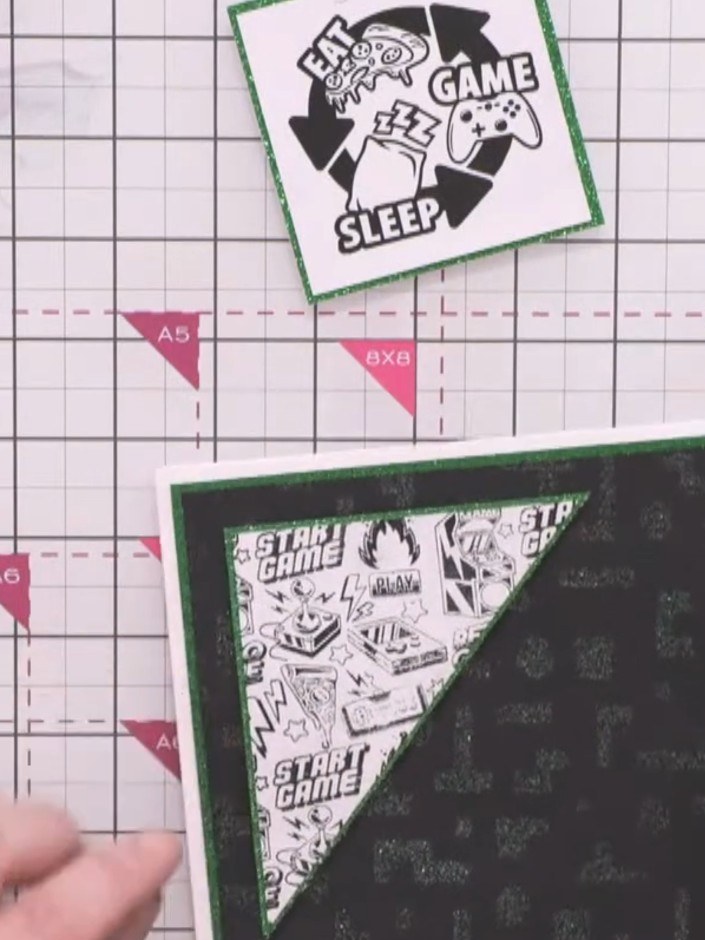
Attach foam pads to the back of the corner elements. Position them diagonally opposite on the base card, leaving equal borders on all sides.
▶ watch this step (27:00)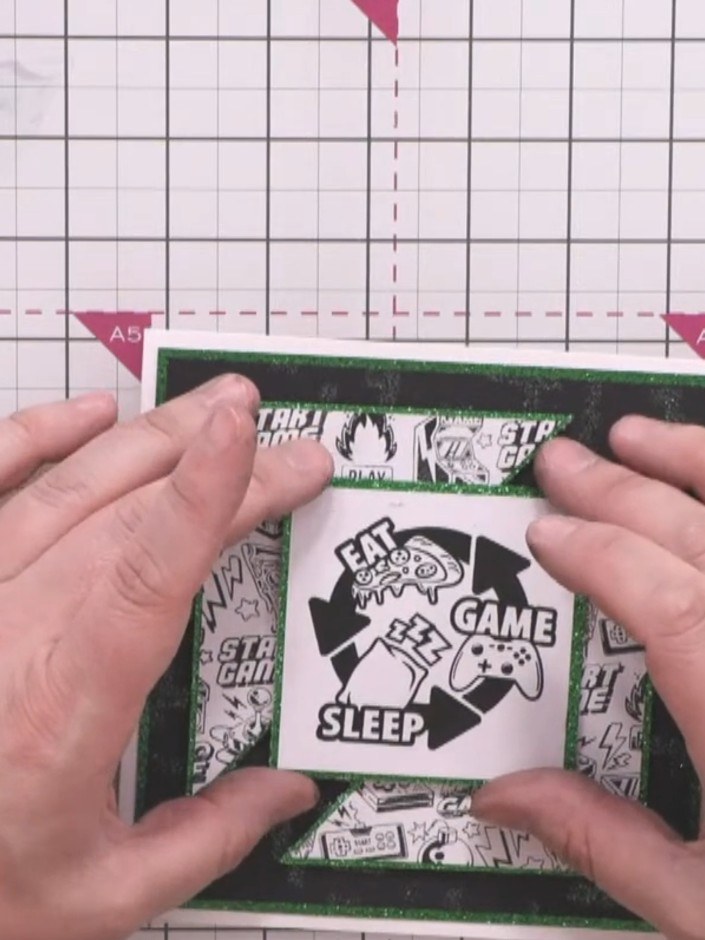
Attach foam pads to the back of the central sentiment piece featuring the gaming controller design. Position it in the centre of the card front over the layered background.
▶ watch this step (28:00)Written up from the show itself. See every guide from our shows · free how-to guides · watch live on My Telly