Schenke deinen Freundinnen und Freunden 10 € Rabatt auf ihre erste Bestellung!
Freunde WERBEN








Ein Projekt aus unserer Live-Show MARKEN-SHOWCASE - ISOBEL CRAFT - Sei dabei bei diesem beliebten Event, bei dem die KLEINEN Marken ganz GROSS rauskommen - Ausgestrahlt am 20. JAN. 23 · 20.01.2023 · ab 51:00 ansehen
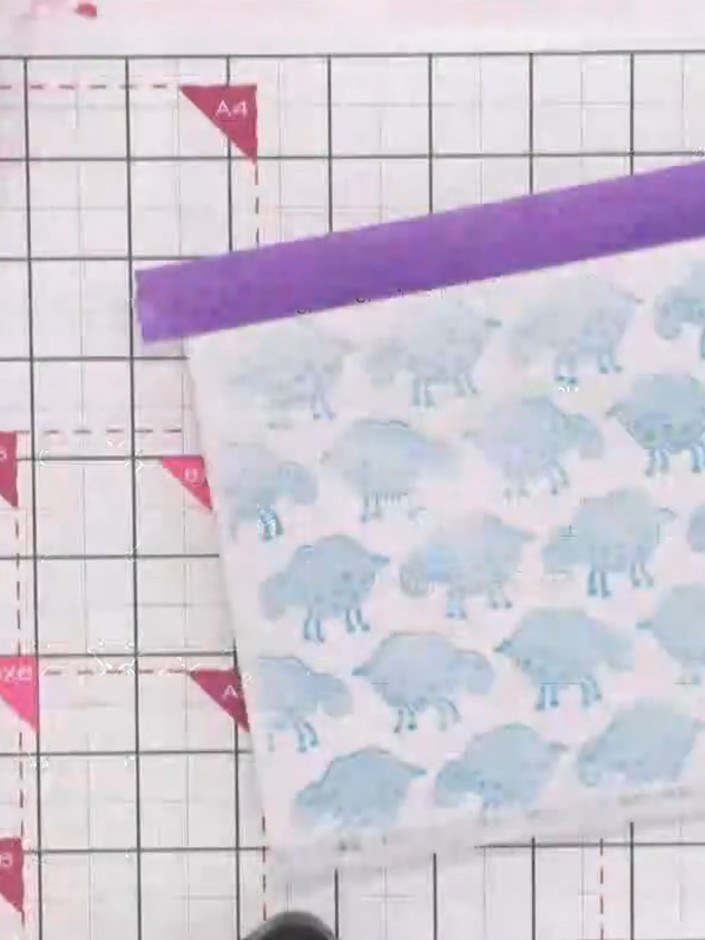
Create a charming layered card featuring adorable sheep designs built up with stencils and stamps. This whimsical project combines soft pastel tones with decorative flourishes and sweet sentiments like 'Love Ewe'. Use stencilling and stamping techniques to add depth and dimension, creating delightful scenes with floating sheep and coordinating embellishments.
DIESE ANLEITUNG HERUNTERLADEN (PDF)
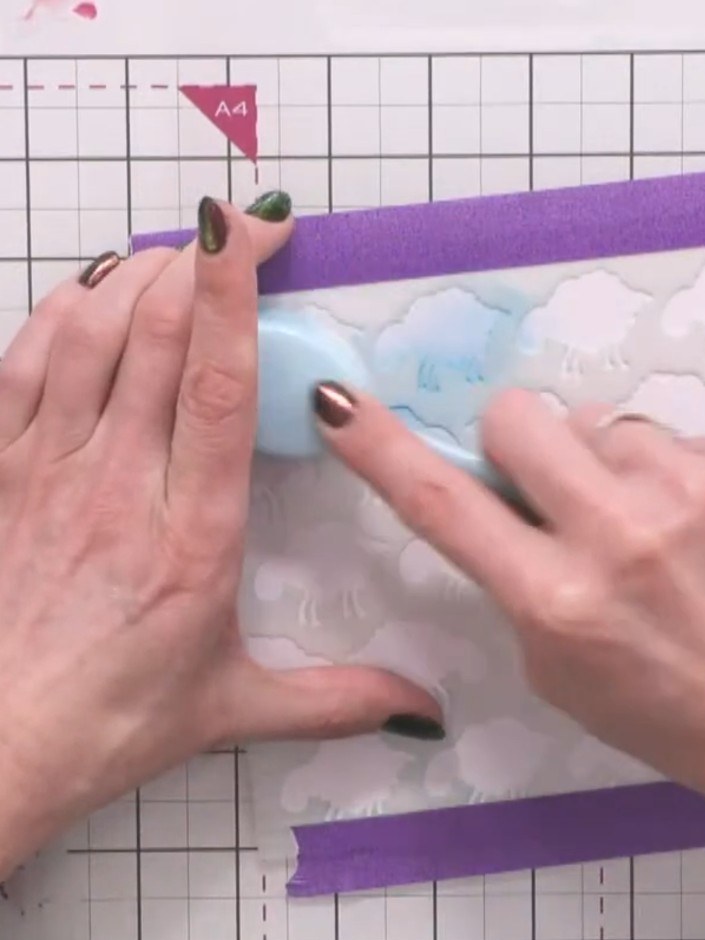
Position the first sheep stencil layer over your card panel. Apply distress ink in Peacock Feathers (or your chosen blue colour) through the stencil using a blending tool or sponge, working the colour evenly over the cloud shapes.
▶ diesen Schritt ansehen (51:15)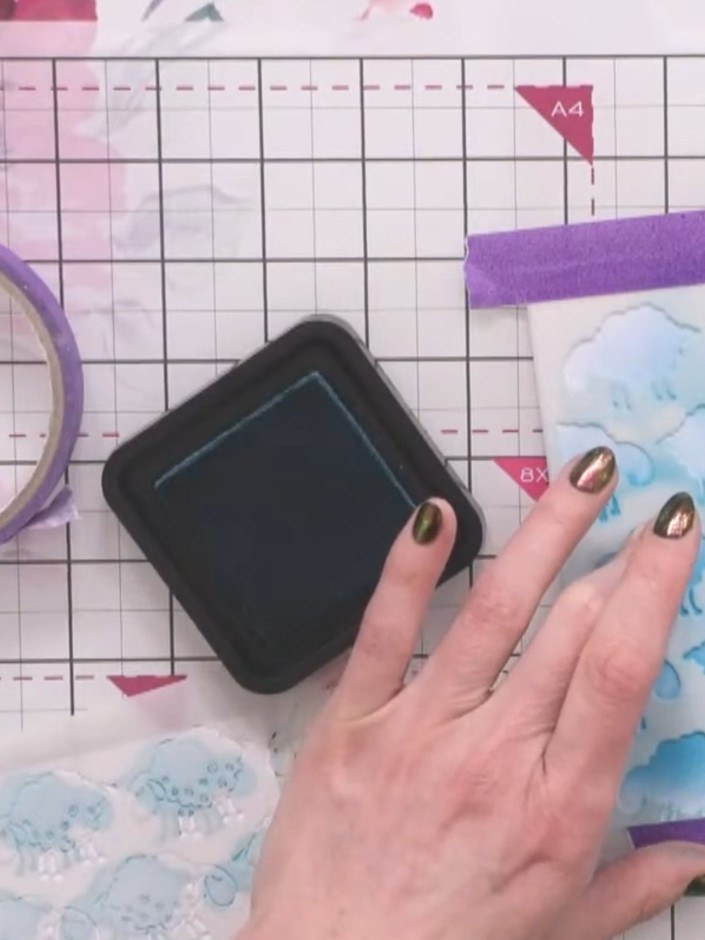
Line up and apply the second stencil layer using faded jeans or a darker coordinating blue ink to add depth to the sheep design. Continue building up the layers by clicking and adding the stencil repeatedly.
▶ diesen Schritt ansehen (51:45)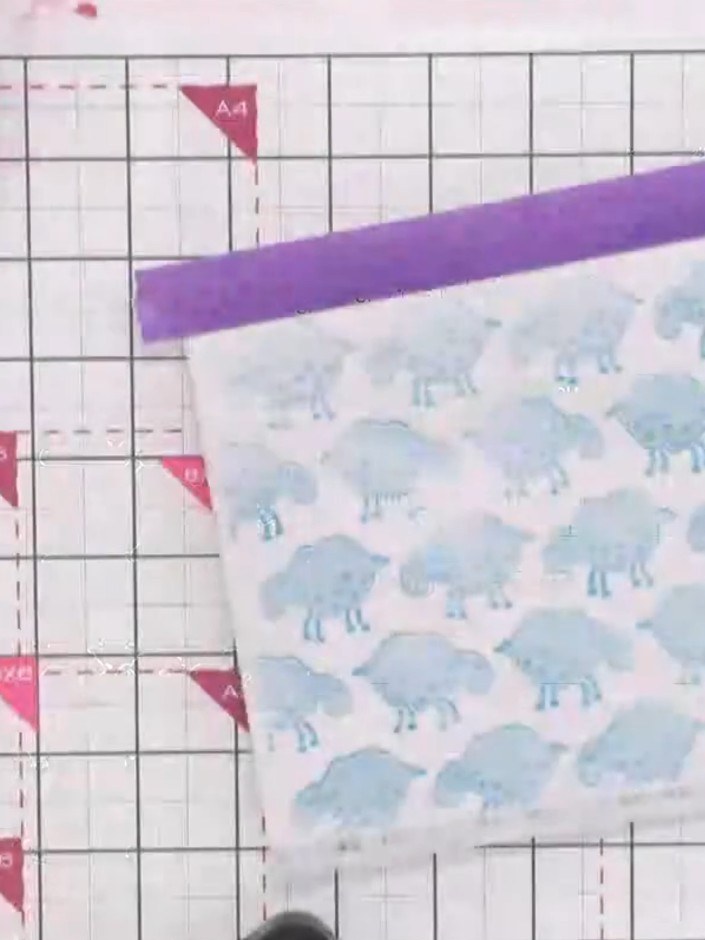
Position the third sheep stencil over your card and apply purple ink through the stencil to add the final layer of detail to the sheep pattern.
▶ diesen Schritt ansehen (52:15)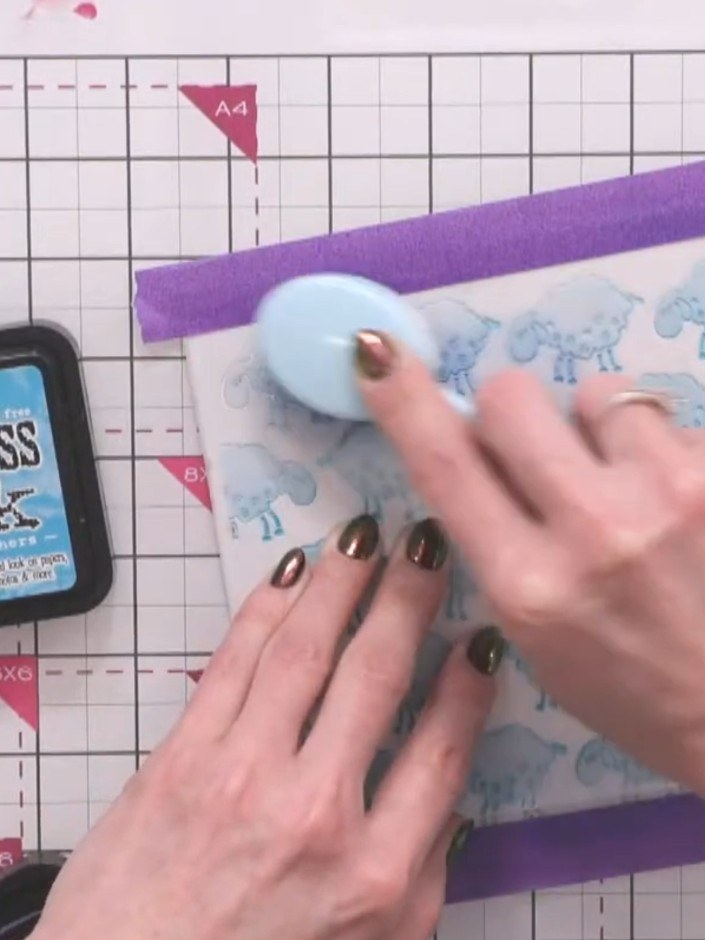
Stamp sheep images from the coordinating stamp set onto the card base using Peacock Feathers Distress Ink. Position the stamps randomly across the panel to create a scattered pattern.
▶ diesen Schritt ansehen (52:45)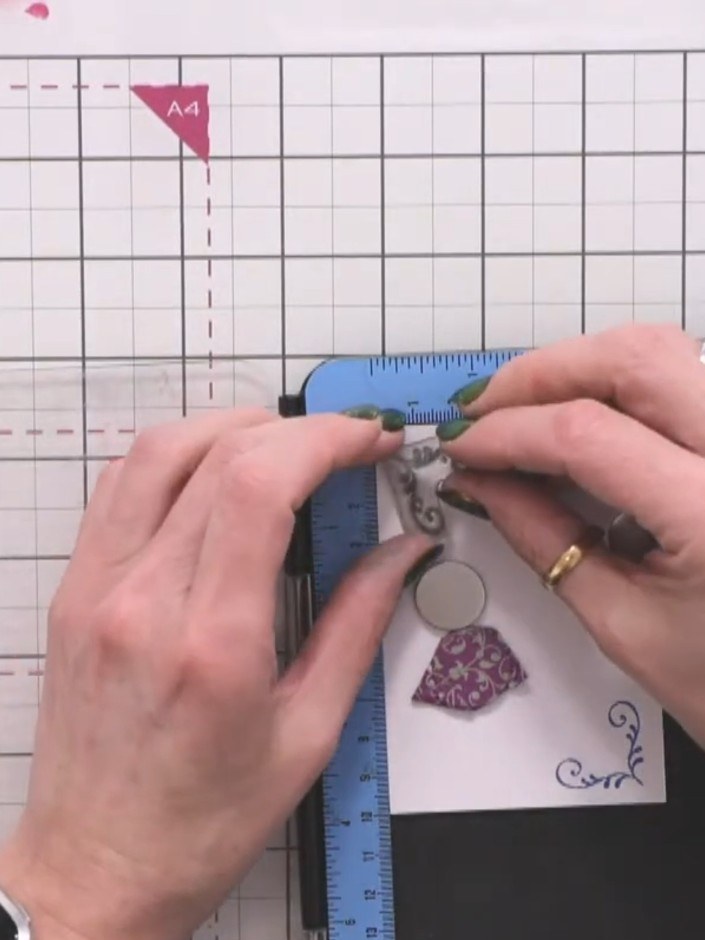
Add sentiment stamps such as 'Love you' using dark ink to complement the sheep design. Position the stamps in the corner areas of your card to create balanced decoration.
▶ diesen Schritt ansehen (53:30)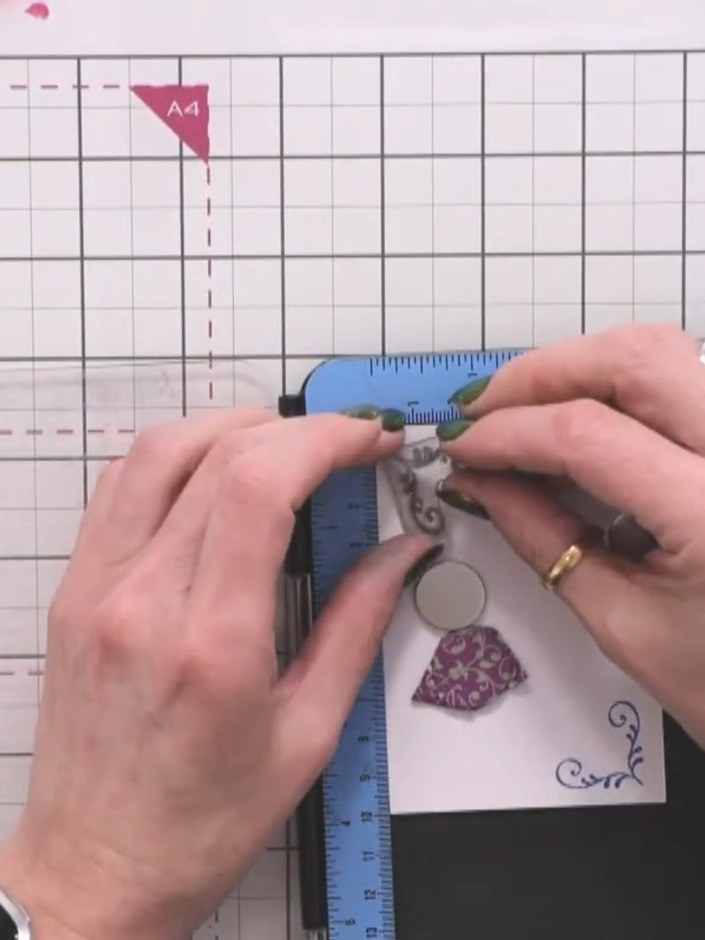
Use distress ink from the greasing set and water to create a subtle wash or decorative squiggle beneath the sheep to ground them on the card.
▶ diesen Schritt ansehen (54:00)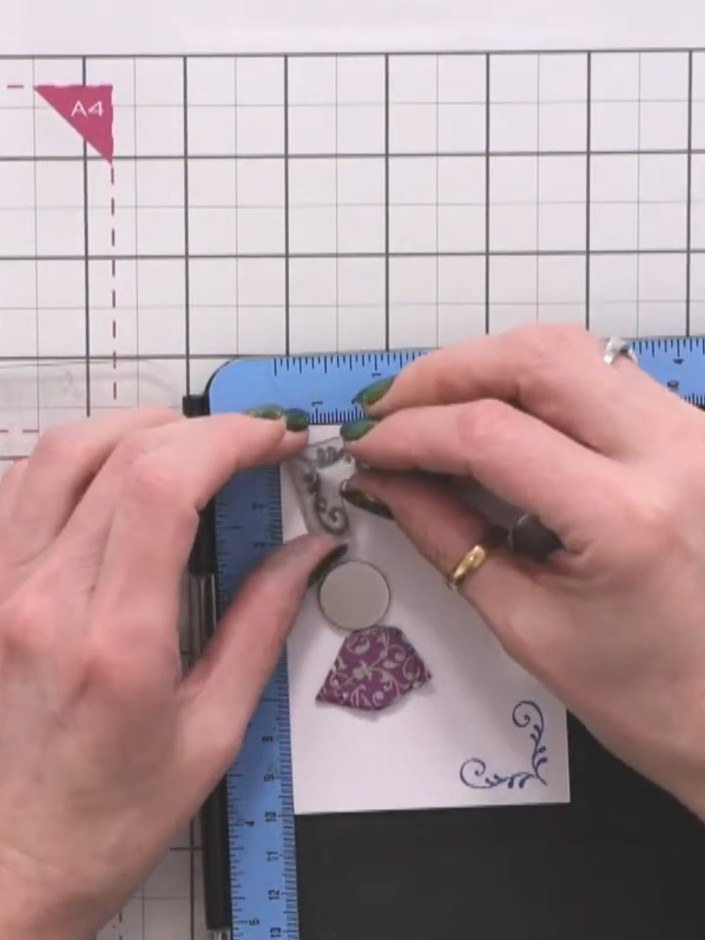
Use a water brush from the greasing set to blend the grounding colour, creating a soft watercoloured effect.
▶ diesen Schritt ansehen (54:45)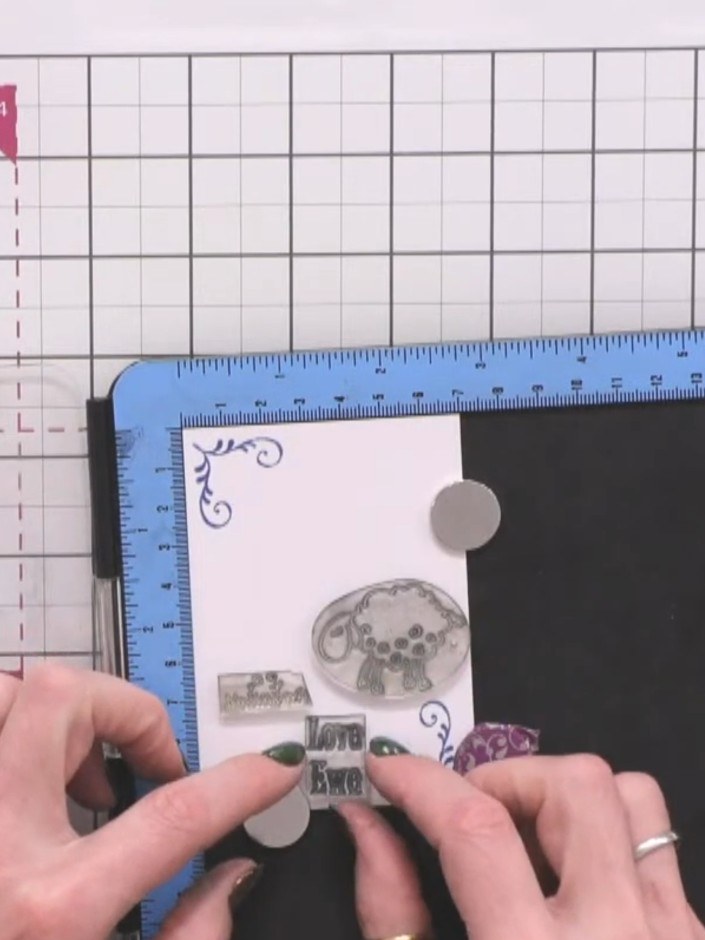
Mount your finished sheep design onto a coordinating card base. Alternatively, you can use the design as a gift tag.
▶ diesen Schritt ansehen (55:30)Direkt aus der Show aufgeschrieben. Alle Anleitungen aus unseren Shows ansehen · kostenlose Anleitungen · live auf My Telly ansehen