SCHNELLLINKS

info@howtocraftnetwork.com
Wir sind jetzt noch smarter – shoppen und zuschauen mit der SBM-AppHOL DIR DIE APPSchau uns live auf deinem Smart-TVSO GEHT'SEntdecke unseren eigenen IPTV-Sender – geh auf my-telly.comANSEHENSammle bei jeder Bestellung TreuepunkteMEHR ERFAHREN
Willkommen beim How to Craft Network
 
SBM SHOP
FOLGE UNS
SCHENK DEINEN FREUNDEN 10 € RABATT FREUNDE WERBEN › ENTDECKEN MY-TELLY.COM › WIR SIND JETZT NOCH SMARTER HOL DIR DIE APP › PREISGEKRÖNTER SENDER AUF DEINEM FERNSEHER › TRITT DEM CLUB BEI ZU DEN ANGEBOTEN ›
 

Interactive Side-Fold Pocket Page

Ein Projekt aus unserer Live-Show WEIHNACHTS-WORKSHOP - Bastel mit Toni ihr KOSTENLOSES Projekt ganz entspannt in Studio 3 - Ausstrahlung 7. Dez. 22 · 07.12.2022 · ab 39:30 ansehen
Interactive Side-Fold Pocket Page - the finished project
Das fertige Projekt

Create an interactive side-fold pocket page for your scrapbook album using black cardstock. This dimensional design features a fold-out pocket that opens from the edge, perfect for tucking away photos, journaling cards or embellishments. The project uses simple folding and gluing techniques to create a functional and stylish addition to your memory keeping.

DIESE ANLEITUNG HERUNTERLADEN (PDF)
Schritt für Schritt

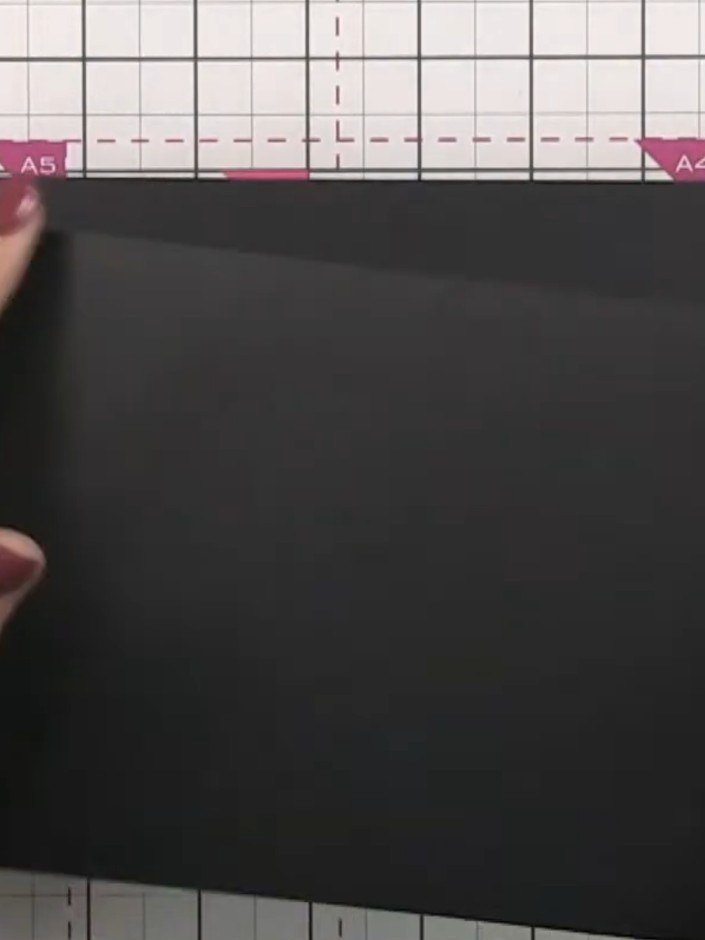
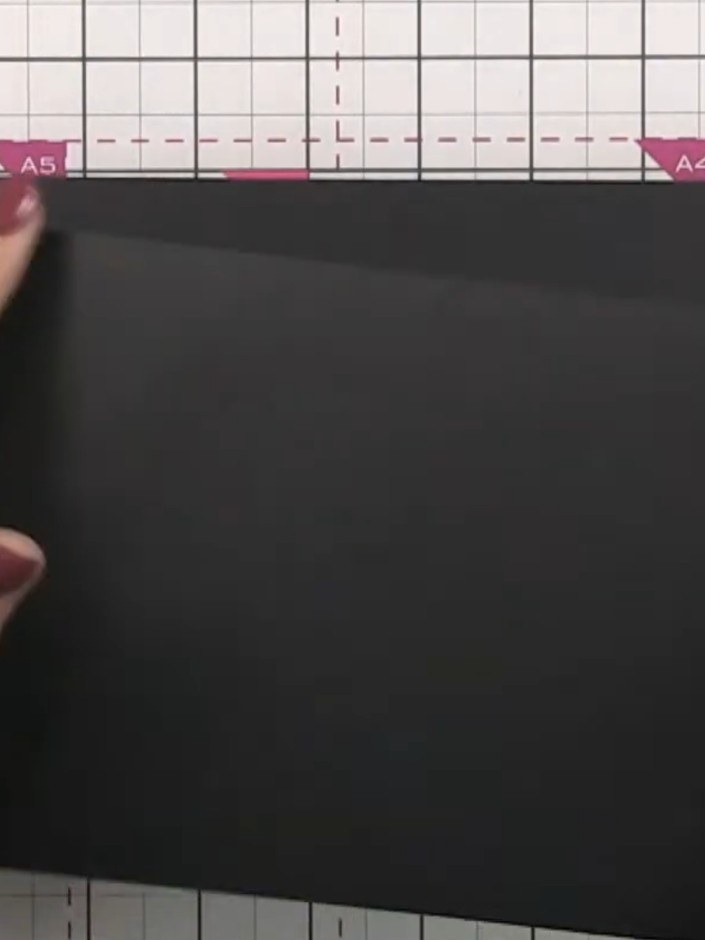
  1. Step 1: Take a black cardstock page measuring 5.5 inches tall by 8 inches long.

    Take a black cardstock page measuring 5.5 inches tall by 8 inches long.

    ▶ diesen Schritt ansehen (39:45)
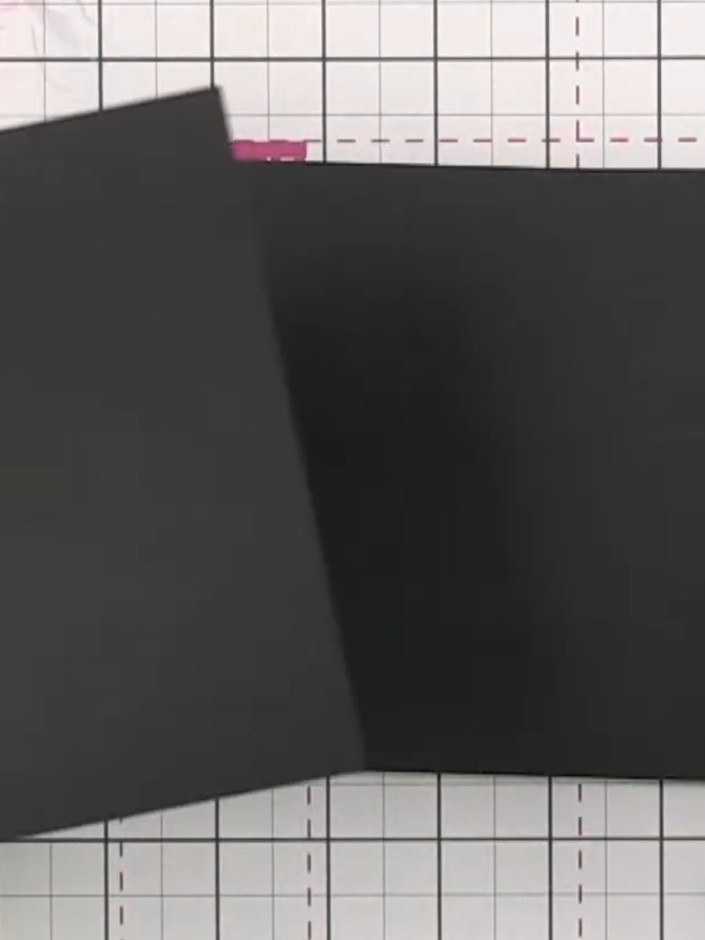
  2. Step 2: Score a line 2 inches (5 cm) from the left edge of the black cardstock to create the fold line for your pocket

    Score a line 2 inches (5 cm) from the left edge of the black cardstock to create the fold line for your pocket flap.

    ▶ diesen Schritt ansehen (40:00)
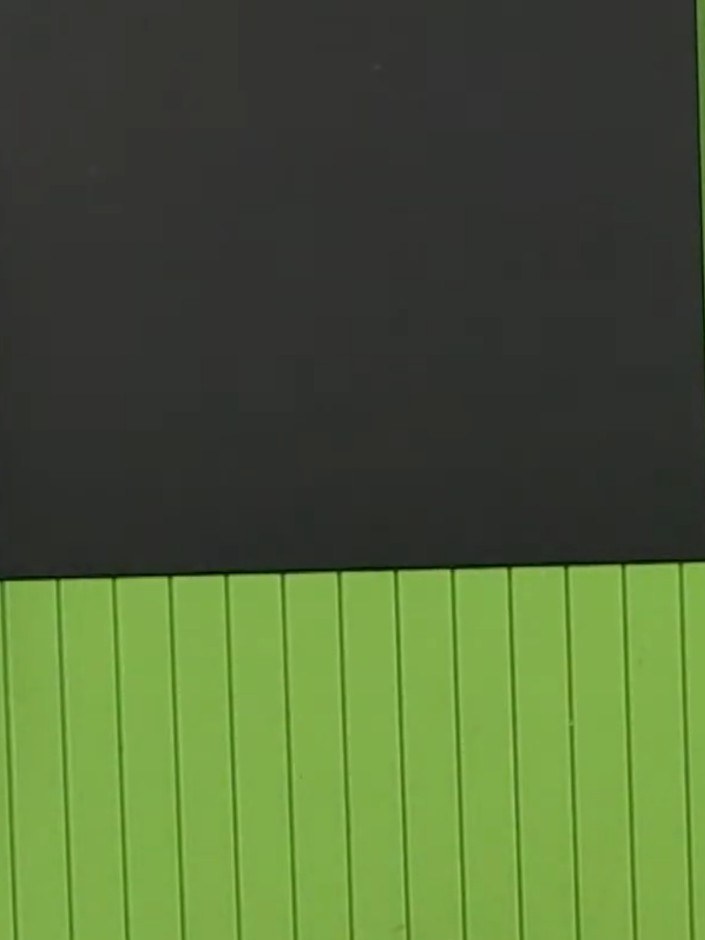
  3. Step 3: Fold the black cardstock along the score line to create the pocket flap.

    Fold the black cardstock along the score line to create the pocket flap.

    ▶ diesen Schritt ansehen (40:15)
  4. Apply adhesive to the folded flap of the black cardstock and attach it to the back of another page. Keep the adhesive away from the score line to ensure the page opens smoothly. ▶ watch 40:30
  5. Position the black scored panel onto the green scoring board. The panel can now be glued into your album, where it will open from the side to create an interactive pocket element. ▶ watch 41:00

Tipps aus der Show

Mehr aus dieser Show

Direkt aus der Show aufgeschrieben. Alle Anleitungen aus unseren Shows ansehen · kostenlose Anleitungen · live auf My Telly ansehen







