Schenke deinen Freundinnen und Freunden 10 € Rabatt auf ihre erste Bestellung!
Freunde WERBEN








Ein Projekt aus unserer Live-Show MONDAY MADNESS - Sei dabei beim BRANDNEUEN LAUNCH von Simon von AVAGO-INK - Ausgestrahlt am 3. OKT. 22 · 03.10.2022 · ab 30:00 ansehen
Create a striking gaming-themed birthday card featuring three horizontal strips in vibrant green, yellow and blue, showcasing the Game Over background stamps. The Crash character is heat embossed and mounted as the centrepiece, with decorative sentiment strips separating each coloured section for a bold, multi-dimensional design. This dynamic card combines stamping, embossing and layering techniques to create a fun, contemporary greeting perfect for gamers.
DIESE ANLEITUNG HERUNTERLADEN (PDF)
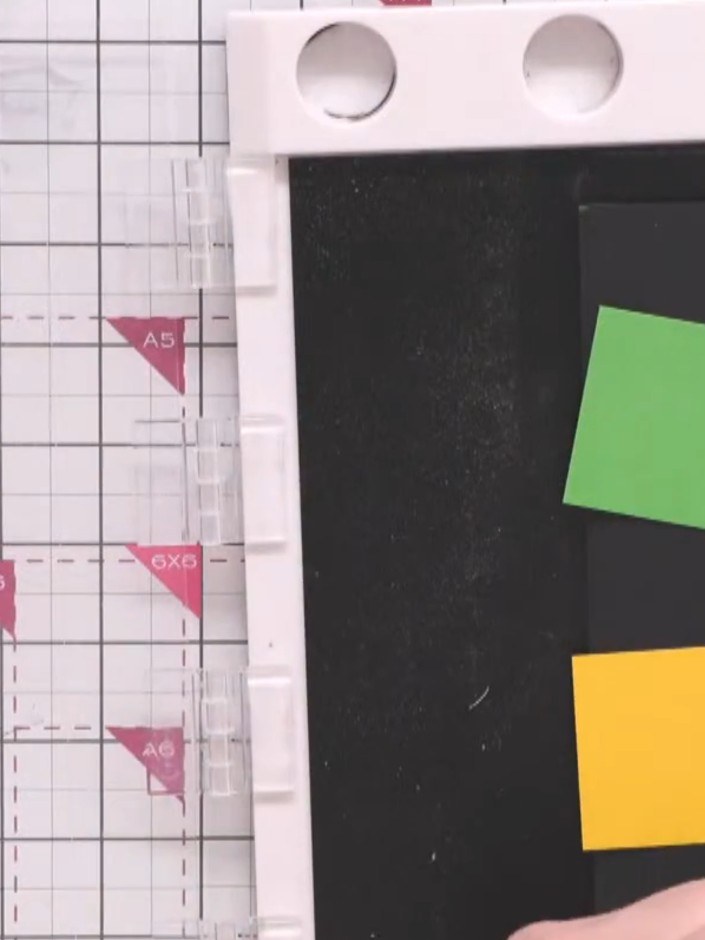
Cut three strips of coloured card, each 2 inches by 5 inches. Use one green strip, one yellow strip, and one blue strip.
▶ diesen Schritt ansehen (32:00)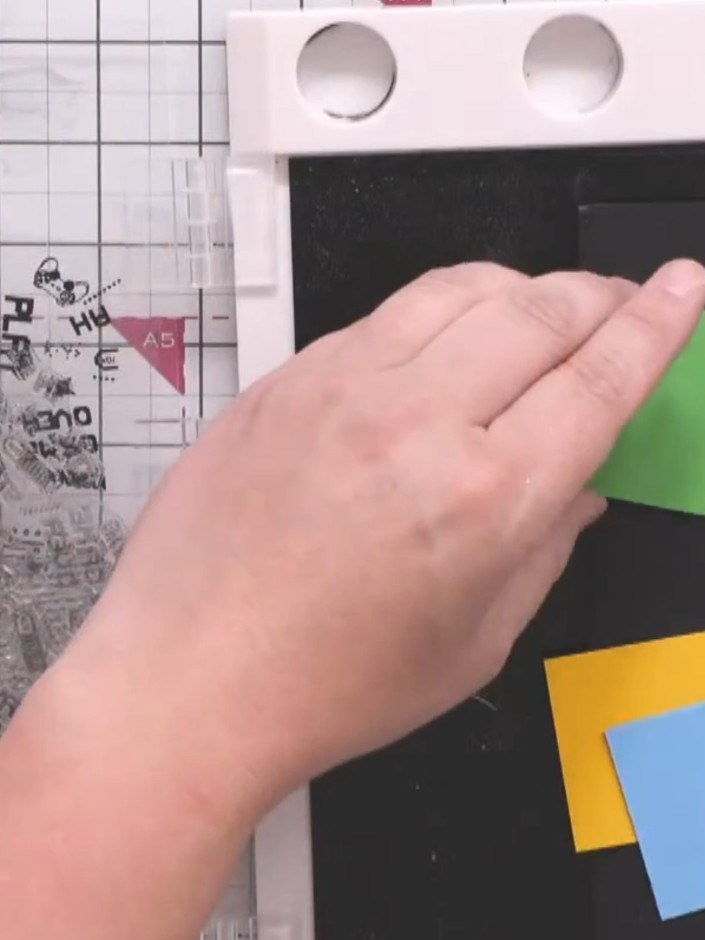
Stamp the three different Game Over background designs onto each coloured strip in black ink, using the large panel stamps. Position the stamps on the green, yellow, and blue strips.
▶ diesen Schritt ansehen (33:00)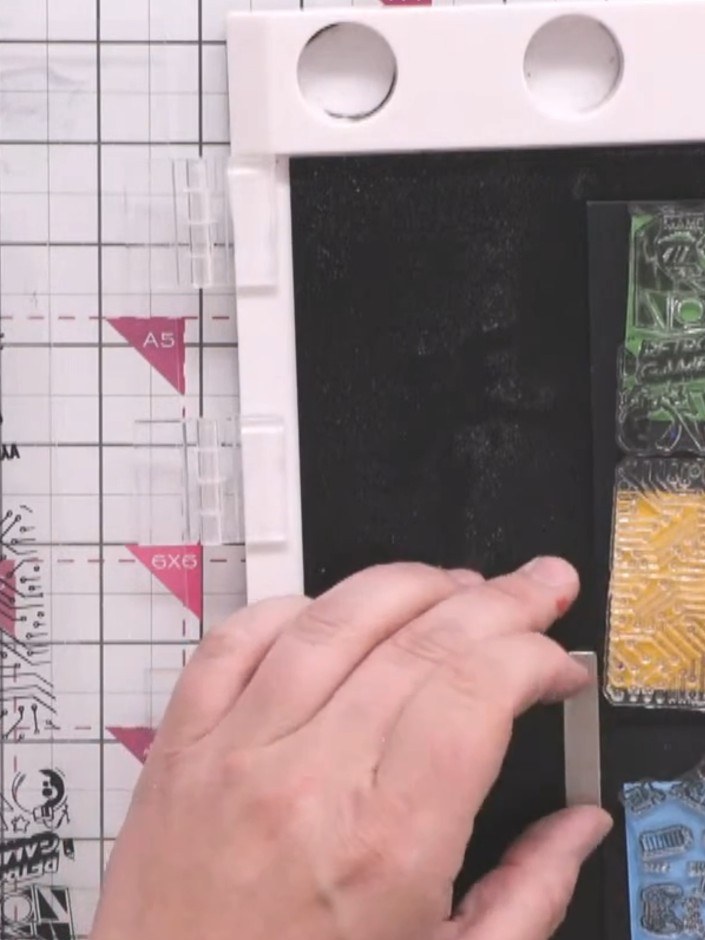
Arrange your three stamped strips in your chosen order - green gaming text at the top, orange circuit board pattern in the middle, and blue retro gaming icons at the bottom. Turn them over and secure them together with small pieces of tape on the reverse side.
▶ diesen Schritt ansehen (34:00)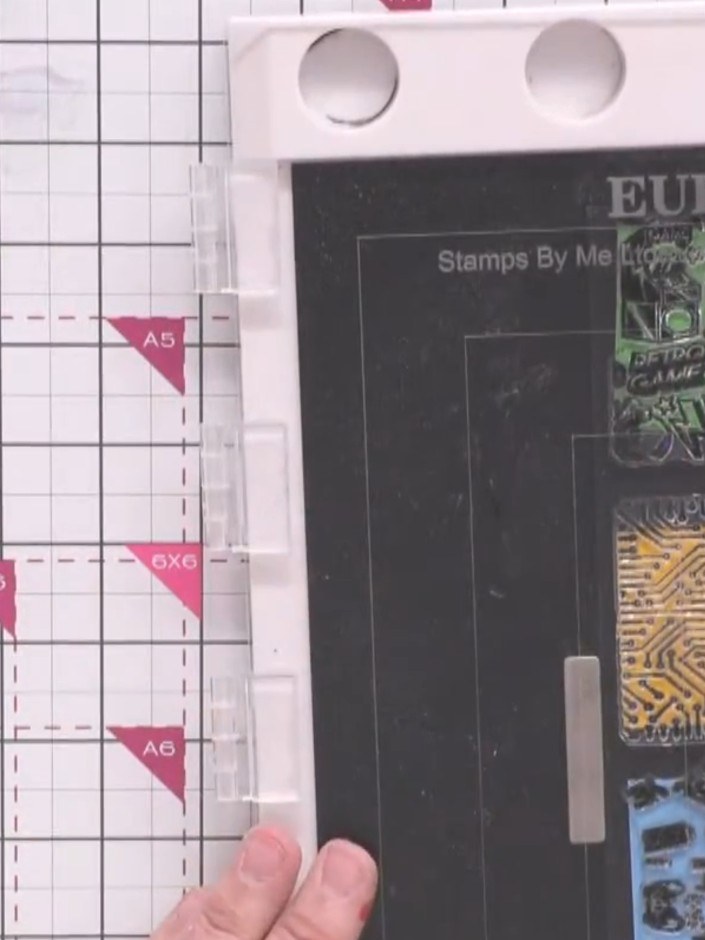
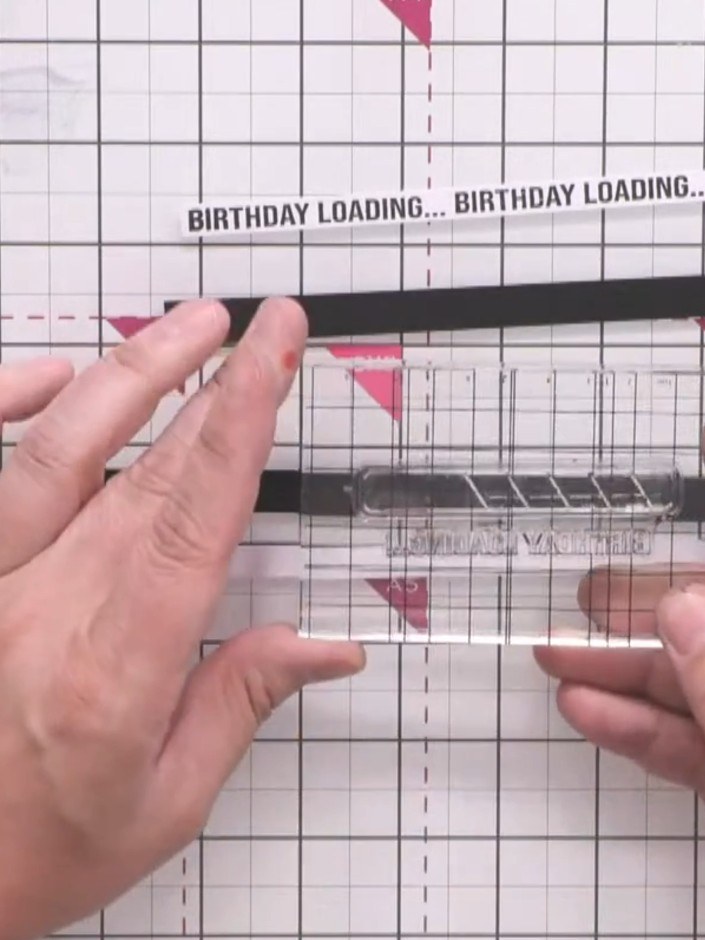
Cut three strips of white card. Using the text portion of the Game Over stamp set, stamp the sentiment repeatedly along each strip using black ink.
▶ diesen Schritt ansehen (35:00)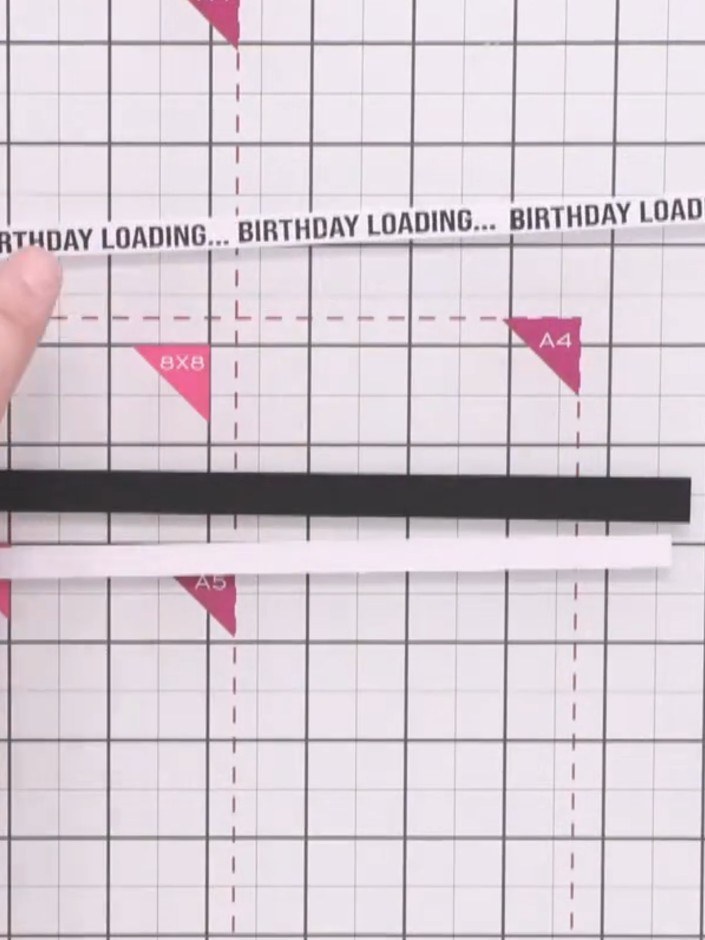
Mount each white sentiment strip onto a black matte card layer to create contrast. Position the black matted strips behind each of the patterned paper strips.
▶ diesen Schritt ansehen (36:00)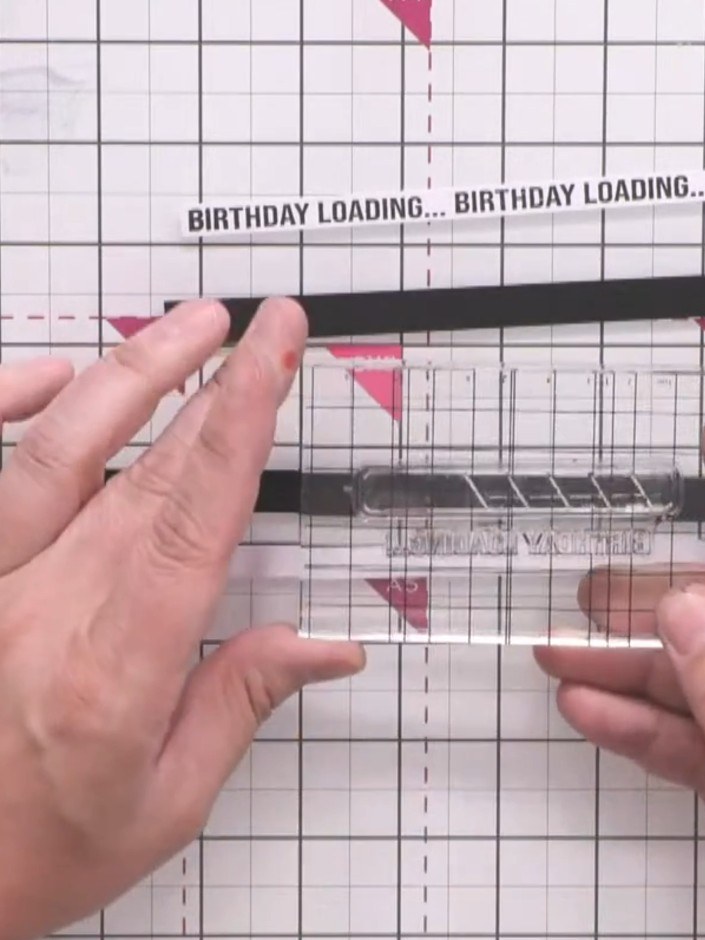
Glue the black-backed sentiment strips between the coloured background strips to break up the join lines. Position them carefully to create even spacing between the patterned sections.
▶ diesen Schritt ansehen (37:00)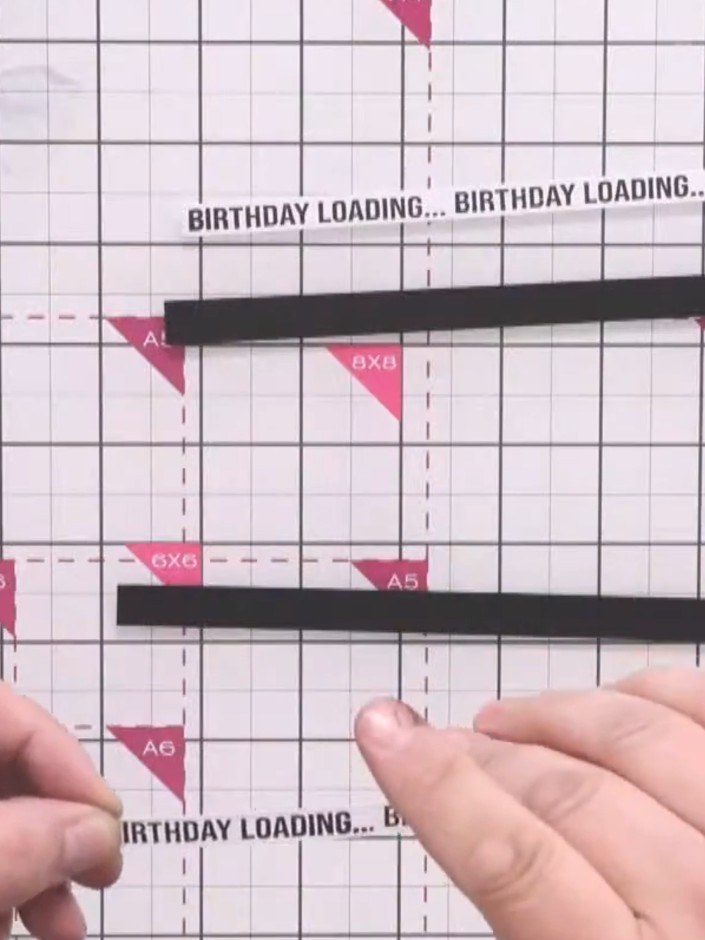
Trim the combined panel to create clean, even edges using a paper trimmer. Ensure all sides are straight and the panel is neatly squared off.
▶ diesen Schritt ansehen (38:00)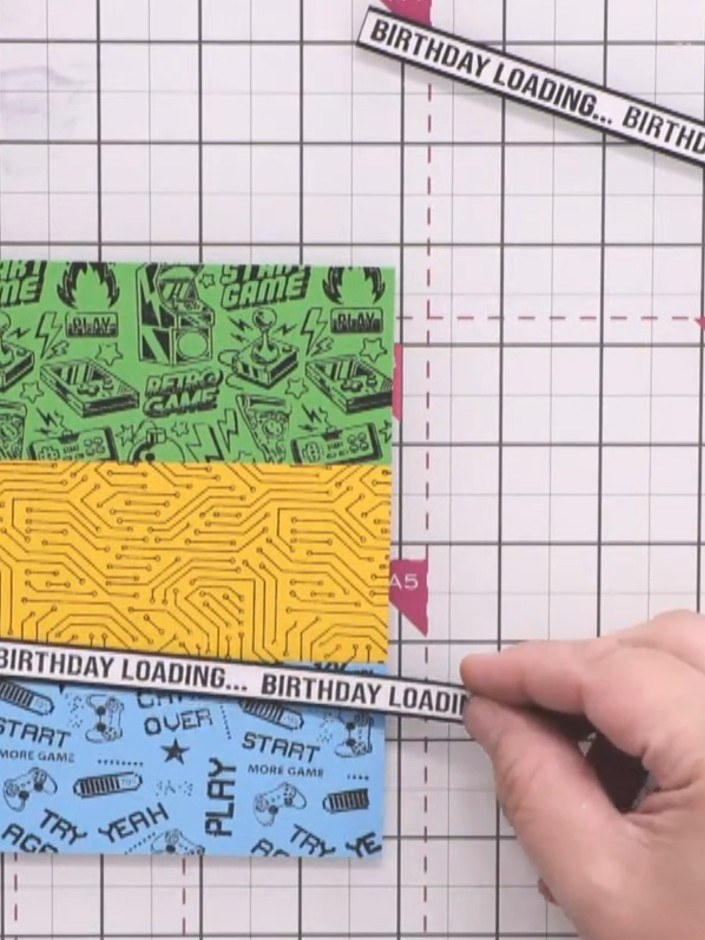
Mount the entire panel onto a gold card layer to create a border and add dimension to your design.
▶ diesen Schritt ansehen (39:00)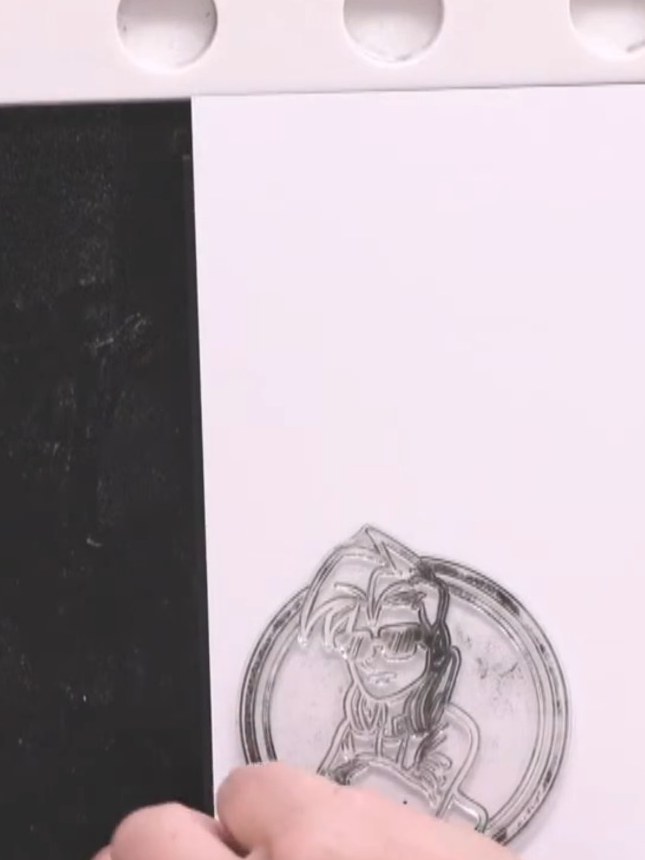
Apply black embossing powder over the stamped character image. Heat with a heat gun until the powder becomes glossy and fully melted.
▶ diesen Schritt ansehen (42:00)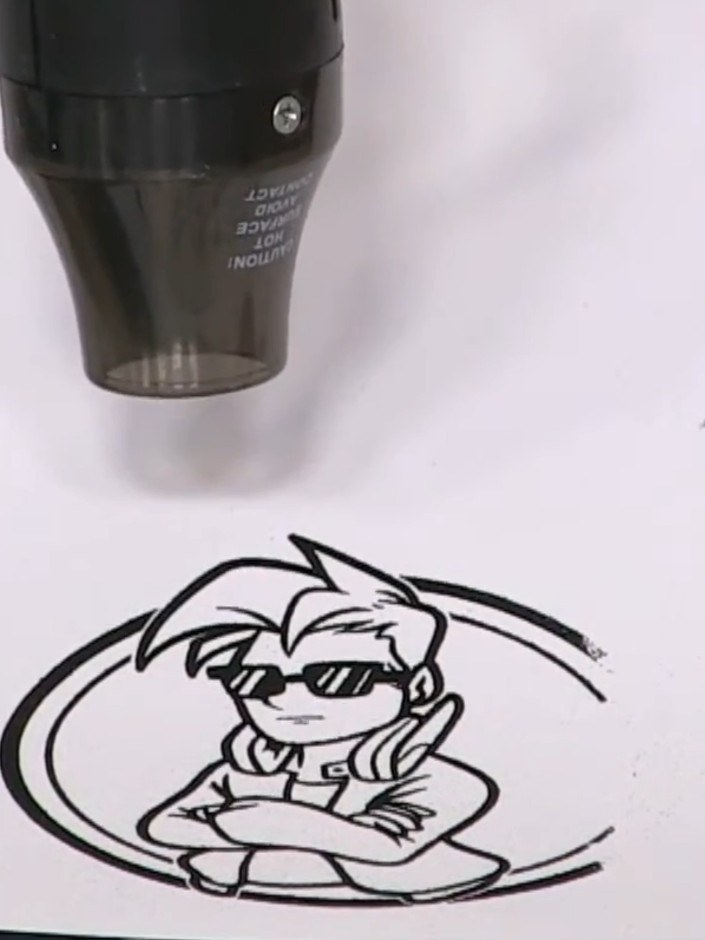
Carefully cut around the Crash character stamp, removing the circular background to create a standalone figure. Use scissors or a craft knife to trim closely to the outline.
▶ diesen Schritt ansehen (43:00)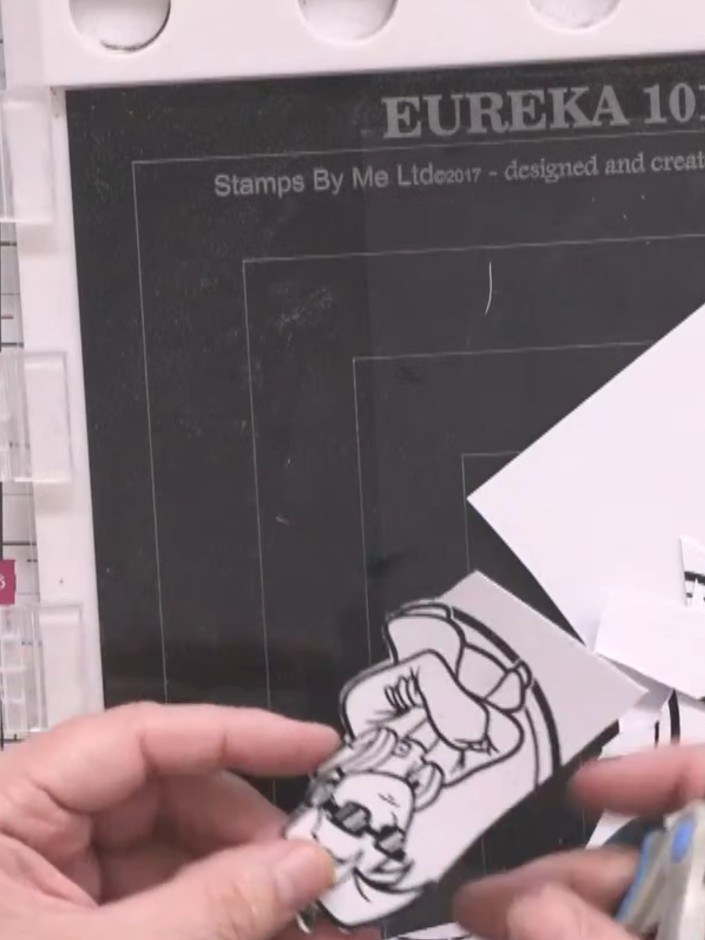
Apply black embossing powder to the stamped sentiment. Heat the embossing powder with a heat tool until it becomes glossy and raised.
▶ diesen Schritt ansehen (45:00)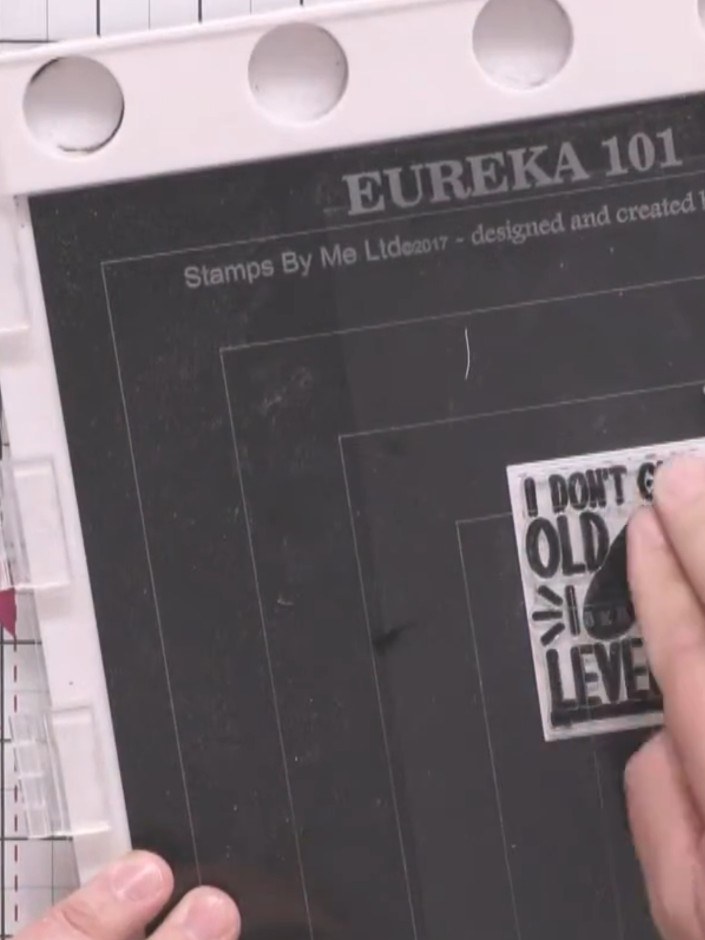
Mount the sentiment square onto black card to create a mat layer. Use scissors or a craft knife to trim around the white card, leaving a narrow black border.
▶ diesen Schritt ansehen (46:00)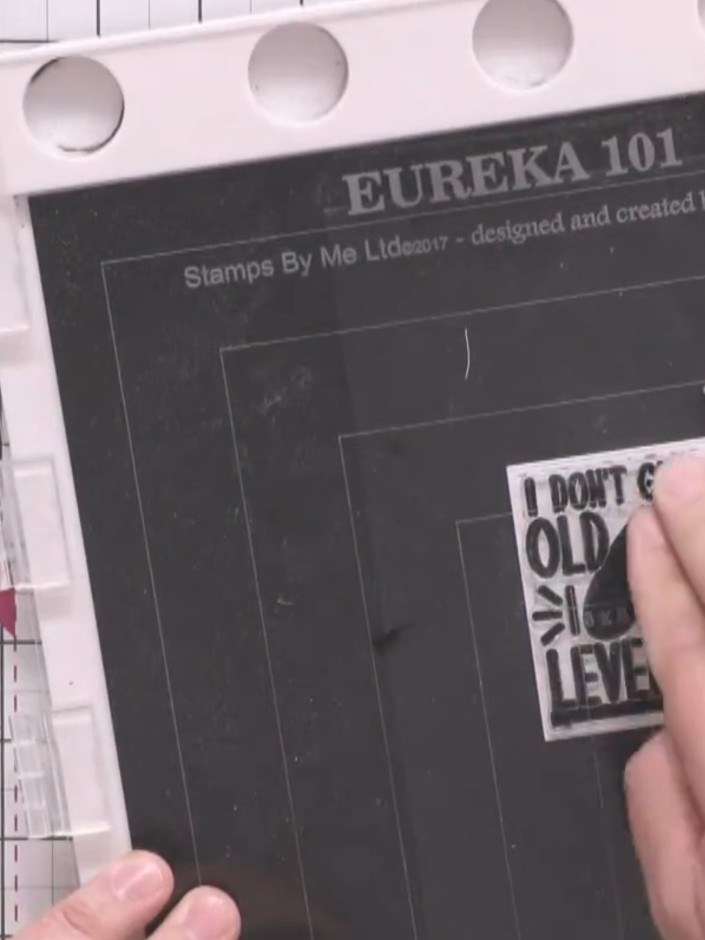
Trim around the black-backed sentiment stamp to create an even border on all sides.
▶ diesen Schritt ansehen (47:00)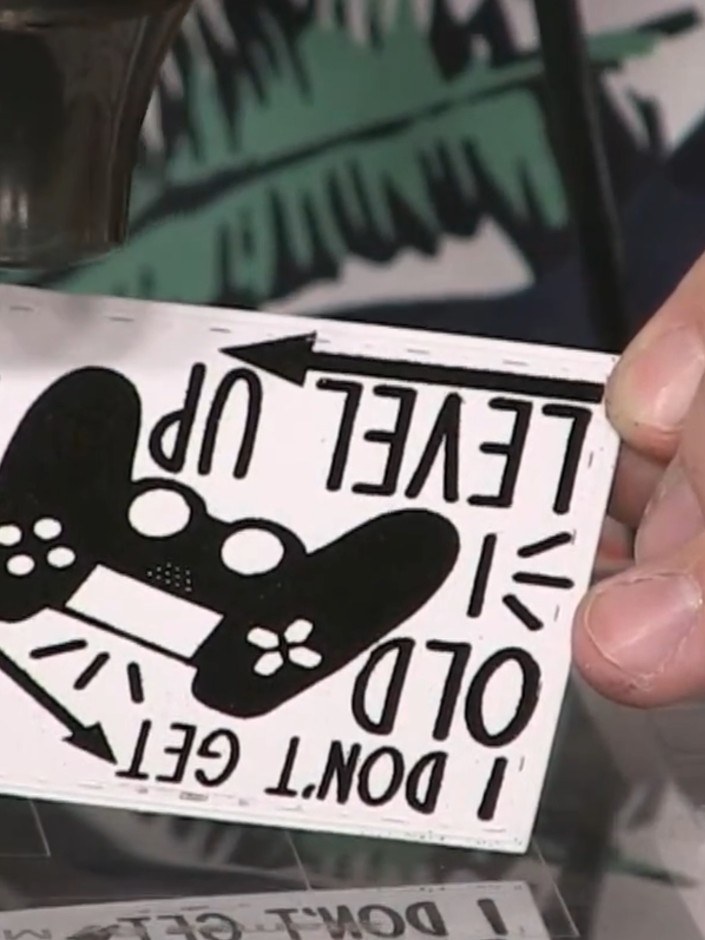
Apply foam pads to the back of the sentiment stamp and adhere it to the top of the card. The sentiment reads 'I DON'T GET OLD I LEVEL UP' with a game controller design.
▶ diesen Schritt ansehen (48:00)Direkt aus der Show aufgeschrieben. Alle Anleitungen aus unseren Shows ansehen · kostenlose Anleitungen · live auf My Telly ansehen