Offrez à vos amis 10 € de réduction sur leur première commande !
Parrainez un AMI








Un projet de notre émission en direct QUATTRO-D Cocktails expliqué, tout juste sorti de l'emballage · 01/01/2023 · à voir dès 3:00
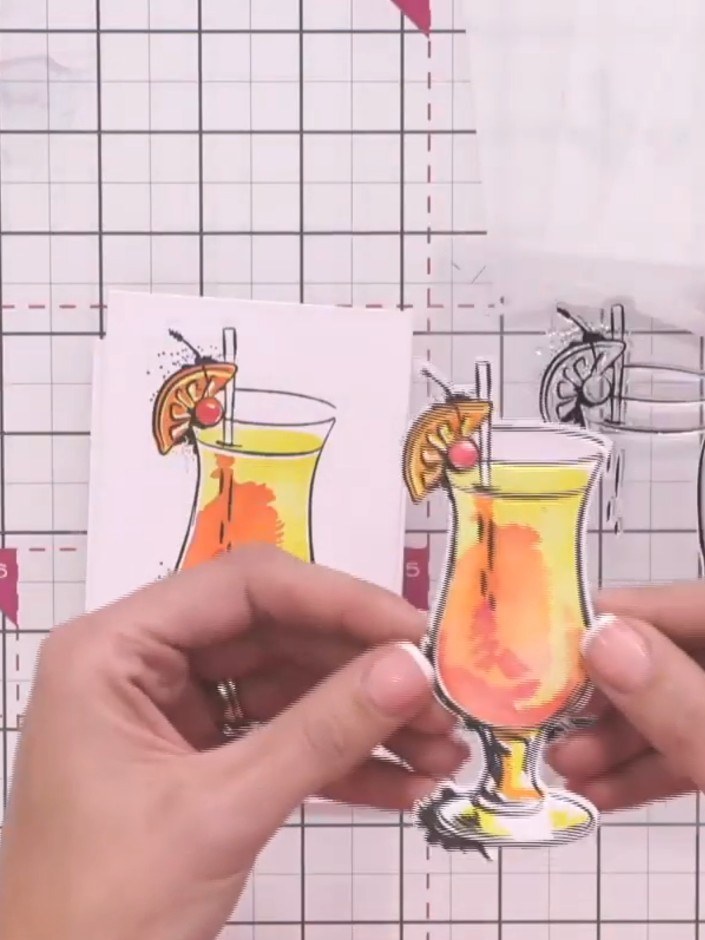
Create a stunning three-dimensional cocktail card featuring a refreshing green mojito with realistic depth and texture. This project combines watercolour backgrounds in pink and grey tones with die-cut embellishments that are enhanced using a complementary 3D embossing folder. The finished piece showcases impressive dimensional detail with a 'Cheers' sentiment, perfect for celebrations.
 STAMPS BY ME QUATTRO D - MOJITO - 090922AVOIR
 STAMPS BY ME QUATTRO D - TEQUILA SUNRISE - 090922CVOIR
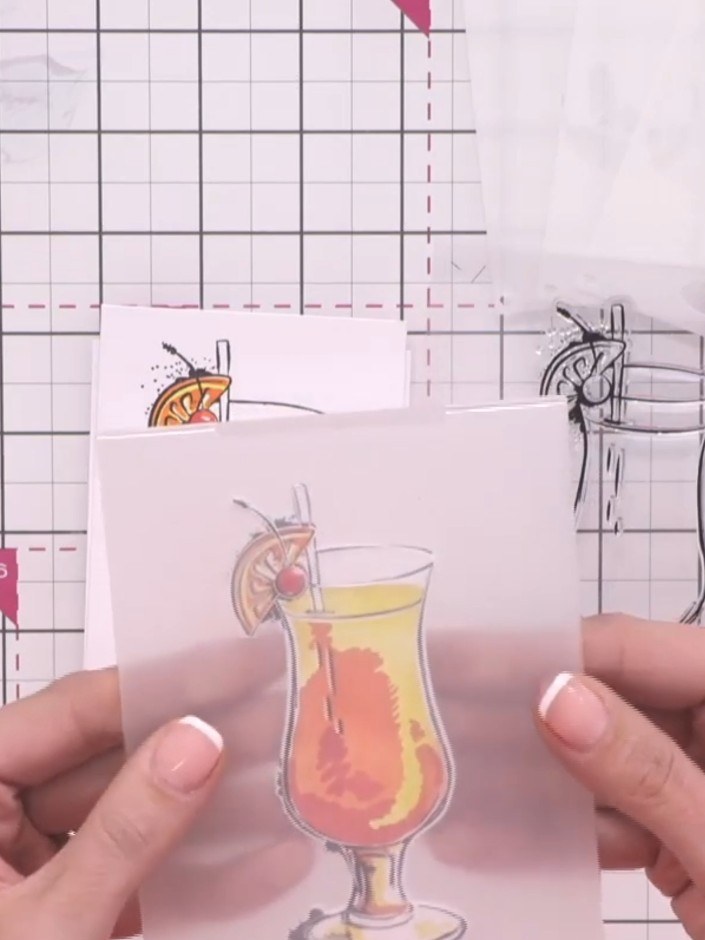
Place your stamped and coloured cocktail image face up in the embossing folder. Run through your die-cutting machine according to the manufacturer's instructions to create a raised embossed effect.
▶ voir cette étape (3:00)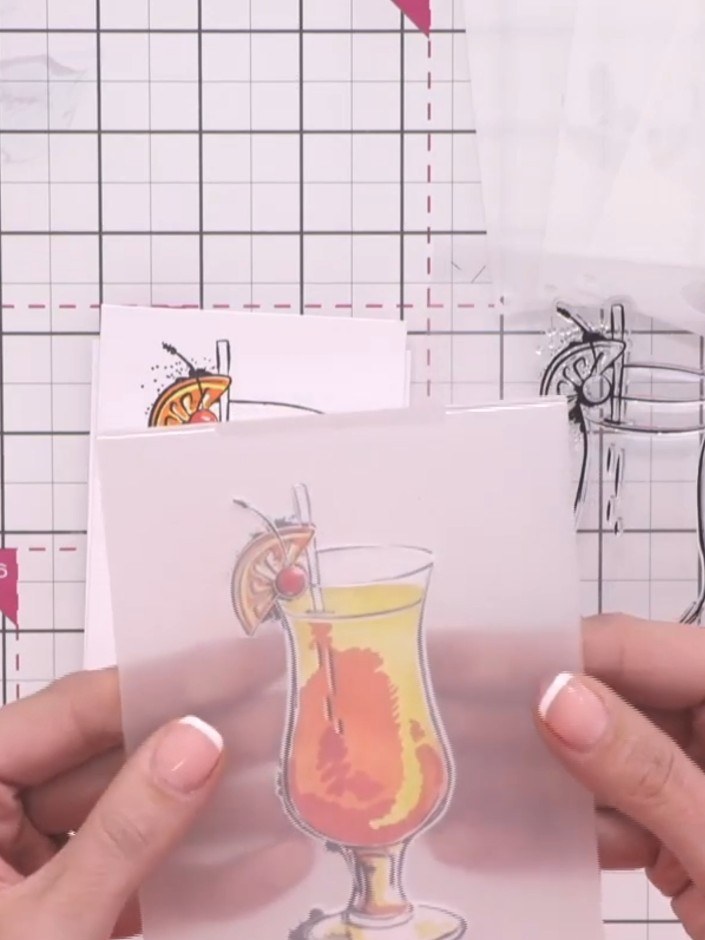
Take your die-cut cocktail glass element and carefully align it to the front of the 3D embossing folder, positioning it precisely over the matching design.
▶ voir cette étape (3:00)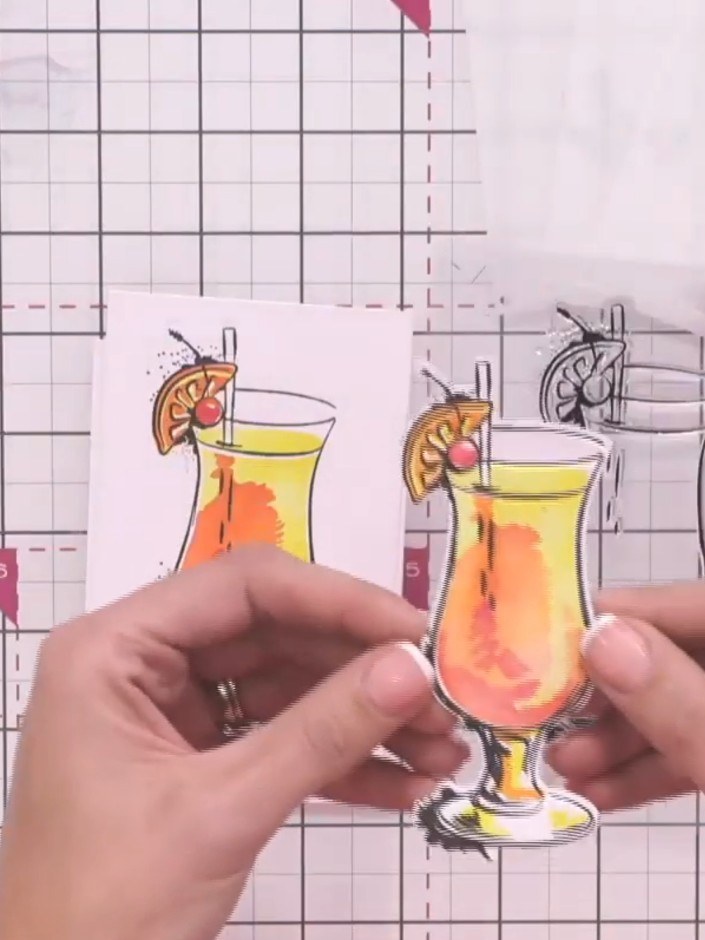
Place your die-cut cocktail glass image into the coordinating embossing folder and run it through your die-cutting machine according to your manufacturer's settings. This will create a raised, three-dimensional effect on your cocktail glass design.
▶ voir cette étape (3:15)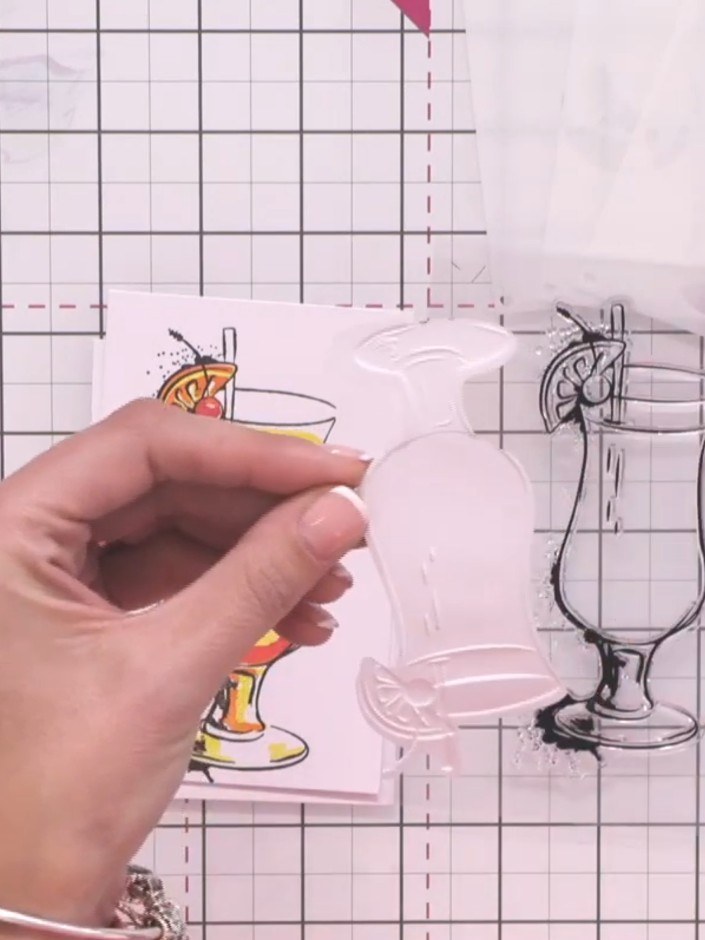
Carefully open the embossing folder and remove the embossed cocktail element. Admire the three-dimensional texture created by the embossing process.
▶ voir cette étape (3:30)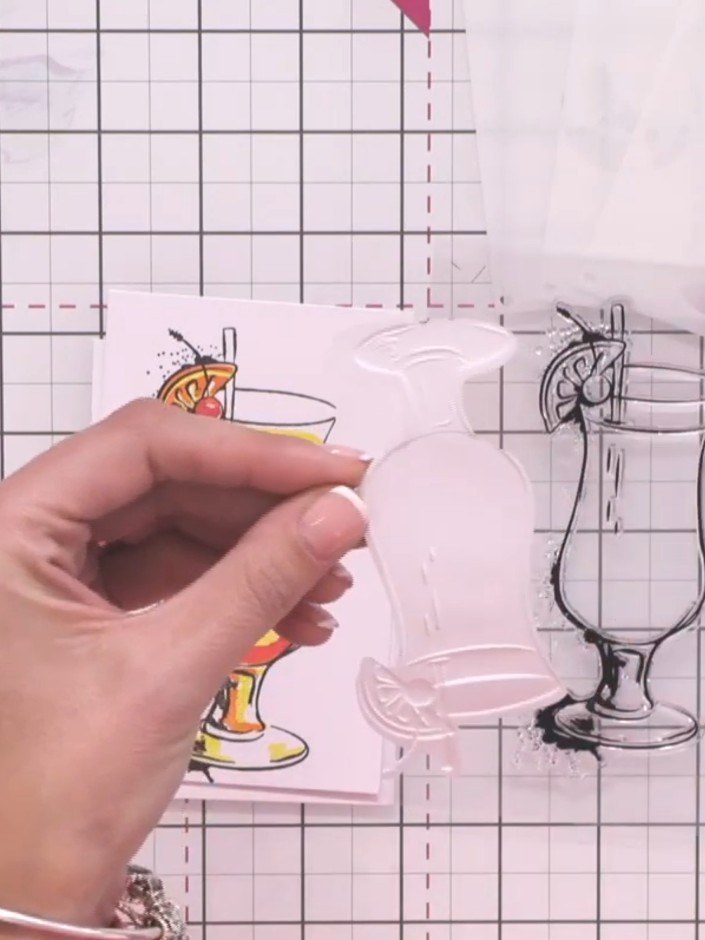
Attach your completed 3D embossed cocktail embellishment to your card front using foam pads or adhesive to add dimension and complete your design.
▶ voir cette étape (3:30)Rédigé à partir de l'émission elle-même. Découvrez tous les guides de nos émissions · tutoriels gratuits · regarder en direct sur My Telly