Offrez à vos amis 10 € de réduction sur leur première commande !
Parrainez un AMI








Un projet de notre émission en direct THE ART OF CARDISTRY - Rejoignez-moi pour ma séance de création de cartes avec toutes mes merveilleuses abonnées américaines - Diffusé le 4 SEPT. 23 · 04/09/2023 · à voir dès 27:45
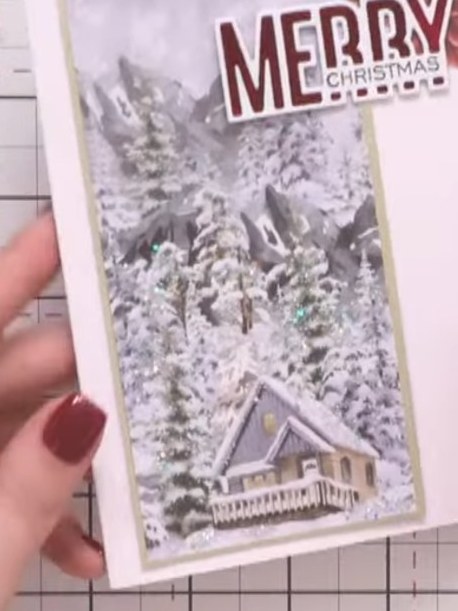
Réalisez cette élégante carte de Noël avec un magnifique panneau au paysage d'hiver de la collection Winter Story. Le paysage enneigé, avec ses sapins et son chalet, est monté sur du papier cartonné doré, puis agrémenté du message « Merry Christmas » et d'embellissements floraux bordeaux. Ajoutez une touche scintillante sur les sapins pour une finition toute festive !
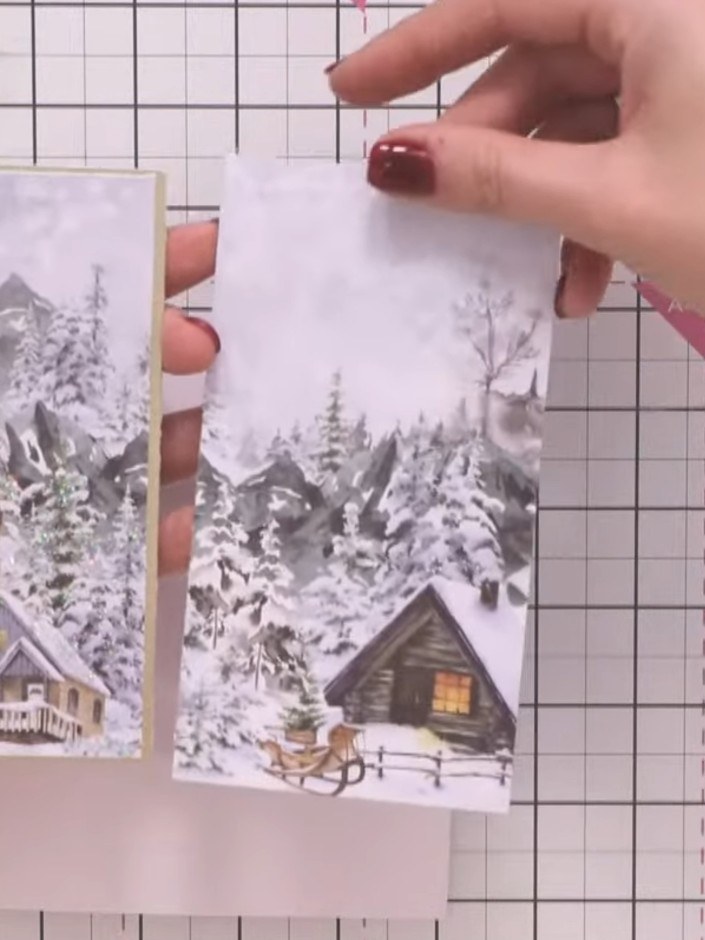
Cut a panel from the decorative patterned papers in the Winter Story collection. Choose a winter scene design featuring snowy trees and a cabin.
▶ voir cette étape (27:45)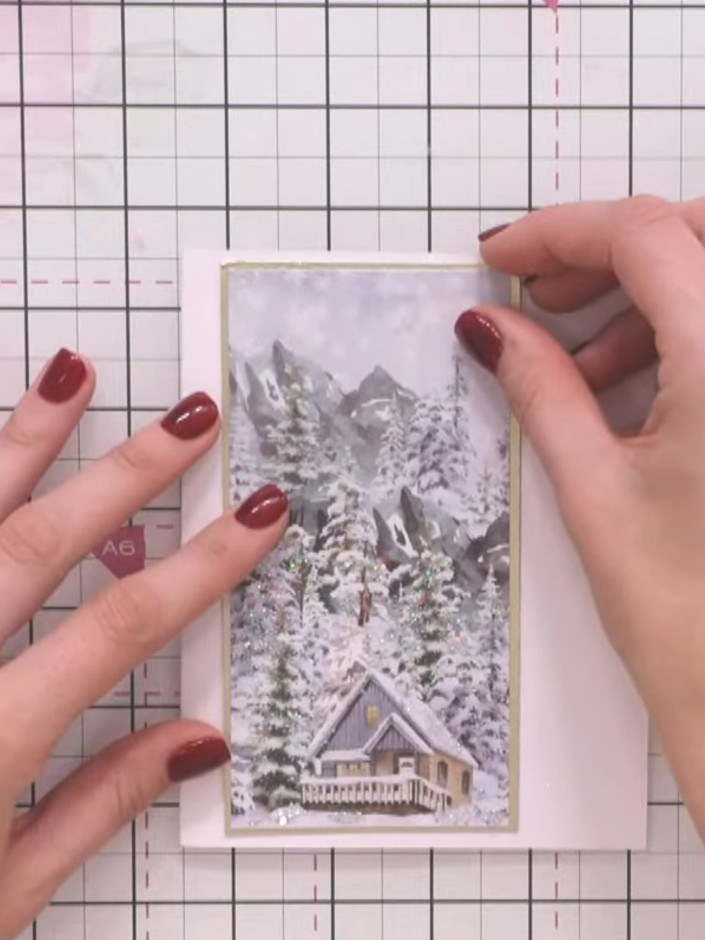
Mount the winter scene panel onto gold cardstock to create a backing layer. Position the panel centrally on the gold card to leave an even border showing around all edges.
▶ voir cette étape (28:00)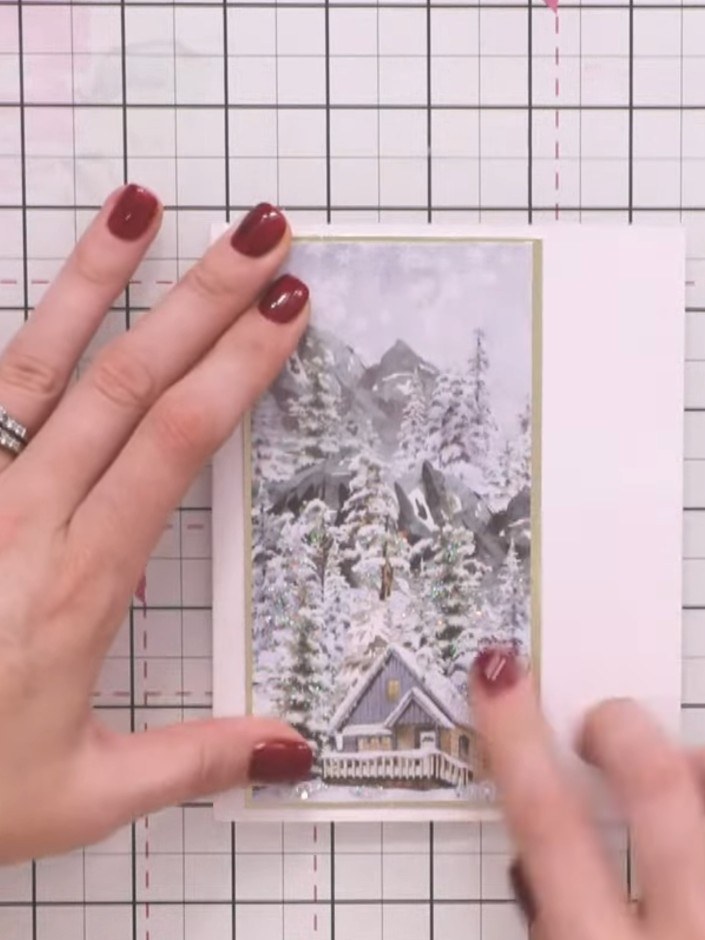
Add sparkle or embellishment to the tree designs on the patterned panel to create a snowy effect. Use glitter, gems, or other decorative elements to highlight the trees and enhance the winter scene.
▶ voir cette étape (28:15)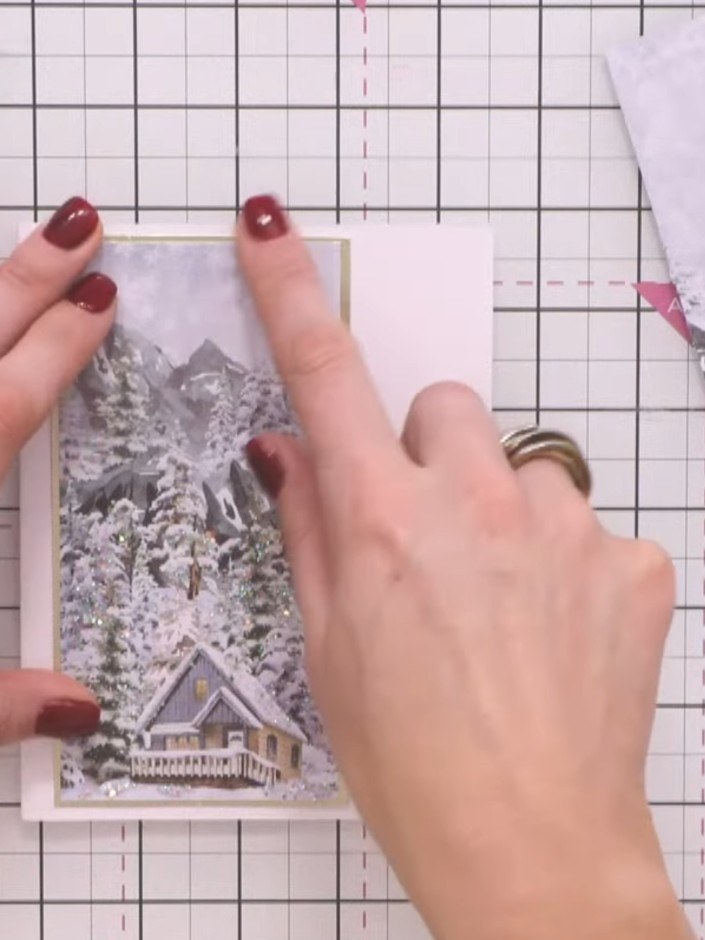
Secure the winter scene panel to your card base using adhesive tape, positioning it centrally on the front of the card.
▶ voir cette étape (28:30)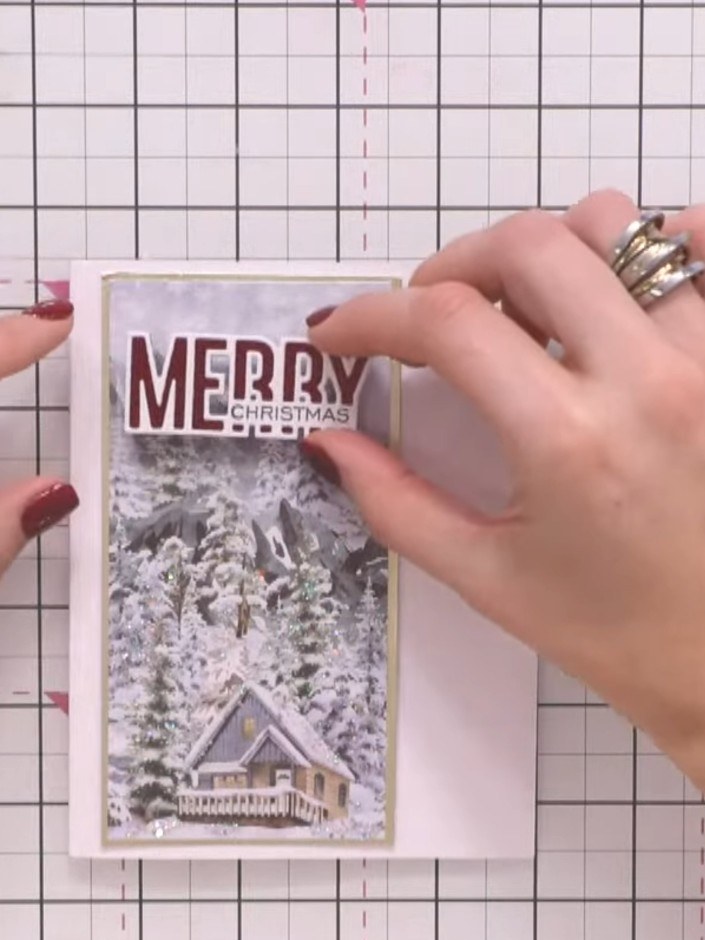
Stamp the 'Merry Christmas' sentiment in red ink at the top of the card panel, positioning it centrally above the winter scene image.
▶ voir cette étape (29:15)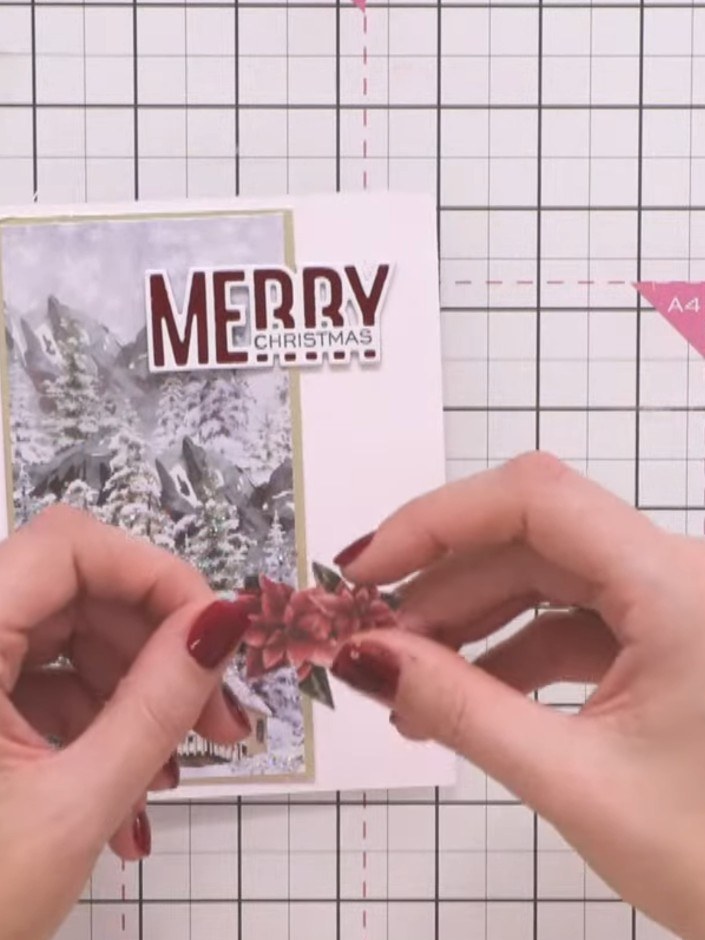
Cut out a poinsettia design from the A Winter Story paper pad. Position and attach it as an embellishment on the card front, placing it over the winter scene image.
▶ voir cette étape (29:30)Rédigé à partir de l'émission elle-même. Découvrez tous les guides de nos émissions · tutoriels gratuits · regarder en direct sur My Telly