tap a picture to see it big · tap DONE as you go - this device remembers
Step 1 of 10
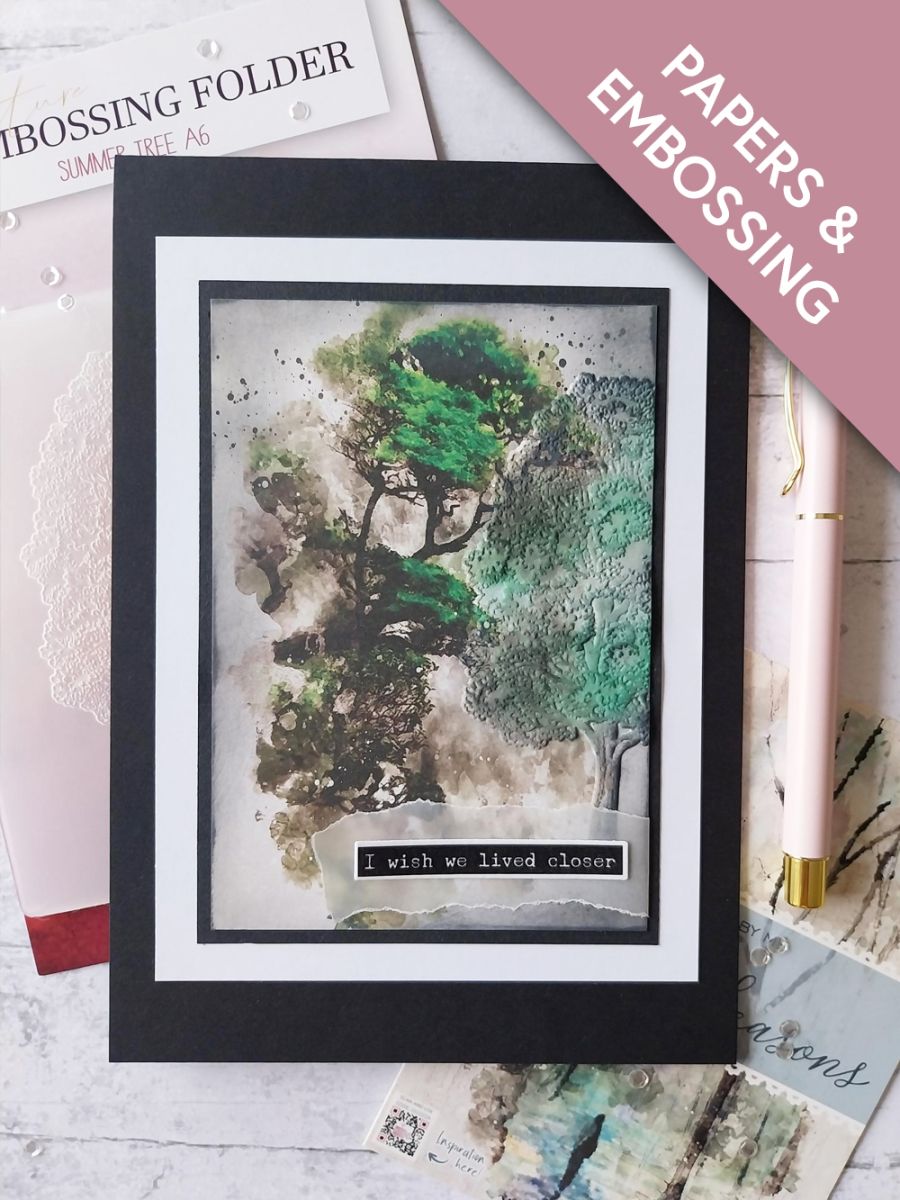
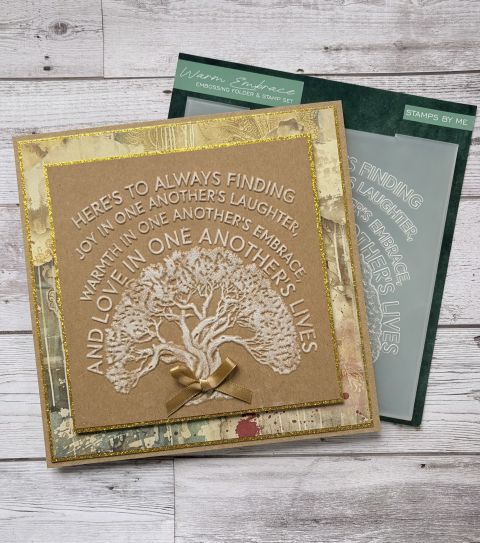
Take this painted mount, from the Changing Seasons pack and place inside the Summer Tree embossing folder. The raised, embossed side should be on the bottom and the image should be positioned coming off the right edge of the mount. Run it through your machine.
Step 2 of 10
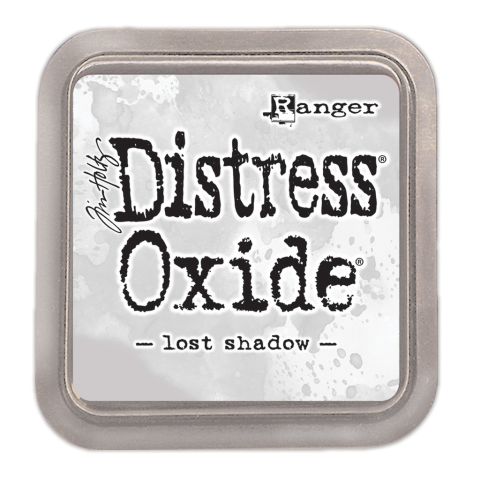
Blend the Lost Shadow Oxide around the outer edges of the mount before gently swiping your ink pad over the embossed image.
Step 3 of 10
Lightly swipe, or use your blending brush, to randomly blend Hedgerow over some areas of your embossed tree.
Step 4 of 10
Finally, use your blending brush to apply Midnight down the left side of the embossed tree and down the edge of the trunk. Thus, you have created different shades and depth to your embossed image.
Step 5 of 10
Using the dies as a guide, cut ONE drop from the typewriter washi roll. Lift up the backing sheet along one end of the tape and adhere across the top of an A4 sheet of white card. Slowly peel away the backing, as you use your hand to smooth the washi tape down on to the card. Once the backing has been fully removed, you can burnish the washi to ensure there are no air bubbles or creases.
Step 6 of 10
Line up first die and run it through your die cutting machine.
Step 7 of 10
Line up the second die and run it through your machine.
Pop out all the sentiments, pick out the one you are using for this project and keep the rest in a tub for future projects.
Step 8 of 10
Tear a panel of vellum bigger than your sentiment tab, adhering the tab towards the left side of the vellum.
Step 9 of 10
Adhere your vellum tab to the lower right side of your embossed artwork, tucking the end of the vellum over the edge of the card and securing on the reverse, with double-sided tape.
Step 10 of 10
Finally, mat your artwork on to black card cut to 6 x 4 1/4", then white card 6 3/4 x 5" and finally on to your black card blank.
You made it!
Share your make with the Stamps By Me community - and keep this guide for next time.
Hello! I'm Toni's AI craft helper - I know the projects from Toni's shows, our guides and everything in the shop. Ask me anything, like "which dies go with this stamp set?" or "what do I need to start ink blending?"
An AI helper (not Toni herself), answering from Toni's shows and our shop - please check the product page before you buy.