Offrez à vos amis 10 € de réduction sur leur première commande !
Parrainez un AMI








Un projet de notre émission en direct CREATE AND CRAFT - Retrouvez Carley Duff pour le lancement de la toute nouvelle collection IMALA 22, émission 1 - Diffusion du 4 oct. 22 · 04/10/2022 · à voir dès 9:00
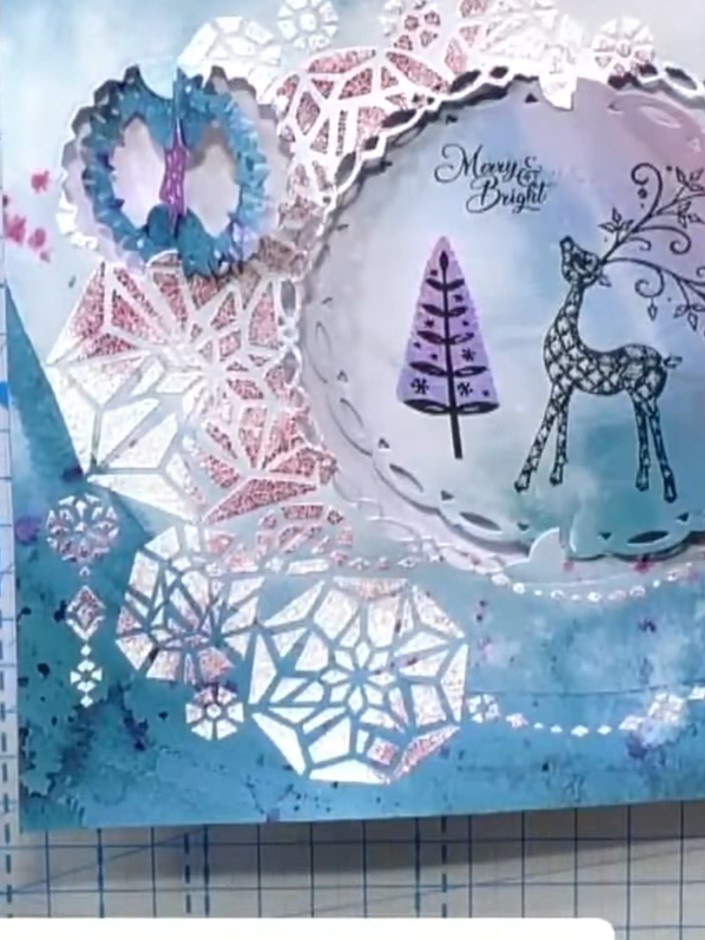
Create a stunning interactive Christmas card featuring precision-cut spinning apertures that layer together to reveal a festive winter scene. The design showcases a delicate reindeer and tree motif in soft blues and purples with crystalline snowflake accents, all set within an elegant scalloped frame. Using die-cutting and layering techniques, you'll construct a kinetic card where the apertures rotate to create dynamic movement and dimensional interest.
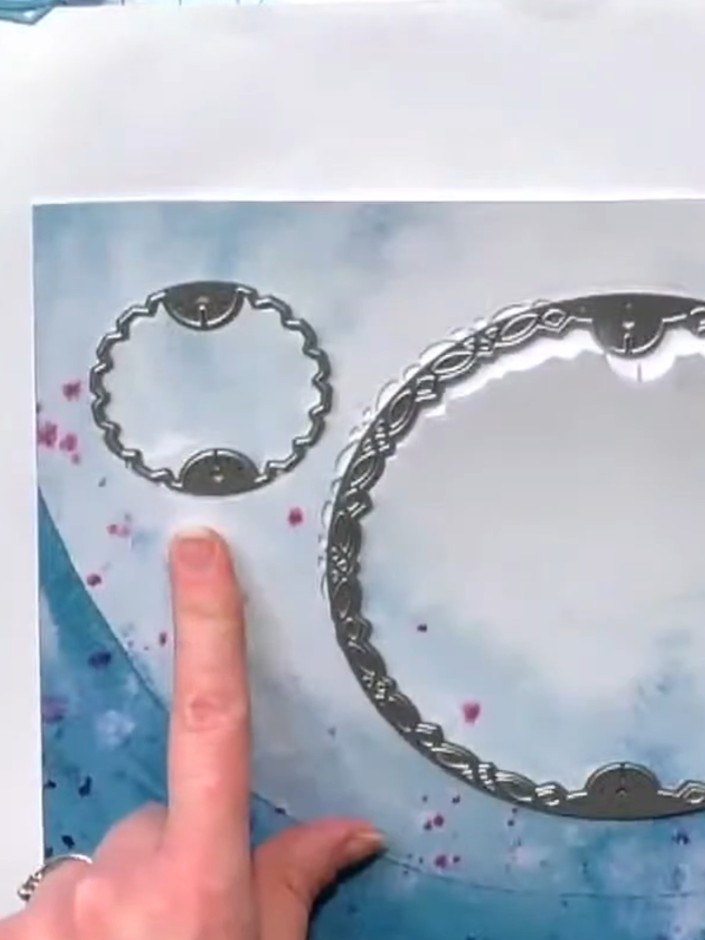
Die-cut the largest aperture frame from your cardstock using the slot spin die from the crystal Christmas die set. This creates the decorative circular frame for your spinning mechanism.
▶ voir cette étape (9:15)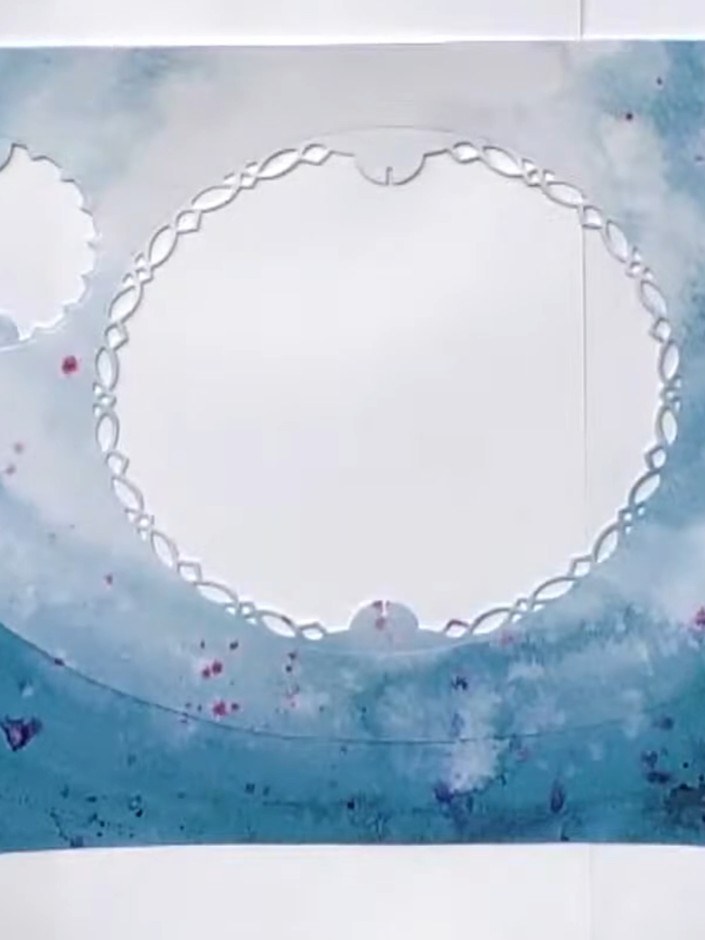
Die-cut a smaller decorative aperture frame from white card. This will layer on top of the larger aperture frame to create dimension and detail.
▶ voir cette étape (9:30)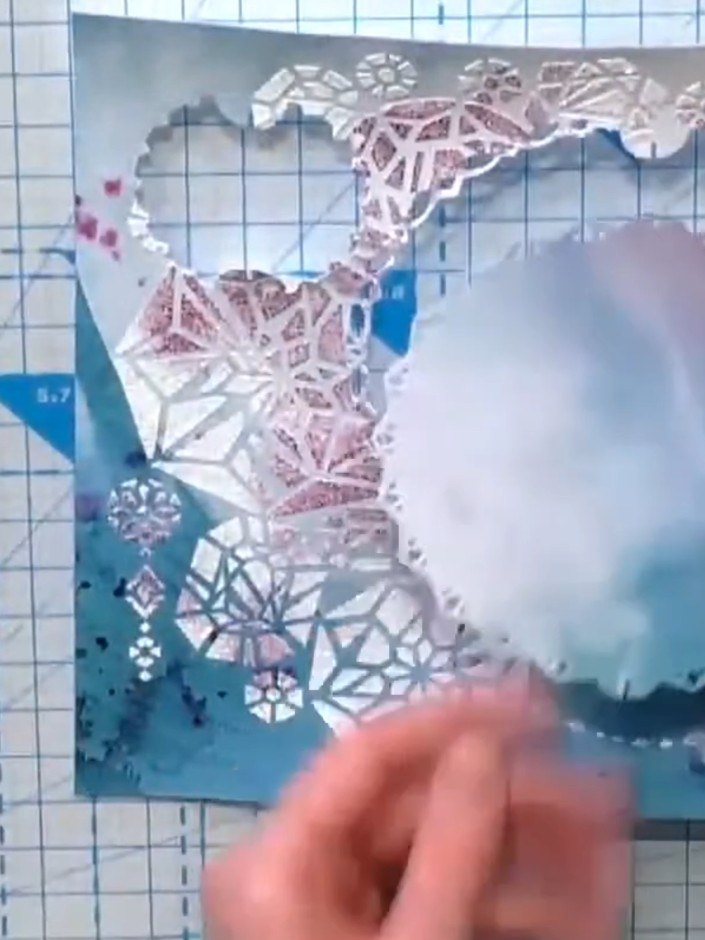
Stamp a frame design from the festive frames die set onto your card using black ink. Position the stamp carefully and press firmly to ensure a clear impression.
▶ voir cette étape (16:30)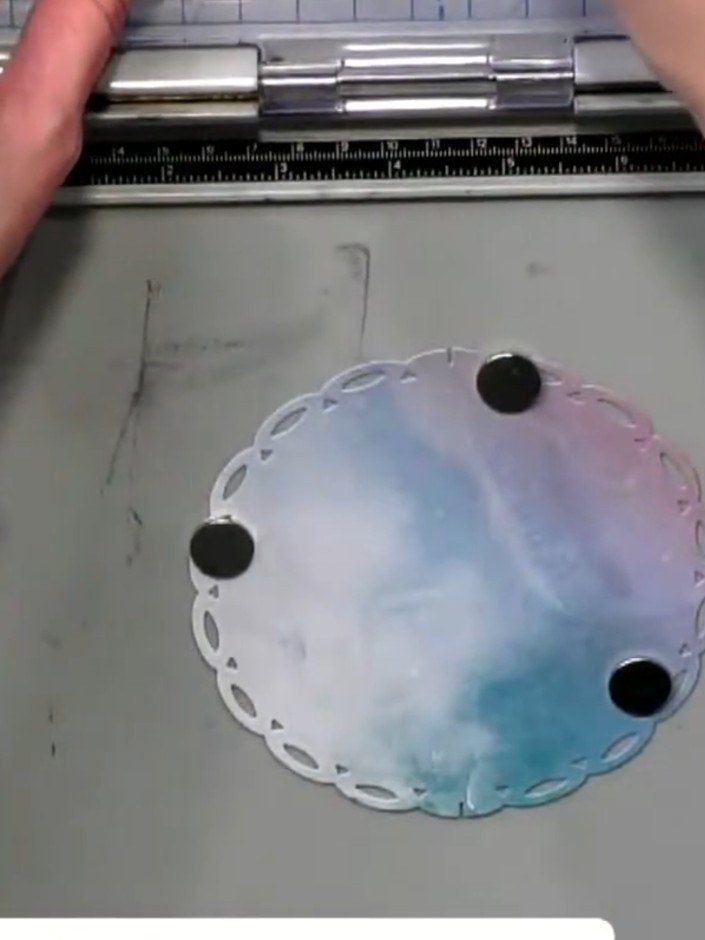
Insert the bottom tab of one aperture piece into the top slot of the other aperture piece. Ensure the pieces can spin freely once connected. The decorative scalloped edges should be visible on both circular pieces.
▶ voir cette étape (17:00)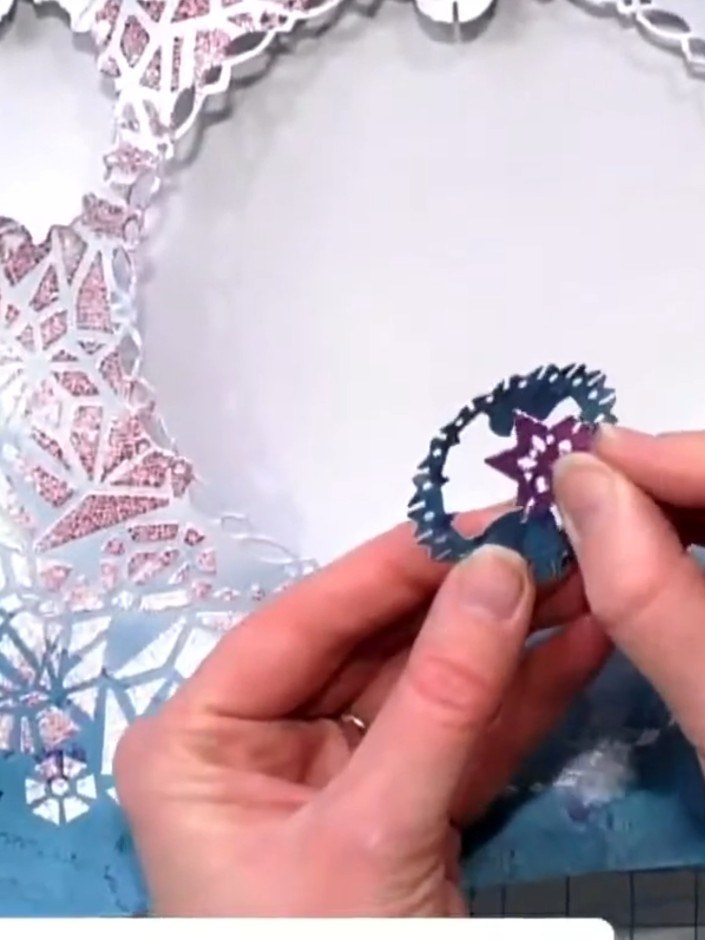
Place a small die-cut 3D tree embellishment in the centre of the aperture as a focal point. Position it carefully so it sits centrally within the circular opening.
▶ voir cette étape (20:00)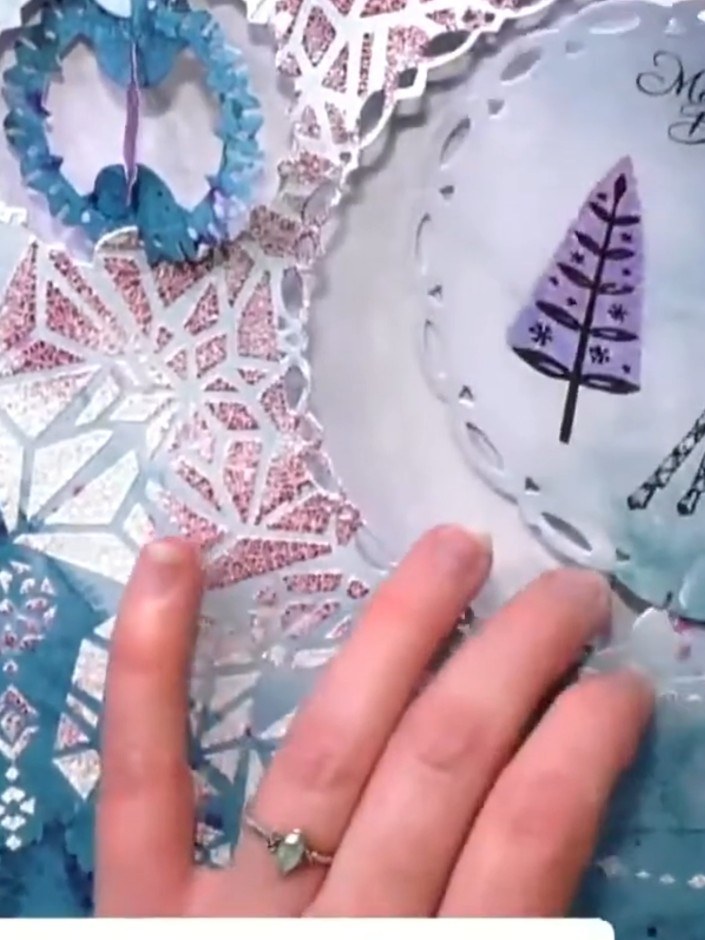
Arrange multiple aperture layers around the outside edge of your card without gluing them down. Position the decorative die-cut frames so they can move independently, creating a kinetic spinning effect.
▶ voir cette étape (20:15)Rédigé à partir de l'émission elle-même. Découvrez tous les guides de nos émissions · tutoriels gratuits · regarder en direct sur My Telly