tap a picture to see it big · tap DONE as you go - this device remembers
Step 1 of 11
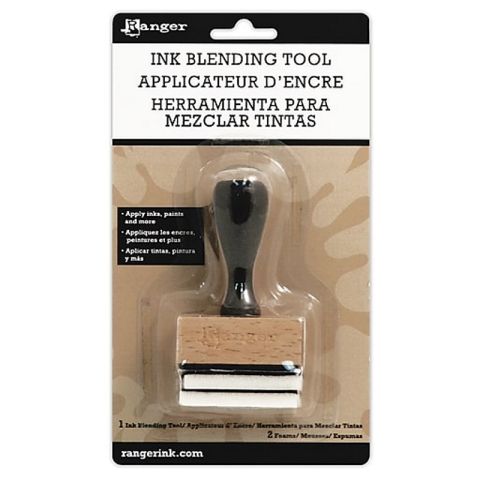
Place stencil 1, from the Quattro D Collection, on to the white card cut to 6 x 4". Lightly blend the Heather dye ink through the stencil, with your blending tool.
Line up stencil 2 and blend again with the Heather but with a bit more pressure. Finally, line up stencil 3 and go back in with the Heather but with more pressure and loaded ink, to get a deeper tone of colour.
Step 2 of 11
Stamp the detailed stamp over your stencilled image, with the Midnight hybrid ink pad.
Step 3 of 11
Use the coordinating die to cut out your element.
Step 4 of 11
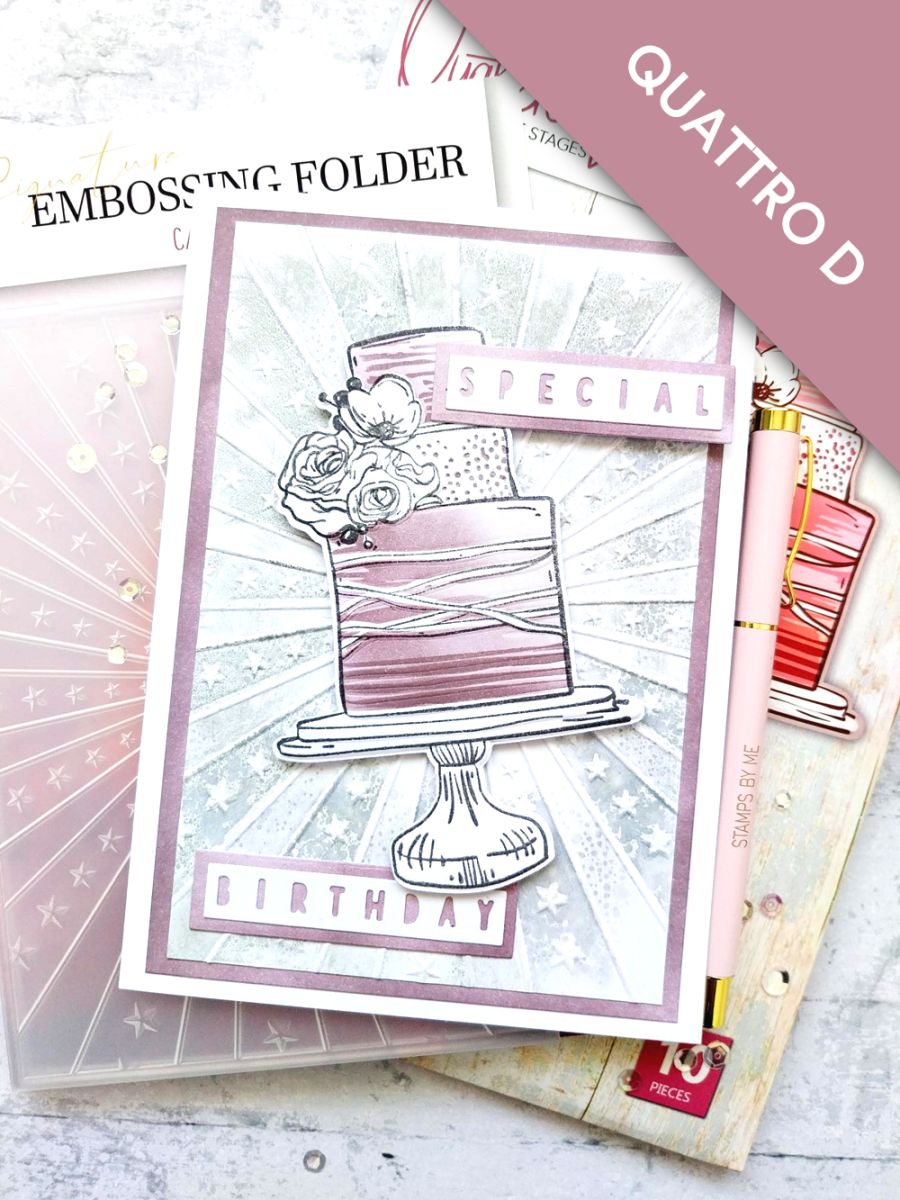
Place the die cut cake inside the embossing folder, run it through your machine, then pop it to one side.
Step 5 of 11
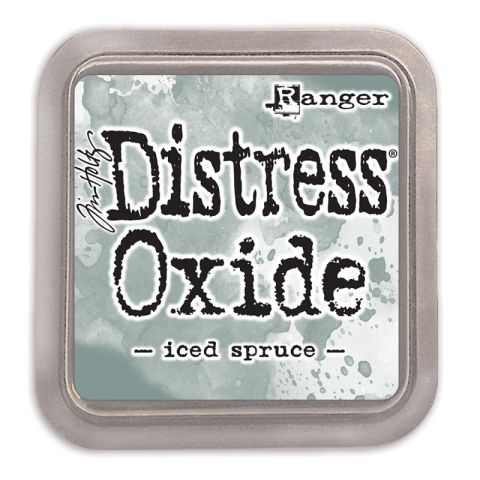
Ink up the debossed side of your Carnival folder, with the Iced Spruce Oxide and spritz with water.
Place the white card, trimmed to 6 1/2 x 4 1/4", inside the folder, inked side on the top and run it through your machine.
Step 6 of 11
Blend the edges of the white card, trimmed to 6 3/4 x 4 1/2", with Heather.
Step 7 of 11
Adhere your embossed card on to the blended card and then on to your card blank, then pop to one side.
Step 8 of 11
Cut a piece of white card and place the "Special Birthday" detailed dies on top.
Cut a piece of white card, big enough to fit the 2 layering dies, ink the card with Heather, then place the dies on top and run them all through your machine.
Step 9 of 11
Adhere the detailed sentiment die cuts on top of the die cut layers.
Step 10 of 11
Adhere the sentiments, with foam pads, to the front of your card.
Step 11 of 11
Finish off with a touch of sparkle, where required, using your Gossip clear sparkle pen.
You made it!
Share your make with the Stamps By Me community - and keep this guide for next time.
Hello! I'm Toni's AI craft helper - I know the projects from Toni's shows, our guides and everything in the shop. Ask me anything, like "which dies go with this stamp set?" or "what do I need to start ink blending?"
An AI helper (not Toni herself), answering from Toni's shows and our shop - please check the product page before you buy.