Give your friends €10 off their first order!
Refer a FRIEND








Prices change straight away. Every language is our own translation, not Google.
A project from our live show PRODUCT PREVIEW - HSN SHOW JAN 30TH - Join Toni for an early look at all the goodies coming to HSN this month - Broadcast 24TH JANUARY 2024 · 29/01/2024
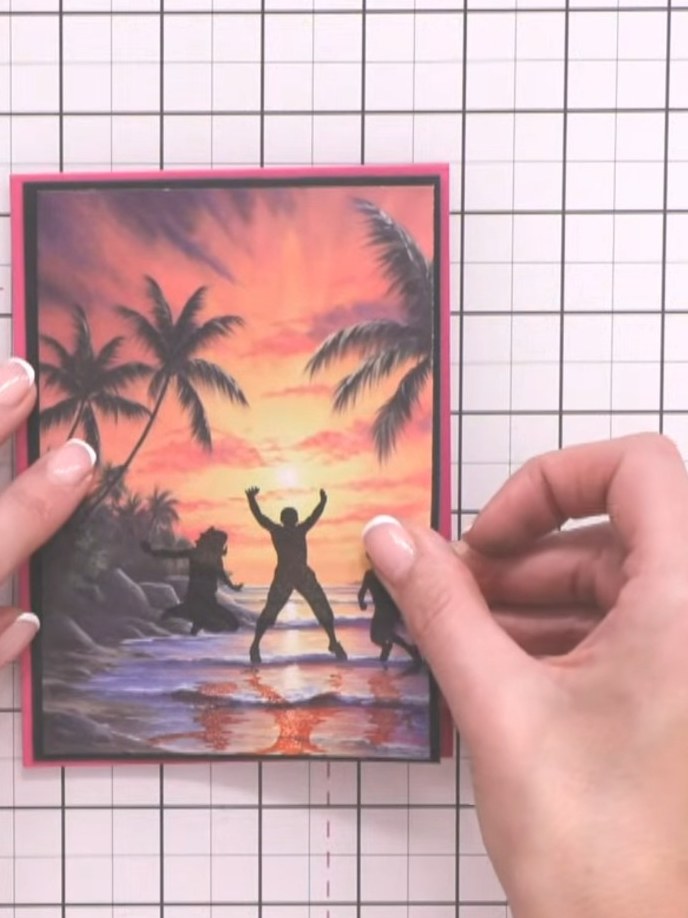
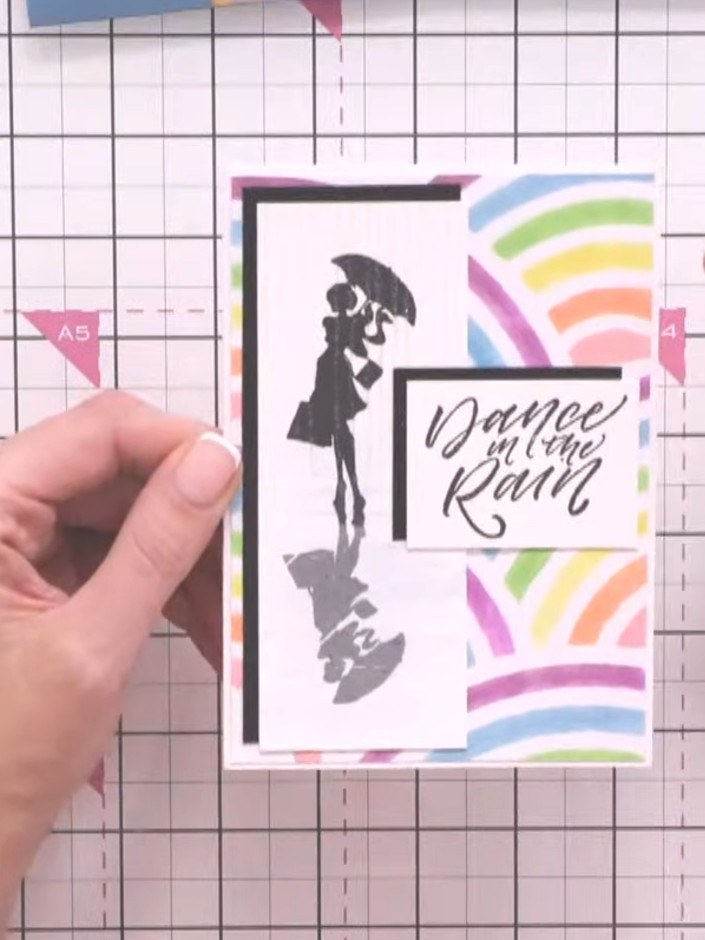
Create a beautiful card featuring a silhouette of a dancing figure with an umbrella against a pink and purple watercolour background. The Reflection Collection stamp includes a built-in reflection effect, so you simply stamp with your chosen ink colours for an instant artistic result. The finished card includes the sentiment 'Dance in the Rain' in an elegant script font.
 1
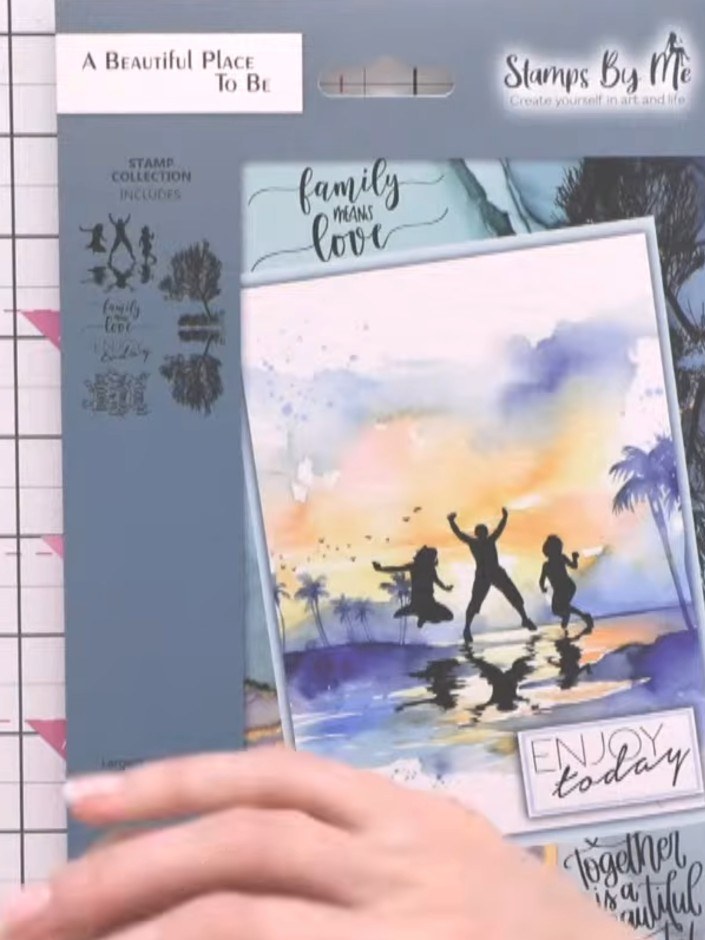
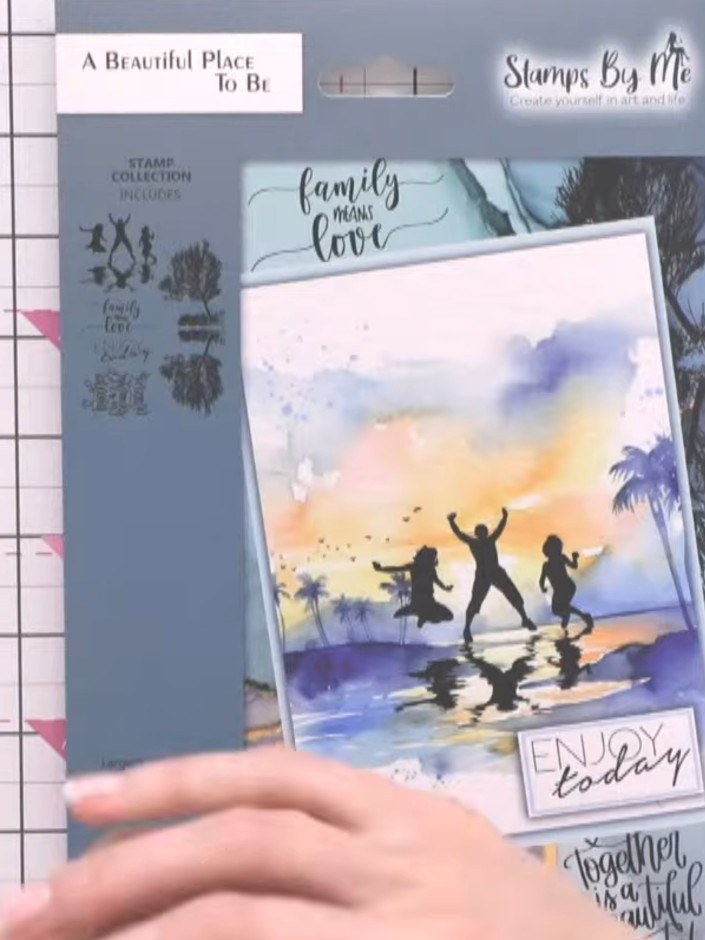
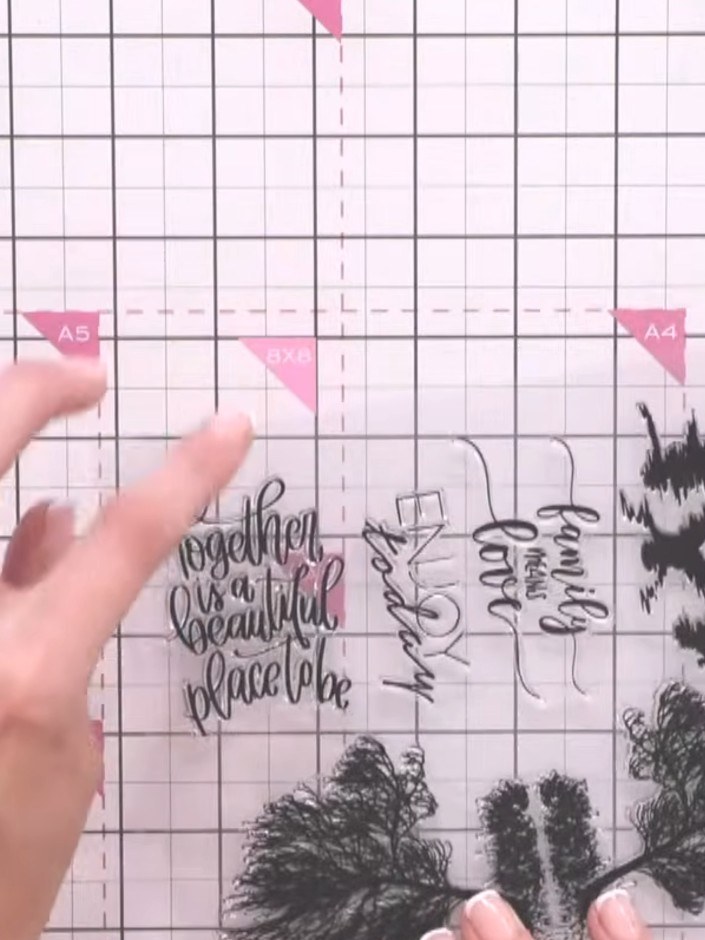
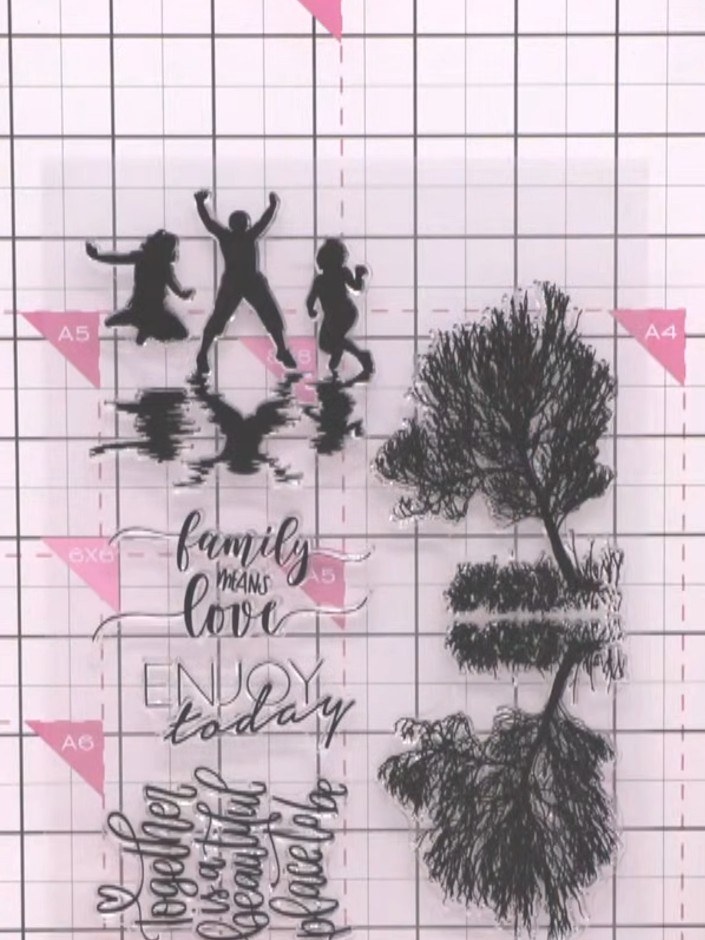
Select the Reflection Collection stamp set featuring the family dancing in the rain silhouette design. This set includes coordinating sentiment stamps such as 'ENJOY today' and 'family means love'.
 2
Select your ink colours for stamping. Use black or a dark colour for the top silhouette stamps showing the figures and birds.
 3
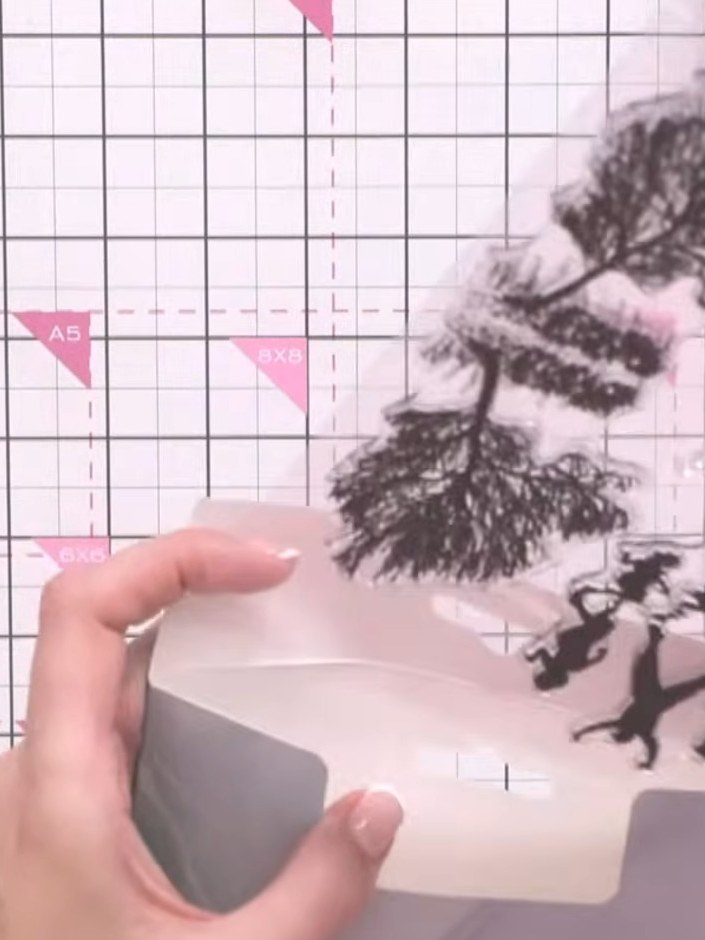
Ink up the silhouette stamp from the Reflection Collection set. Stamp the image onto your card base, positioning it to create your scene.
 4
Use grey or a lighter shade of your chosen colour to stamp the reflection portion of the design below the main image. This creates a softer, mirrored effect for the reflection in the water.
 5
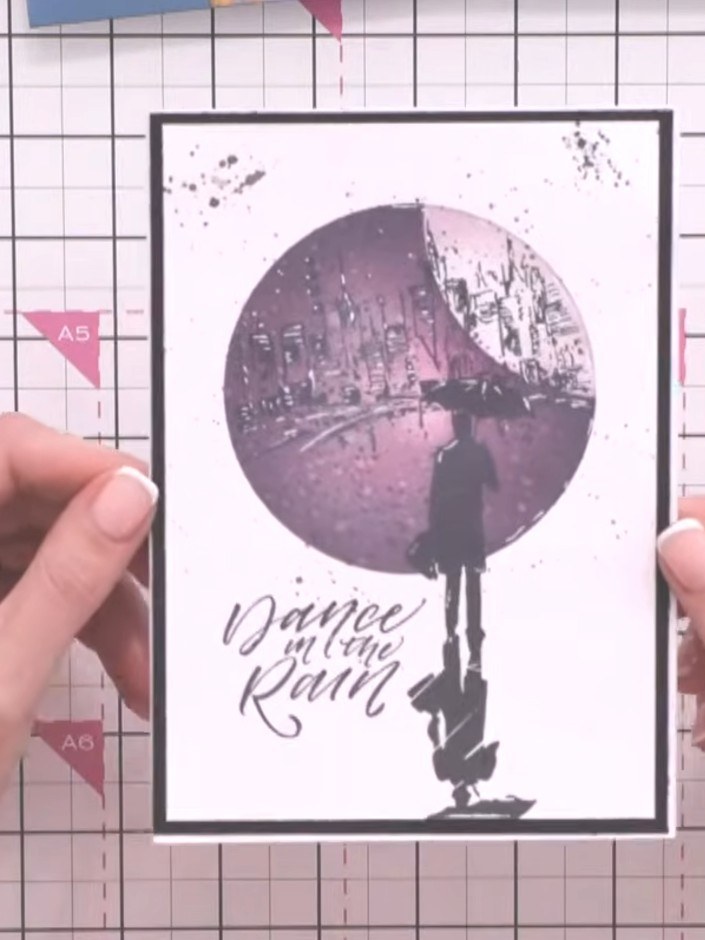
Stamp the reflection portion of the silhouette directly below the main image, creating a mirror effect beneath the dancing figure.
 6
Add sparkle and rain effects to your card using a white gel pen to create small dots and drizzle marks around the umbrella scene. You can also add glitter if desired for extra shimmer.
 7
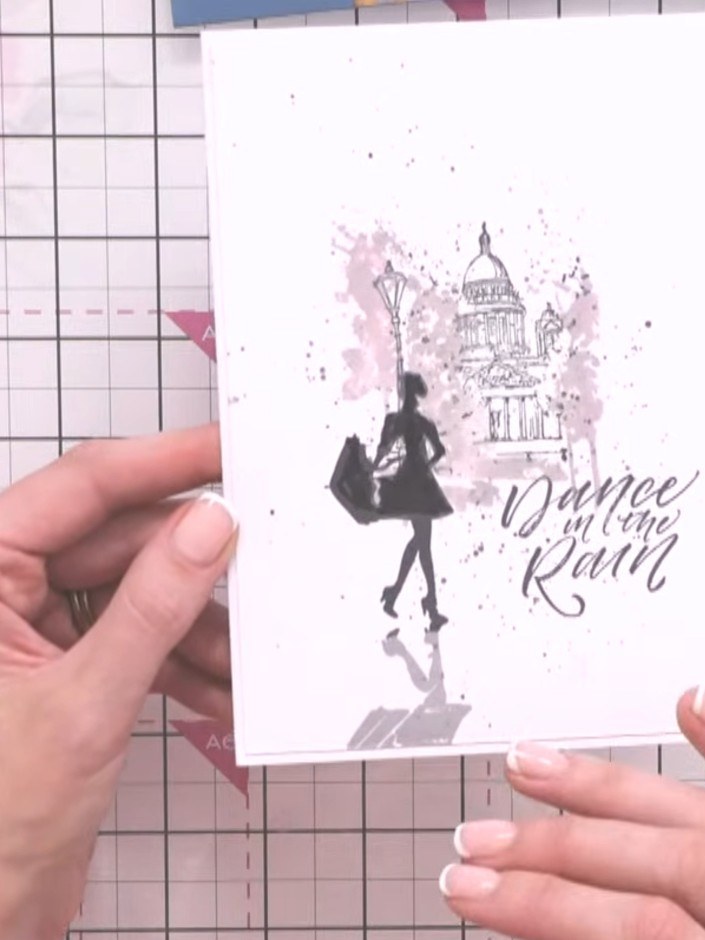
Mount your finished design onto a white card base. The completed card features the silhouette of a lady with umbrella, the Parisian building in the background, and 'Dance in the Rain' sentiment, creating an elegant reflection-themed card.
Share your make with the Stamps By Me community - and keep this guide for next time.
Written up from the show itself. See every guide from our shows · free how-to guides · watch live on My Telly · the previous layout