Give your friends €10 off their first order!
Refer a FRIEND








A project from our live show CREATE AND CRAFT TV - Join Toni for her brand new SBM launch show 3 - broadcast 3rd Jan 2024 · 03/01/2024 · watch it from 12:30
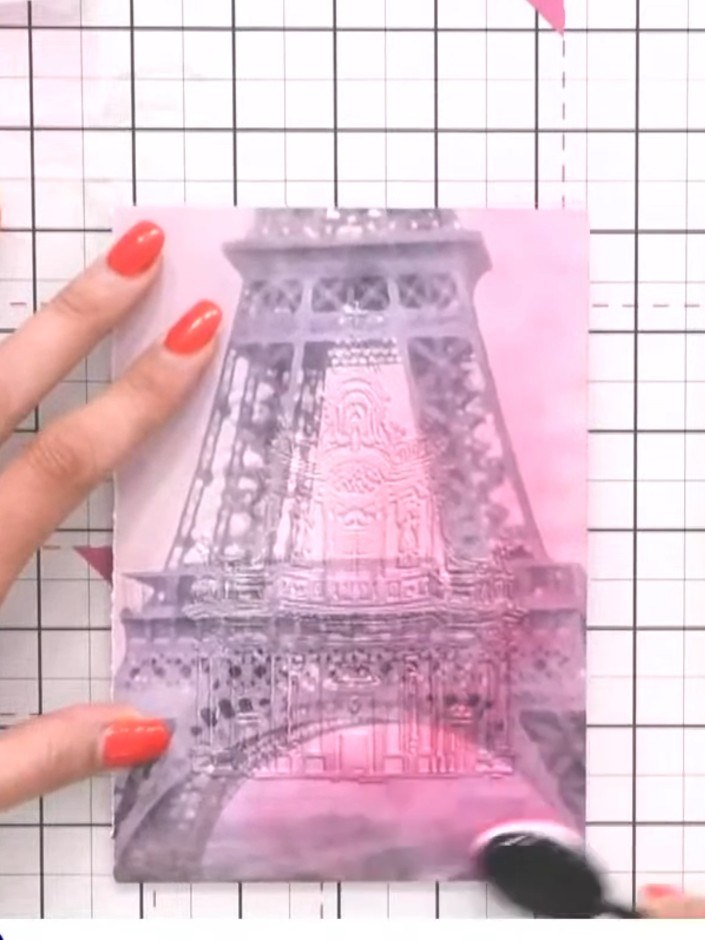
Create a stunning card featuring an embossed Abbey design on soft pink patterned paper. Using layered ink techniques with pink and white, you'll bring out the intricate seven-layer 3D embossed detail to create a romantic, dimensional effect. This elegant card showcases the beautiful architectural details with a delicate colour palette perfect for special occasions.
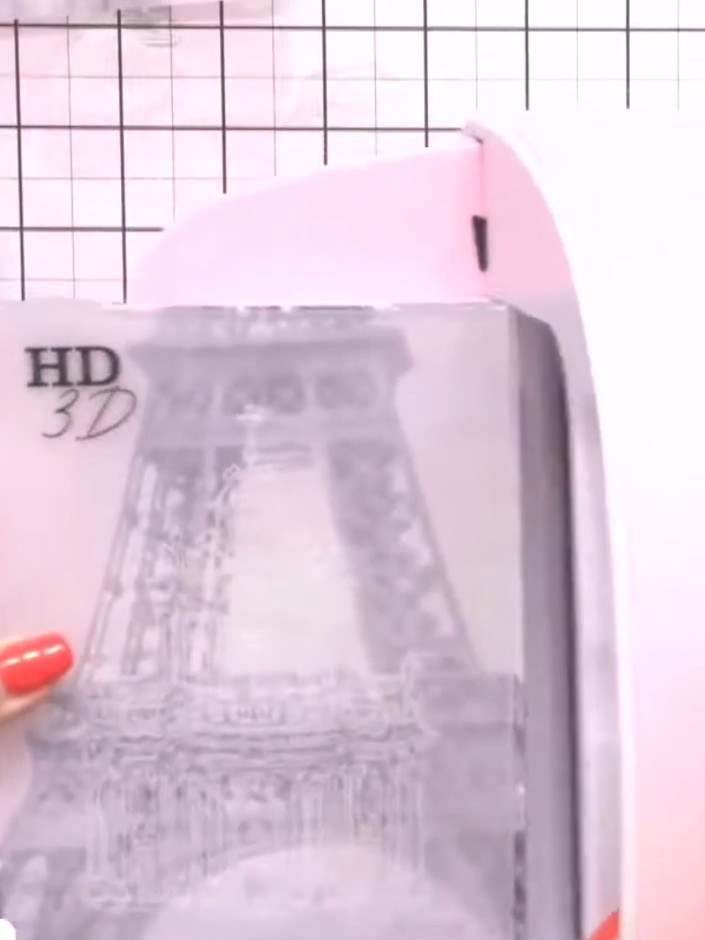
Trim your patterned paper to fit through your embossing machine. Position the paper on your cutting mat and use a trimmer or craft knife to cut it to the appropriate size.
▶ watch this step (12:45)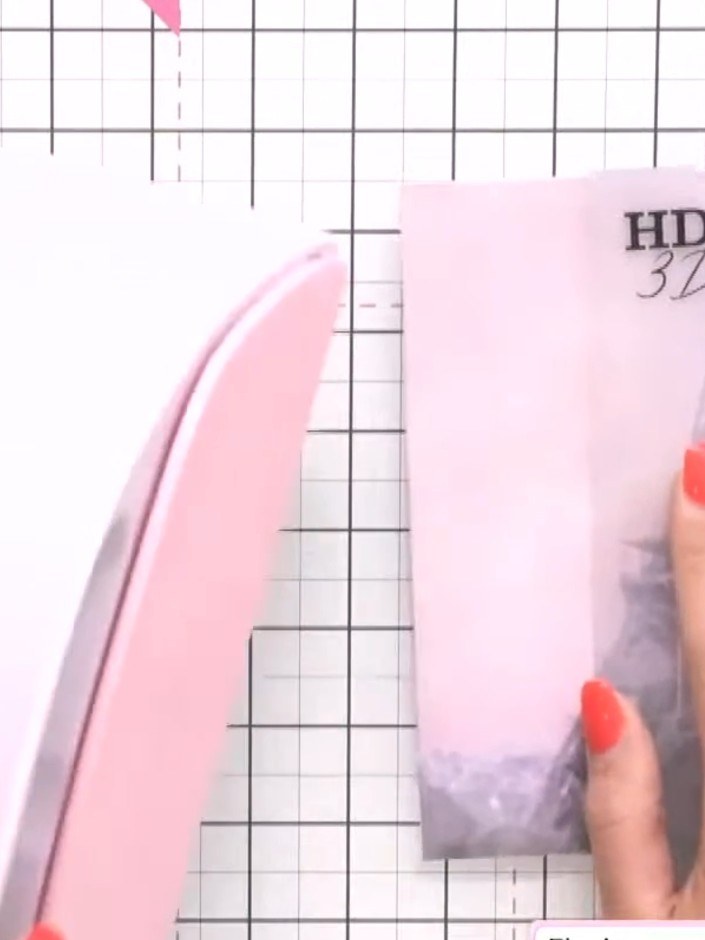
Place your paper between the two sides of the Abbey embossing folder. Run the folder through your die-cutting machine with the appropriate plates to emboss the design onto the paper.
▶ watch this step (13:00)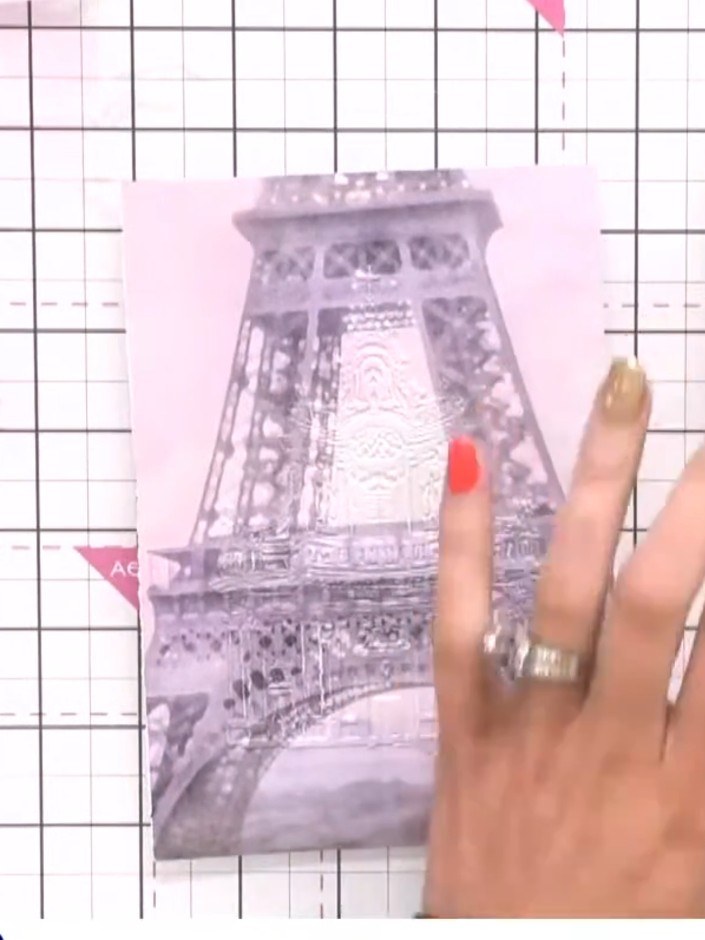
Take a pink ink pad and lightly tap it across the background area of the stamped image to add colour. Use a gentle tapping motion to build up the pink tone gradually.
▶ watch this step (14:30)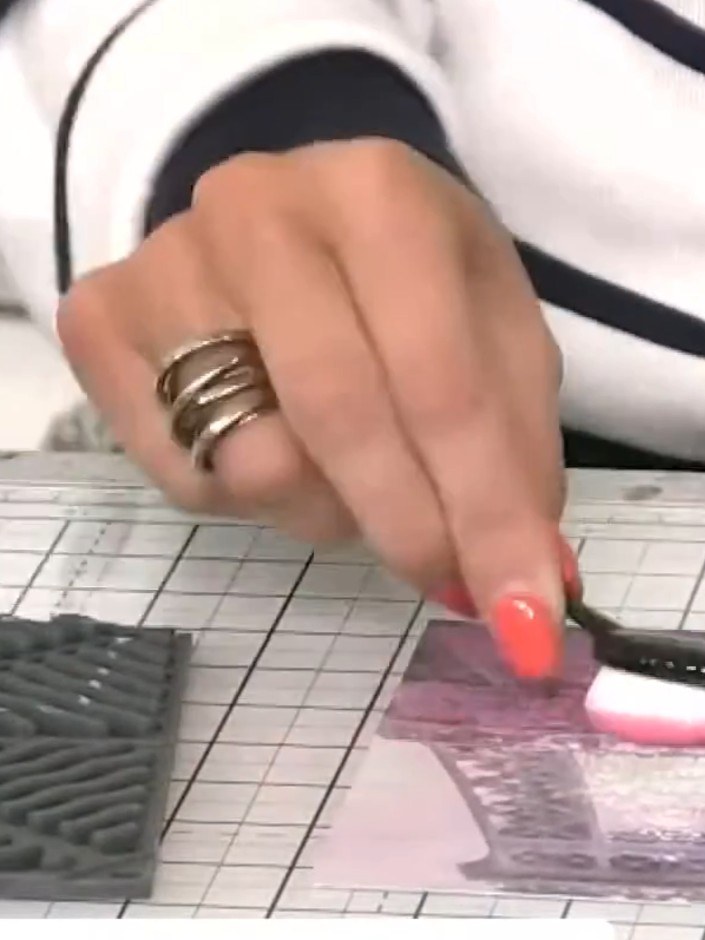
Use a white ink pad to tap across the embossed Abbey detail, highlighting the raised areas to bring the design to the foreground.
▶ watch this step (15:00)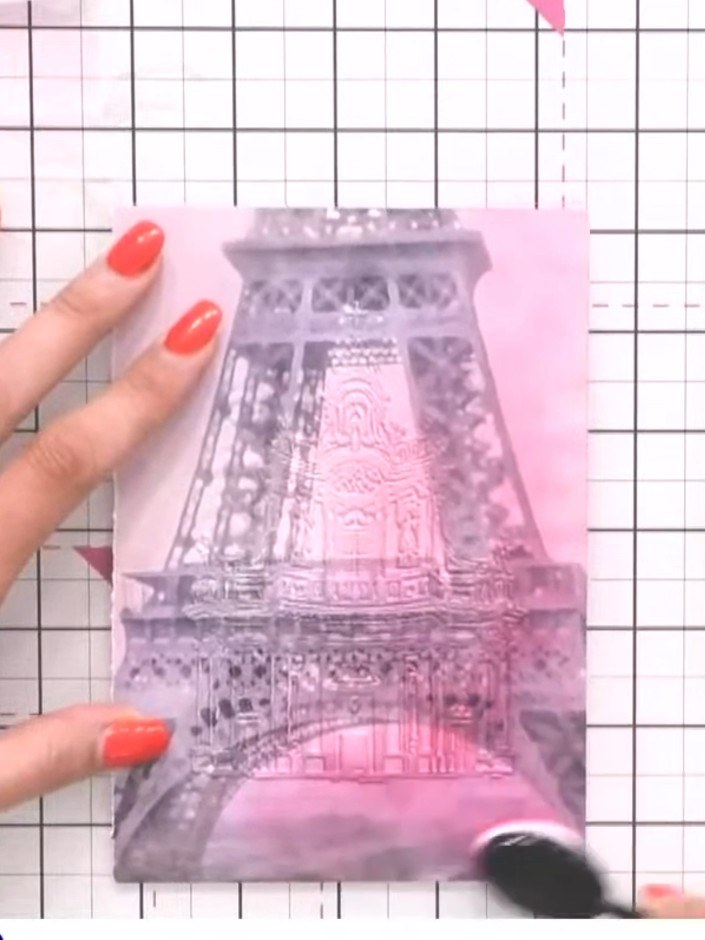
Continue tapping the white ink pad over the embossed Abbey design, building up the coverage until the raised detail is clearly visible and stands out from the pink background.
▶ watch this step (15:15)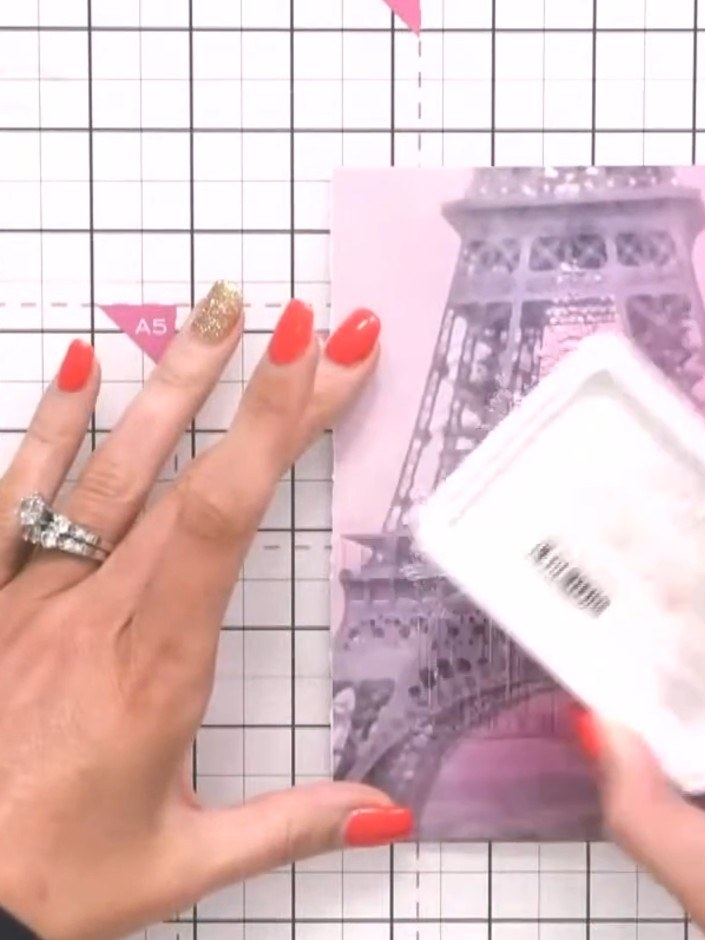
Set the embossed Eiffel Tower piece aside to use as the background layer for your card.
▶ watch this step (16:00)Written up from the show itself. See every guide from our shows · free how-to guides · watch live on My Telly