Give your friends €10 off their first order!
Refer a FRIEND








A project from our live show CREATE AND CRAFT TV - Join Toni for her brand new launch - broadcast 25th Oct 23 · 25/10/2023 · watch it from 43:30
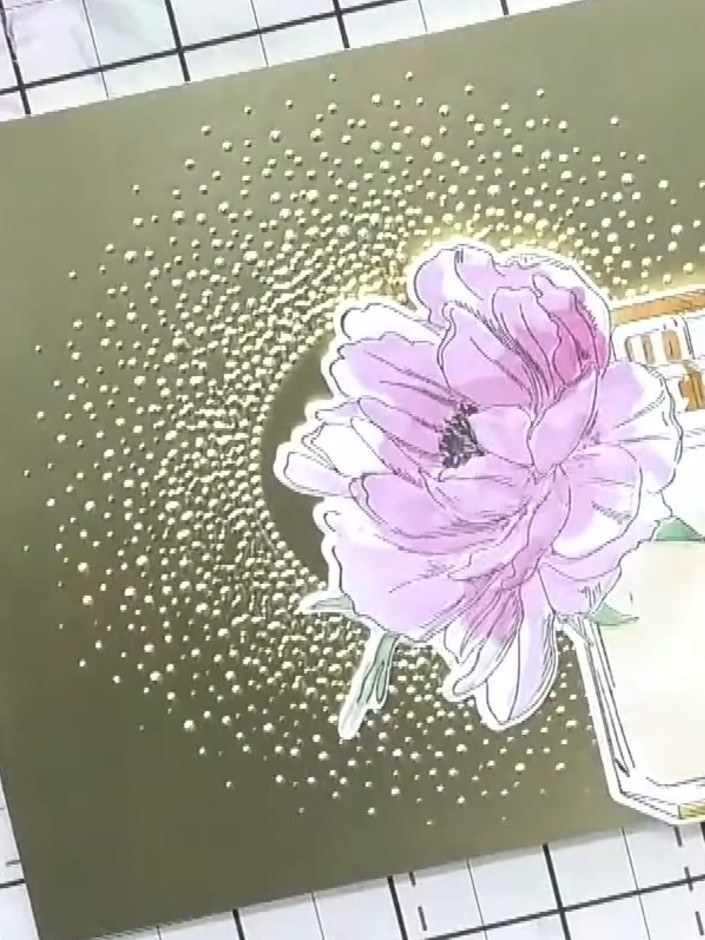
Create an elegant card featuring a delicate pink flower in a glass jar, embellished with a stunning gold embossed snow burst background. This sophisticated design is created on metallic gold card stock using embossing powder to achieve a luxurious raised texture. The combination of soft watercoloured florals and shimmering gold creates a versatile card suitable for any occasion throughout the year.
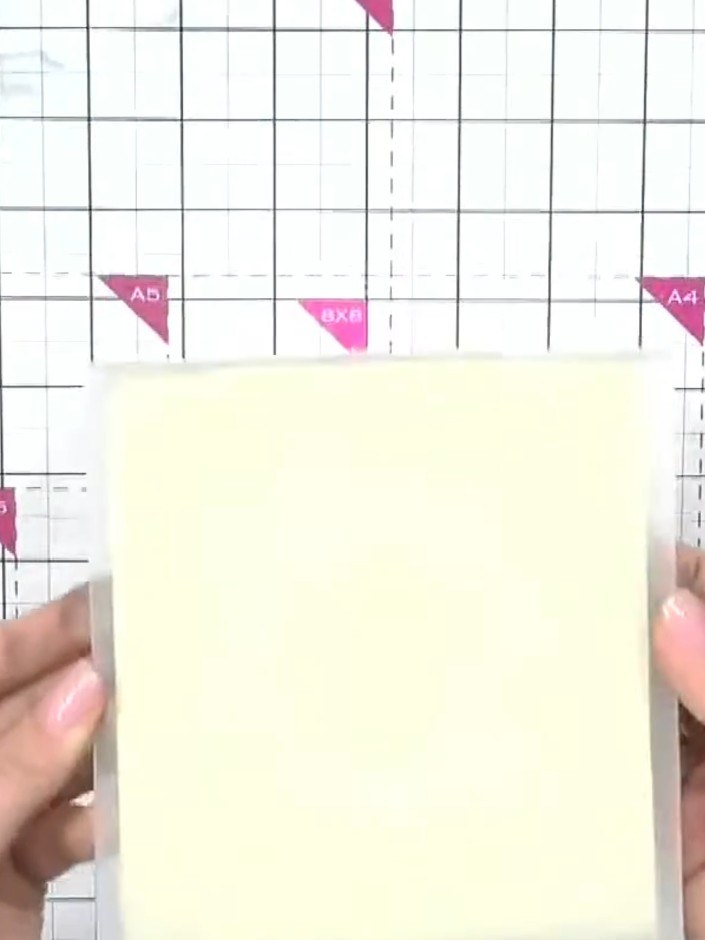
Select a piece of gold metallic or mirrored card stock from your collection. Choose a colour that will complement your embossed design.
▶ watch this step (43:30)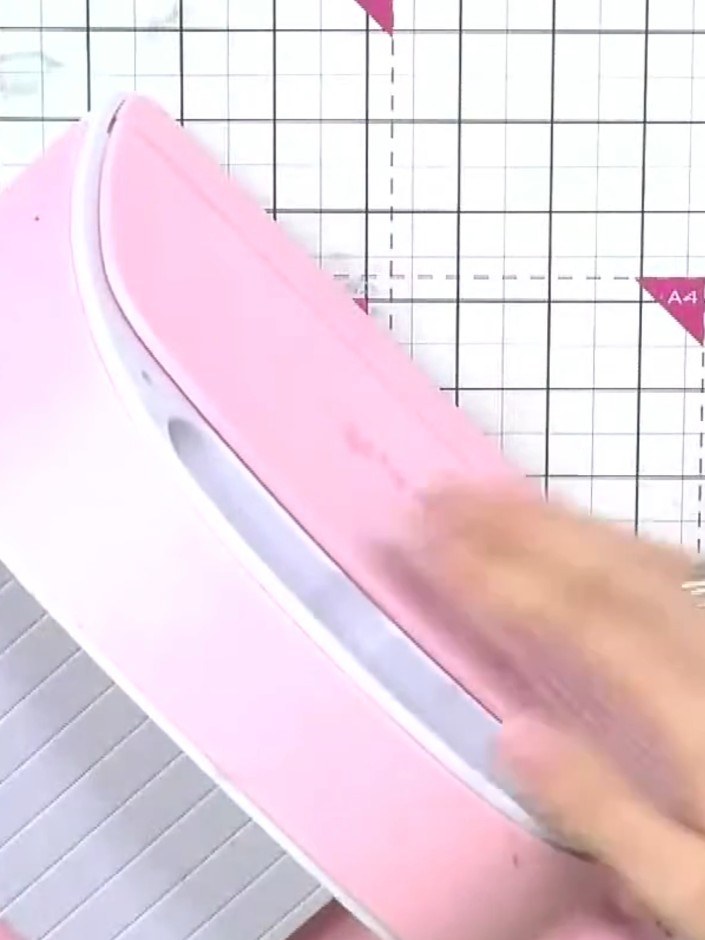
Ink up the snow burst embossing folder with a gold WOW embossing pad. Run the pad across the raised design on the folder to coat it evenly with the embossing ink.
▶ watch this step (43:45)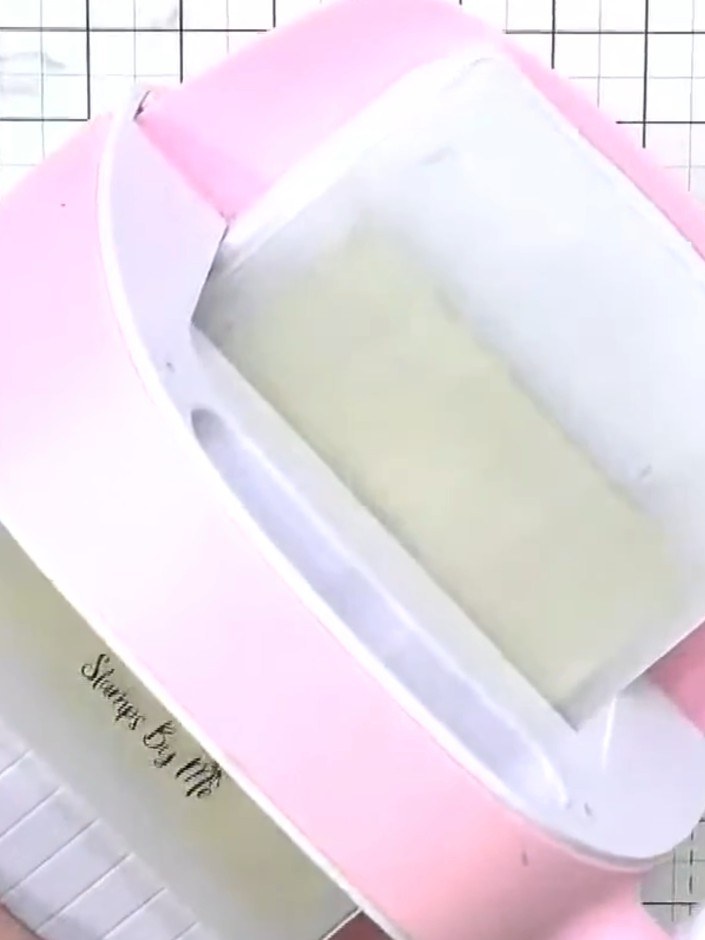
Place your gold card stock into the embossing folder. Position the card stock centrally within the folder, ensuring it sits flat between the embossing plates.
▶ watch this step (44:00)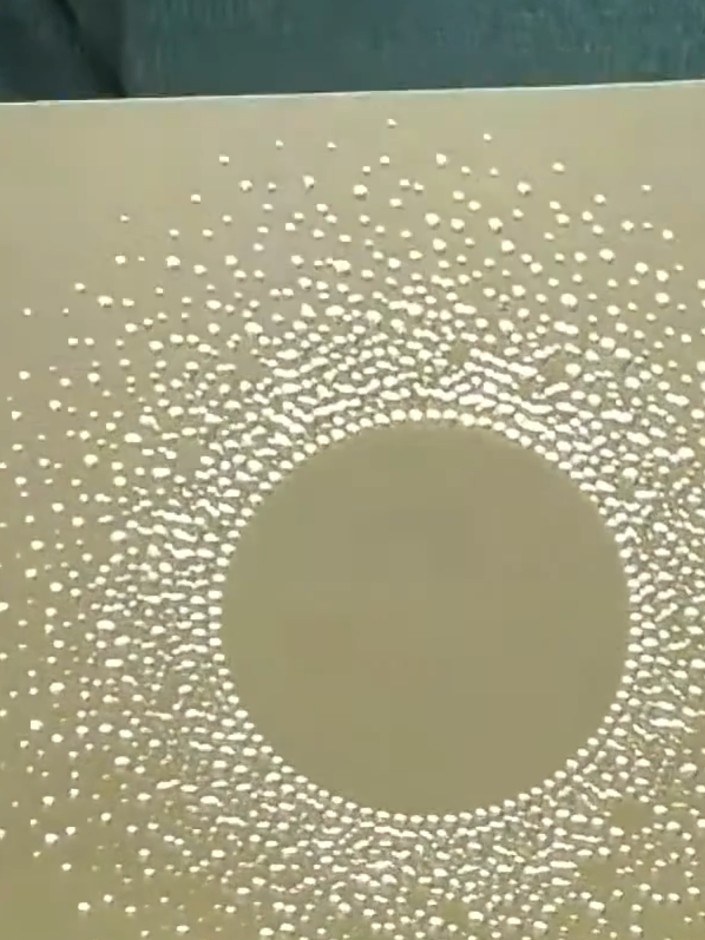
Run the gold mirrored card stock with the embossing folder through your die-cutting machine to emboss the snow burst design onto the card.
▶ watch this step (44:15)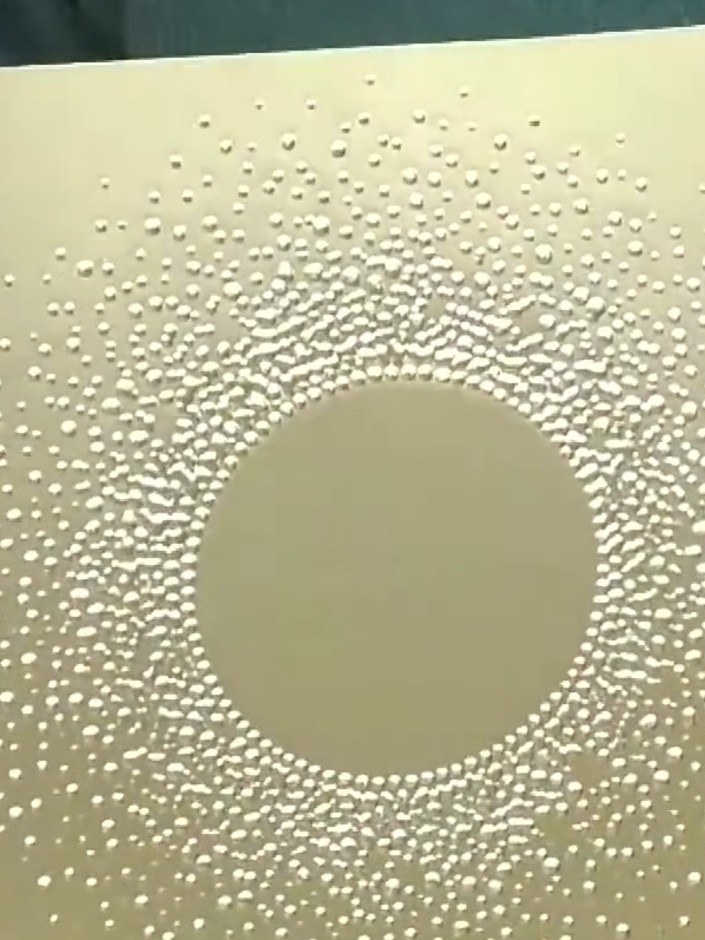
Remove the card from the embossing folder and admire the dimensional snow burst effect created on the gold mirrored card stock. Add a sentiment or topper to the centre circle if desired.
▶ watch this step (44:30)Written up from the show itself. See every guide from our shows · free how-to guides · watch live on My Telly
