Offrez à vos amis 10 € de réduction sur leur première commande !
Parrainez un AMI








Un projet de notre émission en direct MONDAY MADNESS - Retrouvez Simon d'AVAGO-INK pour ses dernières nouveautés - Diffusion du 17 OCT. 22 · 17/10/2022 · à voir dès 3:45
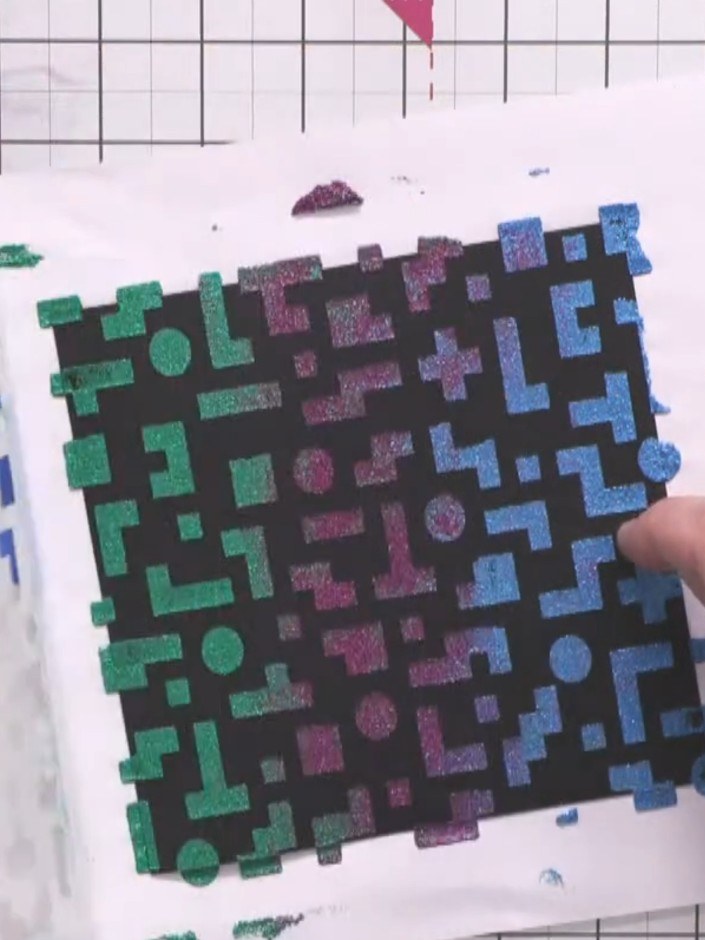
Create a striking card featuring a retro pixel block design with a bold, shimmering textured background. Coloured texture paste is dragged through a stencil to create crisp geometric shapes in graduating tones of blue, purple and green. The paste is heat-set to produce a dimensional, eye-catching finish with clean edges.
 100574 - HTCN - AVAGO-INK DESIGNS - POCHOIR - PIXEL PATTERN - 100522aVOIR
 IZINK DIAMOND PAINT 80ML CARRIBEAN BLUE 070621ahVOIR
 IZINK DIAMOND PAINT 80ML VERT FONCE 070621tVOIR
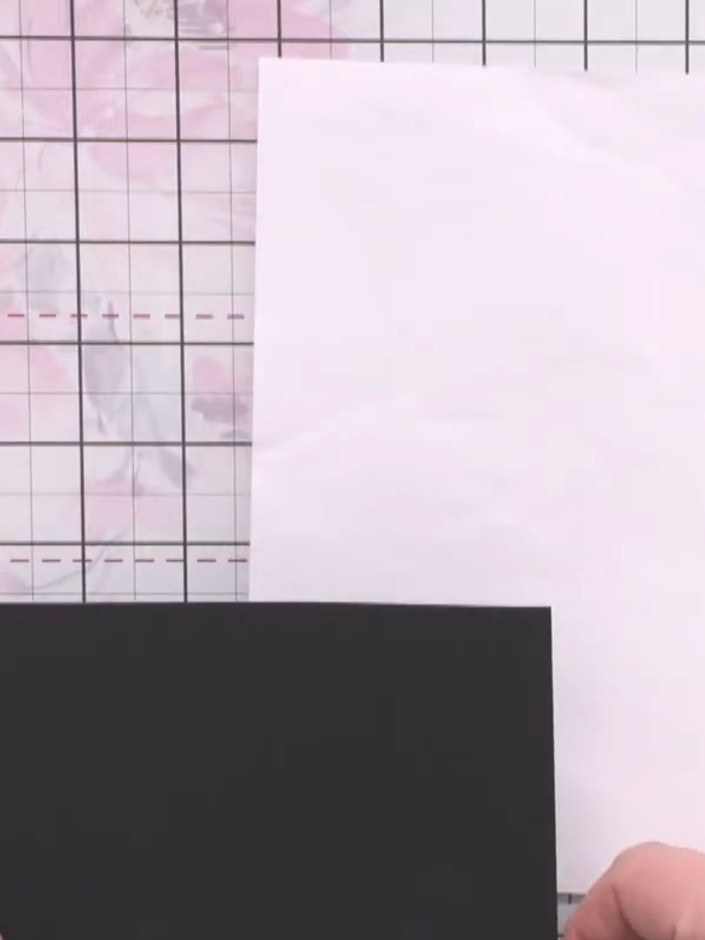
Place a piece of scrap paper on your work surface to protect it. Position a square of black card (just under 16cm) on top of the scrap paper.
▶ voir cette étape (4:00)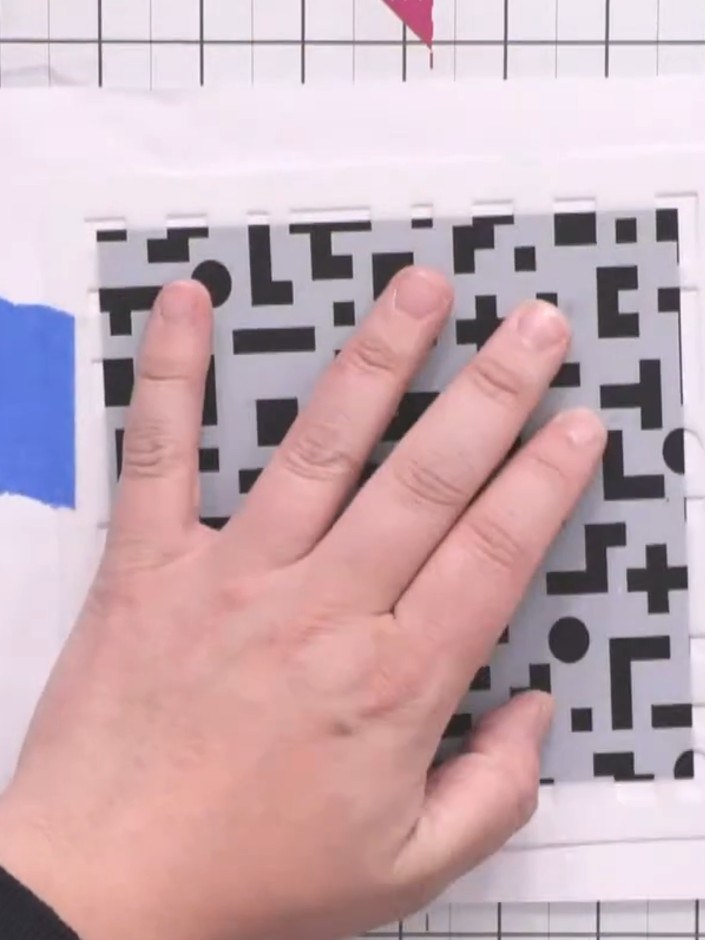
Position the pixel pattern stencil over your white card base and secure it in place using blue masking tape on both sides, ensuring the stencil is flat and all edges are accessible.
▶ voir cette étape (4:15)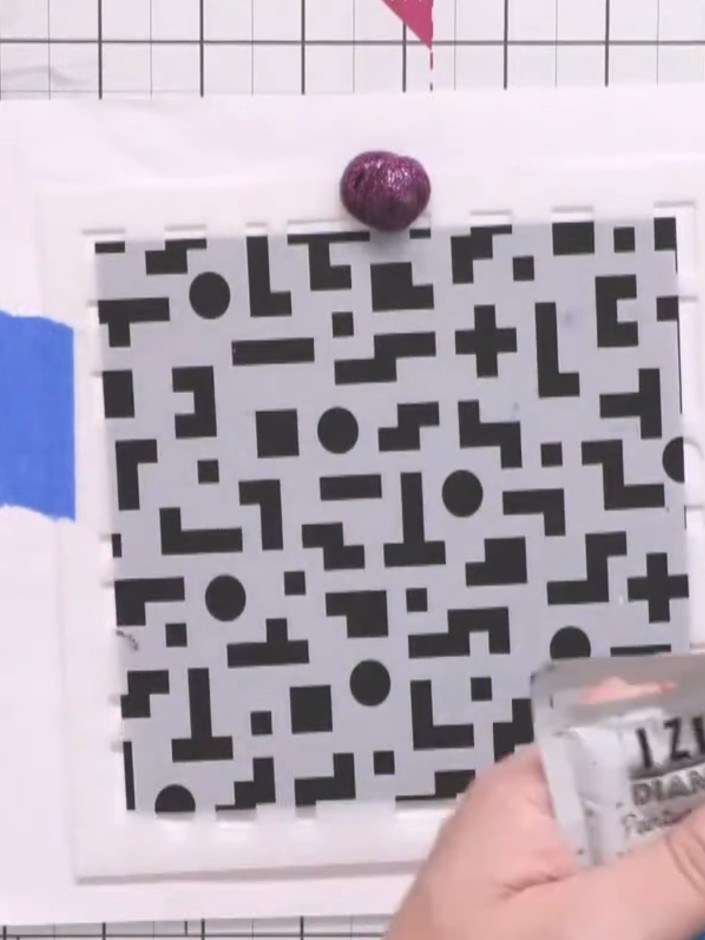
Apply a blob of purple texture paste at the top of the stencil using the applicator nozzle.
▶ voir cette étape (5:15)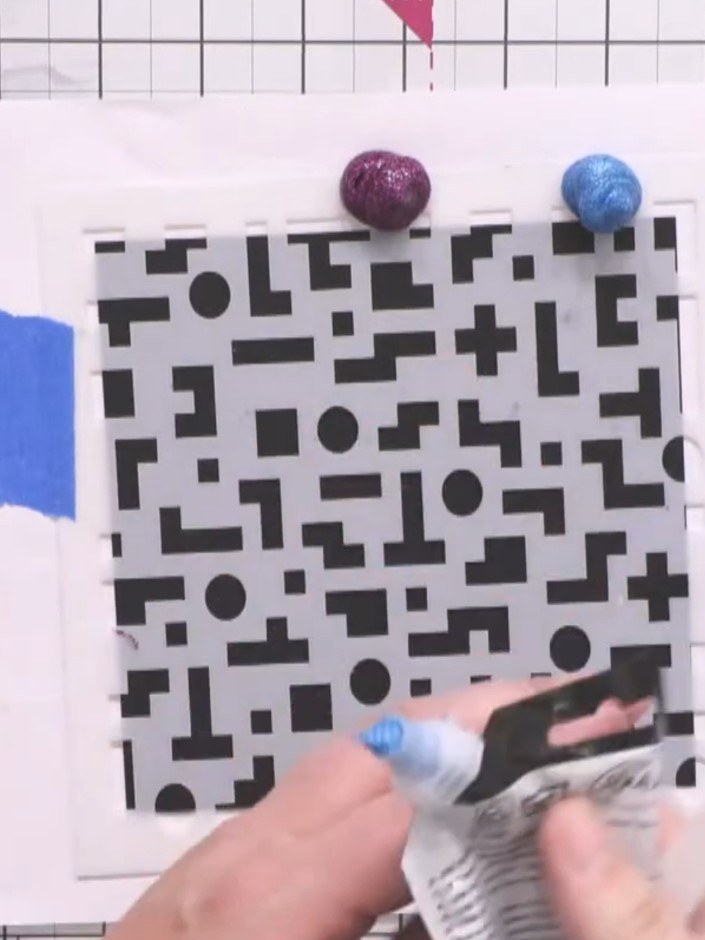
Add a blob of Caribbean blue paint to the middle section of the stencil, between the two blue tape markers.
▶ voir cette étape (5:30)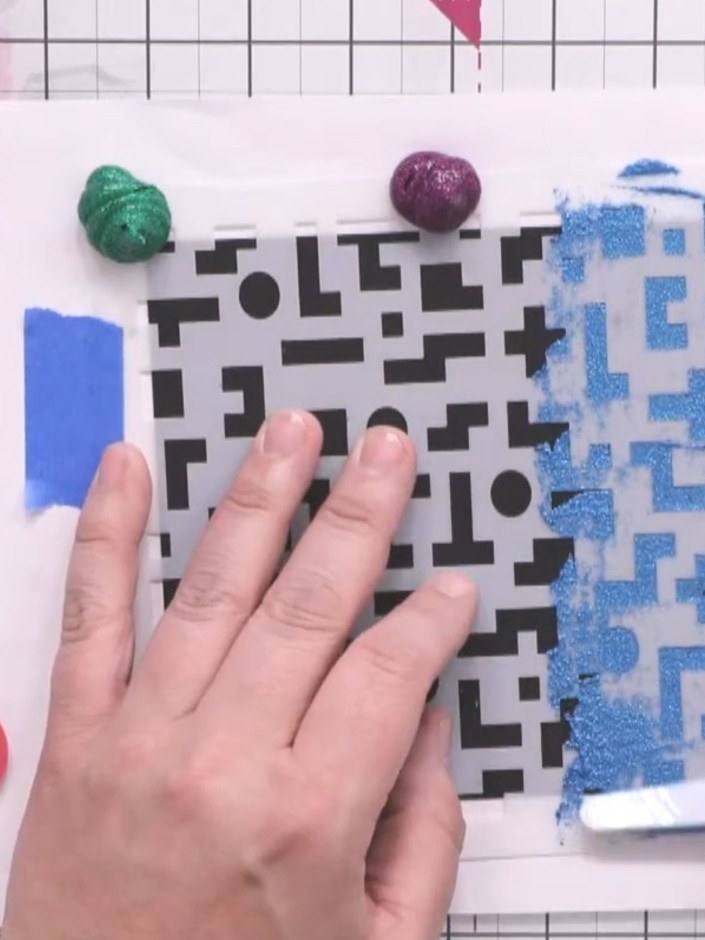
Apply a blob of dark green diamond paint to the top right area of the stencil using a sponge applicator, dragging it across the geometric pattern to create texture.
▶ voir cette étape (5:45)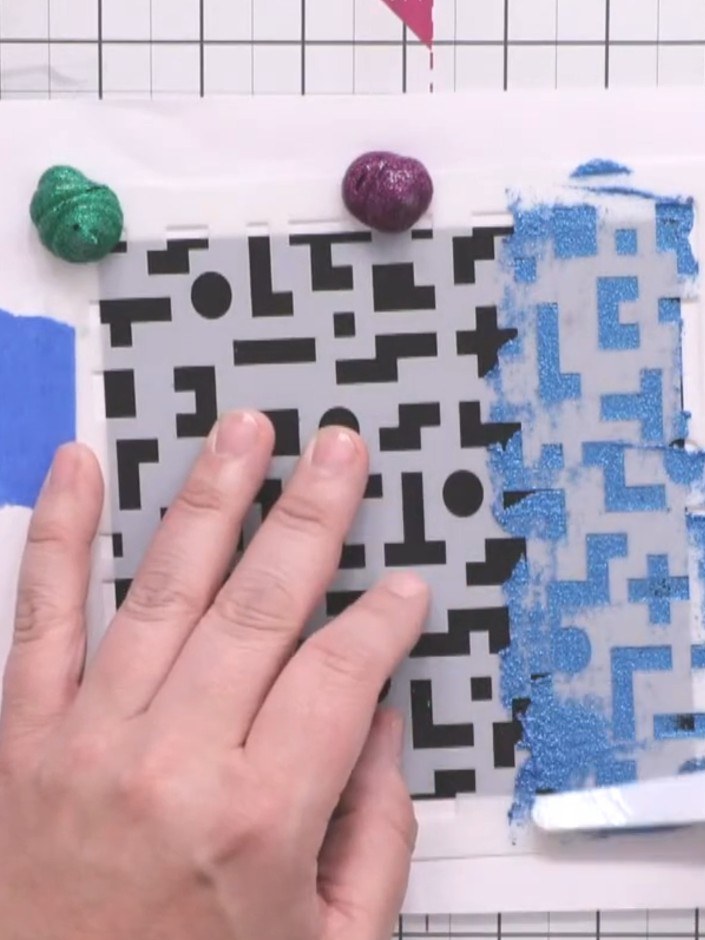
Using an angled spatula, drag the three colours of diamond paint downwards across the stencil to create a gradient blend, ensuring full coverage of the pixel pattern design.
▶ voir cette étape (5:45)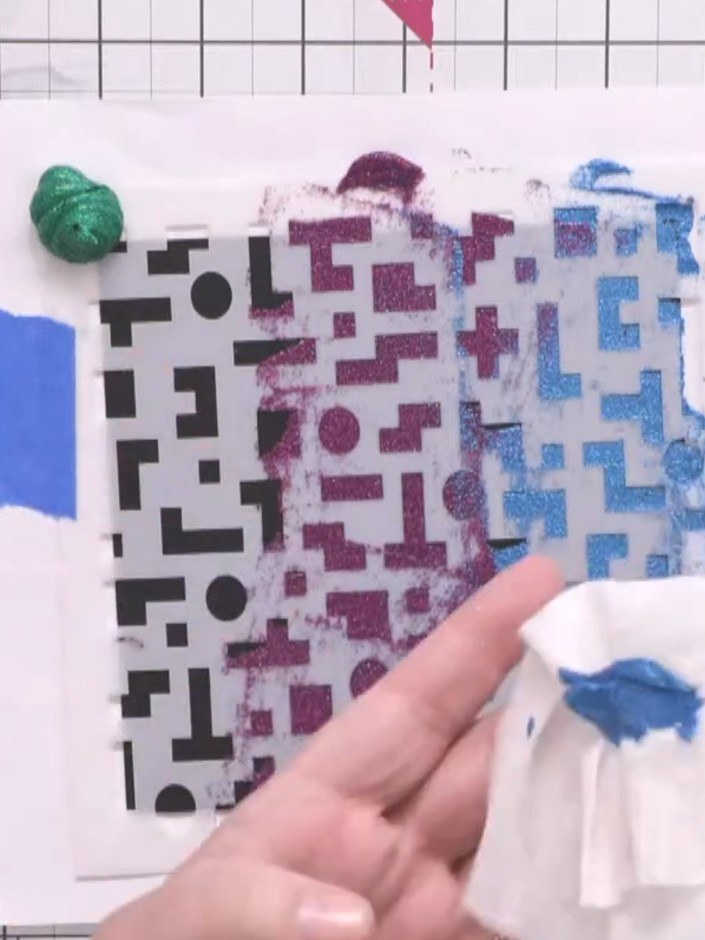
Remove the excess paste from the top of the stencil using a baby wipe or cloth. Lightly blend the colours together where they meet to create a smooth gradient effect.
▶ voir cette étape (6:15)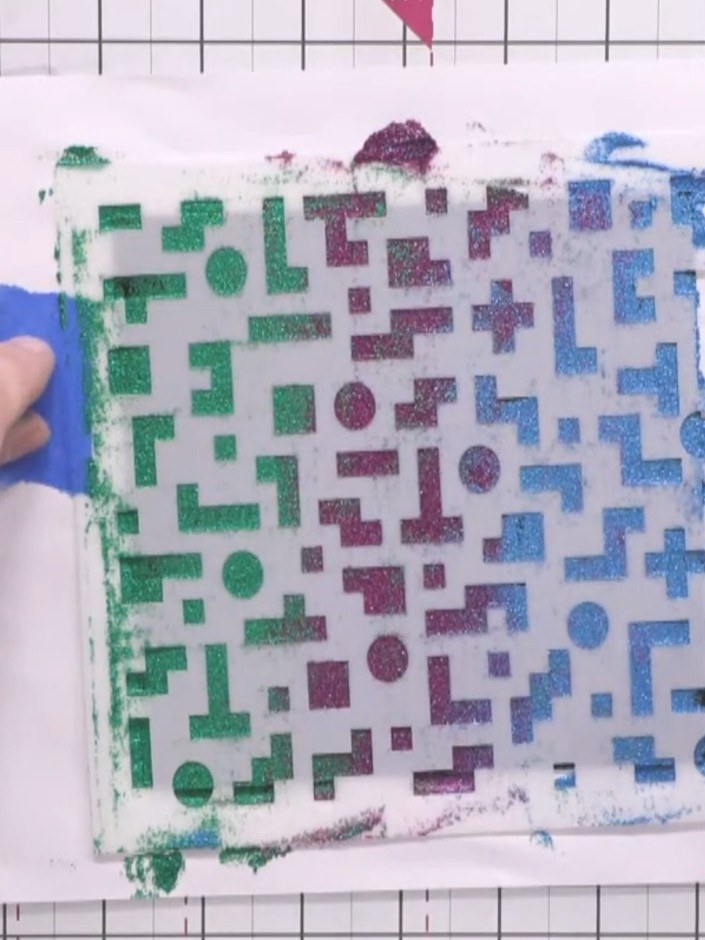
Carefully lift off the stencil to reveal the textured pixel pattern with crisp edges and shimmering gradient effect in green, purple and Caribbean blue.
▶ voir cette étape (7:15)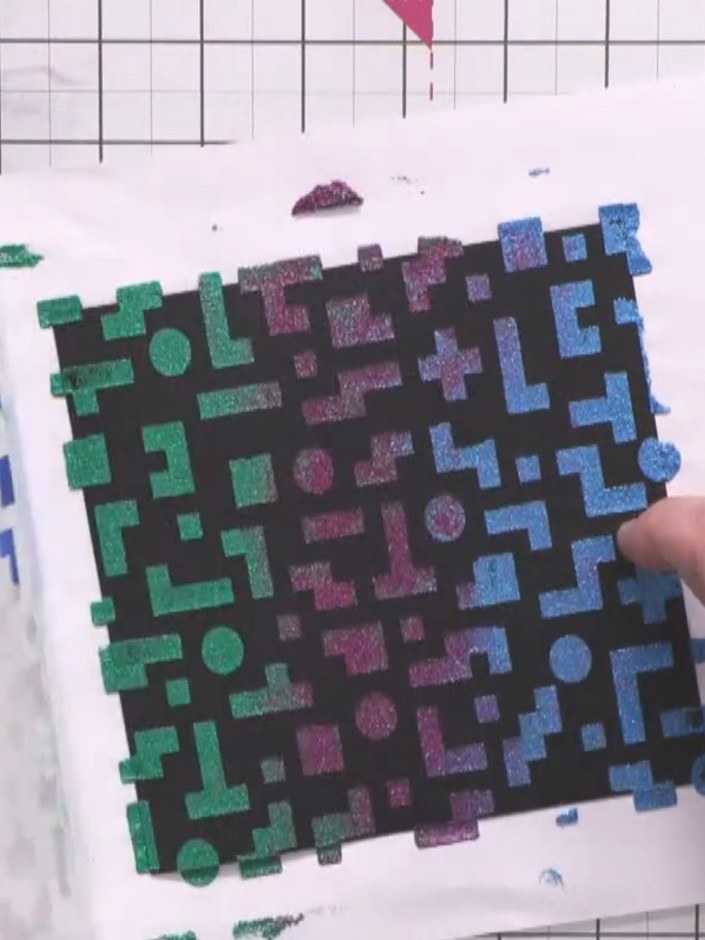
Use a heat gun to set the texture paste, holding it at a safe distance and moving it across the entire design until dry.
▶ voir cette étape (8:00)Rédigé à partir de l'émission elle-même. Découvrez tous les guides de nos émissions · tutoriels gratuits · regarder en direct sur My Telly