Offrez à vos amis 10 € de réduction sur leur première commande !
Parrainez un AMI








Un projet de notre émission en direct MONDAY MADNESS - Retrouvez Simon d'AVAGO-INK pour ses dernières nouveautés - Diffusion du 17 OCT. 22 · 17/10/2022 · à voir dès 9:45
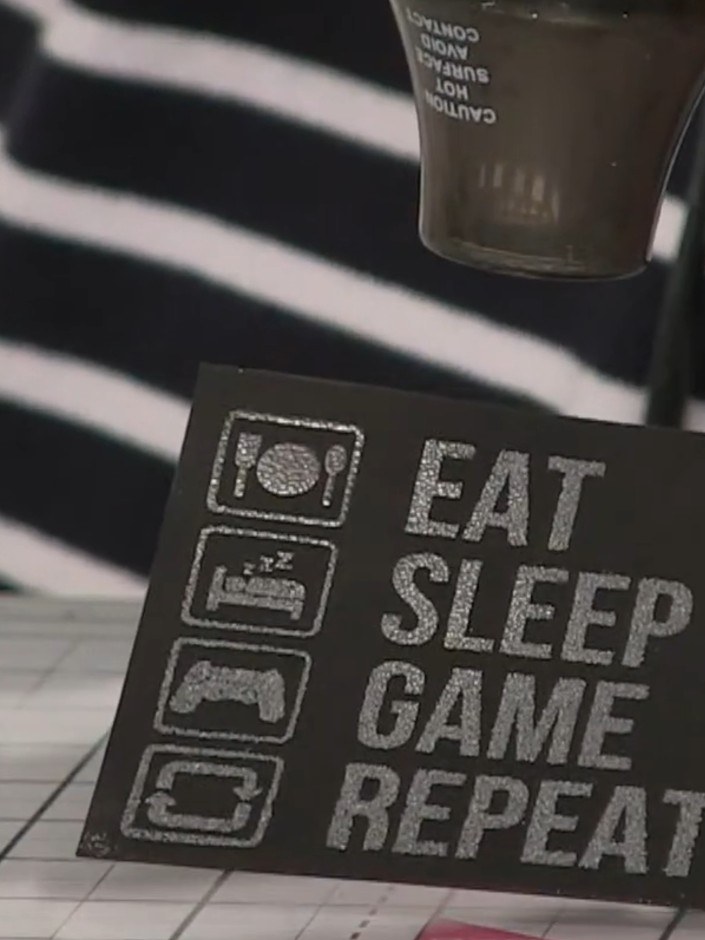
Create a striking gaming-themed card featuring embossed silver text on black cardstock. The design showcases the bold sentiment 'Eat Sleep Game Repeat' alongside retro gaming icons including controllers, food, beds and repeat symbols in vibrant rainbow colours. Using heat embossing techniques, you'll achieve a professional raised metallic finish that catches the light beautifully.
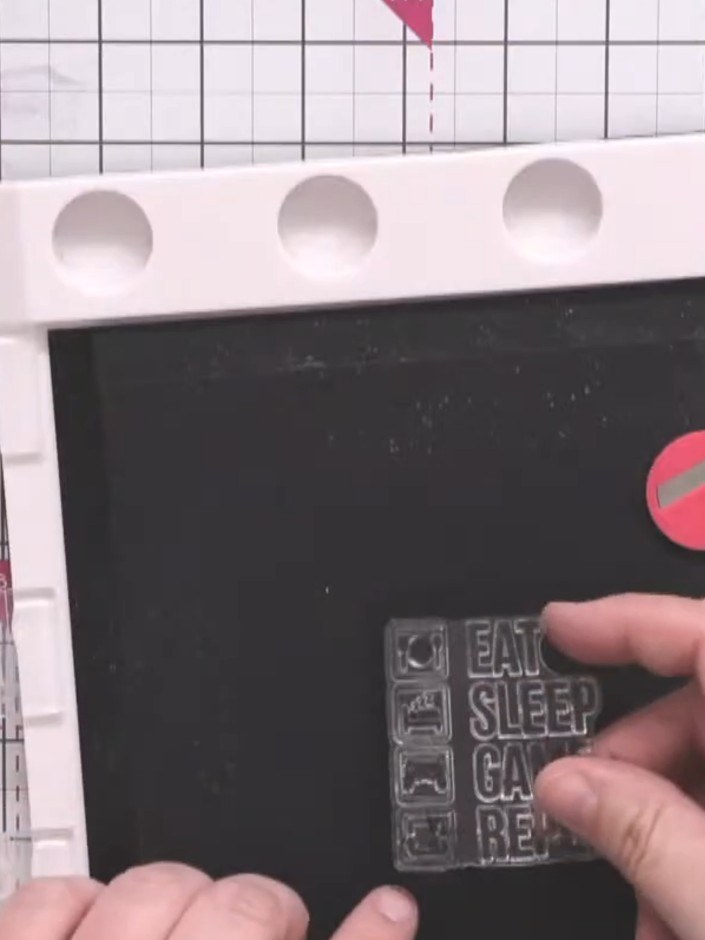
Position the gaming icons stamp centrally on your black card square using your stamping platform. Use magnets to hold the card in place.
▶ voir cette étape (10:00)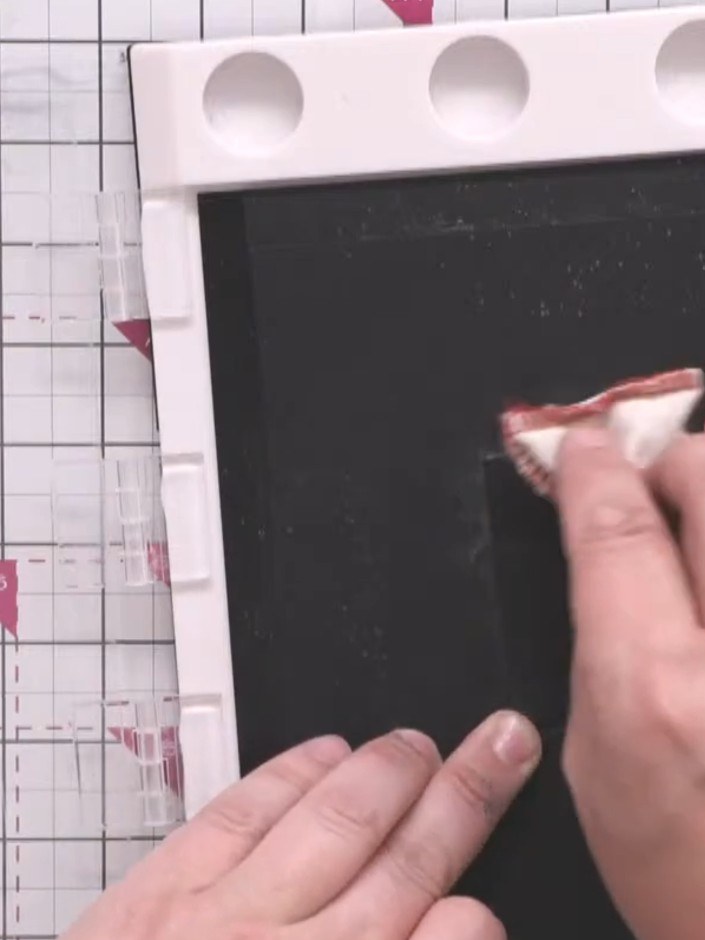
Ink the 'Eat Sleep Game Repeat' sentiment stamp with black ink, ensuring full coverage of the design and all accompanying icons. Press the stamp firmly onto the ink pad to achieve even coverage.
▶ voir cette étape (10:45)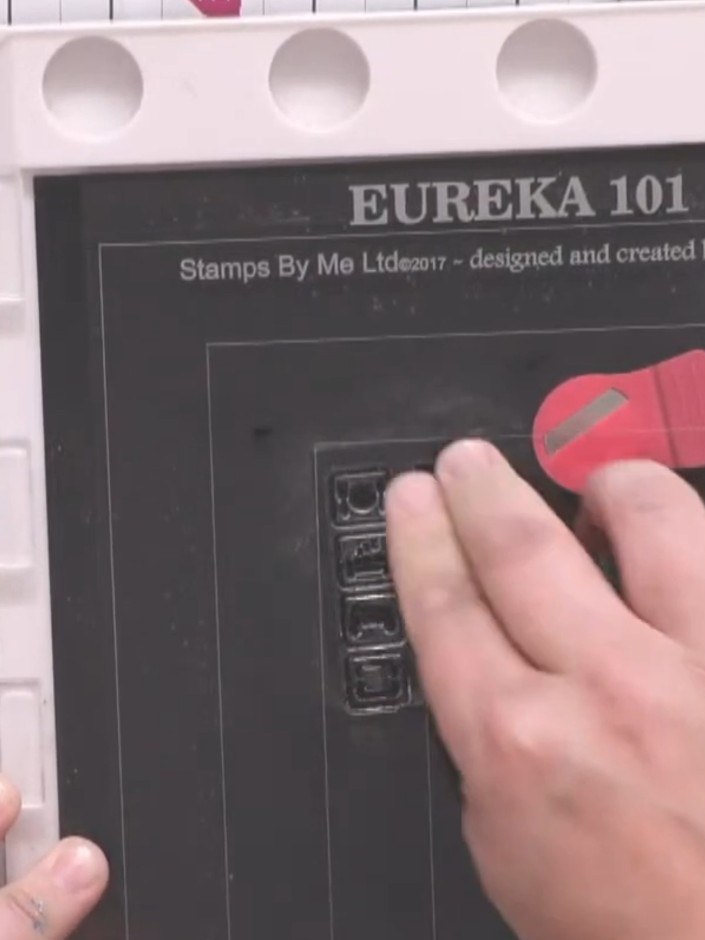
Press the Game Over stamp firmly onto the black card square to create a clear, crisp impression in the centre.
▶ voir cette étape (11:00)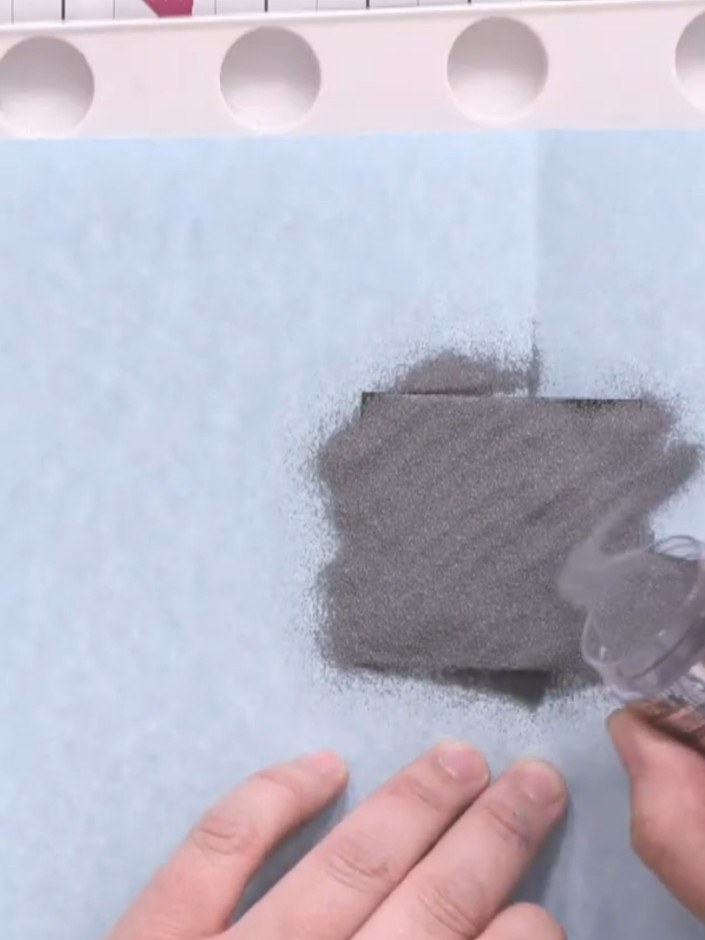
Place a piece of scrap paper under the stamped card to catch excess embossing powder. This will make it easier to return any unused powder to the pot.
▶ voir cette étape (11:30)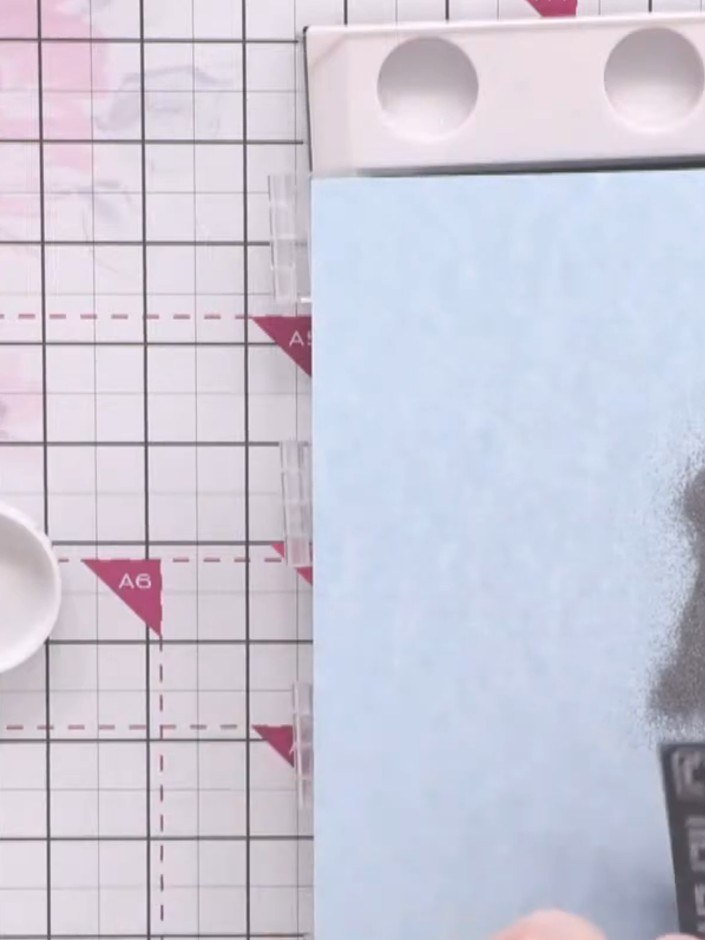
Generously apply silver embossing powder over the entire stamped image, ensuring all the detail is covered. Tap off any excess powder back into the pot.
▶ voir cette étape (11:45)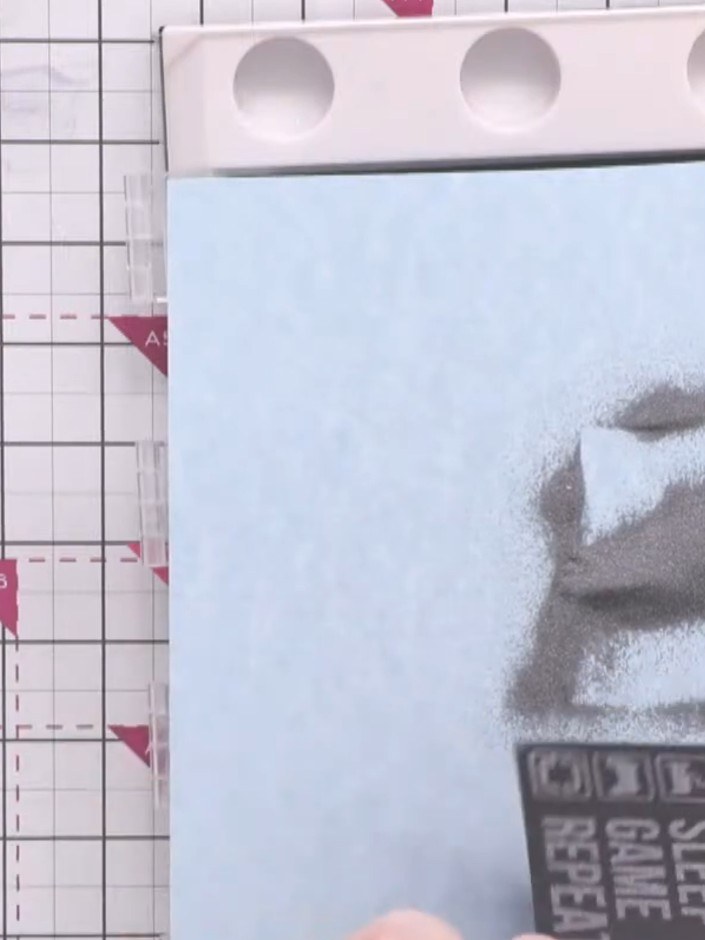
Tap off the excess silver embossing powder back into the pot, leaving only the powder adhered to the wet ink on the stamped sentiment.
▶ voir cette étape (12:00)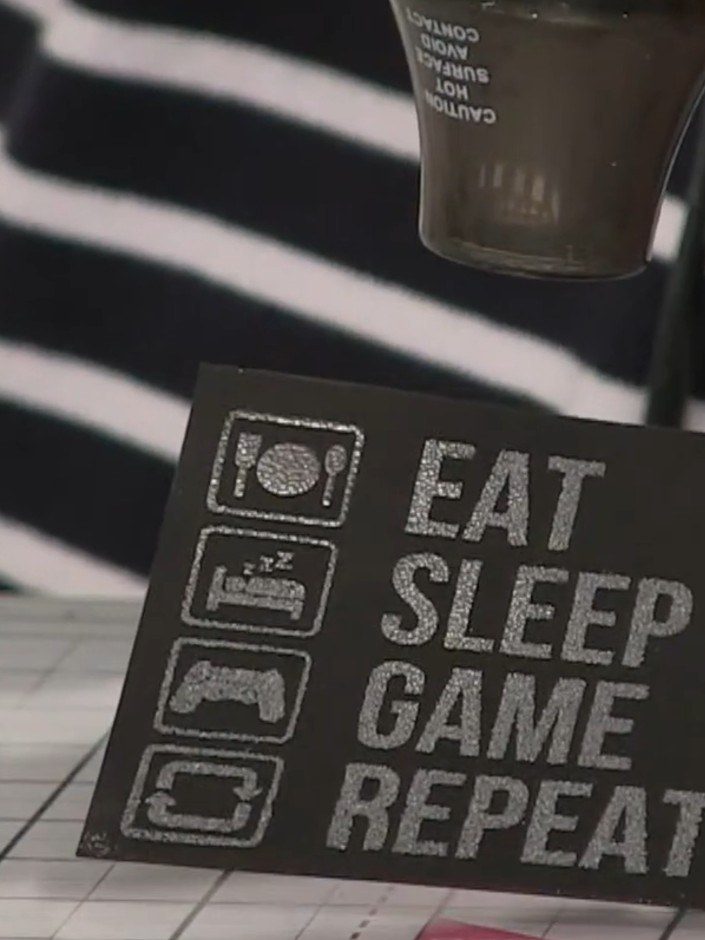
Use a heat gun to melt the embossing powder, moving it across the design until the powder transforms to a shiny silver finish.
▶ voir cette étape (12:30)Rédigé à partir de l'émission elle-même. Découvrez tous les guides de nos émissions · tutoriels gratuits · regarder en direct sur My Telly